

Kiosk Pro Basic
Screenshots
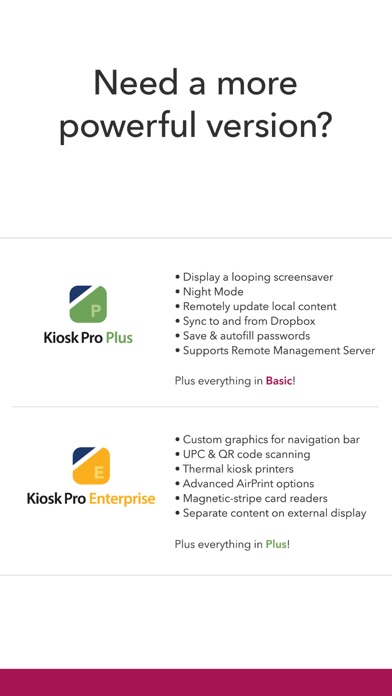
Description
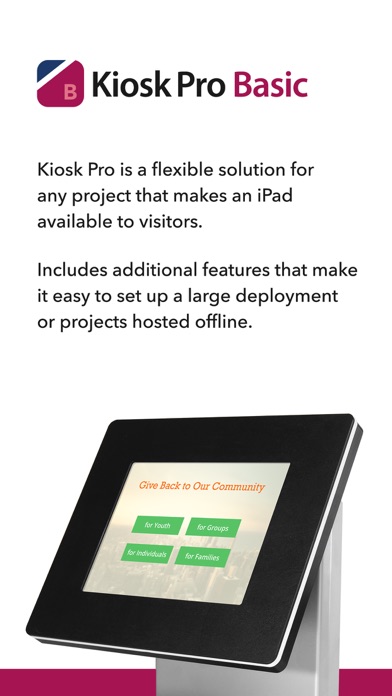
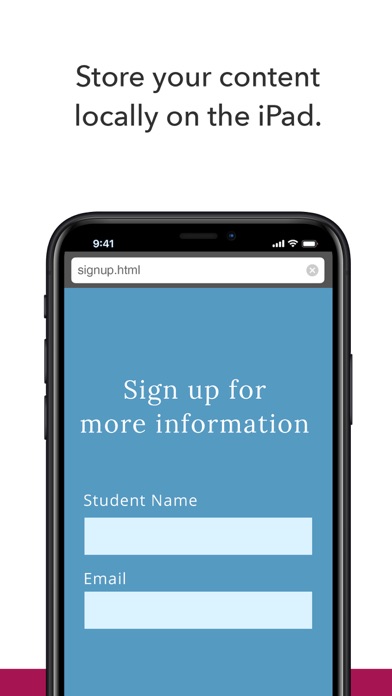
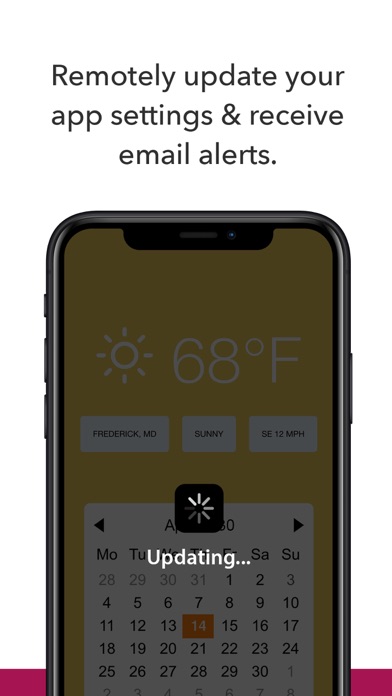
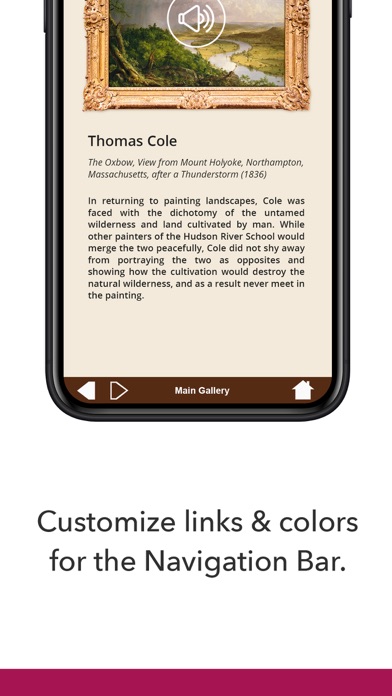
Kiosk Pro is a flexible solution for any project that makes an iPad available to visitors. As a specialized web browser, Kiosk Pro Basic can display web pages, documents or audio & video files. Show content that’s hosted online or stored locally on the device. Kiosk Pro Basic builds on the functionality included in our Lite version, adding offline access to locally-stored content, remote update of app settings, the ability to set custom links in the navigation bar, and connecting to AirPrint enabled printers. ATTRACT VISITORS • Define a homepage as the starting place for the presentation. • Set an idle timer so that when a visitor walks away, the next person will have a fresh experience, starting right at the beginning. • Increase visitor turnover at your kiosk by setting a browsing time limit. • Clear the cache and/or cookies to secure personal information. LIMIT NAVIGATION • Specify what’s off limits on the web by creating lists of allowed & restricted domains. • Block access to other apps, including the native email or phone, that could otherwise be opened through links. • Disable touch interaction when used for digital signage. CONTROL THE DISPLAY • Hide status, address, and/or navigation bars to make your content look like a native app. • Customize the navigation with your own color scheme and bookmarked links. • Works in any language - add your own translated text for on-screen alerts and navigation. WORKS OFFLINE • Store content locally for offline viewing. • Shift between online and offline content automatically if your device drops its Internet connection. REMOTE MANAGEMENT • Update your app settings by uploading a setting configuration onto your own servers. • Set up email alerts for power loss and/or remote updates. USE ADVANCED FUNCTIONS WITH OUR JAVASCRIPT API • Save visitor form data locally on the device. • Access current device orientation data to optimize how your content is displayed. Support is built right into our apps with documentation of every feature and direct access to our extensive Knowledge Base. Kiosk Pro Basic is compatible with most web content, including HTML web pages, PDFs, and multimedia (including .mp4 video). While certain Powerpoint, Keynote, and Word files are also supported, they are displayed as static documents. Kiosk Pro Basic cannot display multiple tabs or pop-ups, other apps, or Flash-based content. To prevent visitors from exiting Kiosk Pro Basic, you must enable Guided Access in the iPad settings or use Apple’s Configurator app to supervise the iPad into Single App Mode. Our professional kiosk enclosures secure your iPad from theft or damage. See KioskGroup.com for more details!
What's New
NEW FEATURES • Added lists of mapped values to exported configuration files that include commented setting names to make them easier to understand and update. CHANGES & IMPROVEMENTS • Added a remote update only setting to control whether the app fills the safe area around the notch or Dynamic Island on iPhone with content. • Added a remote update only setting to prevent a PDF from being reloaded automatically when the visitor switches to another tab and back. This behavior keeps the PDF in memory so projects with large PDFs are recommended to test for performance issues prior to enabling this setting in a public kiosk. FIXED • An issue displaying pages containing an embedded image as a base64 string on devices running iOS/iPadOS 18. This affected our ability to successfully display Kiosk Pro’s standard error screens when the app was unable to load content. We love hearing from our users! If you have feedback or something to share, get in touch with us at software-support@kioskgroup.com. If you've found Kiosk Pro to be a helpful tool for your project, please leave us a rating or review.
Details
- Developer
- Kiosk Group, Inc.
- Main Category
- Business
- Version
- 11.3
- Version Release
- 2025-03-12
- Initial Release
- 2010-12-21
- Size
- 9 MB
- Age Rating
- 17+
- Price
- USD 24.99
- Languages
- CA, HR, CS, DA, NL, EN and 24 more
- Bundle ID
- com.kioskgroup.kioskproapp
- Version Rating
- ★ 3.36 (11)
- First Seen
- 2026-05-30
Metadata updated 2026-07-05
Rank History
Free · Max 90 days · Top 5 categories shown (Y-axis: rank, lower is better)
No rank history data
Free Rankings
No rankings
Paid Rankings
Competitive Benchmark — Business Top 10
What it takes to beat this app — comparison with the category's top apps. The orange row is the current app.
| # | App | Price | Rating | Ratings | Langs | Last Update |
|---|---|---|---|---|---|---|
| 1 | HotSchedules | USD 2.99 | ★ 4.60 | 67,212 | 3 | 2026-06-22 |
| 2 | Jump Desktop (RDP, VNC, Fluid) | USD 14.99 | ★ 4.50 | 1,647 | 9 | 2023-10-30 |
| 3 | ecMobile | USD 9.99 | ★ 2.11 | 211 | 0 | 2026-05-19 |
| 4 | TurboScan™ Pro: PDF scanner | USD 9.99 | ★ 4.92 | 294,613 | 10 | 2026-04-14 |
| 5 | Voice Recorder - Audio Record | USD 5.99 | ★ 4.71 | 16,760 | 10 | 2026-04-24 |
| 6 | WinFab - Sheet Metal Ductulator | USD 3.99 | ★ 4.83 | 6 | 1 | 2017-03-08 |
| 7 | FileBrowser Professional | USD 14.99 | ★ 4.68 | 1,495 | 9 | 2026-06-29 |
| 8 | TapeACall Pro: Call Recorder | USD 10.99 | ★ 4.52 | 18,455 | 24 | 2025-02-13 |
| 9 | Contacts2XL | USD 0.99 | ★ 4.52 | 304 | 1 | 2025-07-16 |
| 10 | Balloon Brain | USD 5.99 | ★ 0.00 | 0 | 1 | 2026-06-20 |
| 29 | Kiosk Pro Basic | USD 24.99 | ★ 3.36 | 11 | 30 | 2025-03-12 |
More by This Developer

User Reviews
The company’s marketing information is completely misleading, and this app is clumsy and doesn’t display keynote or pdf files as promised in a remotely usable way. There’s no way to try the app since it’s a different feature set than the free version, no refunds available, and the app UX reads like it was created decades ago. AVOID IT.
I’ve been using this app for museum kiosk applications. It is easy to use if you have just a little html experience. I recently had a minor problem with the idle timer and playing videos. The tech support was great! Fast, responsive, and the issue was resolved.
Most apps won’t play a local file but Kiosk Pro does. While it can be hard to figure out some parts, the customer support has always been fantastic so we keep using it at our museum.
Been using for many years and it works great!
Great app and tech support was super responsive
Does not easily save an entire website for offline use AT ALL. That's the only thing I bought it for. You have to save it as files locally on your computer which I absolutely cannot get to work. App is difficult, ugly, and the description is SUPER misleading. Absolute waste of a ton of money.
I’ve used this app numerous times to display exhibition content. The ability to stored files natively is a huge plus! Well worth it!
Submit button doesn’t work at the end!!
This is a great app for professionals displaying their own content. Unfortunately offline viewing wasn't nearly as great or as easy as they made it sound ("No internet? Not a problem."). Offline viewing only works if you have access to and transfer all the content (html, css, files, etc) to the iOS device. It won't cache a webpage for offline viewing. That means I can't use this for offline viewing of the portfolio site I built through a 3rd party template service (i.e. Squarespace).
The wide range of settings and features like identifiers made the project easy.
Reviews are collected only for apps with detected changes (new entries or sharp risers).