

Jump Desktop (RDP, VNC, Fluid)
🇯🇵 JP LocalizedScreenshots
Description
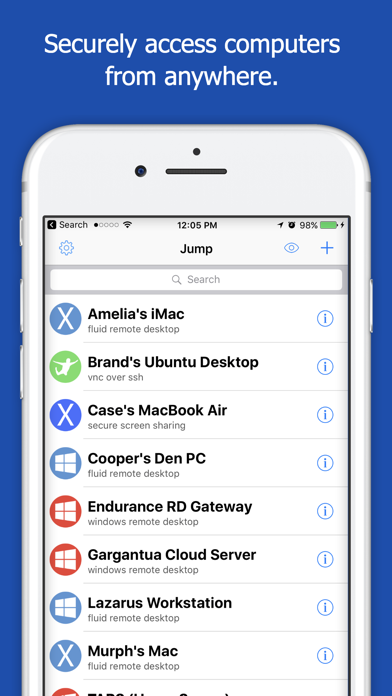
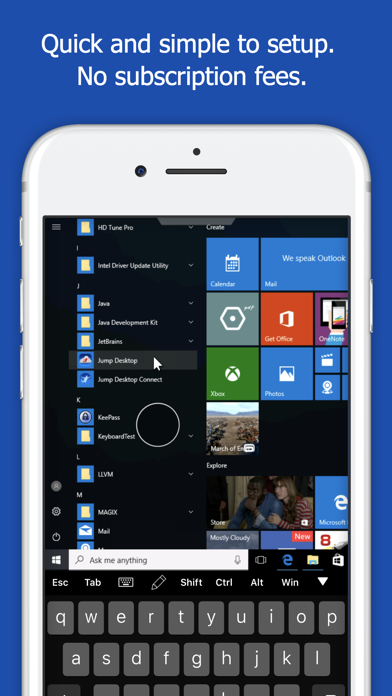
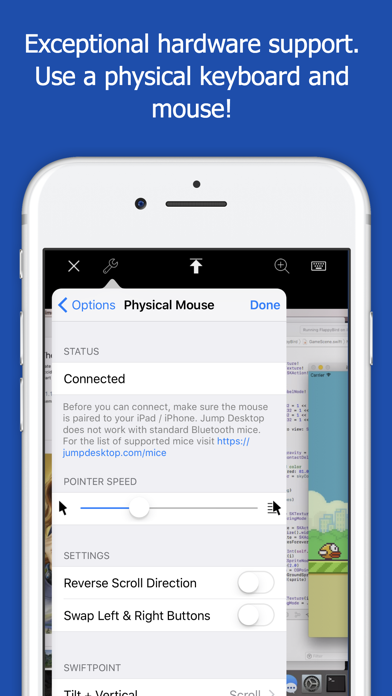
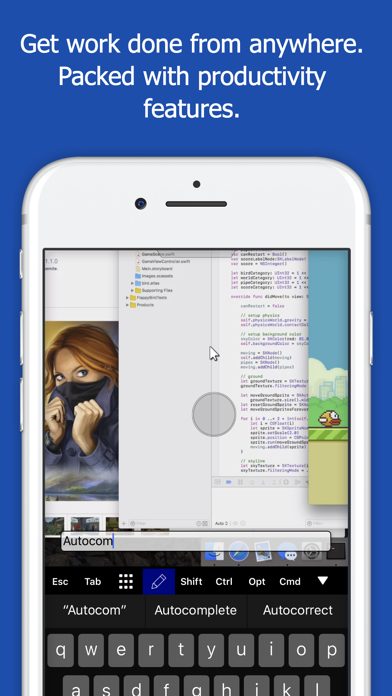
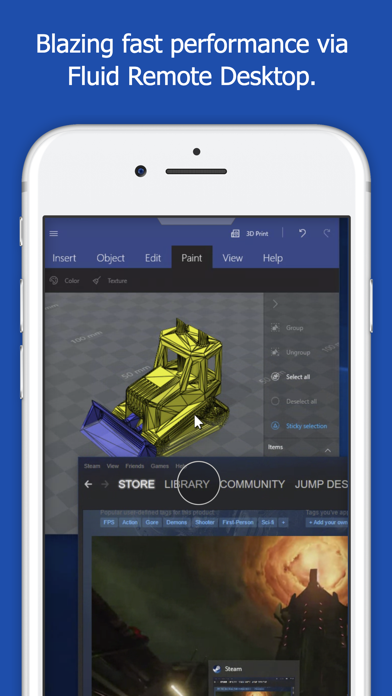
Leave your laptop behind. Enjoy the freedom to work from anywhere. Jump Desktop is a powerful remote desktop application that lets you control your computer from your iPad, iPhone or iPod Touch. Compatible with RDP and VNC, Jump Desktop is secure, reliable and very easy to set up. Easy setup and reliable: Jump Desktop is very easy to setup; anyone can do it! Just visit: https://jumpdesktop.com on your PC or Mac, click the ‘Automatic Setup’ link and follow step-by-step instructions. You’ll be up and running in no time. Secure and built on open standards: Jump Desktop is a RDP and VNC client. You don't need to download additional software if you already have RDP or VNC configured and know the address of your computer. Just enter your IP address or hostname to connect. Powerful features: * Works with almost any computer and operating system * Supports a physical mouse! Exclusive feature on the App Store! Important limitation: Jump Desktop does not work with standard Bluetooth mice and requires a specific Bluetooth mouse that pairs with iOS * New Fluid Remote Desktop protocol supports high performance remote desktop * Easy and secure setup: Automatically configure your PC or Mac for remote access using Wi-Fi/3G/LTE without worrying about your router settings. Setup as many computers as you like – there are no limits! * Built for iPad Pro, iPad, iPhone and iPod * iPad Pro features: Full support for split-screen multitasking and Apple Pencil * Protect your server settings using Touch ID * Connection syncing via iCloud connection syncing * Advanced Bluetooth keyboard: The best bluetooth keyboard support on the App Store. Shortcuts, function keys and arrow keys - everything works. Also includes macros for keys no available on bluetooth keyboards (i.e function keys) * SSH tunneling with password and public key authentication supported * Supports large custom screen resolutions and VGA/HDMI out * Full mouse support via touch gestures: left, right and middle button clicks, dragging, scrolling, precision pointer movement * Multiple gesture support - includes the ability to draw or write using your finger * Copy/paste: Transfer text to or from your computer using the pasteboard * HDMI/VGA support: view your desktop on the big screen using a cable or AirPlay. Jump's video out mode will let you utilize the full resolution of your external display. * Multi-core rendering engine makes Jump Desktop one of the fastest RDP and VNC engines on the planet * Full support for Linea and Infinea barcode and MSR scanners. Includes support for E2E encryption. IMPORTANT NOTICE: Audio streaming and remote printing are NOT supported when connecting to Mac OS X and PCs running Windows ‘Home’ edition. RDP features: * Supports RD Gateway * Supports custom resolutions. Set any resolution you want including Retina resolutions. * Dynamic RDP resolution updates on Windows 8.1+ * Remote printing: Send print outs from your computer to your iPad/iPhone device (exclusive RDP print redirection feature on the App Store!) * Drive redirection * Audio streaming * Console sessions * International keyboard layouts * Multiple monitor support on Windows 7+ * Multi-touch redirection support on Windows 8+ VNC features: * Tested with Mac OS X, TightVNC, RealVNC, UltraVNC, Linux (Ubuntu Remote Desktop) * Secure: Supports SSH tunneling as well as SSL encryption * Black & white, gray scale, 8, 16 and 24-bit color to help optimize bandwidth * Multiple monitor support * Macs: Support locking the Mac's screen and syncing the pasteboard
What's New
Bug fixes
Details
- Developer
- Phase Five Systems
- Main Category
- Business
- Version
- 9.8.0
- Version Release
- 2023-10-30
- Initial Release
- 2010-04-01
- Size
- 69 MB
- Age Rating
- 4+
- Price
- USD 14.99
- Languages
- EN, FR, DE, IT, JA, KO and 3 more
- Bundle ID
- 4GU63N96WE.com.p5sys.jumpdesktop
- Version Rating
- ★ 4.50 (1,653)
- First Seen
- 2026-05-28
Metadata updated 2026-07-19
Rank History
Free · Max 90 days · Top 5 categories shown (Y-axis: rank, lower is better)
No rank history data
Free Rankings
No rankings
Paid Rankings
Competitive Benchmark — Business Top 10
What it takes to beat this app — comparison with the category's top apps. The orange row is the current app.
| # | App | Price | Rating | Ratings | Langs | Last Update |
|---|---|---|---|---|---|---|
| 1 | HotSchedules | USD 2.99 | ★ 4.60 | 67,209 | 3 | 2026-07-17 |
| 2 | Jump Desktop (RDP, VNC, Fluid) | USD 14.99 | ★ 4.50 | 1,653 | 9 | 2023-10-30 |
| 3 | ecMobile | USD 9.99 | ★ 2.11 | 211 | 0 | 2026-05-19 |
| 4 | Voice Recorder - Audio Record | USD 5.99 | ★ 4.71 | 16,805 | 10 | 2026-04-24 |
| 5 | TurboScan™ Pro: PDF scanner | USD 9.99 | ★ 4.92 | 294,942 | 10 | 2026-04-14 |
| 6 | FileBrowser Professional | USD 14.99 | ★ 4.68 | 1,498 | 9 | 2026-06-29 |
| 7 | TapeACall Pro: Call Recorder | USD 10.99 | ★ 4.52 | 18,452 | 24 | 2025-02-13 |
| 8 | ScanBizCards | USD 0.99 | ★ 4.58 | 13,765 | 5 | 2026-06-02 |
| 9 | Payrollguru | USD 4.99 | ★ 3.21 | 39 | 1 | 2026-01-08 |
| 10 | Contacts2XL | USD 0.99 | ★ 4.52 | 304 | 1 | 2025-07-16 |
User Reviews
마우스 좌버튼안돼요 가끔 연결이 끊겨요 제발 고쳐주세요
Icon doesn’t match on iOS or macOS dev needs to update them
All devs take note. This is what good software looks like.
22,000원? 20원도 아까워요.
Jump used to be my go-to Remote Desktop app, however development seems to be stalled and the app is lacking support for modern key types and Gnome Remote Desktop.
I love this app but when it’s on the background on my iPhone it drains like 70% in 4 hours if I don’t force close it. Please fix this. iPhone Air latest ios
I was trying to connect my ipad and Mac Neo to my Mac Mini 4 but i kept going in circles. If i cant figure this in another day I will just ask for a refund. Also not a lot of instruction on YT either. Ugh!
I love this app for my Mac and iPad. But, one day I thought it might be mice to put it on my Windows Desktop. I could not use it without creating an account. I’m tired of creating accounts to use software. I uninstalled it immediately.
도무지 연결이안되네요
I went to launch Jump Desktop on my Intel Mac only to be greeted by a popup that they have switched over to Metal which requires me to now go in and manually download an older version of Jump Desktop from their website. Upon doing this, it asks you for your password 20x over and over and over and over again and when it finally loads it tells you that you need a Teams account or to purchase a new license? What? I’ve used Jump since it was first created and now you want me to purchase another license? And why was this change made when you KNEW what kind of experience it would provide for users on older hardware? This is where you start to see red flags with companies - when you can make changes like this and say screw our loyal customers that have been with us from the beginning they’ll figure it out or get over it - that’s a dangerous mindset. When trying to go around this and use Jump desktop on my iPad, it shows the computer online, but then when you try to connect to it you’re shown a popup saying its offline. Even after I’ve changed the settings to wake on network connection, etc. Jump still fails to connect. I miss the good ole’ days when Jump was useful and did what it advertised. Someone needs to have an Jobs/MobileMe conversation with the software team.
The only reason I purchased this app was because they claim it works with Ubuntu. It does not. The app doesn’t not connect to Ubuntu 24.04 LST using remote desktop settings and when you try to download the Linux version of Jump desktop for web from their site, it just take you in a loop. If it works on mac or windows use one of the better and free apps out there. this is garbage and I want a refund.
Most useful application on App Store
Reviews are collected only for apps with detected changes (new entries or sharp risers).