
Remotix VNC, RDP & NEAR
🇰🇷 KR LocalizedScreenshots
Description
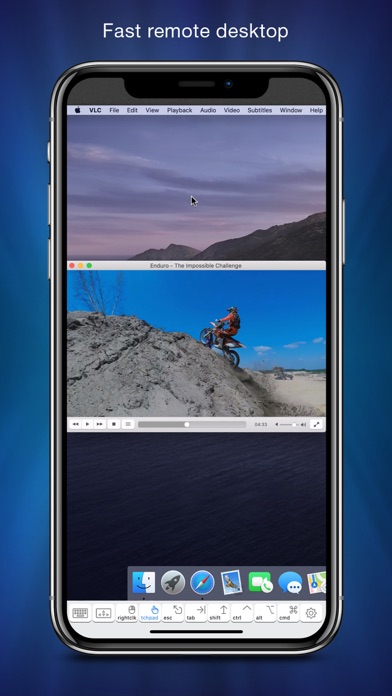
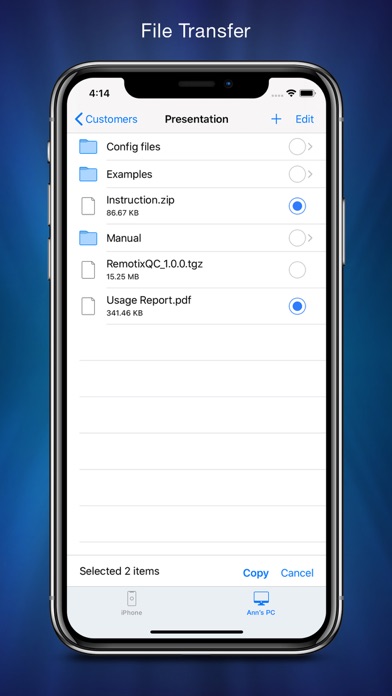
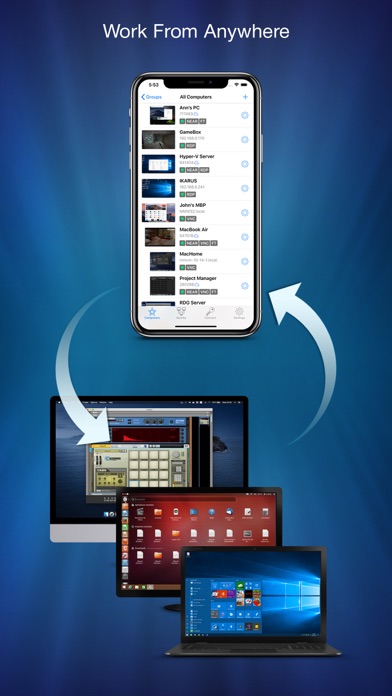
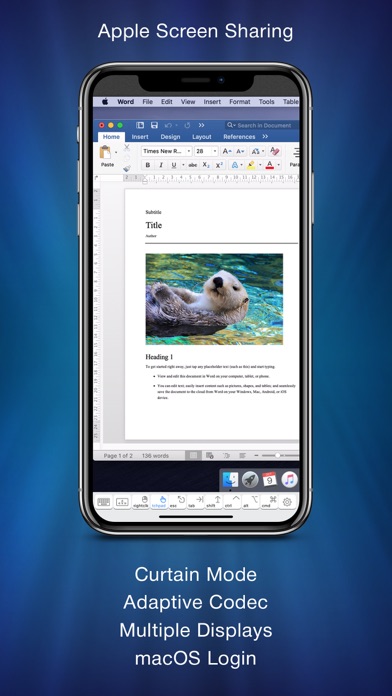
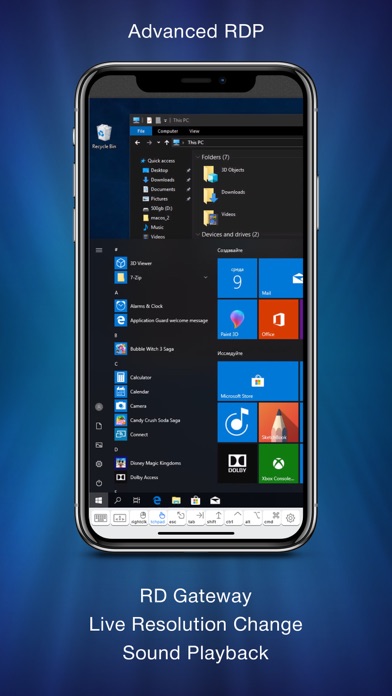
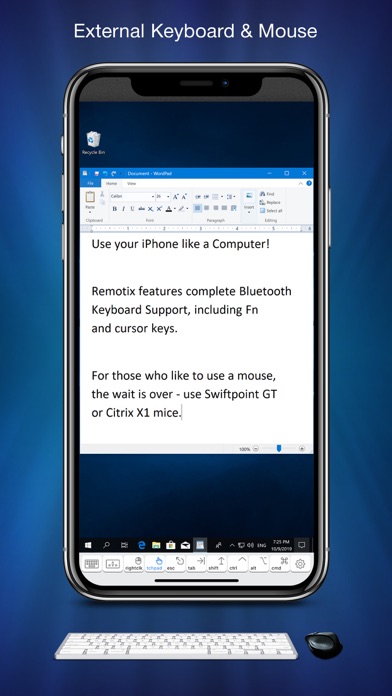
Here is what Remotix users say: “This is one of the very few Remote Desktop apps in the past decade that I haven’t wanted my money and my investment of time back on.” BrockGS General Features • NEAR - low-latency, adaptive, H.264-based remote desktop protocol • File Transfer: transfer your documents between remote machines • Apple Screen Sharing, VNC and RDP, including RD Gateway • Connect from anywhere • Syncs computers and credentials across all devices • Automatic clipboard synchronization • Secure SSH connections with both password and public key auth • Discovers all nearby machines using network scanners • Wake-On-LAN • Master password, Face ID & Touch ID protection • Designed for iPhone, iPad and iPad Pro • Take and share the screenshots of the remote machine Control Interface • Full set of multi-touch gestures to pan, zoom, drag, right click & scroll • Point-and-click or touchpad-mode remote desktop control • Hardware and bluetooth keyboard support, including F keys, cursor and modifiers • Bluetooth mouse support • Complete international character input • Extended keyboard to access copy/paste, function and navigation keys • 3D Touch for right click If you are connecting to Mac or PC with NEAR: • Hardware accelerated H.264 based remote desktop experience; • Three quality modes, including “smooth” - for video & games. • Automatically adapts to changing network conditions; • Clipboard synchronization; • Remote sound transfer; • Login using system credentials or personal access code; • Curtain mode & remote screen locking (Mac only). If you are connecting to a Mac with Screen Sharing: • Five quality modes, including adaptive for average and slow Internet connections • Multi-display configuration selection, combined or each display individually • VNC password and Mac OS X authentication methods • Greatly improves interaction speed with server-side picture scaling, • Multi-language keyboard input using "Keyboard through Clipboard" mode • Remote screen locking • Access to hidden dock or menu If you are connecting to Windows over RDP: • RD Gateway & load-balancing configurations • On-the-fly resolution and scale change • Sound playback & recording • Real time network speed adaptation for the best performance over 3G or LAN • Secure NLA authentication • RDP over SSH If you are connecting to Windows or Linux over VNC: • Tested and works well with UltraVNC, TightVNC, RealVNC, VMWare, TigerVNC, x11vnc and other servers • UltraVNC Windows Logon authentication • TLS encryption and VeNCrypt authentication (ProxMox) • x11vnc -ncache mode support
What's New
- You can add notes to connections and machines and they will appear in Remotix Hub - Fixed "Save thumbnails" option not saving - Fixed an issue with copying images via clipboard from RDP session - Fixed NEAR 'keycodes' keyboard mode (for entering text in remote VMWare and others)
Details
- Developer
- Acronis, Inc.
- Main Category
- Business
- Version
- 8.4
- Version Release
- 2021-06-02
- Initial Release
- 2011-09-09
- Size
- 15 MB
- Age Rating
- 4+
- Price
- USD 14.99
- Languages
- EN, DE, RU
- Bundle ID
- com.nulana.remotixios
- Version Rating
- ★ 4.56 (196)
- First Seen
- 2026-05-28
Metadata updated 2026-07-19
Rank History
Free · Max 90 days · Top 5 categories shown (Y-axis: rank, lower is better)
No rank history data
Free Rankings
No rankings
Paid Rankings
Competitive Benchmark — Business Top 10
What it takes to beat this app — comparison with the category's top apps. The orange row is the current app.
| # | App | Price | Rating | Ratings | Langs | Last Update |
|---|---|---|---|---|---|---|
| 1 | HotSchedules | USD 2.99 | ★ 4.60 | 67,209 | 3 | 2026-07-17 |
| 2 | Jump Desktop (RDP, VNC, Fluid) | USD 14.99 | ★ 4.50 | 1,653 | 9 | 2023-10-30 |
| 3 | ecMobile | USD 9.99 | ★ 2.11 | 211 | 0 | 2026-05-19 |
| 4 | Voice Recorder - Audio Record | USD 5.99 | ★ 4.71 | 16,805 | 10 | 2026-04-24 |
| 5 | TurboScan™ Pro: PDF scanner | USD 9.99 | ★ 4.92 | 294,942 | 10 | 2026-04-14 |
| 6 | FileBrowser Professional | USD 14.99 | ★ 4.68 | 1,498 | 9 | 2026-06-29 |
| 7 | TapeACall Pro: Call Recorder | USD 10.99 | ★ 4.52 | 18,452 | 24 | 2025-02-13 |
| 8 | ScanBizCards | USD 0.99 | ★ 4.58 | 13,765 | 5 | 2026-06-02 |
| 9 | Payrollguru | USD 4.99 | ★ 3.21 | 39 | 1 | 2026-01-08 |
| 10 | Contacts2XL | USD 0.99 | ★ 4.52 | 304 | 1 | 2025-07-16 |
| 33 | Remotix VNC, RDP & NEAR | USD 14.99 | ★ 4.56 | 196 | 3 | 2021-06-02 |
User Reviews
Well made app and works as expected in almost all cases. No matter what I try, it crashes as soon as you click and hold to drag something on the remote host. The circle appears, then once you drag it crashes. iPhone 17pro latest iOS on a Mac host latest os. Please fix!
I use Remotix to admin my home computers from within my home network from my iPad. It works great allowing me full functionality without needing a keyboard or mouse. I recommend this app for people with multiple home computers.
I would say out of several remote desktop style product I have used, this one is one of the most simple to setup and configure and use. Only the mildest learning curve gettin used to manipulating the various input modes on smaller size touchscreens.. Would like to see a little more information kicked back to me when a connection fails and some automated troubleshooting or diagnostic algorithms wouldn’t hurt anything. I use mostly iOS/MacOS. Sees those easily. Have a couple non-Apple Linux/UNIX machines running and those are more of a challenge (but then that’s kind of expected … many Linux users might even be offended if it seemed TOO straightforward). I rarely use Windows and honestly can’t remember if Remotix saw them easily or not. But overall it works well. There’s even an AppleTV version. Run your workstation from the TV remote in your lounger!
I like this Remotix app, I have used several “remote control” apps. This one app connects to my Mac mini, my Windows 10 Pro, and Ubuntu mini-PC. It works well!
Love this app! Does need multi-login support. Please consider adding this.
Remotix was acquired by Acronis, and the Mobil versions, iOS, iPadOS are not supported and are two years out of date. Quote from Acronus: “For the iOS version, however, we cannot release a fix: since Remotix got acquired by Acronis, the mobile apps were never updated, and we currently cannot release anything as Nulana (as Nulana no longer exists), and Acronis mobile team apparently cannot do it either (as they aren't familiar with the code at all, and it needs a lot of work now that it's two years behind the main repository).” I had requested support for a consistent crash issue when trying to move/drag anything on the remote computer. In short, do not buy…
This seems to be the only viable RDP app even after all these years. Good job to the developers!
Great app for organizing dozens of rd and vnc connections. The cloud sync is awesome. The mac app counterpart is so very nice as well
Remotix authentication is broken with Ventura. The issue is known by the developer and developer states the following: 1) We have other priorities and will not be fixing the break at this time. Priority remains the desktop app instead of fixing what broke. 2) Lower you security setting by changing your host password to exclude use of the shift key to log in Do not expect a fix.
I was really bummed to not find any great solutions to remote connect to my labs of Windows machines, macOS machines and servers. I found Remotix off the RoyalTSX website. I use that other app on my macOS machines, but they do not have a real client for iOS/iPADOS. Back to Remotix. If you are a sysadmin and need to access RDP and VNC over SSH, this is the app for you. It has many display options from resolution to zoom level.. and it just works. The touch, touchpad options are also great. Because of this app, I can leave my MacBook Air at home and be able to do everything for my job. Reviewed Jan 2023
Reviews are collected only for apps with detected changes (new entries or sharp risers).