
Screenshots
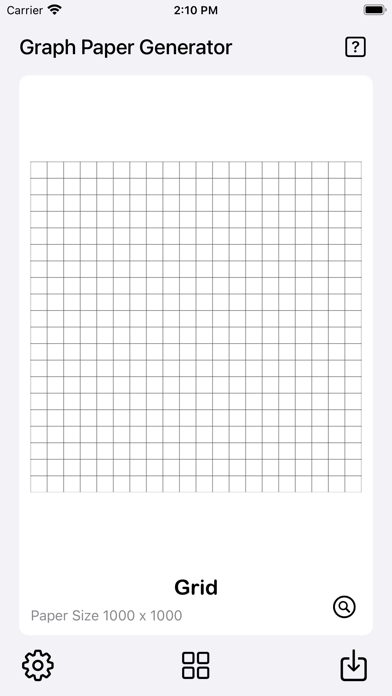
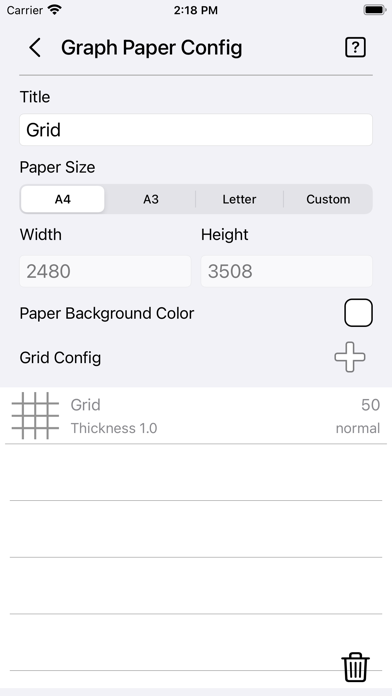
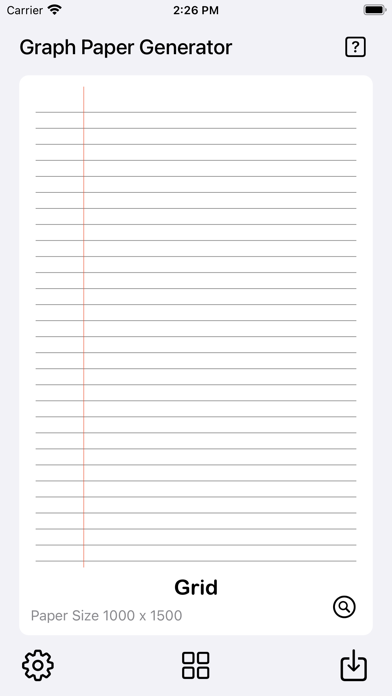

Description
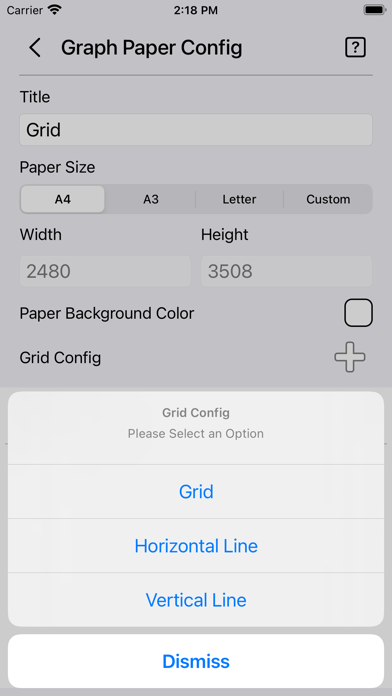
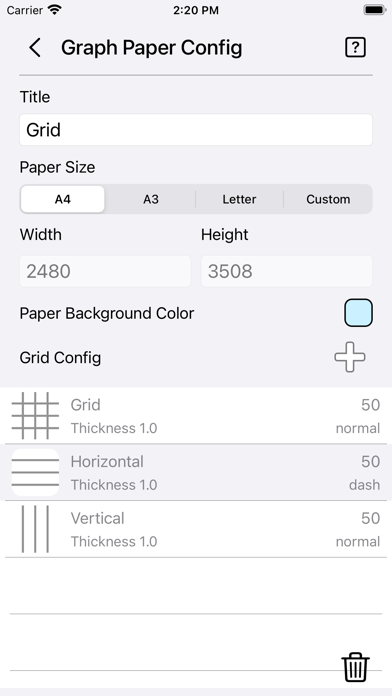
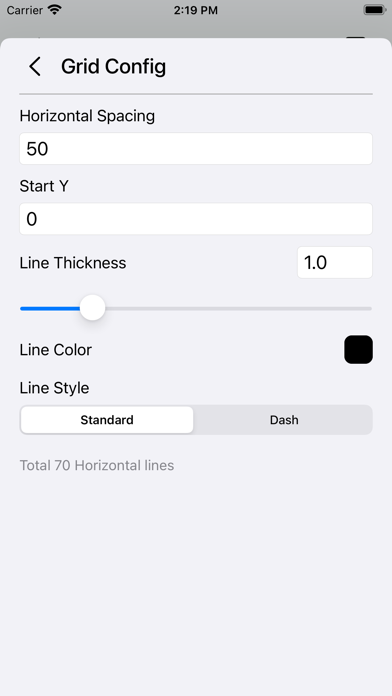
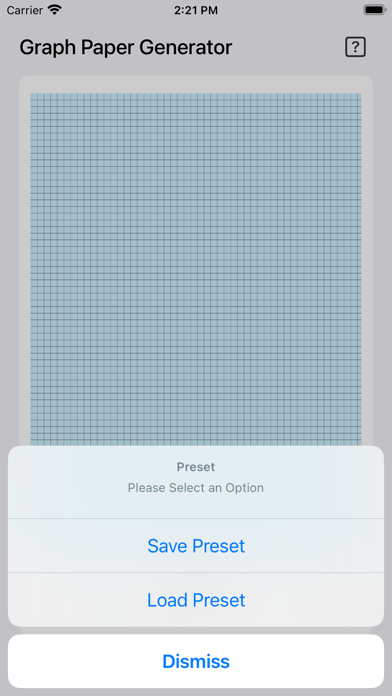
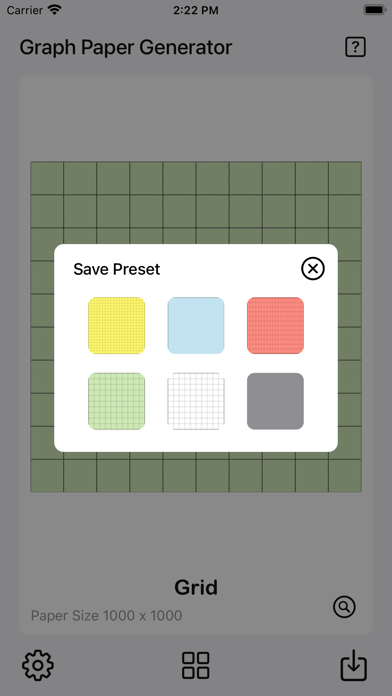
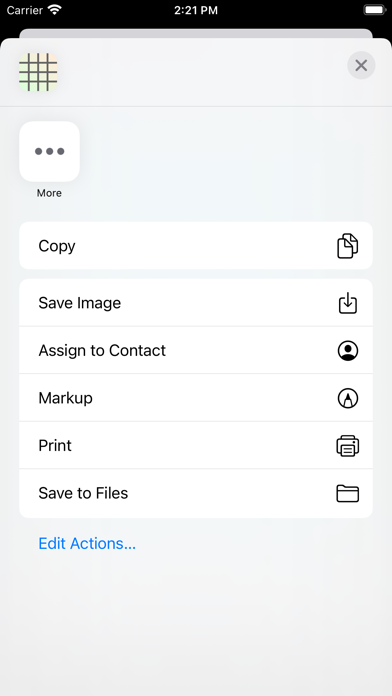
The Graph Paper Generator is a simple tool to generate grid paper. Save generated grid paper as image or PDF files with pre-made guides ready to print. Features: • User-friendly interface. • Add multiple grids/lines with custom settings. • Quick preview of graph paper. • Instant grid paper generator. • Option to save grid configurations as presets. • 6 preset slots available for saving or loading. • Option to save images to the camera roll. • Option to save PDFs to the Files app. • Option to print. • 3 paper templates ready for quick setup [A4, A3, and Letter]. • Custom paper size available. • Option to set paper color. • Grid configuration for grid, horizontal line, and vertical line. • Add up to 6 grid/line configurations. • Option to set grid/line spacing. • Option to set Start X or Start Y position for horizontal and vertical lines. • Option to set line thickness (range: 0.1 – 5.0). • Option to set grid/line color. • Option to set grid/line style (solid or dashed). • Simple statistics showing how many lines or grids are generated on the paper. Quick Guide: - Tap on the settings icon at the bottom left to start. - Set the desired paper size. - Choose a paper color or leave it as the default white. - Tap on the Plus icon beside the Grid Config. - Choose either Grid, Horizontal Line, or Vertical Line. - The Grid Config page will appear. - Set Grid/Line Spacing as desired. [The bottom of the page shows the total number of grids/lines to be generated. Use it as a reference.] - Set other parameters such as line thickness, line color, or line style. - Tap back to the main page for a preview. - Use the preview mode to check the grid paper — you can zoom and pan for detail. - When finished, you can save it to the camera roll as an image or save it as a PDF file for printing. Save Presets: - Once you are done with all the settings, - You can save them as a preset by tapping on the preset button. - Tap on Save Preset. - Tap on any empty slot and the preset will be saved. - You can tap on any slot to overwrite it if you want to. Load Presets: - Tap on the preset button. - Tap on Load Preset. - Tap on any preset slot and it will load automatically. Thanks for your support, and please visit nitrio.com for more apps for your iOS devices.
What's New
- Updated for the newest devices. - Minor bugs fixed.
Details
- Developer
- Heng Jia Liang
- Main Category
- Productivity
- Version
- 1.1
- Version Release
- 2025-10-23
- Initial Release
- 2021-09-13
- Size
- 2 MB
- Age Rating
- 4+
- Price
- USD 2.99
- Languages
- EN
- Bundle ID
- com.nitrio.graphpapergen
- Version Rating
- ★ 0.00 (0)
- First Seen
- 2026-07-19
Metadata updated 2026-07-19
Rank History
Free · Max 90 days · Top 5 categories shown (Y-axis: rank, lower is better)
No rank history data
Free Rankings
No rankings
Paid Rankings
Competitive Benchmark — Productivity Top 10
What it takes to beat this app — comparison with the category's top apps. The orange row is the current app.
| # | App | Price | Rating | Ratings | Langs | Last Update |
|---|---|---|---|---|---|---|
| 1 | Parchment: Agenda & Daily Note | USD 4.99 | ★ 4.67 | 6 | 1 | 2026-07-15 |
| 2 | QuickBend: Conduit Bending | USD 6.99 | ★ 4.82 | 3,839 | 0 | 2026-07-16 |
| 3 | Things 3 | USD 9.99 | ★ 4.82 | 27,744 | 9 | 2026-07-16 |
| 4 | Scrivener | USD 23.99 | ★ 4.18 | 2,589 | 10 | 2023-09-29 |
| 5 | Due - Reminders & Timers | USD 7.99 | ★ 4.67 | 2,779 | 17 | 2026-07-01 |
| 6 | Site Audit Pro | USD 12.90 | ★ 4.83 | 10,767 | 1 | 2026-07-15 |
| 7 | Ugly's Electrical References | USD 12.99 | ★ 4.39 | 1,467 | 1 | 2026-06-19 |
| 8 | LineLearner | USD 3.99 | ★ 4.38 | 136 | 1 | 2024-07-13 |
| 9 | Tampermonkey | USD 2.99 | ★ 3.14 | 56 | 26 | 2026-07-17 |
| 10 | iBend Pipe | USD 3.99 | ★ 4.30 | 97 | 1 | 2018-01-02 |
| 56 | Graph Paper Gen | USD 2.99 | ★ 0.00 | 0 | 1 | 2025-10-23 |
More by This Developer

Electrical Motor Calculator
Productivity · ★ 3.8 (8)

Debt 2 Income Calculator
Finance · ★ 4.2 (6)

Finance Calculator Plus
Finance · ★ 0.0 (0)

Media Player Plus
Music · ★ 0.0 (0)

Motion Detector Camera
Utilities · ★ 0.0 (0)

Megapixels Resolution Calc
Utilities · ★ 0.0 (0)

Camera Color Picker Plus
Photo & Video · ★ 0.0 (0)