

Due - Reminders & Timers
🇯🇵 JP LocalizedScreenshots
Description
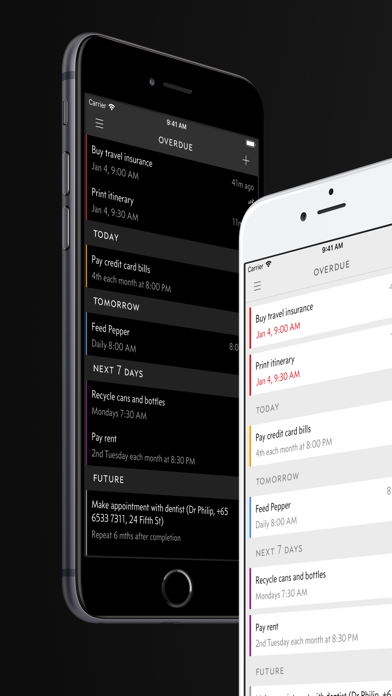
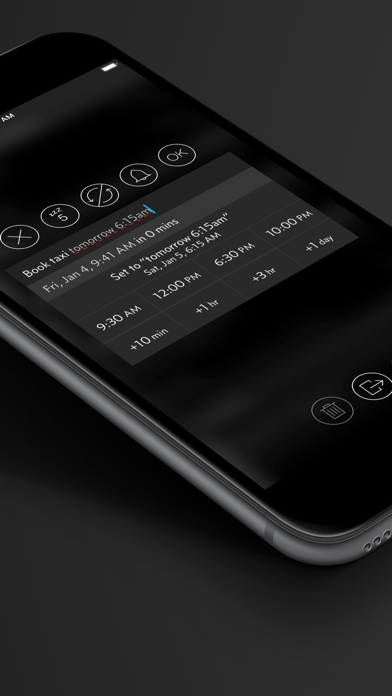
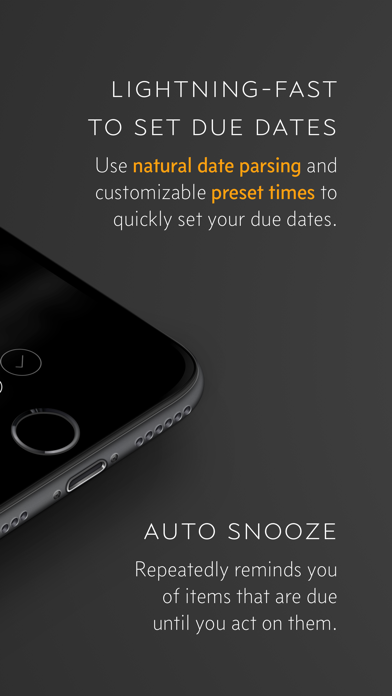
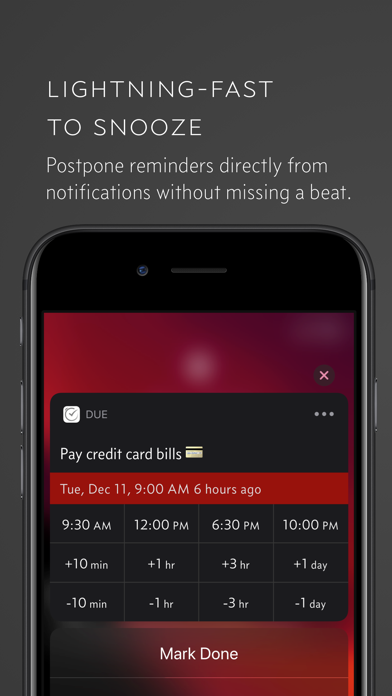
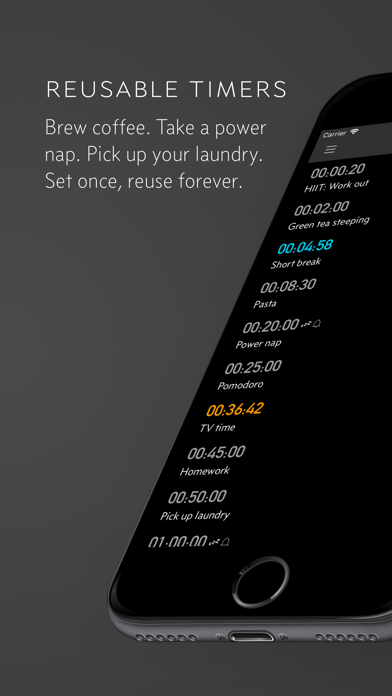
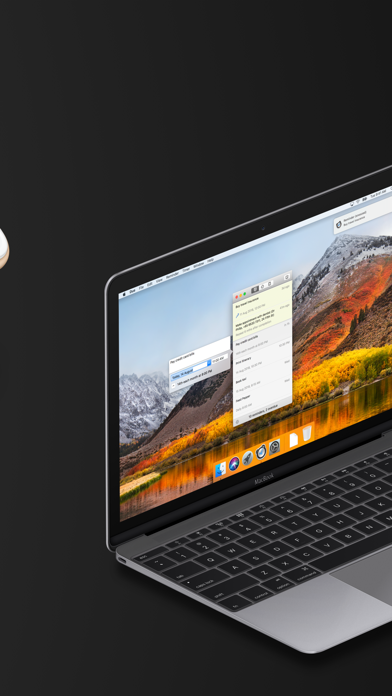
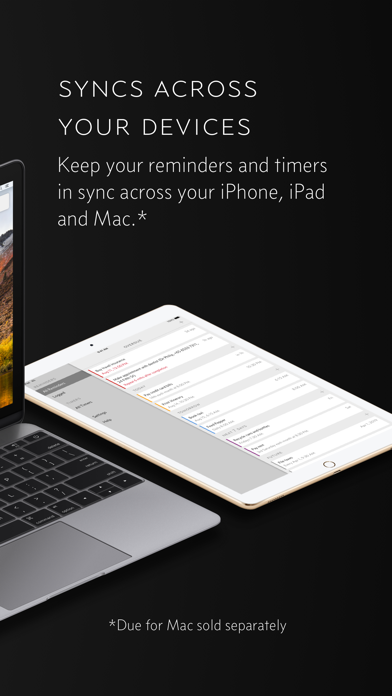
Due remembers all the things that you need so you don't have to. Because it repeatedly reminds you of things until you act on them, it‘s impossible to forget anything. Most importantly, it's lightning-fast to set and postpone reminders, all thanks to a clever time picker and natural date parsing. KEY FEATURES 1. Persistent & Effective Auto Snooze repeatedly* notifies you of missed reminders until marked done or rescheduled. Choose between intervals of every 1, 5, 10, 15, 30 and 60 minutes. 2. Fast to Set, Fast to Postpone A time picker with 12 preset and fully customizable times lets you set due dates and postpone reminders in record time. 3. Natural Date & Time Parsing Due can also parse dates and times that you typed or dictate and offer to set the due dates and times for you. 4. Countdown Timers Precise to the second, perfect for making the perfect soft-boiled eggs, brewing your coffee and more. Set them up once and reuse them forever 5. Powerful Recurring Reminders From the simple daily and weekly reminders to the complex every-3rd-Wednesday-of-the-month kind of reminders 6. Keep in Sync** Use iCloud or Dropbox to keep your reminders and timers in sync across your iPhone, iPad and Mac. 7. Works Offline, Completely Private There is no account to sign up for. We don't store, and we can't access your reminders and timers. And you don't need internet to receive reminders. 8. Accessible to Everyone Automatically adjusts text size according to your system setting, and offers full VoiceOver support. Due is also localized in 17 languages. * By default, auto snooze repeats 5 times, and can be configured to repeat up to 10 times. Due can auto snooze any overdue items indefinitely when you launch Due or act on any of its notifications. ** Sync on Mac requires Due for Mac (sold separately) WHAT'S THAT IN-APP PURCHASE ABOUT? When you purchase Due today, you will have access to every feature in the app today—no further purchase required. You will also get access to all new features released one year from your date of purchase. The optional Due Upgrade Pass subscription allows you to continue getting access to all new features released one year *after* your date of purchase. And here's the deal: Every feature that you have unlocked will remain available to you, forever—even if you stop subscribing. Even without a subscription, you'll always receive bug-fix and compatibility updates for free. These updates add support for the latest iPhones, iPads and Apple Watches. They also help ensure that Due continues to function well on the latest versions of iOS, iPadOS and watchOS. Due has a pretty good track record with that. To illustrate: If you've purchased Due back in 2010 for your iPhone 3G running iOS 4, that very same app in 2026 is now optimized for iPhone 17 Pro Max running iOS 26. It even works on devices that didn't exist back then, such as the iPad Pro and the Apple Watch. TERMS & PRIVACY POLICY Our terms of use and privacy policy is available here: https://www.dueapp.com/terms.html COMPATIBILITY Due requires an iPhone, iPod touch or iPad running iOS 16 or later. The Watch app is a companion to the iOS app. It requires watchOS 8 (or later) and the paired iPhone to work correctly.
What's New
• Automatically cleans up reminders that were accidentally duplicated, with a new tool to repair any that remain.
Details
- Developer
- Due Apps LLP
- Main Category
- Productivity
- Version
- 26.4.3
- Version Release
- 2026-07-01
- Initial Release
- 2010-09-15
- Size
- 82 MB
- Age Rating
- 4+
- Price
- USD 7.99
- Languages
- AR, DA, NL, EN, FR, DE and 11 more
- Bundle ID
- com.phocusllp.due
- Version Rating
- ★ 4.67 (2,779)
- First Seen
- 2026-05-28
Metadata updated 2026-07-19
Rank History
Free · Max 90 days · Top 5 categories shown (Y-axis: rank, lower is better)
No rank history data
Free Rankings
No rankings
Paid Rankings
Competitive Benchmark — Productivity Top 10
What it takes to beat this app — comparison with the category's top apps. The orange row is the current app.
| # | App | Price | Rating | Ratings | Langs | Last Update |
|---|---|---|---|---|---|---|
| 1 | Parchment: Agenda & Daily Note | USD 4.99 | ★ 4.67 | 6 | 1 | 2026-07-15 |
| 2 | QuickBend: Conduit Bending | USD 6.99 | ★ 4.82 | 3,839 | 0 | 2026-07-16 |
| 3 | Things 3 | USD 9.99 | ★ 4.82 | 27,744 | 9 | 2026-07-16 |
| 4 | Scrivener | USD 23.99 | ★ 4.18 | 2,589 | 10 | 2023-09-29 |
| 5 | Due - Reminders & Timers | USD 7.99 | ★ 4.67 | 2,779 | 17 | 2026-07-01 |
| 6 | Site Audit Pro | USD 12.90 | ★ 4.83 | 10,767 | 1 | 2026-07-15 |
| 7 | Ugly's Electrical References | USD 12.99 | ★ 4.39 | 1,467 | 1 | 2026-06-19 |
| 8 | LineLearner | USD 3.99 | ★ 4.38 | 136 | 1 | 2024-07-13 |
| 9 | Tampermonkey | USD 2.99 | ★ 3.14 | 56 | 26 | 2026-07-17 |
| 10 | iBend Pipe | USD 3.99 | ★ 4.30 | 97 | 1 | 2018-01-02 |
User Reviews
Just simply the best. Simp,e yet elegantly personalizes. The ability to set your own speed snooze buttons is hands down best feature. Paid version worth it if you’re very distractable or use multiple devices daily.
I strongly recommend this app to anyone who struggles with ADHD. This is the best way to be notified. I just need to be able to create tasks easily and straightforward and have them actually remind you every five minutes. This includes daily tasks once a week tasks once a month tasks and it’s perfect and it’s simple. Definitely worth a one time payment for what this app is able to help me do.
I’ve used this for more than 10 years. It’s a great app that I can rely on to not miss deadlines. I can set due dates years into the future, and this app has regular updates, and has just been getting better and better. ❤️
It used to be a good app, but it’s broken now.
Love the app on the iPhone but incredibly annoying to use with Apple Watch. If you have stacked reminders (say 5 reminders at 9 AM), the expected behavior is for Apple Watch to buzz you once and say “5 notifications on Due.” It doesn’t. It buzzes you, 5 separate times. Even more annoying is that the app waits about 5-10 seconds between each buzz, so 5 notifications mean you get buzzed every 5-10 seconds for nearly a minute at every reminder or snooze period. I’ve contacted Due support who suggested some setting changes to minimize this behavior, but ultimately said, “it’s Apple’s system, we can’t do anything about it.” I had 14-25 notifications throughout the day. This means none stop buzzing all day. You can’t stop it either. You can’t push a button to stop. Even taking the watch off your wrist, it will continue through the notification cycle and you just have to wait if you don’t want to be buzzed constantly. Some days, it uses stacked notifications while other days, for no apparent reason, the app will bother you to death. If you’re an Apple Watch user, try a different app.
Due makes it easy for me to set up custom reminders. I use it daily for work and personal use.
I use this program to keep track of due dates for hundreds of items. I just wish it had an item count on each separator bar as to how many items follow it. I found it when I was searching for Timetap which regretfully has disappeared from the app store. Thanks.
If I get to keep everything I’ve already previously paid for why am I suddenly no longer able to set prominent reminders and it tells me I have to have a subscription? I could understand if you had to remove prominent reminders from everybody for some weird safety reason or something, but obviously the feature still exists. You seem to have modified it in some way that meets your definition of I have to pay to get it. that will not be happening
I’ve been wanting this feature so badly—thanks!!
Due acts as my daily checklist, my “projects to keep in mind” list, and my “don’t you dare miss this one” list. It covers so much.
バージョン26.3時点でのレビューです。 [良い点] ○スタイリッシュで実用的な画面 ○やるべき事を時系列で表示、期限切れ・今日・明日・1週間以内・その後で分類し色分け ○リマインドの複製やリサイクルができるため似たリマインドを少ない手間で作成できる ○繰り返しが細かく指定可能、選択した曜日だけ、月の最初の平日、第n週の特定曜日、毎月n日など ○自分の好みを反映できる豊富なカスタマイズ性、日時指定に使うタイルボタンも自由に機能を割り当て可能 ○課金期間で得た機能は生涯ライセンスとなる [できない点] ○アラームアプリのように事前に予定を作っておいてワンタップでON/OFFの切り替え ○夏休みなど特定期間の自動OFF ○仕事用・プライベート用など複数のリマインダーを切り替えて使用する事はできない ○フォルダなとを使用したリマインドの分類 ○特定日時になったらリマインダーに表示されるなどの予約機能 一つのリマインダーに全ての予定を時系列で並べるアプリです。 完了操作をした場合、繰り返しではない場合はログ画面に移動、繰り返しの場合は次の日時へ移動します。 アラームアプリのような使い方もできなくはありませんが、目覚ましなど繰り返し頻度が高い事は別のアラームアプリを用意した方が操作が少なくて済みます。 リマインダー系アプリは沢山存在しますが、このアプリは格好良い画面なので気に入っています。
When setting a notification sound, I want it to play so I know what kind of notification sound it is.
Reviews are collected only for apps with detected changes (new entries or sharp risers).