

(beat) for iOS
Screenshots
Description
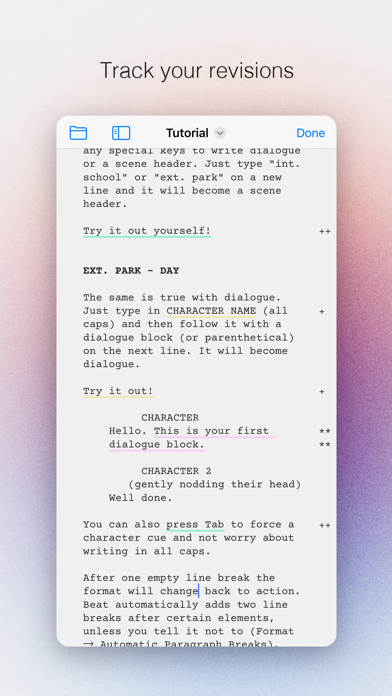
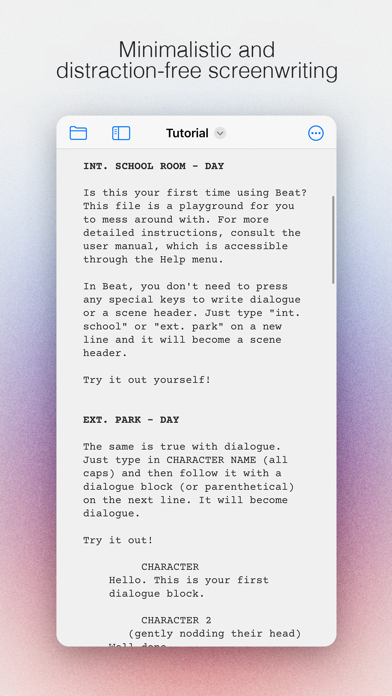
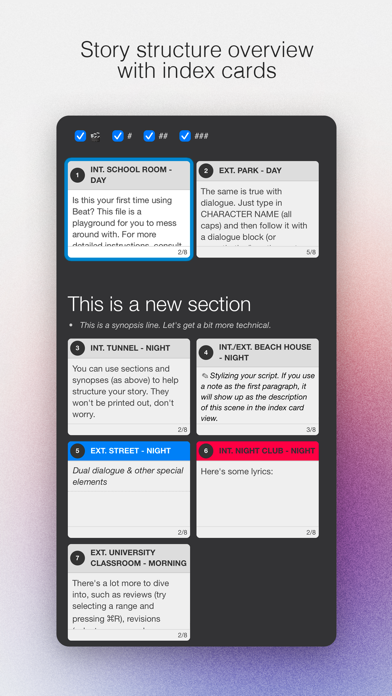
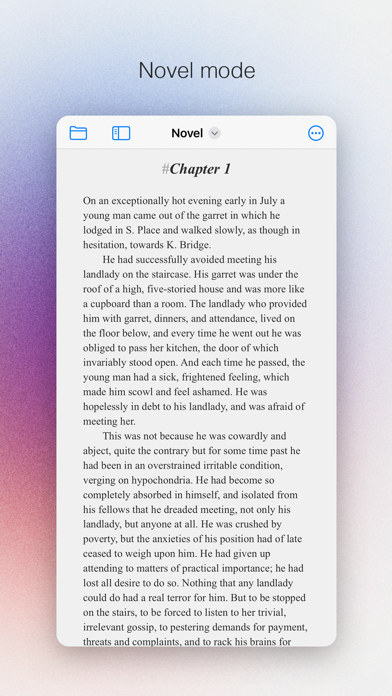
An elegant Fountain screenwriting app, created by a screenwriter for screenwriters. The perfect companion for full macOS version of Beat. Beat lets you write in a flow: Just start typing and let Beat take care of the formatting. There are as little distractions as possible to let you concentrate on writing. The app uses Fountain markup to store your documents, so everything you write is portable and future-proof. Your files are stored only on your own accounts and devices, and they are kept completely private. • Distraction-free UI • Index cards • Automatic scene numbering • Auto complete for scene headings and character names • PDF export • Final Draft import and export • Revision/edit tracking • Novel mode • Collection of templates for a quick start
What's New
Bug fixes • Fixes issues with file access and saving documents on some iPads
Details
- Developer
- Lauri-Matti Parppei
- Main Category
- Productivity
- Version
- 0.4.10
- Version Release
- 2026-06-10
- Initial Release
- 2024-05-15
- Size
- 14 MB
- Age Rating
- 4+
- Price
- USD 11.99
- Languages
- EN
- Bundle ID
- fi.KAPITAN.Beat-iOS
- Version Rating
- ★ 4.56 (36)
- First Seen
- 2026-05-30
Metadata updated 2026-06-16
Rank History
Free · Max 90 days · Top 5 categories shown (Y-axis: rank, lower is better)
No rank history data
Free Rankings
No rankings
Paid Rankings
Competitive Benchmark — Productivity Top 10
What it takes to beat this app — comparison with the category's top apps. The orange row is the current app.
| # | App | Price | Rating | Ratings | Langs | Last Update |
|---|---|---|---|---|---|---|
| 1 | QuickBend: Conduit Bending | USD 6.99 | ★ 4.82 | 3,775 | 0 | 2026-03-03 |
| 2 | Things 3 | USD 9.99 | ★ 4.82 | 27,658 | 9 | 2026-03-25 |
| 3 | Site Audit Pro | USD 12.90 | ★ 4.83 | 10,494 | 1 | 2026-05-27 |
| 4 | Due - Reminders & Timers | USD 7.99 | ★ 4.67 | 2,776 | 17 | 2026-06-06 |
| 5 | iBend Pipe | USD 3.99 | ★ 4.29 | 96 | 1 | 2018-01-02 |
| 6 | Scrivener | USD 23.99 | ★ 4.18 | 2,578 | 10 | 2023-09-29 |
| 7 | Pythonista 3 | USD 9.99 | ★ 4.46 | 1,511 | 1 | 2023-04-27 |
| 8 | Tampermonkey | USD 2.99 | ★ 3.15 | 53 | 26 | 2025-07-09 |
| 9 | Ugly's Electrical References | USD 12.99 | ★ 4.40 | 1,458 | 1 | 2026-04-02 |
| 10 | Dumbify | USD 4.99 | ★ 2.98 | 206 | 1 | 2024-06-02 |
| 50 | (beat) for iOS | USD 11.99 | ★ 4.56 | 36 | 1 | 2026-06-10 |
User Reviews
It’s simple and intuitive. I prefer it to all the other apps I’ve tried and the price is great. It’s free on Mac as well last I checked, so you can go back and forth as needed.
I love this app. It’s absolutely beautiful. It’s easy to use. I’m able to burn out a screenplay no problem, but I’m also writing on my iPad. I’m running into a problem that I’m not sure if anyone else is running into for whatever reason when I try to save my scripts or download them to be able to print them out or send them to other collaborators. The script will not open for whatever reason it will not turn to a PDF and when I try to open up the script once it saved to be able to send it to someone it says Null. I’m just really stumped and I’m not too sure what to do so that being said I’m giving the app three stars when in reality it should be a full five.
Especially with Final Draft’s new cloud-based nonsense, (beat) is far and away not only the best value, but the only easy cross-device option because I can just store my scripts in iCloud or wherever. The only thing I wish is that you could hide the markup in the iOS and iPadOS versions the way you can in the macOS version. Then it would be 12/10 instead of 11/10.
Not sure why this app is challenging to find, (seems invisible from searching?). Really nice features, excellent free osx companion app, and flexible sync. Able to keep distracted by scripts on the go!
Overall, I really like the Beat Script app. It has a lot of great features, and it’s genuinely useful for writing and organizing scripts. That said, there are a few features I wish it had that would make it even stronger. First, I wish it offered more granular note-taking options. Right now, notes apply to the entire script, but it would be incredibly helpful to have notes per paragraph or per section. That way, you could attach specific thoughts, reminders, or revisions directly to the exact part of the script they relate to, which would make organizing ideas and revising much easier. Second, I’d love to see a clearer and more visual organization system that shows hierarchy. It would be great to have a way to see how scripts connect to one another—especially for episodic or chapter-based writing. For example, a hierarchy diagram where scripts are visually linked, with arrows showing that one script is the next chapter or episode after another. Something like a left-to-right flow or branching structure would make it much easier to understand how everything fits together at a glance. Even a toggle that lets you switch between viewing episodes individually or as one connected project would be a big improvement. Another feature I’d really appreciate is more dedicated metadata sections. Just like there’s a notes section, there should also be a separate logline section and a separate synopsis section. This would allow you to keep your logline and synopsis clearly defined and distinct from general notes, while still having them connected to the script itself. That kind of separation would be especially helpful when pitching or revisiting projects later. Aside from these wishes, the app is solid and very enjoyable to use. With a few additions focused on organization, hierarchy, and project-level clarity, it could easily become a top-tier writing tool.
Honestly this is great, lightweight without feeling feature anemic. Feels much less clunky than Final Draft and is straightforward to use. I just need something that lets me do proper screenplay from my iPad Pro and this is it. Only found one bug so far… I can get “Advanced - Invisible Elements” to display # Sections in the Preview (from the eye icon), but when I toggle it on in “create PDF” and the parser doesn’t seem to want to incorporate section markers to .pdf print for some reason (nor does it display in the “Create PDF” preview, despite displaying in the eye icon ribbon preview function). If they can fix this, I’d say 5-stars presently. (Maybe add a recency sorting parameter to the auto complete for scene headings to make it actually useful and less actions / key presses)
Really bummed to see that this app cannot import fountain files. I’d save your money and get scrinever which will let give you portability.
someone who is doing it right. Bravo!
For decades I have wanted screenwriting software as intuitive as this! Finally it’s here! All of the others are so unnecessarily over complicated! Beat is the one I like!
Insane how long it’s taken for someone to make a GOOD screenwriting app for the iPad/iPhone but finally, at least, someone has! It’s simple, reliable, intuitive, and the developer is responsive and generous. Seriously, save yourself the money and the headache with the other subscription-based apps, and get this one!
Reviews are collected only for apps with detected changes (new entries or sharp risers).