

Microsoft 365 Copilot
Screenshots


Description
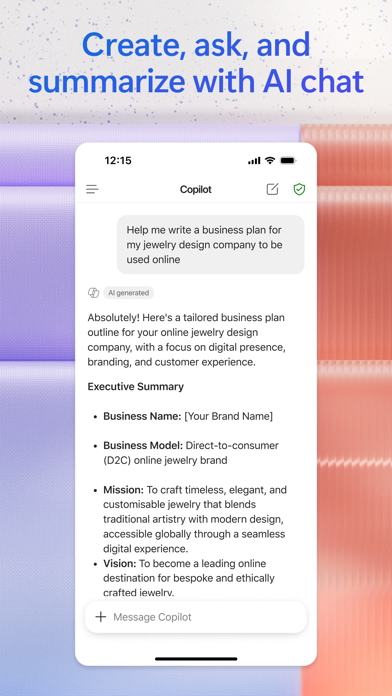
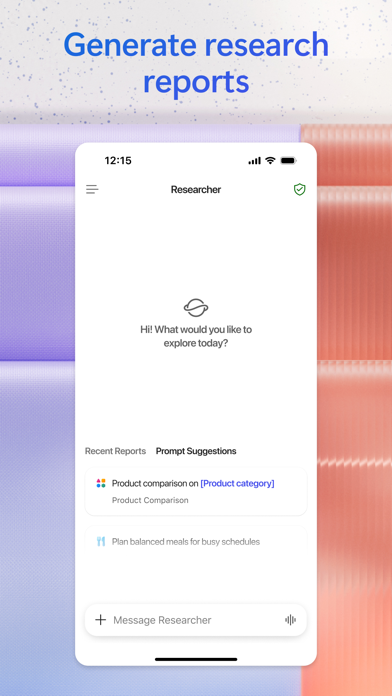
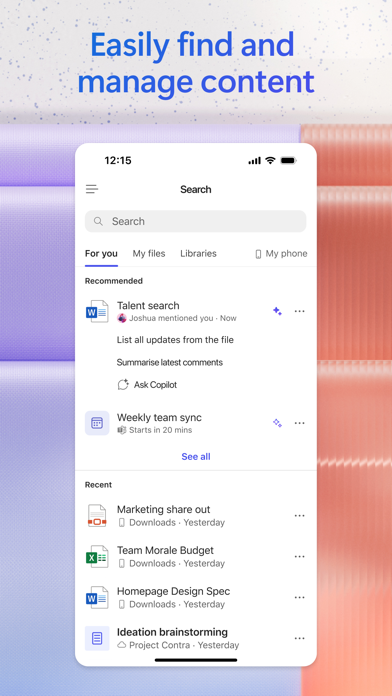
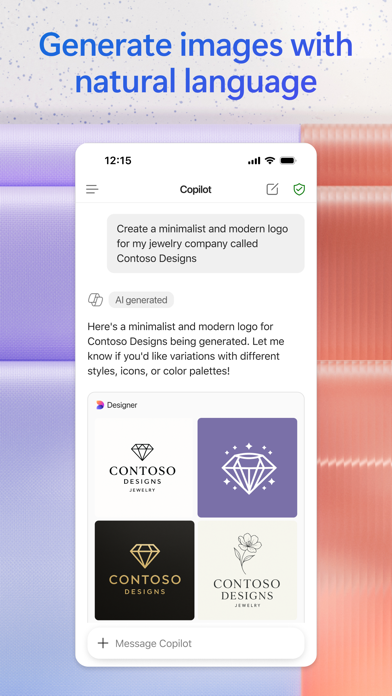
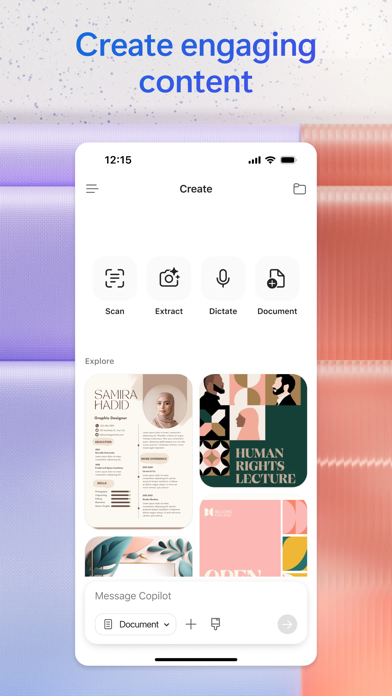
The Microsoft 365 Copilot app is your AI-first productivity app for work. It provides one place for you to chat with your AI assistant1, create content, manage projects and quickly find files on the go – helping you get more done, without doing more. With the Microsoft 365 Copilot mobile app, you can1: • Chat with your AI assistant – Ask Copilot to create or summarize a document, draft an email or analyze a spreadsheet using natural language. • Interact with voice – Talk to Copilot to help you prepare for your day, get answers and brainstorm ideas. • Find what matters fast – Find the strategy deck you were working on recently, or a file that was attached to an email. • Accelerate your learning – Ask Copilot to explain a concept, summarize recent trends or help you prepare for a presentation. • Get expert insights – Use built-in AI agents like Researcher and Analyst to generate research reports and analyze complex datasets. • Create polished content– Create and edit images, posters, banners, surveys and more with easy-to-use templates. • Manage projects easily – Bring together ideas, documents and links and ask Copilot to summarize and connect the dots with Copilot Notebooks. • Upload and save documents – Upload Word, Excel or PDF files from your phone’s storage to get answers from Copilot. Sign in with your work, school or personal Microsoft account to start using the app today. 1Availability of Microsoft 365 Copilot features may vary. Some capabilities require specific licenses or may be disabled by your organization's administrator. See this webpage for more information on feature availability by license: https://support.microsoft.com/topic/understanding-the-different-microsoft-copilot-experiences-cfff4791-694a-4d90-9c9c-1eb3fb28e842 Please refer to Microsoft’s EULA for Terms of Service for Microsoft 365. By installing the app, you agree to these terms and conditions: https://learn.microsoft.com/legal/microsoft-365/microsoft-365-copilot-mobile-license-terms
What's New
• General quality and performance enhancements.
Details
- Developer
- Microsoft Corporation
- Main Category
- Productivity
- Version
- 2.112
- Version Release
- 2026-07-13
- Initial Release
- 2013-06-14
- Size
- 402 MB
- Age Rating
- 12+
- Price
- Free
- Languages
- AR, CA, HR, CS, DA, NL and 27 more
- Bundle ID
- com.microsoft.officemobile
- Version Rating
- ★ 4.71 (1,293,281)
- First Seen
- 2026-05-28
Metadata updated 2026-07-19
Rank History
Free · Max 90 days · Top 5 categories shown (Y-axis: rank, lower is better)
Free Rankings
Paid Rankings
No rankings
Competitive Benchmark — Productivity Top 10
What it takes to beat this app — comparison with the category's top apps. The orange row is the current app.
| # | App | Price | Rating | Ratings | Langs | Last Update |
|---|---|---|---|---|---|---|
| 1 | ChatGPT | Free | ★ 4.83 | 8,691,130 | 60 | 2026-07-14 |
| 2 | Claude by Anthropic | Free | ★ 4.72 | 203,603 | 10 | 2026-07-18 |
| 3 | Google Gemini | Free | ★ 4.72 | 2,000,721 | 70 | 2026-07-14 |
| 4 | Gmail - Email by Google | Free | ★ 4.71 | 2,423,439 | 57 | 2026-07-13 |
| 5 | Meta AI | Free | ★ 4.66 | 165,268 | 39 | 2026-07-17 |
| 6 | Grok AI | Free | ★ 4.88 | 1,303,972 | 38 | 2026-07-18 |
| 7 | Google Drive | Free | ★ 4.78 | 7,668,349 | 66 | 2026-07-13 |
| 8 | Microsoft Authenticator | Free | ★ 4.72 | 670,859 | 42 | 2026-06-30 |
| 9 | Microsoft Outlook | Free | ★ 4.80 | 9,075,553 | 47 | 2026-07-13 |
| 10 | VPN - Super Unlimited Proxy | Free | ★ 4.63 | 2,071,251 | 15 | 2026-07-13 |
| 27 | Microsoft 365 Copilot | Free | ★ 4.71 | 1,293,281 | 33 | 2026-07-13 |
More by This Developer

Microsoft Outlook
Productivity · ★ 4.8 (9,075,553)

Microsoft Teams
Business · ★ 4.8 (3,366,098)

Microsoft Word
Productivity · ★ 4.7 (2,910,141)

XBOX
Entertainment · ★ 4.7 (1,721,321)

Microsoft Excel
Productivity · ★ 4.8 (1,425,818)

Microsoft OneNote
Productivity · ★ 4.7 (1,052,781)

Intune Company Portal
Business · ★ 4.7 (703,430)

Microsoft Authenticator
Productivity · ★ 4.7 (670,859)
User Reviews
The drivers were very friendly. Me and my husband loved them both. We forgot our phones in our car. She did not hesitate and went back. Again thank you.
Cannot get it to sign me in with my personal account, even when deleting my work account. Cannot download a family slideshow for PowerPoint
I ask Copilot how to do something right and evaluation for my job. Help me figure out my taxes. Help me develop recipes for essential oil, body lotions, and soap. How to build a business and what is the process for my son and Copilot gives answers and everything turns out perfectly!
Microsoft 365 Copilot feels like having a thoughtful teammate built right into the apps that I already use every day. M365 helps me organize my ideas, draft communication, summarize information, and it turns hours of work into minutes without sacrificing any quality. What makes Copilot stand out is that it not only helps me work faster, it helps me work smarter. The experience is intuitive, innovative, and surprisingly human-centered! As someone who values clear communication and creativity, I’ve found this app to be a powerful partner for both productivity and problem-solving. This is one of those tools that, once you start using it, you wonder how you ever worked without it.
10
I have not been able to use this for business it cost so much money and is not helpful to non experts of computer software
I use daily. Copilot is very useful. Augments my intellectual pursuits in supportive and expansive ways. Copilot is an exciting system.
満足度はかなり高いので、改善してほしい点だけ書きます。 同一アカウントでPCとiPhoneの両方を利用しているにもかかわらず、カスタム指示が端末間で同期されていません。 さらに、iPhone側にはカスタム指示を設定・確認するインターフェースが存在せず、結果としてPCで設定した内容をモバイルで反映・管理する手段がありません。 この仕様は非常に分かりにくく、ユーザー体験の一貫性を大きく損ねています。 特に有料版を利用している立場としては、「同一アカウントで設定が共有される」という基本的な期待が満たされていない点に強い不満を感じています。 以下のいずれかの対応を希望します 端末間でカスタム指示を確実に同期する仕組みの実装 モバイルアプリ上でカスタム指示を確認・編集できるUIの提供 現在の仕様についての明確な説明(同期されない理由や制限の可視化) iPhoneアプリ内でも別の擬似人格としてカスタム指示を可能にする機能の実装 現状の仕様は有料サービスとして品質に見合っているとは言えず、顧客満足度の低下を確実に招いていると感じます。改善の優先度を見直していただくことを強く求めます。
Trying to think of bigger failures than CoPilot and drawing a blank. Maybe Copilot can come up with some instead of slowing work down so much!
What a terrible system you used to be able to organize your files by date now there is no ability to organize other than the systems alphabetically one. This makes it extremely difficult for business to find files, even more so when you can’t search files by content that’s within those files already saved within.
Constant interruption. Bring back my old word.
ファイルのアップロードエラー起きすぎ。早急に対応して欲しい
Reviews are collected only for apps with detected changes (new entries or sharp risers).