

Export Contacts to Excel
Screenshots
Description
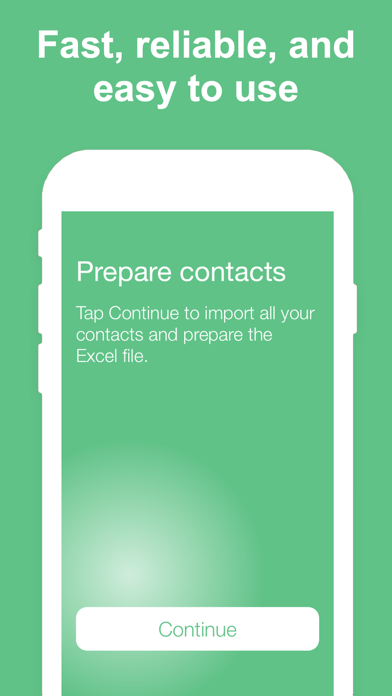
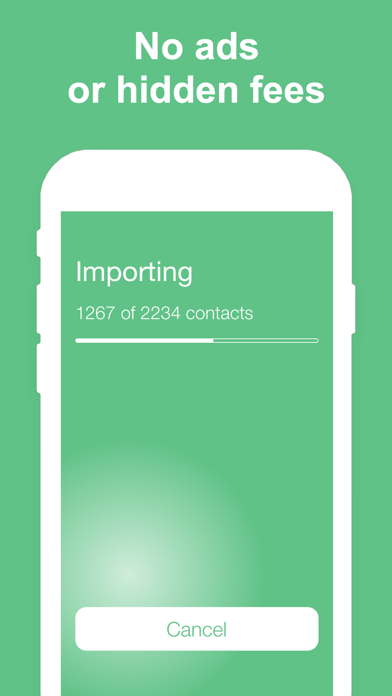
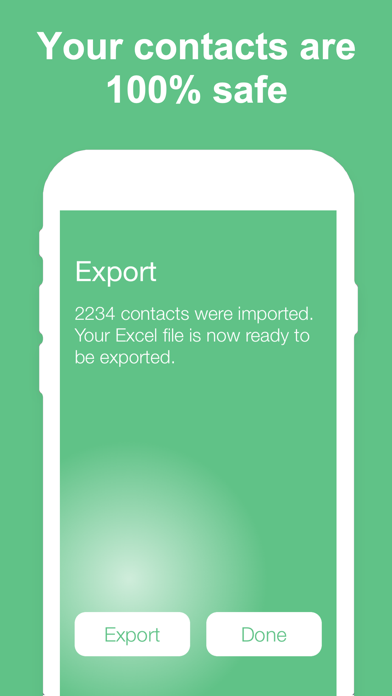
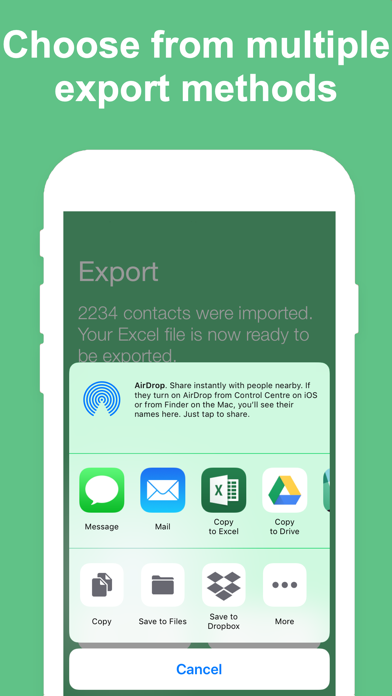
6 REASONS TO USE THIS APP - Easy to use - Choose how to export your contacts - Perfect for transferring contacts to a computer - Designed with your privacy in mind - No ads or hidden fees - Highly rated with an average of 4.5 stars Download it now, or read on to learn more... EASY TO USE Have your iPhone or iPad contacts saved as an Excel file in just 3 taps. Have a look at the screenshots and you will see how simple it is. Open the app, tap Continue, tap Export, select your export method, and you’re done! MULTIPLE EXPORT METHODS You can export the Excel file containing your contacts using email, SMS, iMessage, Dropbox, iCloud Drive, Slack, Evernote, and more. And of course, you can open the file directly in Excel if you have it installed on your iPhone or iPad. UNLIMITED USE You can back up and export your contacts as many times as you want. SAFE AND PRIVATE This app is 100% safe for your contacts. The backup and Excel export is done locally on your device. Unlike other apps, this one does not analyze or store your contacts on a remote server. NO ADS OR HIDDEN FEES Unlike similar applications, this app doesn’t display any ads or tries to charge you extra for services you don’t need. WE LOVE FEEDBACK If you like this app, please consider taking a minute to rate it in the App Store. If you don’t like the app, please contact us and let us know how we can make it better.
What's New
This update makes the export to Excel process faster if you have a large amount of contacts.
Details
- Developer
- New Marketing Lab, Inc
- Main Category
- Utilities
- Version
- 1.7
- Version Release
- 2020-06-24
- Initial Release
- 2019-02-07
- Size
- 16 MB
- Age Rating
- 4+
- Price
- USD 1.99
- Languages
- EN
- Bundle ID
- com.newmarketinglab.ContactsToXLSX
- Version Rating
- ★ 4.80 (935)
- First Seen
- 2026-05-28
Metadata updated 2026-07-19
Rank History
Free · Max 90 days · Top 5 categories shown (Y-axis: rank, lower is better)
No rank history data
Free Rankings
No rankings
Paid Rankings
Competitive Benchmark — Utilities Top 10
What it takes to beat this app — comparison with the category's top apps. The orange row is the current app.
| # | App | Price | Rating | Ratings | Langs | Last Update |
|---|---|---|---|---|---|---|
| 1 | Shadowrocket | USD 2.99 | ★ 4.48 | 12,076 | 7 | 2026-07-07 |
| 2 | FORScan Lite - for Ford, Mazda | USD 6.99 | ★ 3.02 | 192 | 7 | 2026-05-09 |
| 3 | Wipr 2 | USD 4.99 | ★ 4.69 | 1,225 | 1 | 2026-07-07 |
| 4 | Goblin Tools | USD 2.99 | ★ 4.77 | 2,951 | 1 | 2023-06-23 |
| 5 | Necrophonic | USD 9.99 | ★ 3.75 | 532 | 1 | 2022-06-19 |
| 6 | Noir - Dark Mode for Safari | USD 2.99 | ★ 4.56 | 1,339 | 2 | 2026-06-29 |
| 7 | Stash - Rule Based Proxy | USD 5.99 | ★ 4.36 | 1,196 | 9 | 2026-07-16 |
| 8 | Necrometer | USD 9.99 | ★ 2.75 | 265 | 1 | 2024-11-02 |
| 9 | IONIQ 5 Companion | USD 12.99 | ★ 4.74 | 47 | 9 | 2026-07-09 |
| 10 | Just Press Record | USD 6.99 | ★ 4.25 | 1,519 | 13 | 2026-05-05 |
| 55 | Export Contacts to Excel | USD 1.99 | ★ 4.80 | 935 | 1 | 2020-06-24 |
User Reviews
Wow! I should’ve purchased this App hours ago. It worked flawlessly! The means of exporting contacts using the iPhone prompts just don’t work…at all! Using this App is as easy as 1 2 3!
I’ll change my review if this is rectified but I have 1900 names with no numbers. Defeats the purpose. Also, there’s no functionality to get help directly through the app.
I don’t have a lot of patience! In researching how to accomplish exporting my iPhones contacts in bulk I became very frustrated with a lot of the methods I came across. That I found online where this app was recommended. The majority of the reviews positive enough that I decided to ignore the few bad reviews, as nothing will ever have 100% good reviews. Well, I spent the $.99 to download this app onto my iPhone and launched it. I chose to download all of my contacts instead of selecting individually, which ones I wanted to download. I’m glad the app gave you the choice between individually, selecting contacts and downloading in bulk, which is what I wanted to do. To my amazement, the app downloaded all 1612 contacts in about a minute and a half into an excel file and then proceeded to direct me to export the file, which I did, into a OneDrive folder. I then opened the file from my laptop and again, to my amazement and pleasure it opened up as expected! Now I just have to delete the columns I don’t want(that would make for a great additional feature if the app gave you the ability to select the specific column data you wanted prior to processing and downloading the contacts). I’m extremely happy with the results from using this app for its ease of use and accuracy! Bravo to the designer(s)!
Love this app. Well worth the buck to get the job done fast!
Works like a charm
Our son is getting married this fall and I needed to provide names and addresses to the bride for invitations. The download of all my iPhone contacts was lightening quick! You have to download all, no picking and choosing that I could see, BUT the list was very easily edited in my “Sheets” app. So great!
This is ridiculous it worked so good!
Did everything I wanted it to.
Took like 20 seconds to import all 1932 contacts. Happy a friend recommend this to me!
Love this Apps
Reviews are collected only for apps with detected changes (new entries or sharp risers).