

Site Report Pro+ Punchlist App
Screenshots
Description
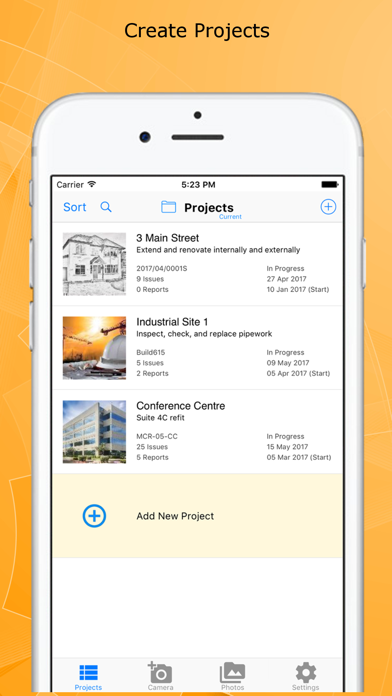
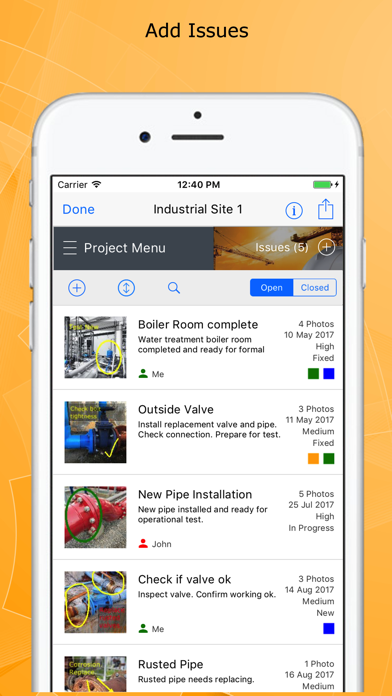
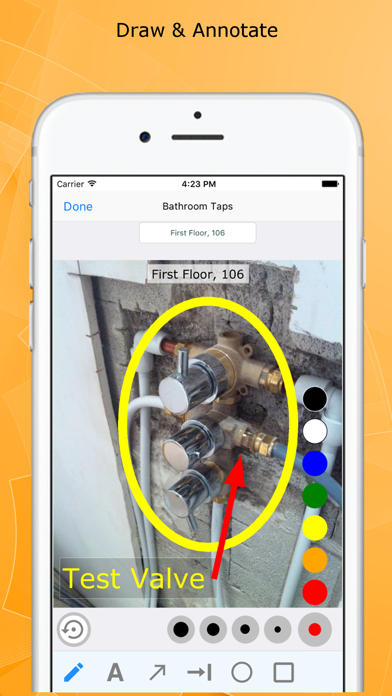
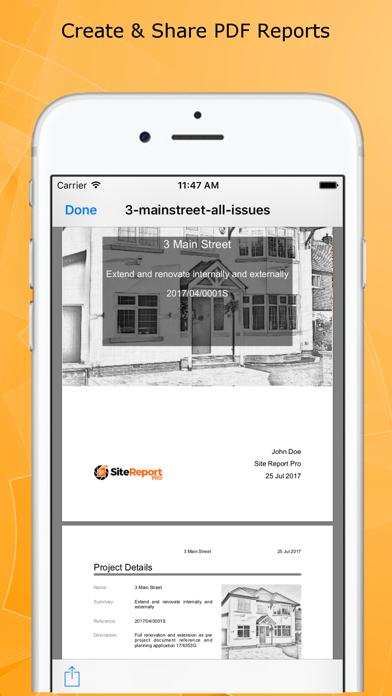
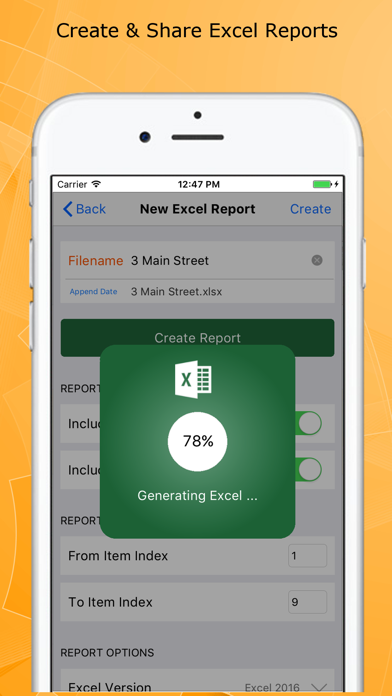
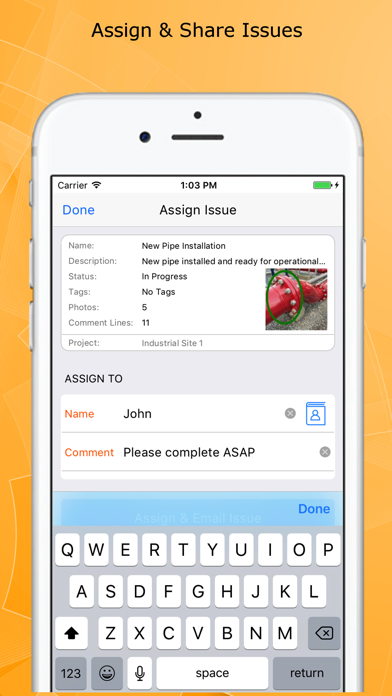
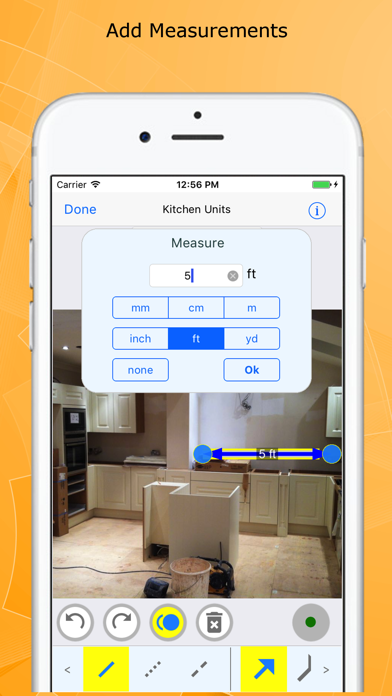
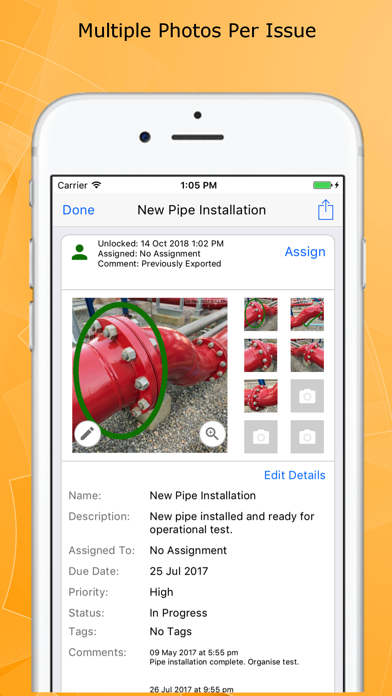
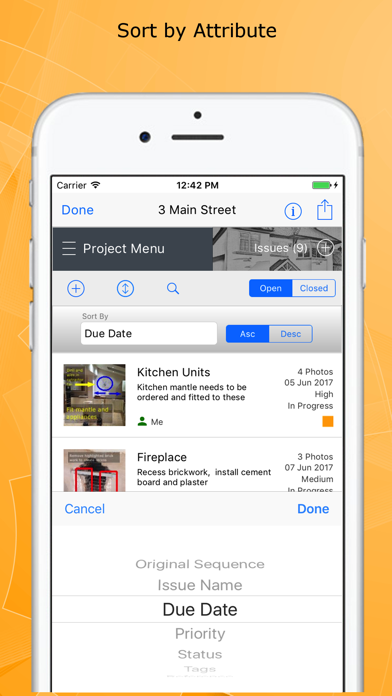
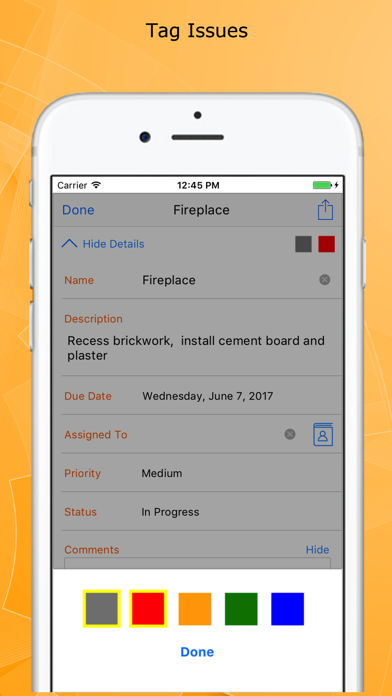
Site Report Pro is the #1 mobile app for generating a field inspection report or professional punch list report as a PDF or XLS file (Excel document). Fast and easy to use, with powerful features not found in other punch list and site inspection report apps, we are confident it will revolutionize the way you manage projects, highlight deficiencies, perform risk assessments and generate your inspection or field report. Whether you are an individual or a team, you can benefit from tools to mark up and blur photos, simple issue assignment, powerful filter & sort capability, and generation of PDF inspection reports in a choice of 40 premium themes that will amaze clients and colleagues. Customizable for a specific trade or industry, Site Report Pro is used worldwide for site walks, reporting punch list items, producing a custom site inspection report, performing risk assessments, tracking construction projects and much more. The Site Report Pro App makes it easy to create and share a site inspection report, field report, or punch list report, as an XLSX file (Excel document) or as a professional PDF report, all while on the job site using only your iPhone or iPad. Benefit from the following features that are generally not found in other site inspection report, punch list, and field inspection apps: - Add up to 8 photos per issue to ensure all observations are captured in the report. Add multiple photos at once or instantly create issues from your selected images. - Mark up and blur each photo to highlight issues using powerful annotation tools — don't worry if you make a mistake, annotations can be moved and resized. - Add professional sign-off signatures to your reports — generate from your name, draw your own, or import an existing signature. - Produce and share professional punch list PDFs & site inspection reports via e-mail or third-party tools such as Dropbox. - Choose from 40 available report themes. - Configure each Excel document (XLS, XLSX) or PDF inspection report using powerful customization, sorting and filtering tools — e.g. generate and send each trade or contractor a report of outstanding issues. - Powerful ordering, sorting, searching and filtering of projects, issues & punch lists. - Use the flexible tagging capability to categorize the inspection report or punch list any way you want. - Assign and send issues to your team members, colleagues and contractors. - Import and export project backups to keep your data safe and transfer between devices. - Maintain a chronological history of work with automatically time-stamped comments. - High quality software and first class customer support — access support chat directly from the app. Site Report Pro does not require an online service or sign-up.
What's New
Sign-Off Signatures Add professional sign-off signatures to your reports. Generate a signature from your name, draw your own, or import an existing one. Smaller PDF Reports PDF reports are now 40–70% smaller thanks to optimised image compression — faster to email and easier to share. Import Projects Restore projects from backup files directly within the app. Go to Settings > Import Projects to get started. Support Chat Need help? Access live support chat directly from Settings. Performance & Stability Improved blur tool performance, resolved an issue that could cause the camera to hang on some devices, and enhanced overall stability.
Details
- Developer
- Pipe Flow Software
- Main Category
- Productivity
- Version
- 1.3.7
- Version Release
- 2026-03-30
- Initial Release
- 2017-11-02
- Size
- 52 MB
- Age Rating
- 4+
- Price
- USD 16.99
- Languages
- EN
- Bundle ID
- com.daxesoft.sitereportproplus
- Version Rating
- ★ 4.65 (313)
- First Seen
- 2026-06-02
Metadata updated 2026-06-19
Rank History
Free · Max 90 days · Top 5 categories shown (Y-axis: rank, lower is better)
No rank history data
Free Rankings
No rankings
Paid Rankings
Competitive Benchmark — Productivity Top 10
What it takes to beat this app — comparison with the category's top apps. The orange row is the current app.
| # | App | Price | Rating | Ratings | Langs | Last Update |
|---|---|---|---|---|---|---|
| 1 | QuickBend: Conduit Bending | USD 6.99 | ★ 4.82 | 3,785 | 0 | 2026-03-03 |
| 2 | Things 3 | USD 9.99 | ★ 4.82 | 27,662 | 9 | 2026-03-25 |
| 3 | Site Audit Pro | USD 12.90 | ★ 4.83 | 10,526 | 1 | 2026-06-17 |
| 4 | iBend Pipe | USD 3.99 | ★ 4.29 | 96 | 1 | 2018-01-02 |
| 5 | Ugly's Electrical References | USD 12.99 | ★ 4.40 | 1,458 | 1 | 2026-06-19 |
| 6 | Due - Reminders & Timers | USD 7.99 | ★ 4.67 | 2,778 | 17 | 2026-06-06 |
| 7 | Scrivener | USD 23.99 | ★ 4.18 | 2,578 | 10 | 2023-09-29 |
| 8 | Tampermonkey | USD 2.99 | ★ 3.15 | 53 | 26 | 2025-07-09 |
| 9 | Pythonista 3 | USD 9.99 | ★ 4.46 | 1,512 | 1 | 2023-04-27 |
| 10 | iFacialMocap | USD 7.99 | ★ 3.36 | 56 | 15 | 2026-04-17 |
| 70 | Site Report Pro+ Punchlist App | USD 16.99 | ★ 4.65 | 313 | 1 | 2026-03-30 |
User Reviews
I bought the pro- and this pro+. The Pro- after upgrade on the reports when I take a photo it just locks up and unusable. I bought this PRO+ now it runs fine and piloting this software. But I lost 14.99 + 3.99 for the expansion…. Refund me.
Easy report generation. Excel reports are okay, it’s a bit difficult to manage photos in Excel. PDF reports are great!
Works well for writing pdf reports. Lots of good options
Overall a very good PunchList app. Easy to use. Offers several templates and some Customization. And the price is good for what it offers. But could really use the following critical features: 1. Please add the ability to sync amongst devices. While it is good they gave the ability to export and import, it would be better if reports could be synced between iPhone and iPad. 2. Text fonts are too small when printed. It is almost useless to print the report because it's so small and difficult to ready, and there appears to be no way to increase font size. 3. Multiple photos are useless. Only the primary photo is big enough to see. Any additional photo added to an item is useless. 4. There is no way to number your PunchList items. Which means you cannot reference items easily when reviewing the PunchList with contractors or teams. Overall a great app.
What a great App, the fact that is a live document that can be Edited anytime, automatically adding important information like dates and times, assigning the issues, using colors and tags makes it so useful for Auditing and Reporting. ONE suggestion or request, can you add the ability to choose multiple pictures (from your Photos) when choosing multiple pictures of the same issue reporting will save a lot of time, being 8 the maximum amount of pics, will cut the process by 7 times. If you can make that happen, will be awesome!!! Thank you!!!
This is a great app in concept. We became very familiar with it before taking it out onto the site to do a Punch List using iPads and iPhones. Inputting the data is easy, marking up photos, assigning work, etc. this saves a lot of time and one does not have to juggle a lot of gear to document conditions. HOWEVER in order for this app to be useful you have to get the data out of it and into a useable report. The PDF export feature renders wildly different results every time it is used. Whatever text data you added is randomly cut off in the description and observation notes fields. Some times it’s after the first sentence, other times all 6 sentences appear just fine. Always mid sentence and there is no logic as to the number of characters or space allocated on the page. One entry gets clipped, the other is perfect. Run the exact same export on the exact same report, same issues but in different places. After trying to get the report to export successfully to PDF for several hours we gave up and decided to use the export to excel function. Once in excel all of the text data came across without issue, the cells however do not support text-wrapping so you have to manually adjust all of the cells and play with it to get it to fit on the page. In addition any photos that are exported come through inconsistently. Sometimes you get just the first photo assigned to an item, sometimes you get all photos, other times it just repeats the same first photo multiple times in additional cells. Worse, in some entries the wrong photo is referenced. Export to excel again and you get the same results, just in different entries, there is no consistency to the errors in thr entries. All of this takes considerable time and effort to correct so all of the time you thought you were saving with the app while on site is eaten up making the reports functional and useable later. Lastly, there is no support for this app, we have emailed though the app itself and from the information on the developers website. No response. Forget about using the links to the user documentation from the app or the website... “401 error, document not found”. This app has not been updated in a year. It should be removed from the App Store.
Am I missing how to upload multiple pics and then go back and write details? Seems alittle time consuming. Hopefully, I’m missing something and it’s user error.
This is a really good app! Just wish there was a way to work on the same report from two different devices (collaborate).
Easy to use, so far I don’t have any real issues. I’ll give 5 stars for more control of logos and tags. I recommend for sure!
I work in the shopping center industry. I use this program to create construction punchlists for tenant projects, landlord projects as well as Maintenance planning and projects. This is a great tool that I use regularly.
Reviews are collected only for apps with detected changes (new entries or sharp risers).