

스크린샷
설명
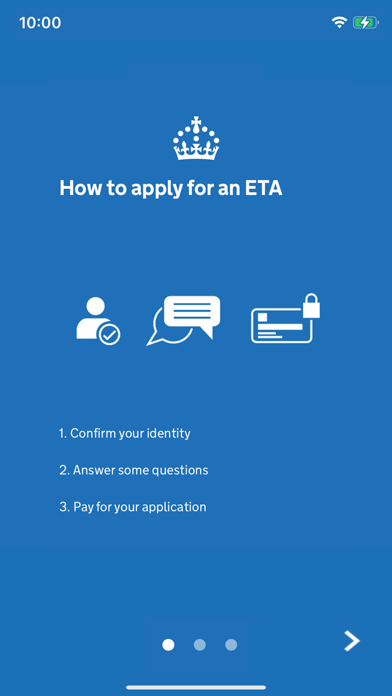
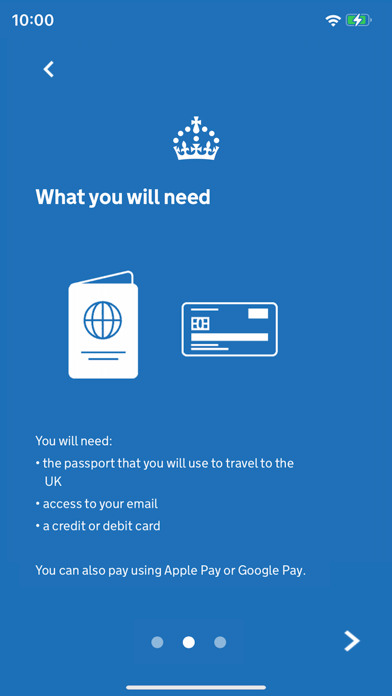
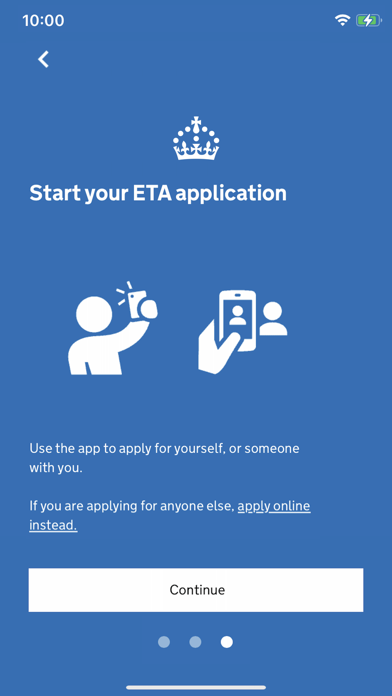
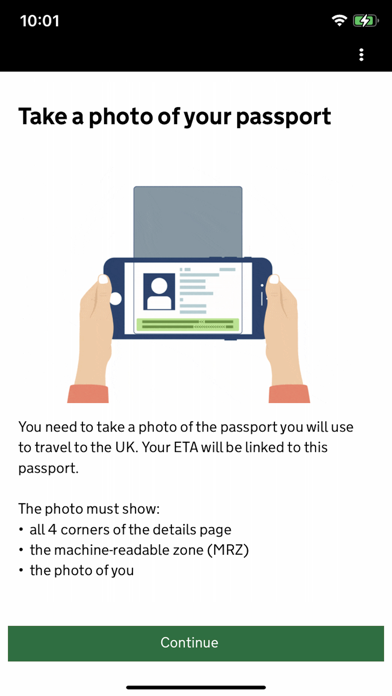
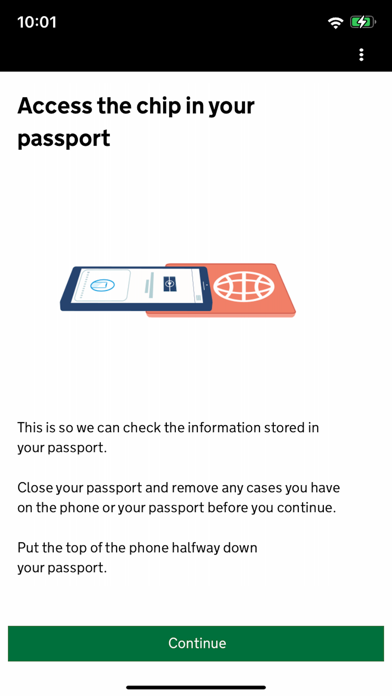
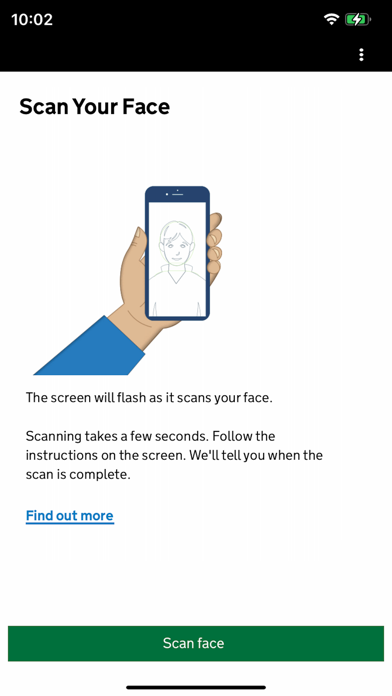
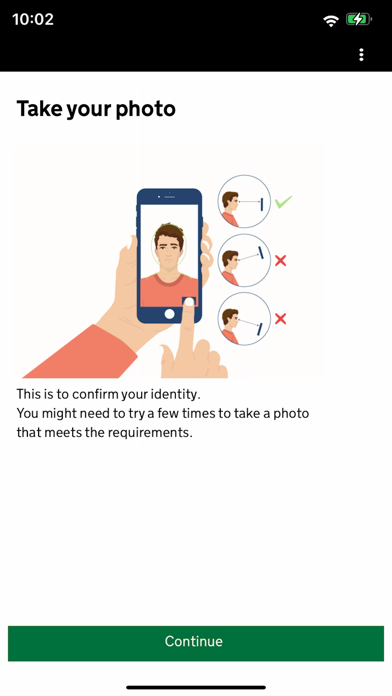
Use the UK ETA app to apply for an electronic travel authorisation (ETA) to come to the UK. Who can apply Find out if you need an ETA to travel to the UK at: https://www.gov.uk/electronic-travel-authorisation. How to apply on the UK ETA app 1. Take a photo of your passport. 2. Scan the chip in your passport. 3. Scan your face. 4. Take a photo of yourself. 5. Answer some questions about yourself. 6. Pay for your application. It should only take 10 minutes to apply. You do not need to enter your travel details. Before you start To apply you will need: • an iPhone 8 or newer with IOS 16 or later • the passport you will use to travel to the UK • a credit card, debit card or Apple Pay • access to your emails If you're applying for someone else they must be with you. If they are not, you should apply online at: https://www.gov.uk/electronic-travel-authorisation. After you apply You’ll get a decision by email from UK Visas and Immigration (UKVI), usually within a day. Allow up to 3 working days (Monday to Friday) to get a decision, but it may arrive much sooner. The email will contain your 16 digit ETA reference number. You must wait until you get an email confirming you have an ETA before you travel to the UK. If you have not received a decision after 3 working days, check your spam or junk email folder before contacting UKVI. You may get decisions at different times to other people you applied for. Your ETA will be linked to the passport you applied with. You only need to show your passport when you travel to the UK. Privacy and security The app is safe and secure. No information is stored on the app or your phone after you close it. You can delete the app after you have completed your application. For information on staying safe online visit the UK Cyber Aware website: https://www.ncsc.gov.uk/cyberaware/home Accessibility You can read our accessibility statement at: https://confirm-your-identity.homeoffice.gov.uk/register/eta-app-accessibility
새로운 소식
Performance improvements
상세 정보
- 개발사
- Home Office
- 주 카테고리
- Utilities
- 현재 버전
- 2.36.880
- 버전 출시일
- 2026-05-28
- 최초 출시일
- 2023-10-23
- 용량
- 222 MB
- 연령 등급
- 4+
- 가격
- 무료
- 언어
- EN
- 번들 ID
- uk.gov.HomeOffice.ho3
- 현재 버전 평점
- ★ 3.24 (1,463)
- 첫 수집
- 2026-05-28
메타데이터 갱신 2026-07-19
순위 히스토리
무료 기준 · 최대 90일 · 상위 5개 카테고리 표시 (Y축: 순위, 낮을수록 상위)
무료 순위
유료 순위
순위 없음
경쟁 벤치마크 — Utilities Top 10
이 앱을 이기려면 무엇이 필요한가 — 같은 카테고리 상위권과의 비교입니다. 주황색 행이 현재 앱입니다.
| # | 앱 | 가격 | 평점 | 리뷰 수 | 언어 | 최근 업데이트 |
|---|---|---|---|---|---|---|
| 1 | 무료 | ★ 4.65 | 4,831,032 | 46 | 2026-07-13 | |
| 2 | Google Chrome | 무료 | ★ 4.69 | 3,668,808 | 38 | 2026-07-15 |
| 3 | Cleanup: Phone Storage Cleaner | 무료 | ★ 4.66 | 683,940 | 18 | 2026-07-03 |
| 4 | TV Remote - Universal Control | 무료 | ★ 4.44 | 586,726 | 4 | 2026-05-25 |
| 5 | My Verizon | 무료 | ★ 4.66 | 5,513,703 | 2 | 2026-06-10 |
| 6 | Google Authenticator | 무료 | ★ 4.85 | 1,137,079 | 32 | 2026-07-13 |
| 7 | AT&T | 무료 | ★ 4.79 | 195,651 | 2 | 2026-07-07 |
| 8 | Xfinity | 무료 | ★ 4.29 | 1,356,543 | 2 | 2026-07-17 |
| 9 | My Spectrum | 무료 | ★ 4.79 | 3,387,062 | 2 | 2026-07-15 |
| 10 | Proton VPN: Fast & Secure | 무료 | ★ 4.62 | 77,582 | 33 | 2026-06-08 |
| 26 | UK ETA | 무료 | ★ 3.24 | 1,463 | 1 | 2026-05-28 |
유저 리뷰
Does not load in China, presumably because of the Great Firewall, but also does not load on mobile data on US SIM card. Very disappointed.
After reading the reviews, I tried applying for the ETA online. It was a mess. The app was quick and you’re able to apply for someone else as well. They must have made improvements because the app made the process easy.
The whole thing was extremely easy. Took me less than 5 minutes and was approved 2 minutes after submission. Highly recommend using this app if you can.
Simple and took less than 5 mins.
Very easy to use! Took a total of 5 minutes and Was approved in less than 5 minutes!
승인 메일까지 일분도 안걸림! 앱이 업데이트되서 그런건진 모르겠지만 잘되네요
Spent 3 hours taking face photo because it would not accept it or give any feedback as to how to fix/why it was not approved. Seems like a very sensitive photo algorithm. Also it doesn’t save your information and makes you redo whole form every time you restart app.
The app requires a non-reflective photo. This is nearly impossible since the UK and US passports have a complex reflective anti-fraud layer. I tried mutilole times and never had a photo accepted. The app is illogical: it claims it will automatically take a photo when it’s ready but then bars its own decision by saying the photo is just automatically took isn’t suitable. (Doesn’t say why or course) It’s also completely unclear that I’m going to be able to in a position to apply for my Children (not UK citizens): it frames the whole flow as me (a UK citizen) applying for an ETA. Which obviously I don’t need. I’m honestly shocked that the UK gov is shipping such a poorly tested product. Very disappointing
This literally gave me a bad impression of UK. If it’s an official app, make it work at least.
Not sure why the rating is so low. It’s a pretty simple process and the instructions are clear. Took me maybe 5 minutes to do.
The camera function to photograph your passport automatically captures the photo and then says it was poorly taken and not allow you to submit it
The app didn’t work for anyone in our party. Midway through our applications it just told us to do it online. This whole thing was such an annoying extra step.
변동(신규 진입·급상승) 감지된 앱에 한해 Apple RSS 최신 리뷰를 수집합니다.