

Reflector Director
🇰🇷 KR LocalizedScreenshots
Description
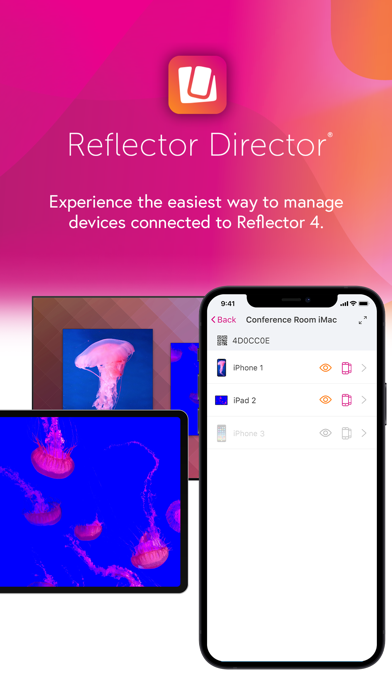
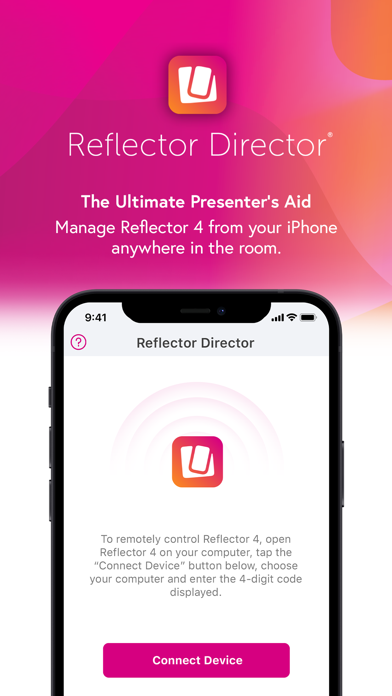
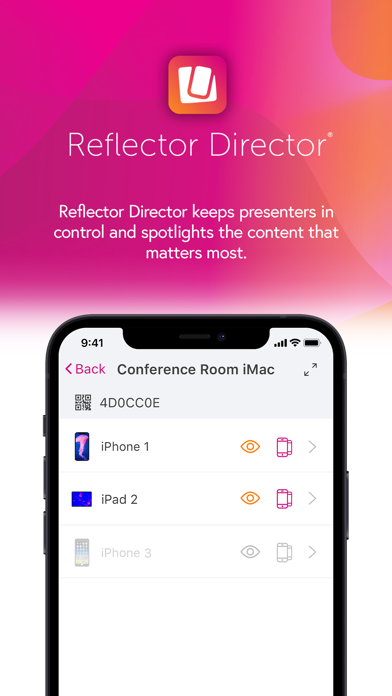
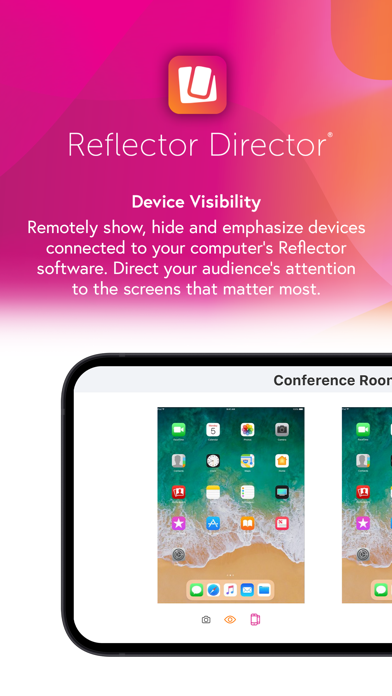
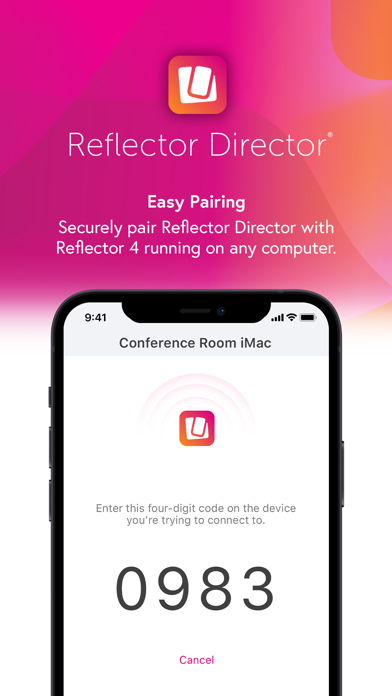
Reflector Director allows you to manage the Reflector 4 desktop screen mirroring software from an iPad or iPhone. Step away from your computer and maintain control of shared content. View and manage connected device screens from the palm of your hand. Reflector Director features: Emphasize Devices Use Reflector Director to highlight a device that’s connected to Reflector 4. Spotlight important content or action. Reflector Director brings screens to center stage for emphasis. Eliminate distractions by enabling full-screen mode. Preview Screens Reflector Director shows screen previews of any devices that are connected to Reflector 4, even if the screen is hidden to your audience. This allows you to know what’s going to be presented before you show a connected device screen to others in the room. Keep Audience Focused Add Reflector Director to any classroom or collaborative space to create a distraction-free environment. Spend more time concentrating on people and less time in front of a computer screen. Device Frames Use Reflector Director to select new device frames to display on mirrored screens, or choose to hide frames entirely. Displaying a frame around devices adds a polished and professional feel. Secure Pairing Pairing Reflector Director to Reflector 4 is easy and secure. Reflector Director even helps you easily connect to a computer’s Reflector software on limited and restricted networks. The apps are paired directly together with no in-between connections. Use a Quick Connect Code (TM), QR Code or Bluetooth to easily pair. How It Works Simply open the Reflector Director app on your iOS device and connect to the Reflector 4 software on your computer to begin managing the devices that are connected to the Reflector software. Reflector Director allows you to step away from your computer while still controlling how your audience views the devices that are connected to Reflector 4. Easily show and hide devices, emphasize screens, enable full-screen mode or change device frames all while away from your computer. Reflector Director is compatible with Reflector 4. It REQUIRES this application running on your computer: https://www.airsquirrels.com/reflector/download/ NOTE: Reflector Director does NOT allow you to mirror a device to your iPhone or iPad. Reflector Director DOES allow you to manage the devices that are connected to Reflector 4 software.
What's New
- Updated UI with current branding - Added support for Dark Mode - Bug fixes and performance improvements
Details
- Developer
- Squirrels LLC
- Main Category
- Education
- Version
- 4.0.0
- Version Release
- 2021-08-31
- Initial Release
- 2015-04-15
- Size
- 69 MB
- Age Rating
- 4+
- Price
- USD 6.99
- Languages
- CS, DA, NL, EN, FR, DE and 4 more
- Bundle ID
- com.Squirrels.ReflectorDirector
- Version Rating
- ★ 1.68 (22)
- First Seen
- 2026-05-30
Metadata updated 2026-06-11
Rank History
Free · Max 90 days · Top 5 categories shown (Y-axis: rank, lower is better)
No rank history data
Free Rankings
No rankings
Paid Rankings
No rankings
More by This Developer
User Reviews
환불해주세요
ㅇㅇ
..
Sorry I got it wrong. I just wanted to buy reflector teacher. I would like to get a refund. Thanks
환불 부탁드립니다.
잘못 샀어요 환불해줘요 Sorry. I buy the wrong app. Refund please
환불요청합니다.
잘못 구매. 환불 요청
환불 부탁드립니다.
이용방법을 도통 모르겠네요 환불해주세요
Reviews are collected only for apps with detected changes (new entries or sharp risers).