Scan, eSign & Fill Documents
Screenshots
Description
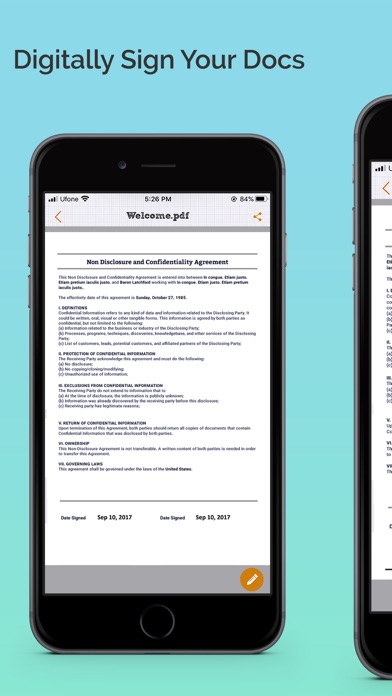
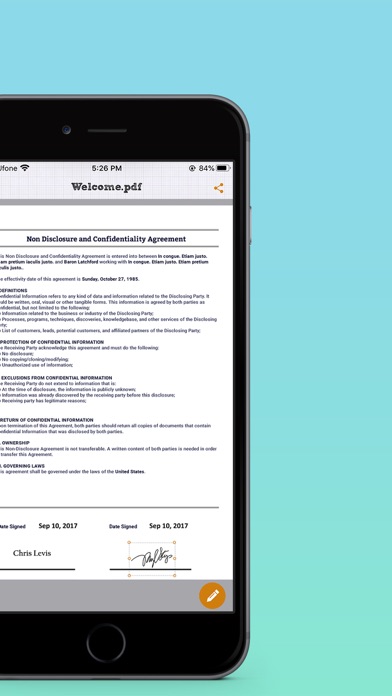
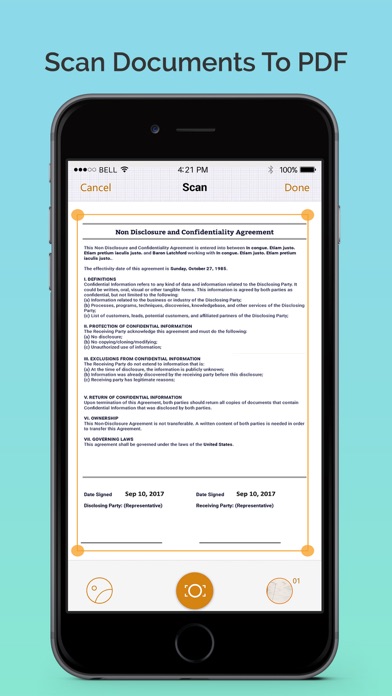
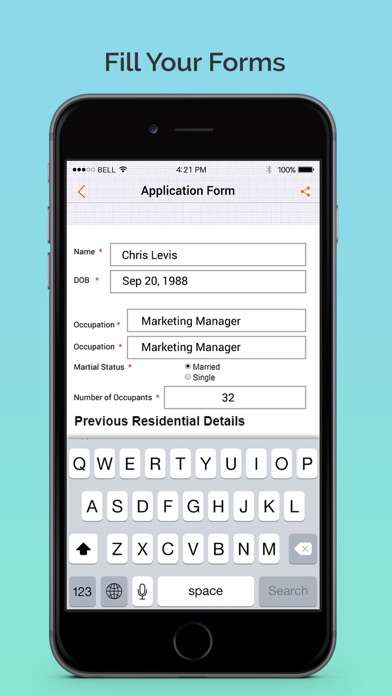
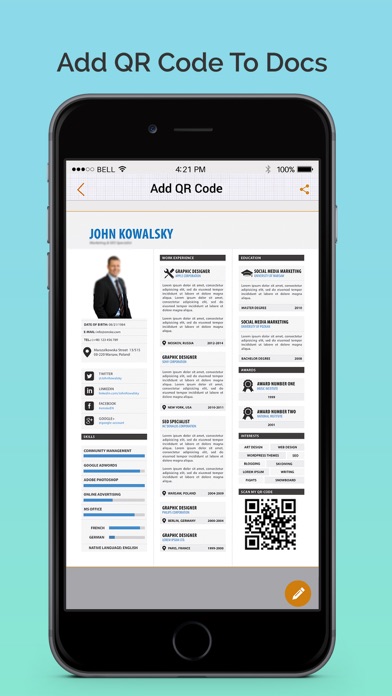
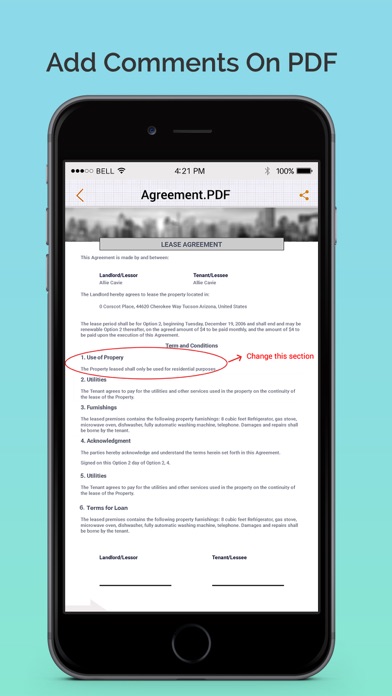
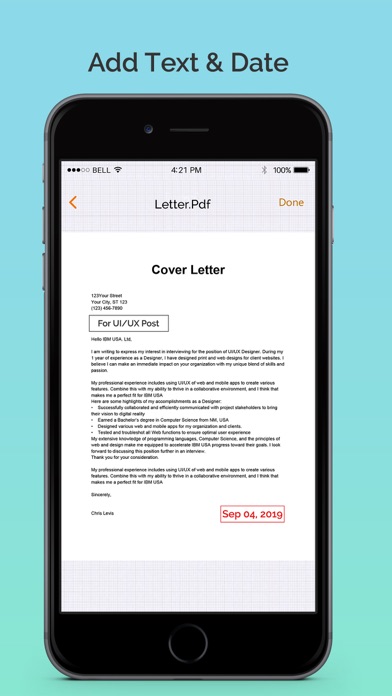
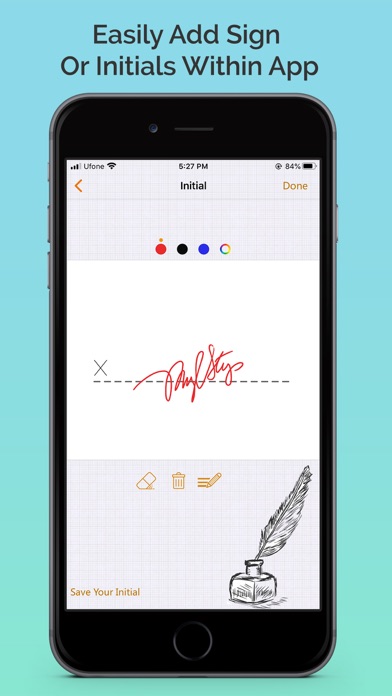
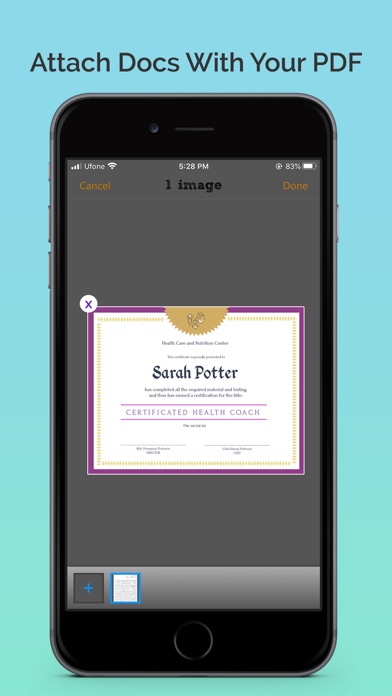
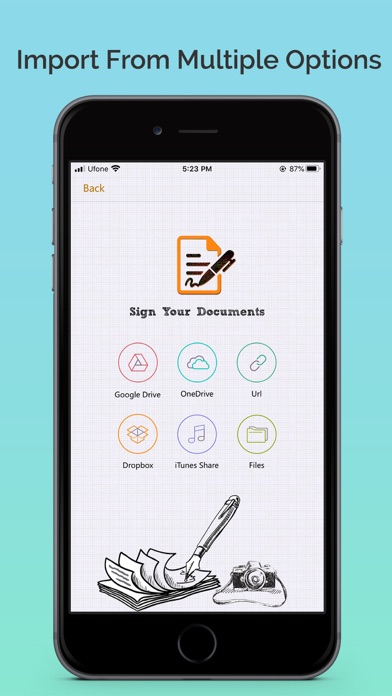
Electronically sign and send documents with Scan, eSign & Fill Documents and get it done on your finger tips. It is a simplest solution for your business needs that requires no log-in or registration as well as no expensive subscription charges. You can easily scan a document from device camera, fill your documents within the app, add your real signature to any document with fingers or by using a stylus and apply those signatures or initials to the form. If you prefer using a pen drawn signature, you can simply add it on paper, capture a photo and insert it on your documents. Import and prepare a document entirely on your device and share instantly. Common documents to sign with Scan, eSign & Fill Documents are: NDAs, Sales contracts, Financial agreements, Waivers, Lease Agreements, Employment Contracts, Job Offers, Work orders and virtually anything. KEY FEATURES: SCAN: Quickly create a PDF scan from camera within the app and digitalize your paper documents. FILL: Fill out documents and forms with multiple options of adding Text, Checkmarks, Date, Images, QR Code and more. SIGN: Sign realistically with hand drawn signatures or add Initials within the app and digitally sign your documents. IMPORT: Import a document from Dropbox, OneDrive, Google Drive, iTunes Share, URL and through other apps with “Open In” functionality as well. ATTACH DOCUMENTS: Attach any document at the end of your ready PDF and send anywhere you like. ADD DATE & COMMENTS: Insert date, modify its size and color as well as add comments to PDF files before sharing them. EXPORT: Share the complete document with anyone via Google Drive, OneDrive, Dropbox, iTunes Share, iCloud, email, WhatsaApp and lot more. PRINT: You may even print your documents directly from your device and handle paper work efficiently. Download the app now to manage paperwork efficiently. For any questions or suggestions, contact us at support@whizpool.com
What's New
- Improved stability and bug fixes Thank you for using Scan, eSign & Fill Documents! We regularly update our app to fix bugs, improve performance and add new features to bring a great experience for our users.
Details
- Developer
- Whizpool
- Main Category
- Business
- Version
- 2.5
- Version Release
- 2021-08-26
- Initial Release
- 2015-06-02
- Size
- 119 MB
- Age Rating
- 4+
- Price
- USD 1.99
- Languages
- NL, EN, FR, DE, IT, JA and 5 more
- Bundle ID
- com.whizpool.signandfill
- Version Rating
- ★ 3.78 (9)
- First Seen
- 2026-06-05
Metadata updated 2026-06-06
Rank History
Free · Max 90 days · Top 5 categories shown (Y-axis: rank, lower is better)
No rank history data
Free Rankings
No rankings
Paid Rankings
No rankings