

oneSafe+ password manager
🇰🇷 KR LocalizedScreenshots
Description
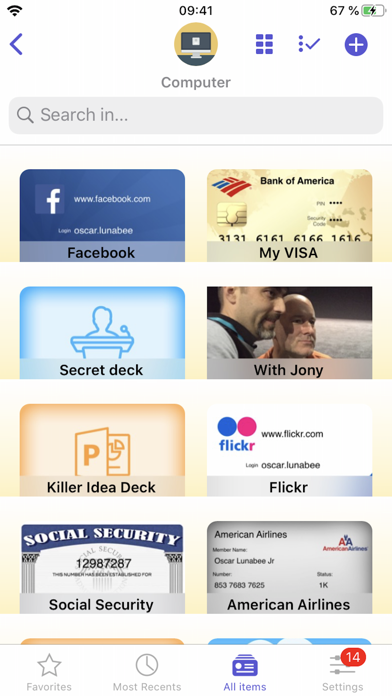
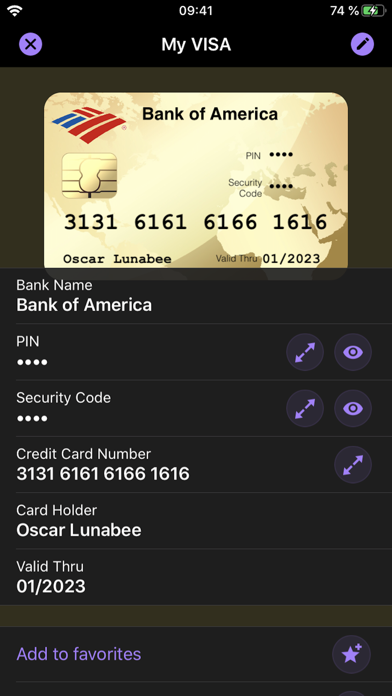
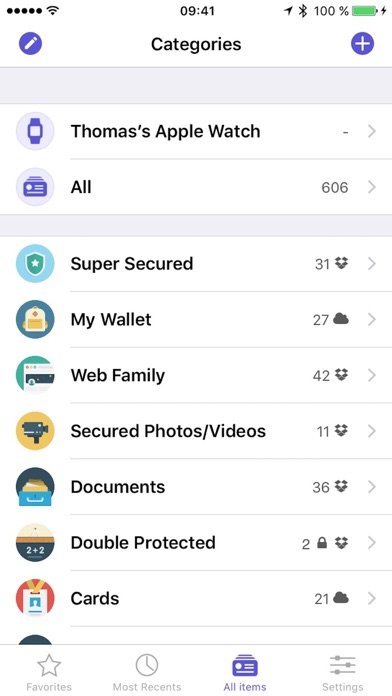
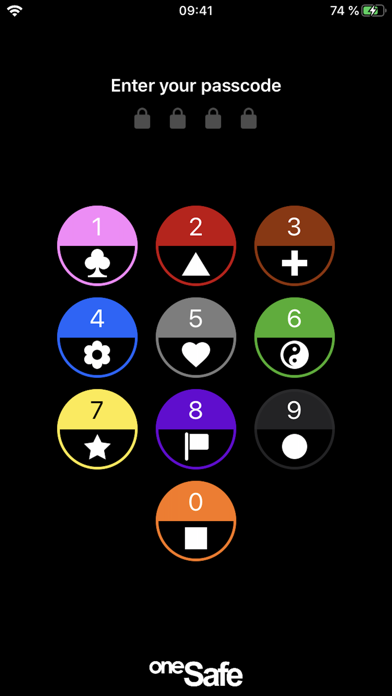
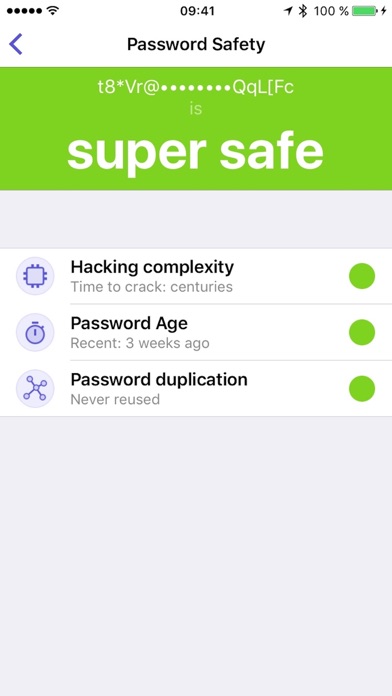
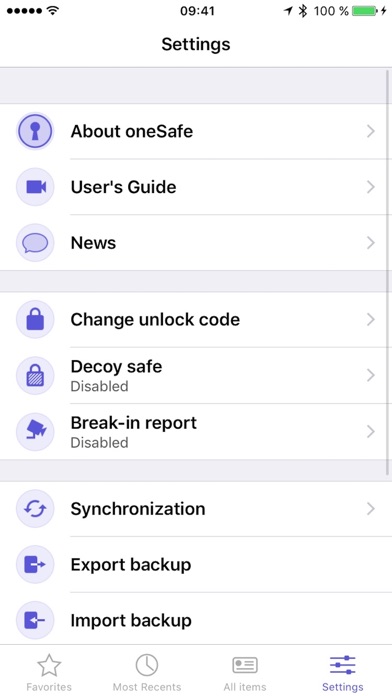
oneSafe provides advanced security for your passwords with features like Touch and Face ID, auto-lock, decoy safe, intrusion detection, self-destruct mode and double protection for your most sensitive data. NEW! oneSafe+ now supports Dark Mode, Siri shortcuts, an Apple Watch app, iOS universal (super fast) search in Spotlight, and many other iOS 13 improvements. You can even sync your secured info across various devices via iCloud Drive, CloudKit or Dropbox to have your passwords available whenever and wherever you need them. oneSafe protects your confidential information with AES-256 encryption; the highest level of encryption on mobile devices. Passwords, documents, photos, credit card numbers, bank account details, PIN codes and much more can all be locked away securely inside your safe – and at the same time be accessible whenever you need them. Plus, oneSafe adapts to your preferences allowing you to change the colors and images of your safe for maximum customization. > THEY LOVE oneSafe • Apple Editor's Choice, best new app in 80 countries! • "oneSafe has cuter graphics than its rivals" [New York Times] • "Even though oneSafe is incredibly powerful, it remains incredibly user-friendly." [iMore] • "Listed in top password managers" [Cnet] • "oneSafe is well built, robust, and easy to use" [Marco Tabini] • "If you want to protect and secure your data like Fort Knox, oneSafe is your solution." [AppDictions.com] oneSafe is ultra secure, easy to use and provides an unequaled user experience. Keep all your confidential information secure and easily accessible when you need it – with oneSafe! > SECURITY first oneSafe incorporates the strongest encryption algorithm available on mobile devices (AES-256). All your data is automatically encrypted as soon as it's stored in the app, even the synched content. oneSafe also makes your entry password unhackable by using encryption standards involving extremely complex calculations. In addition, oneSafe comes with numerous advanced security options allowing you to manage your level of security: double-protection categories, auto-lock feature, password generator, decoy safe, self-destruct option, break-in attempts monitoring and a password change reminder. > SYNC your content, the way you want • You control at all times which categories are synched and which are not. • Your info is synched via iCloud or Dropbox. Before being sent to the server it’s encrypted with AES-256 for the maximum possible level of security. • You don't want to use the cloud? Choose the manual sync option! > FEATURES that will make your life easier • Password safety analysis. • iOS universal search in Spotlight. • Large step-by-step password reader. • Integration with Withings watch, securing oneSafe based on the watch's distance from your iPhone or iPad. • Create, browse and edit your items super easily. • Adapt your safe with customizable categories to keep all your information well organized. • Use ready-made templates to quickly and easily enter your data. • Take advantage of the ultra-secure built-in browser with auto-fill feature to access websites quickly and securely. • Back up your data (via email, iTunes or Wi-Fi) to be sure you’ll always have a copy in storage. • Change the texture, icon and color for any of your items. • Flag items as 'Favorites' for quick access to your most commonly used information. • Use the ‘Search’ feature to find items quickly within your database. • Sync the contents of your safe between your devices using iCloud (iCloud Drive or CloudKit), and/or Dropbox. • Use the bullet-proof "Secure sharing" feature to share your confidential data with your family, friends or colleagues. Store in complete security: • Credit card numbers • PIN codes and entry codes • Social security and tax numbers • Bank account details • Usernames and passwords • Documents in PDF, Word, Excel and more • Private photos and videos
What's New
Fix an iOS 18 related bug
Details
- Developer
- Lunabee Pte. Ltd.
- Main Category
- Productivity
- Version
- 5.2.9
- Version Release
- 2024-09-21
- Initial Release
- 2017-02-02
- Size
- 172 MB
- Age Rating
- 4+
- Price
- USD 4.99
- Languages
- EN, FR, DE, IT, JA, KO and 5 more
- Bundle ID
- com.lunabee.sg.onesafe4
- Version Rating
- ★ 4.79 (4,355)
- First Seen
- 2026-05-28
Metadata updated 2026-07-19
Rank History
Free · Max 90 days · Top 5 categories shown (Y-axis: rank, lower is better)
No rank history data
Free Rankings
No rankings
Paid Rankings
No rankings
More by This Developer

User Reviews
카드를 스캔해서 만들고 나서 카드사진을 보려고 들어가면 사진이 가려서 반 밖에 보이지 않아요. 제발 수정 좀해주세요.
유용하게 잘쓰고 있으며, 추천 합니다.
오랜만에 들어갔더니 정보가 다 사라져버려서 당황했습니다 보안이 잘 되면 뭐하나요 지킬 내용물이 사라졌는데
새 항목 입력시 한국어, 영어, 중국어 다 필요할 때, 한페이지 안에서 세가지 언어를 바꿔가며 쓸 수 없습니다. 오랫동안 잘 써 왔는데 이번 버전부터 이럽니다. 매우, 아주, 많이 불편합니다
ㅇㅇ
지금 멘붕..... ㅜㅜㅜㅜ
ios에서 추가한 내용, macos에서 수정한 내용이 동기화 안되네요 방법을 찾을 수 없어 여기에 글을 올립니다
모든 기능을 사용하지는 않지만 필요한 부분들에서는 만족하며 사용하고 있습니다.
3 에 그냥 있을걸! 4 에 넘어왔더니 동기화가 전혀 안 되잖아! 환불하고 그냥 3 을 사용하겠습니다.
오늘(9/25) 아침에 갑자기 튕겨서 안되는데 어떻게 해야하나요? 백업은 있긴한데 존 오래되어서요.
Reviews are collected only for apps with detected changes (new entries or sharp risers).