

Video Zoom! - Apply Zoom, Crop
Screenshots
Description
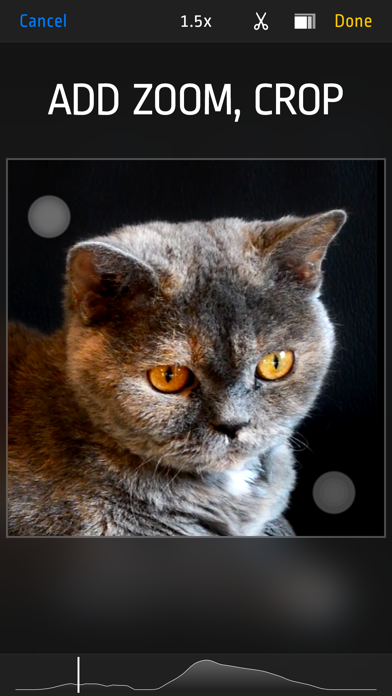
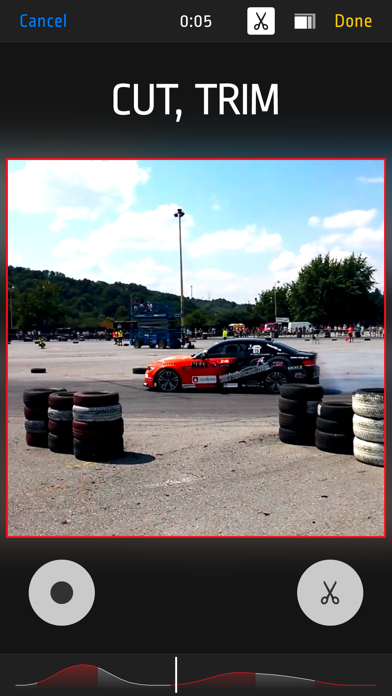
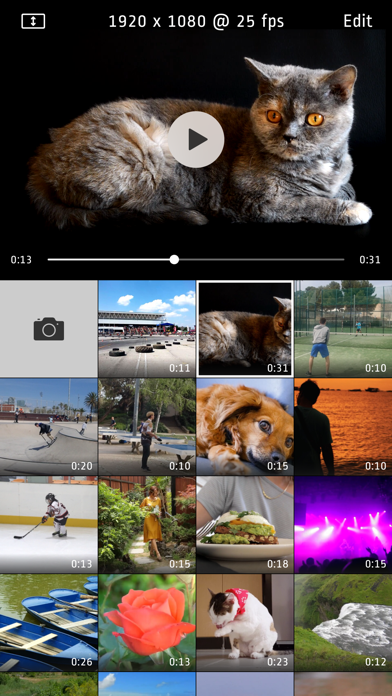
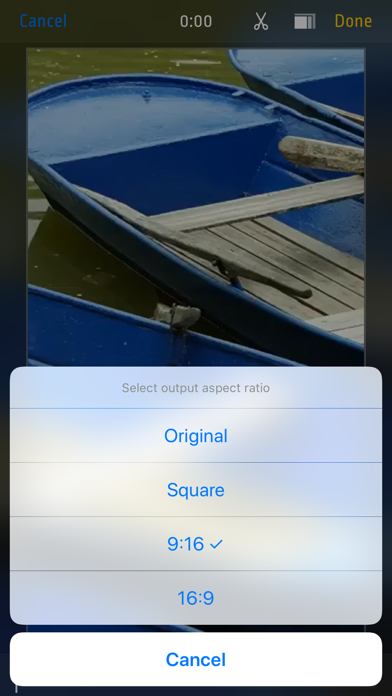
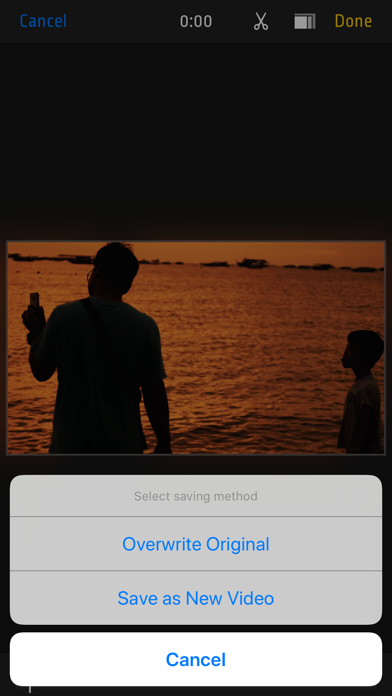
Do your videos look boring? Did you forget to use zoom during recording? Want to cut some parts? Use this app to add Zoom effects to existing videos, change aspect ratio, cut unwanted parts, or just crop a video. Use it as a normal app or Video Extension. How to use it: 1. Tap video thumbnail to preview video 2. Tap Edit to open editor 3. Use pinch/drag gestures to add zoom effect. You can do it when video is playing or paused. 4. Tap ‘Scissors’ icon to show Cut and Uncut buttons. Hold ‘Cut’ pressed to cut unwanted scenes. 5. Tap ‘Rectangle’s icon to change aspect ratio 6. Finally tap "Done" and select "Overwrite Original” or "Save As New Video“ to start rendering. Even if you choose "Overwrite" you can revert to original anytime. Features: - Zoom/Pan/Crop existing videos - cut as many unwanted parts as you need - turn device to landscape orientation to open full screen preview in gallery view - revert to original or delete videos by long pressing thumbnail in gallery - select output quality lower or equal to original (4k/1080p/720p) - iOS Photo Library support (no internal library) - recording from Front or Back camera - save zoomed video as a New Clip or Overwrite - Photo Extension support allowing you to quickly launch Video Zoom app from system Photos - interface optimized for all iPhones and iPads
What's New
- added progress bar in Photo Extension
Details
- Developer
- Lucky Clan
- Main Category
- Photo & Video
- Version
- 2.6
- Version Release
- 2020-04-22
- Initial Release
- 2014-12-19
- Size
- 12 MB
- Age Rating
- 4+
- Price
- USD 1.99
- Languages
- EN
- Bundle ID
- com.luckyclan.videozoom
- Version Rating
- ★ 4.65 (395)
- First Seen
- 2026-05-31
Metadata updated 2026-05-31
Rank History
Free · Max 90 days · Top 5 categories shown (Y-axis: rank, lower is better)
No rank history data
Free Rankings
No rankings
Paid Rankings
No rankings
More by This Developer

User Reviews
After you download the app, you have to have a constant connection in order to save videos after you edit. Lame
App keeps crashing
How to email a video from here? There isn’t a clue. Why is the zoom slider not visible while shooting a video? It was in the past….discouraging
Is it really not possible to have audio? I want to zoom in based on things being said in the video, but audio doesn’t work in the app. You just have to edit the soundless video, which makes it much harder to do (impossible for me). Wasted money.
Not sure about other features, but post-recording zoom feature is great to have! Thanks!
So trash skip this
I really enjoyed it. I wish the developers were add a stabilization feature. Other than that it’s a good app.
The app used to work great. Now it won’t save my edits…boo
Shooting in 4K and then having the ability to manually zoom and pan in real-time… I don’t think anyone could make it any easier. You can be subtle with it, where nobody knows, or your can have dramatic movements that add to a videos “edited” look. And for the app creators, how about a “pro” version that also allows for real-time rotation. Everybody and their brother makes apps that can rotate videos in 90 degree chunks, but man would it be handy to be able to pan, zoom, AND rotate videos as little as a degree at a time by just pinching and twisting.
You can go back and add zoom to all your videos ... It's fantastic. I have redone tons of my old videos ! Excellent
Reviews are collected only for apps with detected changes (new entries or sharp risers).