

FineReader Pro: PDF Scanner
🇰🇷 KR LocalizedScreenshots
Description
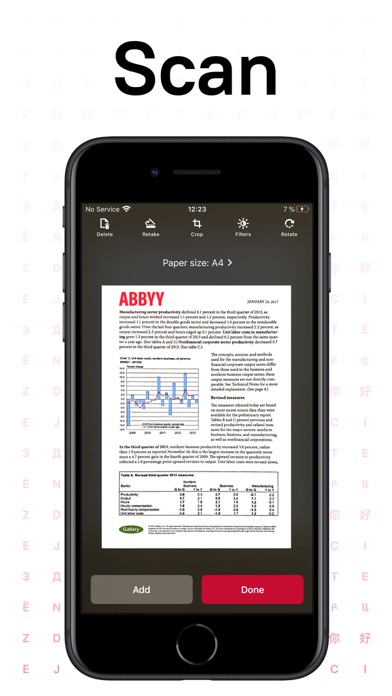
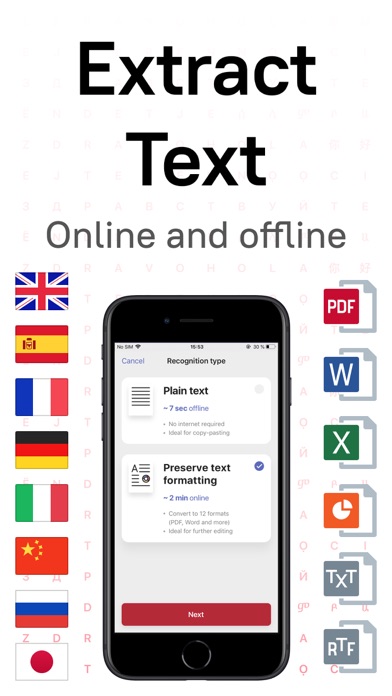
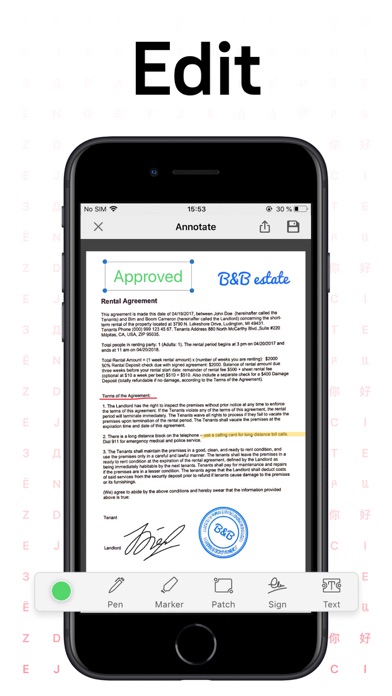
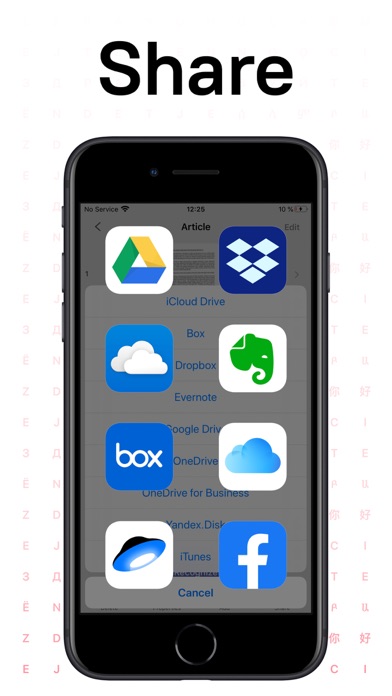
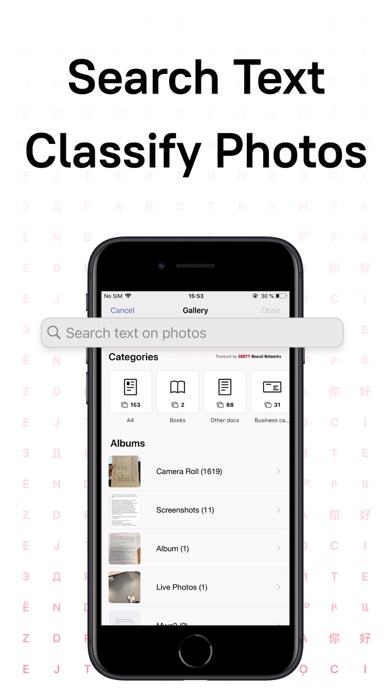
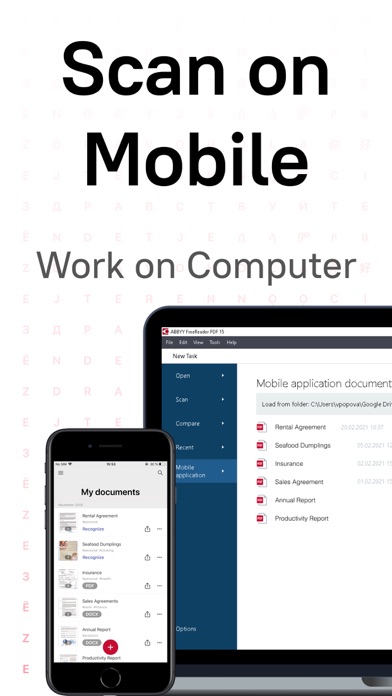
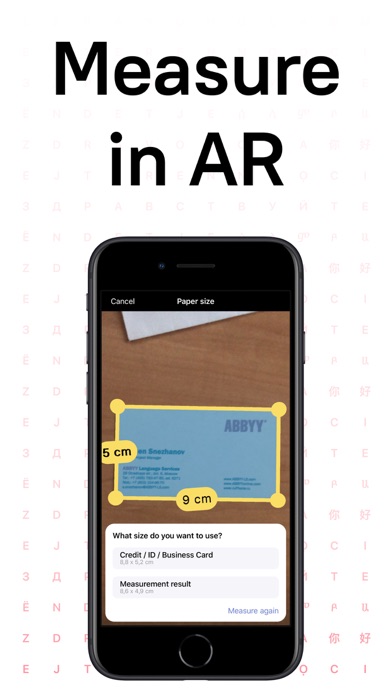
ABBYY FineReader PDF Pro - the first smart AI-powered scanner that turns your mobile device into an all-purpose tool to quickly capture docs and books, create electronic copies in PDF and JPEG, and extract texts from scans for further editing and sharing. FineReader PDF Pro - the top mobile scanner for iPhone or iPad from ABBYY, a Digital Intelligence company. *** Ranked #1 Business application in 98 countries *** *** Winner of SUPERSTAR Award in the "Document Capture" category in the Mobile Star Awards *** Use FineReader PDF Pro to scan paper documents, books, agreements, receipts, magazine articles, notes, recipes, charts, tables, slides, whiteboards, or even billboards on the street and get perfect digital copies. KEY FEATURES • PDF & JPEG. Scan any text and save scans to JPEG images or cross-platform PDF documents. • OFFLINE OCR. Quickly extract text from scans into TXT format on your device without an internet connection. • ONLINE OCR. Recognize text (OCR) on scans in 183 languages (including Latin, Cyrillic, Chinese, Japanese, and Korean alphabets) and choose from among 4 output formats. • SHARE & EXPORT. Send results by email, to FineReader PDF for Windows, save in cloud storages - iCloud Drive, Dropbox, Google Drive, Yandex.Disk, Evernote, OneDrive for Business, and more. • LIVE TEXT. Make phone calls, send emails, follow the links, and more from scanned docs. • ABBYY NEURAL NETWORK. The smart gallery will automatically classify documents into 7 types: A4, books, business cards, handwritten, IDs, other docs, and receipts. • SEARCH TEXT ON PHOTOS. Type the text from a photo into a Search field in the gallery. FineReader PDF Pro will find photos that have this text. • AR RULER. Define doc size in AR. It will be useful for non-standard documents and further printing them out in proper proportions. • SIRI SHORTCUTS. Open scans with Siri and set the flow of actions with scans using Shortcuts app. • ANNOTATE SCANS. Discover a set of easy-to-use tools to modify your PDFs: add your signature or a text box, use a highlighter, write with a pen, or conceal content with the redaction tool. • 3D TOUCH & SPOTLIGHT SEARCH SUPPORT. • PASSWORD ON PDF. Add a password for the image-only PDF files while exporting and sending via email. • MULTIPAGE DOCS. Create, edit, and enhance separate images or large multi-page documents without any additional selection on the viewfinder. • AUTO-CAPTURE AND FILTERS. Excellent visual quality with auto-capture of page boundaries and advanced image filters, which process scans in color, greyscale, or black-and-white versions. • BUILT-IN FILE STORAGE. Save scans inside the app with tags and search capabilities. • Transfer docs to your Mac or PC using Home Sharing. • AIRPRINT. Print out scans directly from your iPhone or iPad. Read us: abbyy.com/blog/mobile Facebook.com/ABBYYsoft Twitter @ABBYY_Software YouTube.com/ABBYYvideos Do you like FineReader PDF Pro? Please leave a review!
What's New
Fixed an issue with our image picker that prevented users from choosing photos that were not in an album
Details
- Developer
- ABBYY USA Software House Inc
- Main Category
- Business
- Version
- 16.0.2
- Version Release
- 2025-03-20
- Initial Release
- 2015-01-08
- Size
- 126 MB
- Age Rating
- 4+
- Price
- USD 59.99
- Languages
- EN, FR, DE, IT, JA, KO and 5 more
- Bundle ID
- com.abbyy.finescanner-pro
- Version Rating
- ★ 4.69 (1,251)
- First Seen
- 2026-05-28
Metadata updated 2026-07-19
Rank History
Free · Max 90 days · Top 5 categories shown (Y-axis: rank, lower is better)
No rank history data
Free Rankings
No rankings
Paid Rankings
No rankings
More by This Developer

User Reviews
Awesome scanner, Pro is worth the price
FineReader is well known for its superior OCR quality and this app stands for its name. The only thing I wished it done better is Searcheable PDFs. For some reason, FineReader modifies original PDF by replacing image text with recognized text. IMO documents appear to be a bit fabricated and I really like approach by Adobe Scan and others that keep scanned image text intact and instead place background text so it remain searchable while keeping original image intact.
Great functionality but lacking file management and organization. Unable to list files by different attributes. Cannot create folder structures. Good scanning functionality and support for storing on most cloud storage services.
Would prefer a refund. No real options, etc. don’t waste your $
Parece una aplicación muy prometedora!
Update - 2024: This used to be the best app for scanning and OCR. As of August, 2023, ABBYY discontinued their support and switched off the excellent OCR features that once made it the best OCR app around. It is now very inaccurate and almost useless! I dearly miss the original app that I purchased some years ago. —————— Original 5 star review - 2019 I’ve been using FineScannerPRO for a few years now and it just keeps getting better! Scanning is simple with the iPad or iPhone and OCR is very accurate. I’ve been using it to recognize text in both English and Spanish, both of which work great. The new page area recognition features make it easier than ever to scan pages with little or no manual adjustments. Recognized documents can be downloaded in several useful file formats including MS Word, RTF, and plain text. I now do all my scanning and OCR on my iPad instead of my dedicated scanner. It is just so much faster and easier. You can also make a “photocopy” of any document just by printing the result of your scan. I would highly recommend this app!
This app used to do a nice job scanning an open book and producing a PDF that split the pages and flattened them. They removed this feature from the latest version. Now it is useless to me.
Suddenly stopped saving multipage pdf files. Now only saves as individual jpg files. Complete garbage. Do not buy.
Efficiente! Application de tout premier ordre, merci.
Well, not open crashes 100% of the time.
Reviews are collected only for apps with detected changes (new entries or sharp risers).