

GPX-Viewer
🇰🇷 KR LocalizedScreenshots

Description
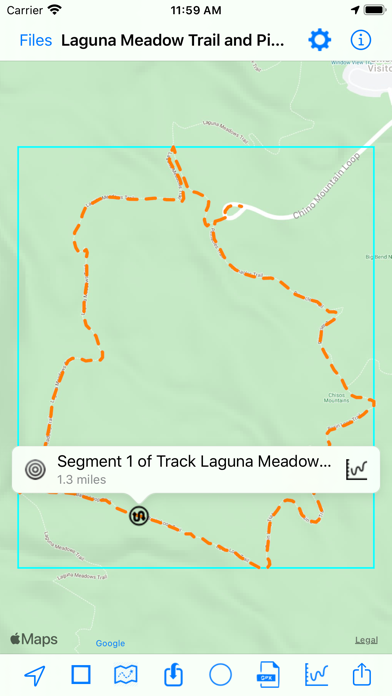
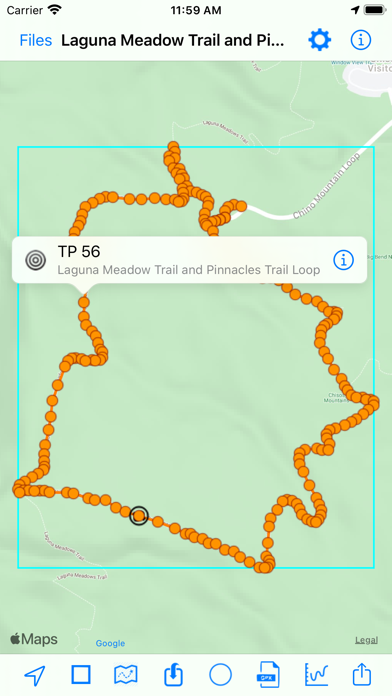
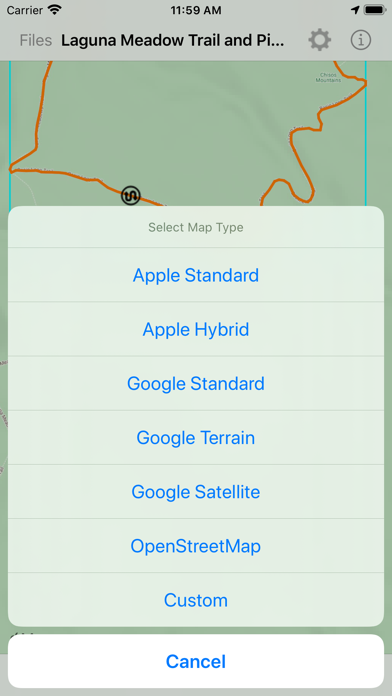
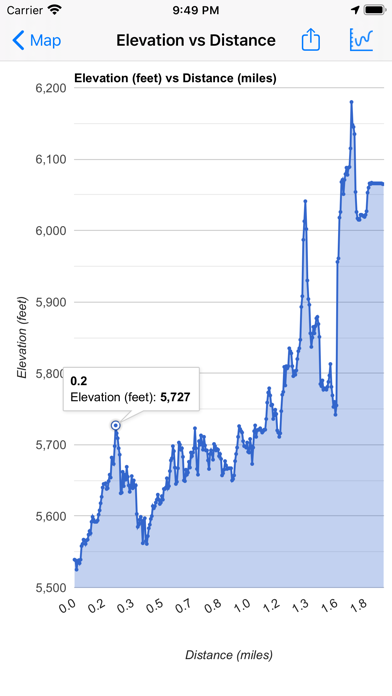
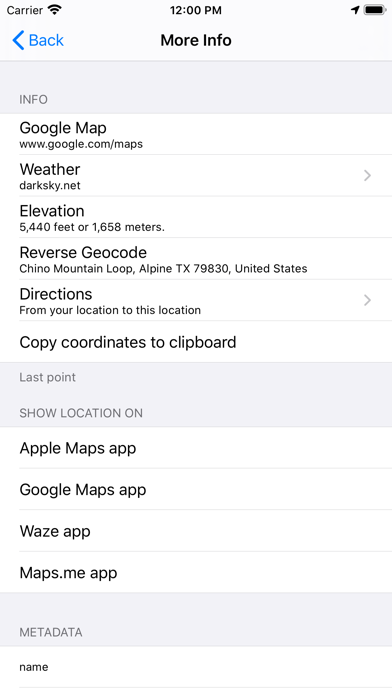
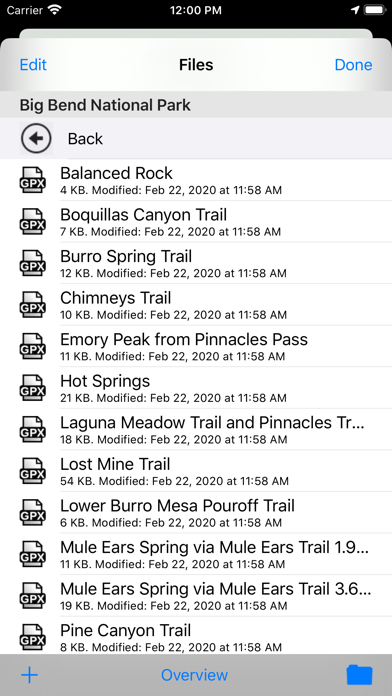
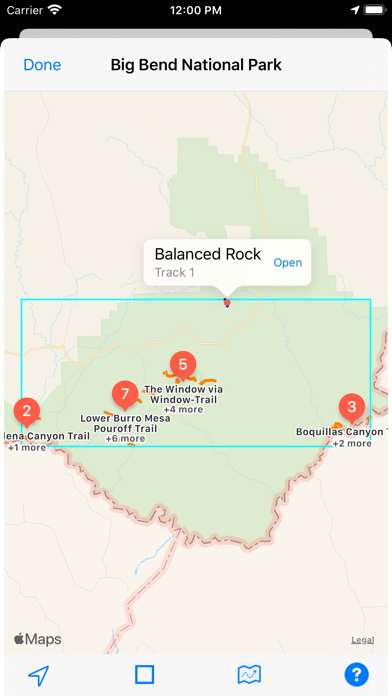
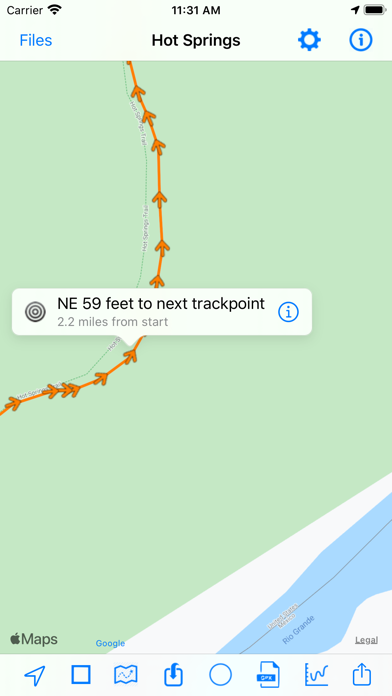
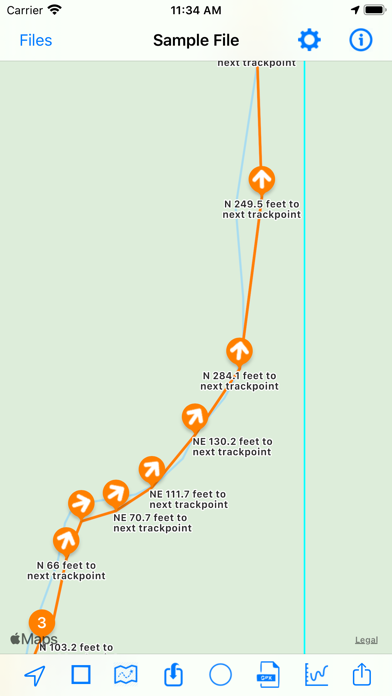
Import and view GPS eXchange format (GPX) files. GPX-Viewer offers a customizable display of GPX files exported from many GPS devices and other apps that create GPX files. Import GPX files from the Cloud (includes iCloud, Dropbox, Google Drive, etc), your local device, or by using iTunes file sharing, email, a URL, or your pasteboard. - Customize your map: Apple Maps, Google Maps, OpenStreetMaps, or use a custom map tile source URL - Color customization for waypoints, track points, routes and tracks - Hide or show the waypoints, track points, routes or tracks on the map - Choose units: Metric, imperial, or nautical - Organize and quick-view files: Create folders to better organize your GPX files, and preview the tracks of all files within a folder - Import GPX files to the current GPX file - Send the waypoints to Apple Maps - Keep device from sleeping: Option to disable screen auto-lock Create and share charts: - Y axis: Elevation or speed - X axis: Track points, distance, or time A sample GPX file is included. Download free GPX files from many web sites, such as http://www.poi-factory.com and https://www.hikingproject.com. We also have GPX Viewer and GPX Editor apps for Mac computers. Visit the Mac App Store or our website for more info.
What's New
Version 3.8.90: - Fixed issue with not being able to select the left- and right-most buttons on bottom toolbar due to iOS 26 button spacing - The button to view data from an additional GPX file as an overlay on the current opened file is now located under the right-most bottom toolbar button - Updated the app icon - Refined the app store description - Bug fixes and UI improvements Version 3.8.87: - Added back the “Device” button for importing GPX files - Bug fixes and UI enhancements
Details
- Developer
- Kyle Modesitt
- Main Category
- Navigation
- Version
- 3.8.90
- Version Release
- 2025-10-23
- Initial Release
- 2014-05-24
- Size
- 11 MB
- Age Rating
- 17+
- Price
- USD 0.99
- Languages
- EN
- Bundle ID
- com.modesittsoftware.GPX-Viewer
- Version Rating
- ★ 4.49 (1,666)
- First Seen
- 2026-05-28
Metadata updated 2026-07-19
Rank History
Free · Max 90 days · Top 5 categories shown (Y-axis: rank, lower is better)
No rank history data
Free Rankings
No rankings
Paid Rankings
Competitive Benchmark — Navigation Top 10
What it takes to beat this app — comparison with the category's top apps. The orange row is the current app.
| # | App | Price | Rating | Ratings | Langs | Last Update |
|---|---|---|---|---|---|---|
| 1 | MilGPS | USD 12.99 | ★ 4.83 | 5,506 | 1 | 2026-06-20 |
| 2 | Solocator - GPS Field Camera | USD 0.99 | ★ 4.27 | 413 | 1 | 2026-04-04 |
| 3 | Land Nav Assistant | USD 2.99 | ★ 4.48 | 73 | 1 | 2019-04-08 |
| 4 | Blitzer.de PRO | USD 0.49 | ★ 4.33 | 21 | 11 | 2026-06-30 |
| 5 | Sun Seeker - Sunlight Tracker | USD 11.99 | ★ 4.84 | 12,794 | 5 | 2026-07-10 |
| 6 | Sporty's E6B Flight Computer | USD 9.99 | ★ 4.90 | 5,287 | 1 | 2024-02-17 |
| 7 | Exit Strategy NYC Subway Map | USD 3.99 | ★ 4.76 | 187 | 1 | 2026-07-16 |
| 8 | Omaha Zoo - ZooMap | USD 0.99 | ★ 1.35 | 46 | 1 | 2023-09-11 |
| 9 | Find93 | USD 4.99 | ★ 3.67 | 18 | 1 | 2026-04-14 |
| 10 | Speedometer 55 Pro. GPS kit. | USD 3.99 | ★ 4.71 | 2,715 | 11 | 2026-07-05 |
| 50 | GPX-Viewer | USD 0.99 | ★ 4.49 | 1,666 | 1 | 2025-10-23 |
More by This Developer





User Reviews
Does not import even a small standard GPX file. I wan my money bank.
Solid viewer. The info button at the top right helped me quickly figure out how to use it. The ability to change map styles is much appreciated, and maps render fast when zooming in and out or moving around. There are lots of graphs to analyze the gpx data. I particularly like the speed vs points graph and elevation over time graph for keeping track of my snowboard runs. Lots of apps now are monetized by adds, data mining, or locking users onto their platforms behind a subscription service and leaving them unable to export their data. This app does none of that and the price is right. I would buy it again. To the dev, if you are reading this, please consider implementing a few features: - Share menu integration. Sure, I can open this app itself and then open my gpx track. But being able to share my gpx recording from the app I use for this purpose, directly to this app using the ios share button would be great! - Integration into the Files app. I keep my files saved in my cloud so honestly I have no need to manage them with this app, however I did try to create a folder and put some tracks into it, but I can’t seem to find the created folder in the Files app which is where I would expect it to appear. - A timeline scrub. Some way to view the progress of my hike from start to finish and quickly scrub to a certain point, instead of just manually moving the map view. If you are in search of a simple gpx viewer and analyzer, this is it.
It took a bit to figure out how to load the GPX files only because it was the first time I had to use the iOS file system. It was a short learning curve and I am using the iCloud for storing my files. This would be an incredible app if it could provide turn by turn navigation. It still is good for viewing if I am staying on the route or have varied off the route.
Uploading a file from your email is hard to do and right now it looks like things have changed it to impossible
It takes over a dozen clicks to import a track. If you have 20 tracks to do, it takes forever. Not that it matters, if you get a few of them imported it’ll crash and you’ll lose your work. Don’t reply, I won’t read it.
Attempted to open a .gpx file saved to phone. Error message: “you don’t have permission to open file [path to file]. Try using the cloud instead”
didn’t work. couldn’t open gpx files on my iphone… waste of two bucks. update after “developer response”… sorry mates… not worth the hassle for a couple bucks… fix your app rather than complaining about your paying customers. app should work out of the box, at least for viewing a gpx… simple thing… it’s the app’s name. downloaded another app (a free one, at that) which worked out of the box. don’t charge for your apps then expect your customers to debug for you.
Perfect little app at the right price! Exported GPX files from Garmin Basecamp on the iMac and imported from the iCloud. Very quick and easy to do. I really like the multiple options for base maps on which to overlay the GPX routes. Awesome little tool to show others your path of travel.
Just got started and it is working so that is a good thing.
I bought this to view my 4x4 maps and I get an error saying it fails to import the gpx file and permission is not allowed
Reviews are collected only for apps with detected changes (new entries or sharp risers).