

Timestamp Camera Pro
🇰🇷 KR LocalizedScreenshots
Description
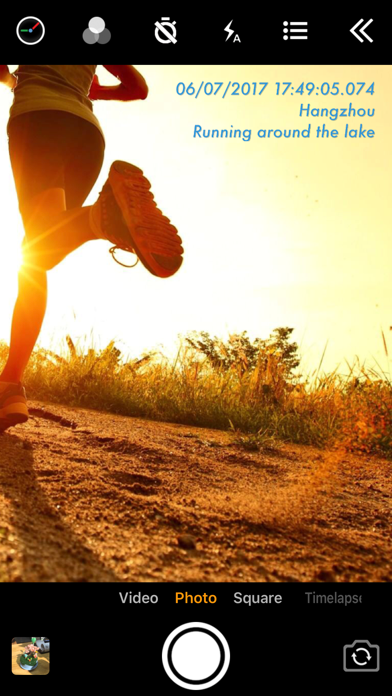
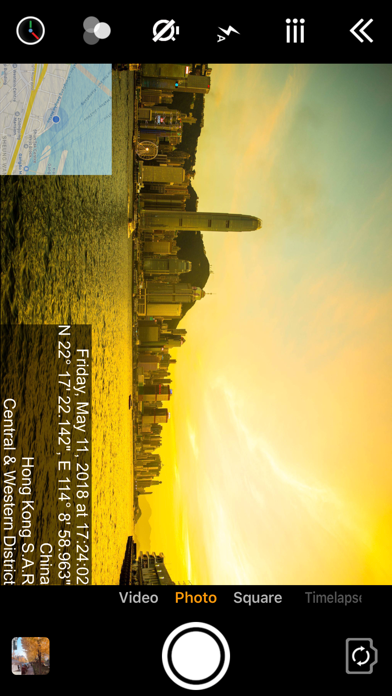
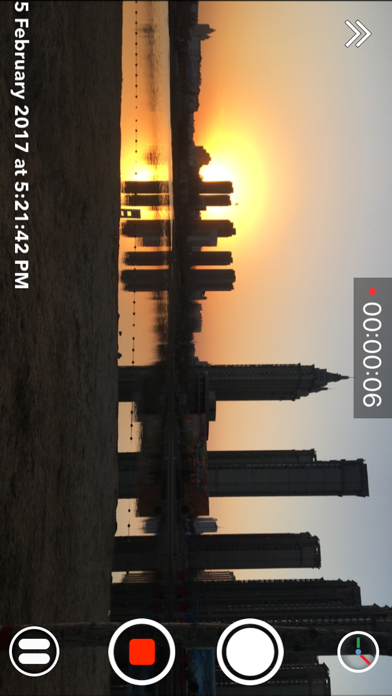
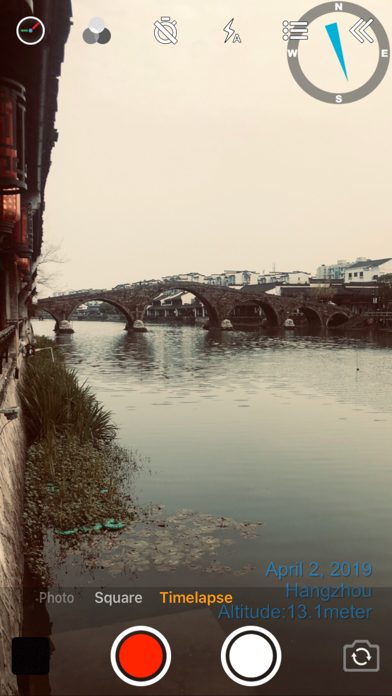
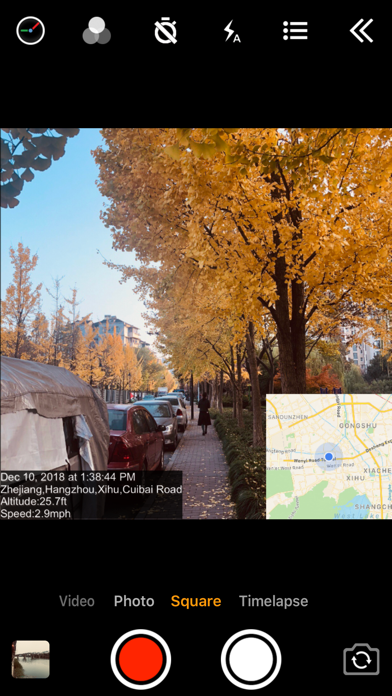
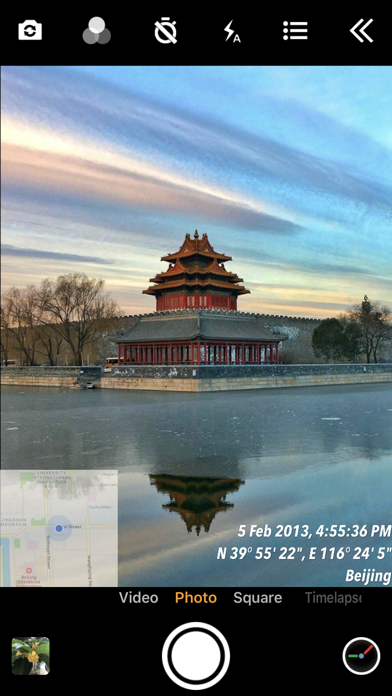
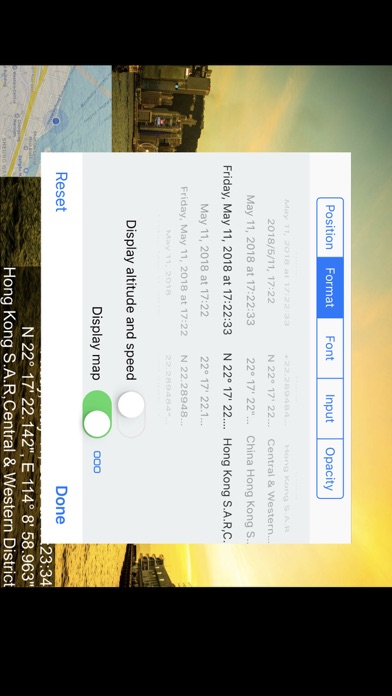
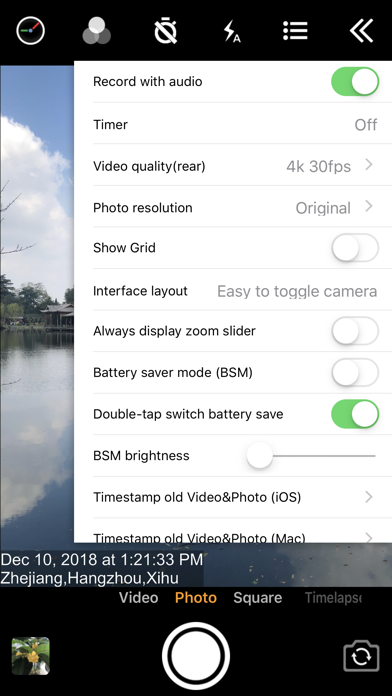
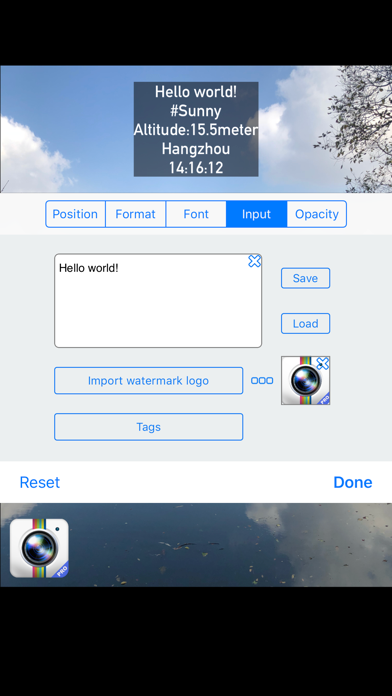
Add timestamp watermark to camera in real time. • Automatically insert current time and address when taking photo or video in real time, you can change time format or select the address around easily. Timestamp Camera is the only App that can record video with the time watermark accurate to millisecond(0.001 second). - Support 81 timestamp formats. - Support change font, font color, font size. - Support set timestamp in 6 positions: top left, top center, top right, bottom left, bottom center, bottom right. - Support auto add address and GPS. - Support input and display custom text on camera. - Support input and display tag on camera and insert to the Exif. - Support change opacity of text and text background. - Support four text margin modes: no margin, one line margin, half line margin, suitable for printing • Support display altitude and speed. • Support display map on the camera. • Support display compass on the camera. • Support import watermark logo image to display on the camera. • Support change photo resolution, support the maximum resolution supported by the camera. • Support change video resolution(540P, 720P, 1080P, 4K) and fps(30fps, 60fps). • Support record video without audio. • Support pause and continue record fragments to one video. • Support timer to take picture (3, 5, 10 seconds with count down). • Has 4 modes. "Video", "Square", "Timelapse" support record video and capture photo. "Photo" mode only support capture photo with special optimization. • All the effects are real-time and can be used when taking photo or video. • Support change effect, toggle camera when recording. • Support "Battery saver mode", the brightness of screen can be changed when turn it on. • Support show 3x3 grid. • Support import photo as a virtual camera. • Support portrait and landscape. • Support both iPad and iPhone. • Photo and Video will be saved to Camera roll. Please mail us cybfriend@gmail.com if you have any problem or suggestions. Thank you.
What's New
- Fixed the issue of "UI error when mirroring to other displays" - Fixed the issue of "the address not updating promptly upon re-entering the app" - Fix other issues
Details
- Developer
- 玉彬 陈
- Main Category
- Photo & Video
- Version
- 1.155
- Version Release
- 2026-03-22
- Initial Release
- 2014-03-12
- Size
- 11 MB
- Age Rating
- 4+
- Price
- USD 4.99
- Languages
- AR, DA, NL, EN, FR, DE and 10 more
- Bundle ID
- com.jeyluta.camera7pro
- Version Rating
- ★ 4.65 (607)
- First Seen
- 2026-05-28
Metadata updated 2026-07-19
Rank History
Free · Max 90 days · Top 5 categories shown (Y-axis: rank, lower is better)
No rank history data
Free Rankings
No rankings
Paid Rankings
Competitive Benchmark — Photo-Video Top 10
What it takes to beat this app — comparison with the category's top apps. The orange row is the current app.
| # | App | Price | Rating | Ratings | Langs | Last Update |
|---|---|---|---|---|---|---|
| 1 | Moment Pro Camera II | USD 9.99 | ★ 4.37 | 353 | 1 | 2026-06-30 |
| 2 | PhotoPills | USD 10.99 | ★ 4.71 | 1,515 | 9 | 2026-04-16 |
| 3 | YoungPhoto - Aesthetic Camera | USD 1.99 | ★ 5.00 | 2 | 5 | 2026-06-26 |
| 4 | Stop Motion Studio Pro | USD 5.99 | ★ 4.74 | 13,535 | 17 | 2025-12-10 |
| 5 | Print to Size | USD 2.99 | ★ 4.86 | 19,385 | 6 | 2026-03-13 |
| 6 | PromptSmart Pro - Teleprompter | USD 29.99 | ★ 4.60 | 11,303 | 1 | 2026-06-03 |
| 7 | iWebTV PRO | USD 6.99 | ★ 4.71 | 4,083 | 2 | 2026-07-18 |
| 8 | myLightMeter PRO | USD 3.99 | ★ 4.79 | 1,074 | 7 | 2026-07-14 |
| 9 | CineTemp | USD 19.99 | ★ 4.88 | 25 | 1 | 2026-07-13 |
| 10 | LumaFusion | USD 29.99 | ★ 4.75 | 24,671 | 13 | 2026-07-06 |
| 58 | Timestamp Camera Pro | USD 4.99 | ★ 4.65 | 607 | 16 | 2026-03-22 |
More by This Developer


User Reviews
So the app does what is says . But I use it to take lots of pics of the work I do. The camera screen constantly switches to video, then to square photo, then timelapse, then back to video. Lots of time I finish using the camera and it automatically changes all the settings of gps.
Not sure why but this thing on the new iPhone 16 lags so hard. My iPhone 12 Pro Max was always instant. Please fix
I bought this camera because it supposedly allowed me to add text notes to my pictures, but that’s not the case.
I like the date and location stamp however it always freezes on me so i have to use another camera which defeats the purpose
The app requests access to your photo library everytime you open it via notification. The app DOES NOT APPEAR under “Notifications” within “Settings” on my iPhone. How Apple could let something like this happen is beyond everything.
When I take a photo there is a noise when I take the photo. How can I silence the noise?
Been using this camera for a long time I’m not sure why some of the updates are not helping out but camera freezes often if I am on the phone or any other app in use I must close all my apps and restart the time stamp app I really enjoy the app, but some things have changed a map is in translucent mode where it used to give me the location instead of heading
I really love this timestamp camera pro I would love to get in a update silence the shutter sound when taken pictures. Using the toggle on the side isn't good because you forget to turn back on and miss calls.
Have to take all pics in square mode bc the camera automatically shutters every second in regular photo mode. Have had this problem over 1 year
Works really good Easy to configure Only negative I would say at night video quality is not as good as the camera app that came with iPhone 13
Reviews are collected only for apps with detected changes (new entries or sharp risers).