

iFMS
🇰🇷 KR LocalizedScreenshots
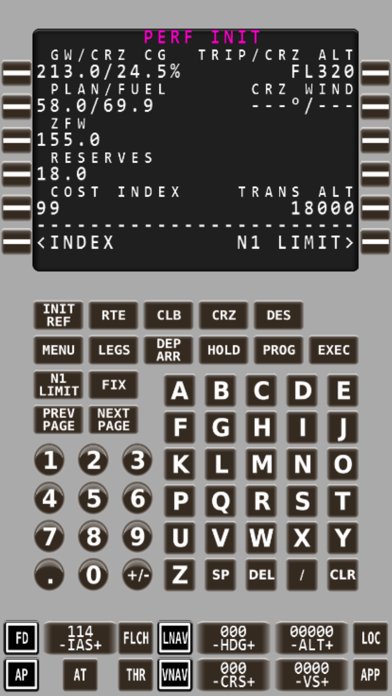
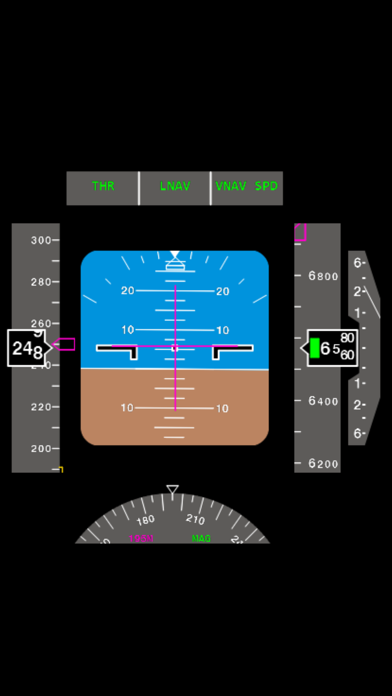
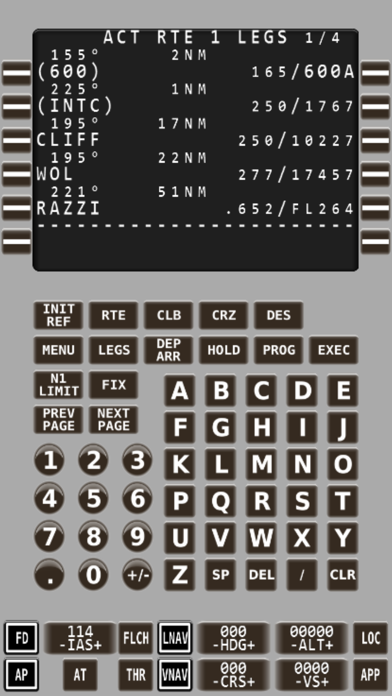
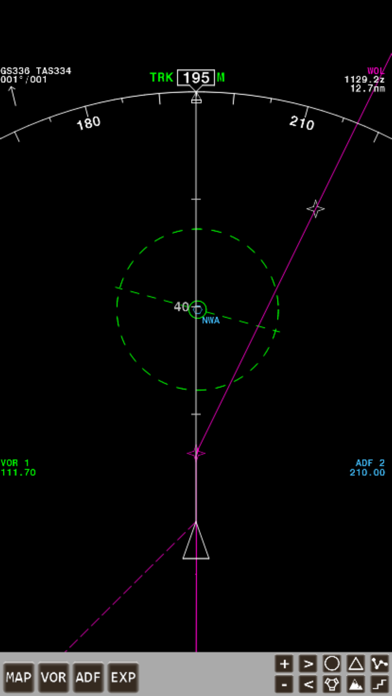
Description
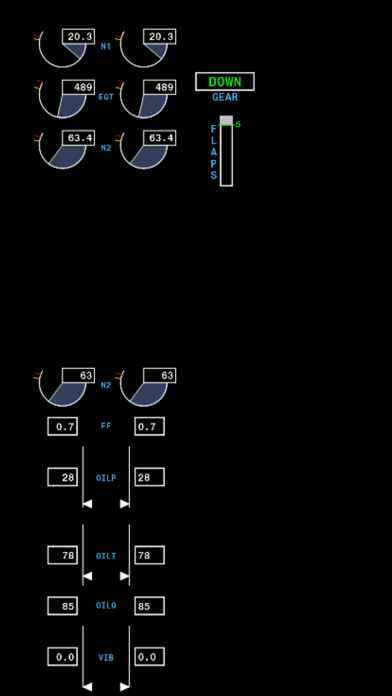
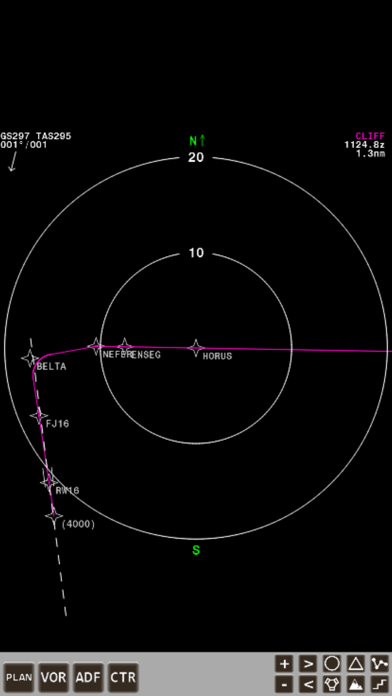
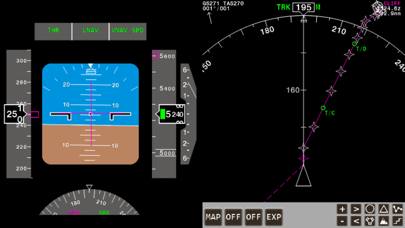
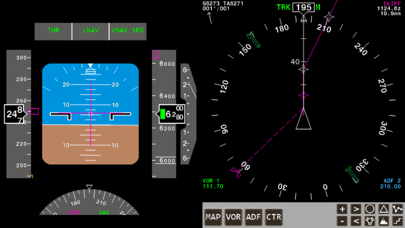
Make your Flight Simulator experience a more realistic one. iFMS will provide you with a nearly fully functional "Boeing style" Flight Management System, A Primary Flight Display, Navigation Display and a number of 2 or 4 engine EICAS displays on your iPhone, iPad or iPod. Build your very own home cockpit using only a few mobile devices and connect to any of the popular Flight Simulators over your local network. iFMS can be configured for use with almost any of your favorite Flight Simulator's standard or add-on aircraft. A number of default aircraft configuration files are included but you can easily make your own and download them to your iFMS through iTunes. The FMS display and functionality simulates the "Boeing style" Flight Management System accurately. Apart from all the standard flight planning and tracking functionality, all the more complex functions such as hold programming, custom waypoint programming by coordinates, heading/distance calculation or waypoints radial/intersection calculation and abeam route waypoint calculations are available as well, along with much, much more. iFMS also includes an LNAV/VNAV engine which will control your aircraft's autopilot to fly the programmed LNAV/VNAV route. iFMS uses Wi-Fi to connect to your favorite Flight Simulator over your local network, alternatively iFMS can also use the device GPS (if present) as a data source, you can be a passenger in the car and practice your FMS programming skills. Be aware though, iFMS cannot be used for real world aviation navigation as this is strictly against the terms of use of this product. iFMS can be configured for use with almost any of your favorite Flight Simulator's standard aircraft and most add-on aircraft, a number of default aircraft are included but you can easily make your own on your computer and transfer them to iFMS through iTunes. Features summary: - Realistic Flight Planning/Tracking/Navigation - Boeing style Flight Management System - Boeing style Primary Flight Display - Boeing style HSI or NAV Display - Various 2 or 4 engine EICAS Displays - LNAV & VNAV calculation and MCP programming - LNAV/VNAV engine to control the aircraft autopilot - Configurable aircraft - Use your own created aircraft files - Loading and saving of flight plans - Compatible with Apple iPhone, iPod and iPad - Single portrait or side by side landscape view - Updatable navdata through Navigraph Compatibility: FMS will run on the following devices: - iPad (3rd generation or later) - iPad Mini/Air/Pro - iPhone (4th generation or later) - iPod Touch (4th generation or later) iFMS is compatible to run with: - Microsoft Flight Simulator 9 (using FSUIPC) - Microsoft Flight Simulator X - Prepar3D 2.X - Prepar3D 3.X - Prepar3D 4.X - X-Plane (Windows and OSX) - Stand-alone (GPS driven) Please visit http://www.ifms-fs.com for more details about iFMS, supported flight simulator packages and how to connect iFMS to them.
What's New
- Fixed network stability issue when using multiple devices - Added support for older aircraft configuration files - Fixed altitude tape drawing issue
Details
- Developer
- Michael Feyter
- Main Category
- Navigation
- Version
- 3.0.3
- Version Release
- 2020-05-08
- Initial Release
- 2013-06-14
- Size
- 50 MB
- Age Rating
- 4+
- Price
- USD 15.99
- Languages
- EN
- Bundle ID
- com.iFMS.iFMS
- Version Rating
- ★ 3.14 (14)
- First Seen
- 2026-05-28
Metadata updated 2026-07-19
Rank History
Free · Max 90 days · Top 5 categories shown (Y-axis: rank, lower is better)
No rank history data
Free Rankings
No rankings
Paid Rankings
No rankings