

BrowserMask for Safari
🇯🇵 JP LocalizedScreenshots
Description
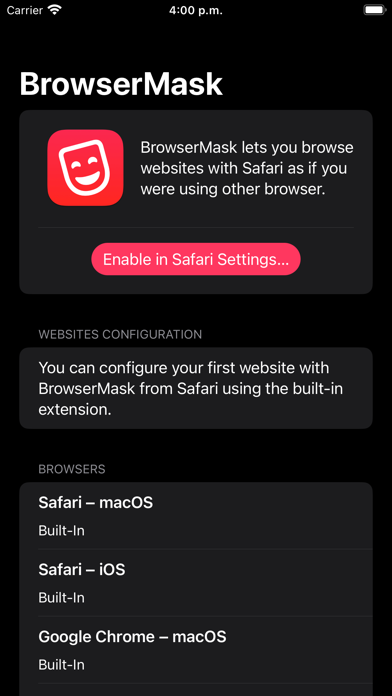
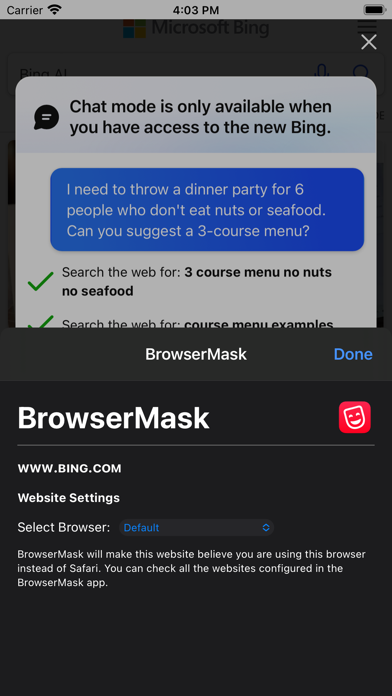
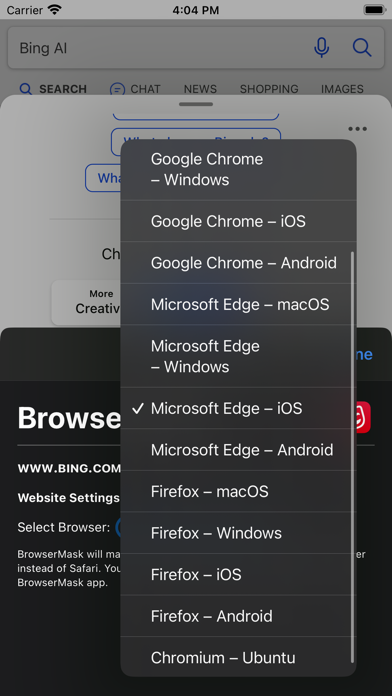
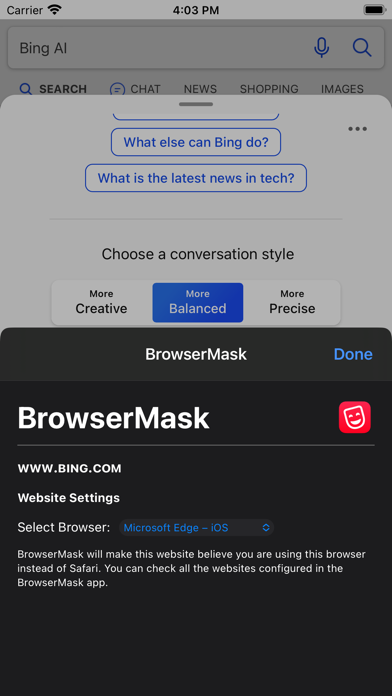
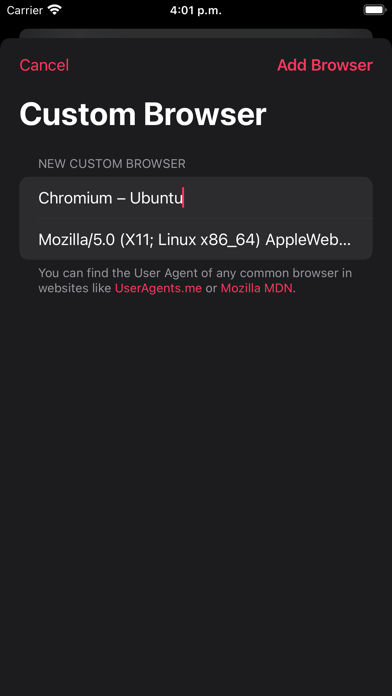
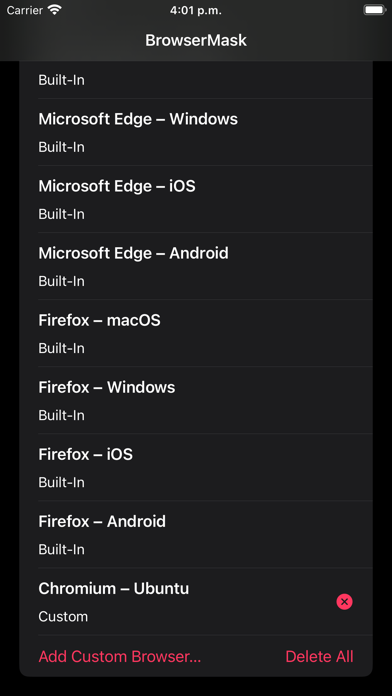
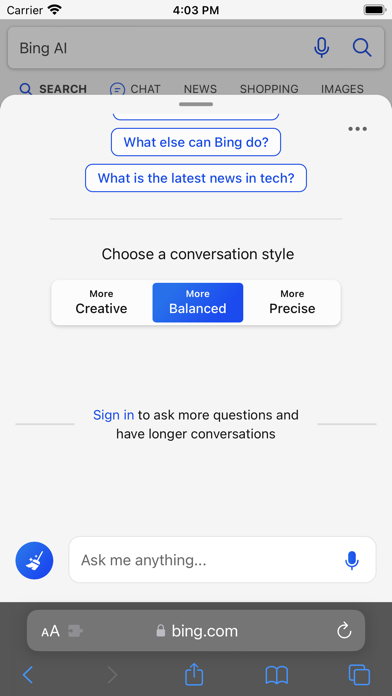
BrowserMask is a Safari Extension that lets you browse websites as if you were using another browser by changing the User Agent Safari uses. This way, you can make any website believe it’s being shown in a browser like Google Chrome or Microsoft Edge. With BrowserMask, you can choose a global default masked browser or customize it per site. Your settings are saved automatically and applied every time you visit each website. This is especially useful for websites that claim to require another browser but actually work in Safari, or to avoid annoying pop-ups and redirects. For example: • Set macOS Safari as the masked browser on reddit.com in iOS Safari to avoid the “Open in the Reddit app” pop-ups. • Set Microsoft Edge as the masked browser on bing.com to use Bing Chat from Safari. BrowserMask supports macOS, iOS, and iPadOS. Notes: • You can enable the BrowserMask extension from the Extensions section in Safari settings. • BrowserMask includes multiple popular browser User Agents built-in, and you can also add custom ones. • BrowserMask can also be enabled in Web Apps created from Safari on macOS. Privacy by Design: BrowserMask works completely on-device and does not store or send any information outside of the protected app sandbox.
What's New
• Added ability to edit custom user-agents. • Added confirmation alerts for delete operations. • Bug fixes and stability improvements.
Details
- Developer
- Pedro Jose Pereira Vieito
- Main Category
- Utilities
- Version
- 1.5.1
- Version Release
- 2026-02-06
- Initial Release
- 2023-06-29
- Size
- 19 MB
- Age Rating
- 4+
- Price
- USD 3.99
- Languages
- EN
- Bundle ID
- com.pvieito.BrowserMask
- Version Rating
- ★ 3.00 (7)
- First Seen
- 2026-05-31
Metadata updated 2026-06-09
Rank History
Free · Max 90 days · Top 5 categories shown (Y-axis: rank, lower is better)
No rank history data
Free Rankings
No rankings
Paid Rankings
No rankings
More by This Developer

User Reviews
iPadのSafariで小説サイトを見ると、強制PC表示になり読みにくいのを解消したくて導入しました。 基本的にうまく動作して居ますが、時々PC表示に戻るので、デフォルトに設定→iOS表示に再設定が必要になります。
Unfortunately, this extension didn’t work as I have expected on any websites I have wanted it to work (such as Amazon Prime Video). Although I have activated this extension, these websites continued to recognize my iPad Safari as it, and required me to install their apps. (For Japanese readers 日本の方へ)別の方のレビューで、「PCからのアクセス以外はアプリをインストールさせられるサイトに効果抜群」だと書かれていますが、私が確認したウェブサイトでは、この機能拡張を使用しても使用前とまったく変わりがありませんでした。おそらくサイトの方もユーザエージェント以外の情報でユーザのデバイスを識別していると思われます。ですのでこの機能拡張は、アプリのインストールを避けるために購入を検討されている方には適さないことが多いでしょう。
SafariでUserAgentの書き換え可能でした。 ドメイン毎に設定できるので、毎回オンオフする必要がなくてとても良いです。 PCからのアクセス以外はアプリをインストールさせられるサイトに効果抜群です。
Reviews are collected only for apps with detected changes (new entries or sharp risers).