
Button Badge Maker - with PDF, E-mail and AirPrint Options
Screenshots
Description
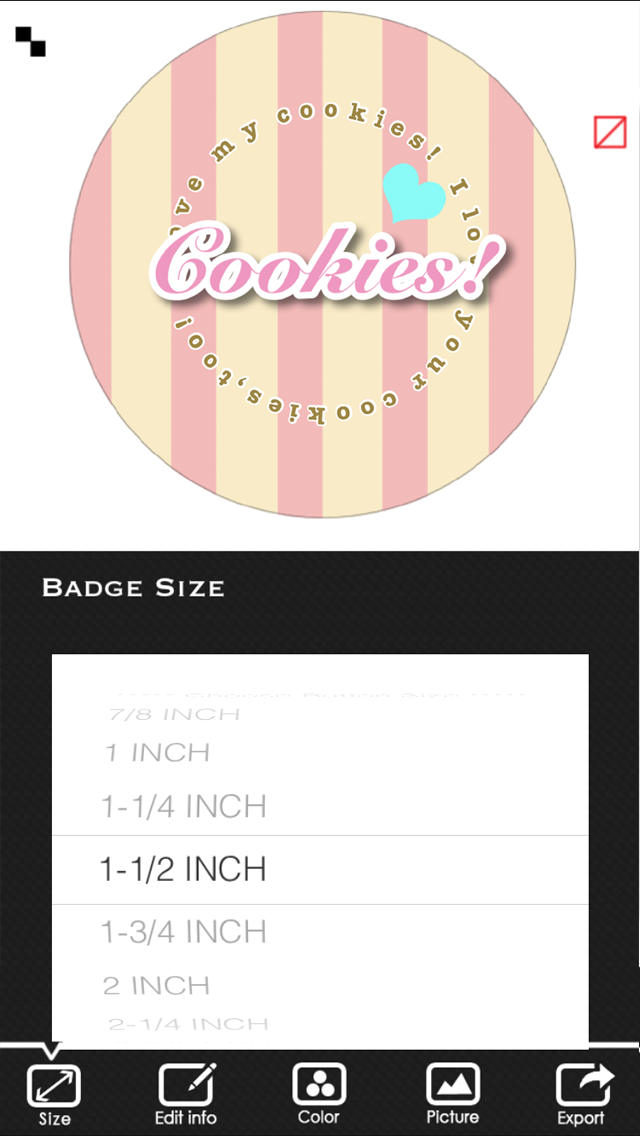
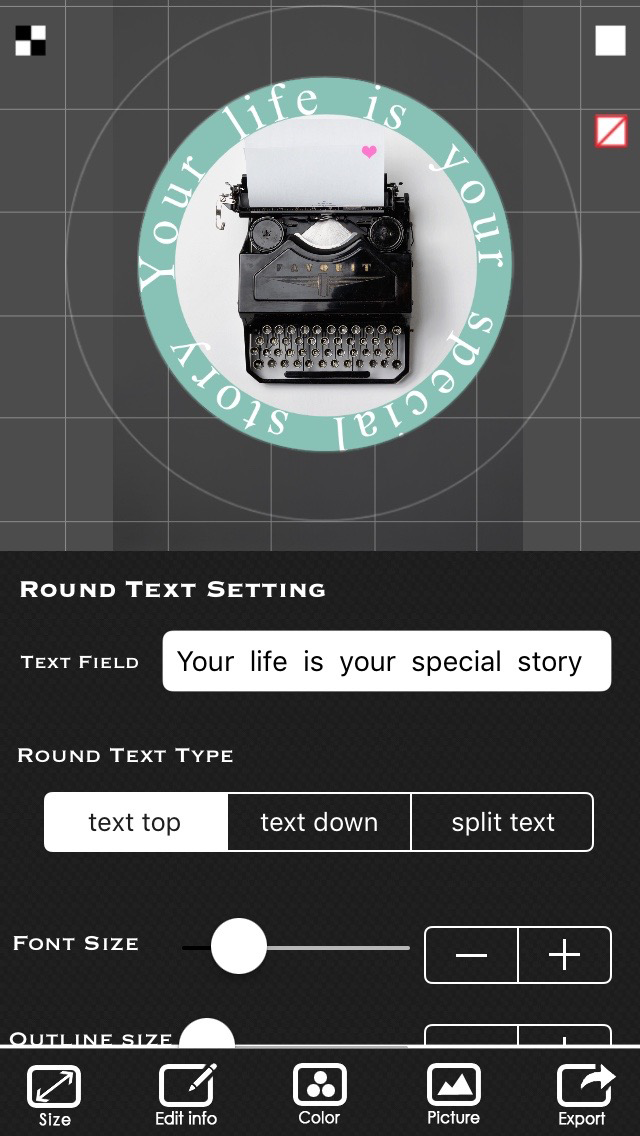
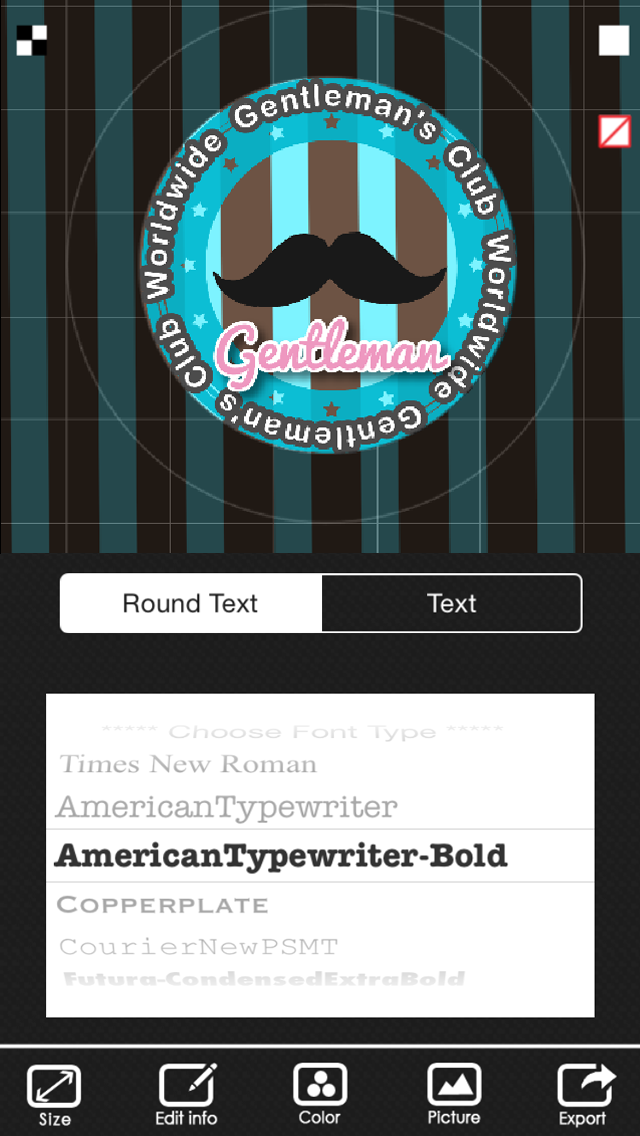
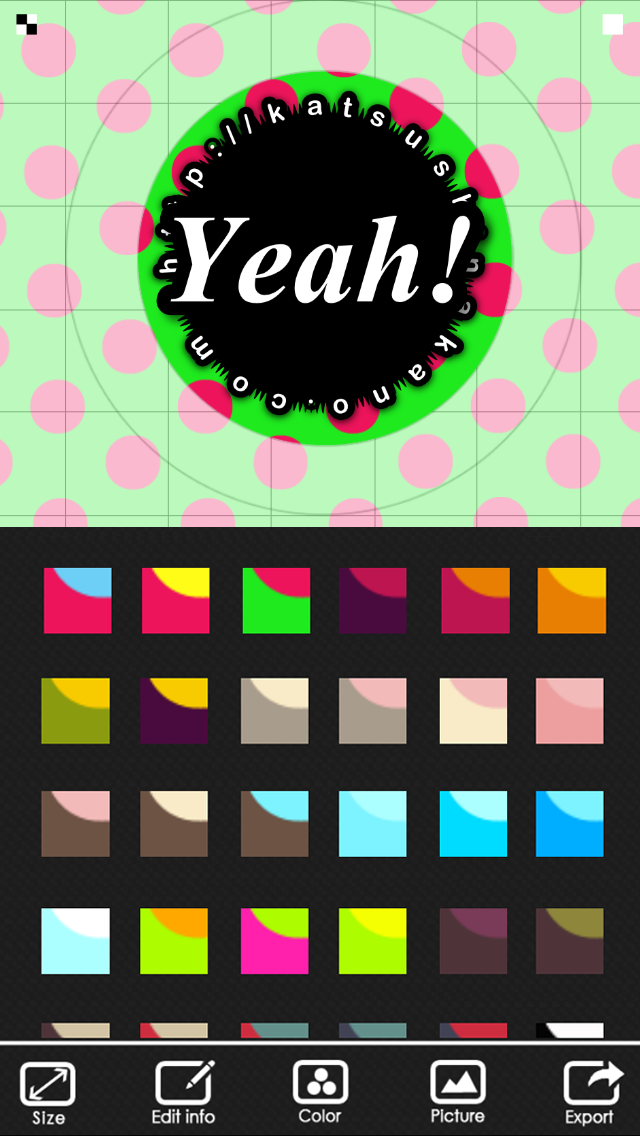
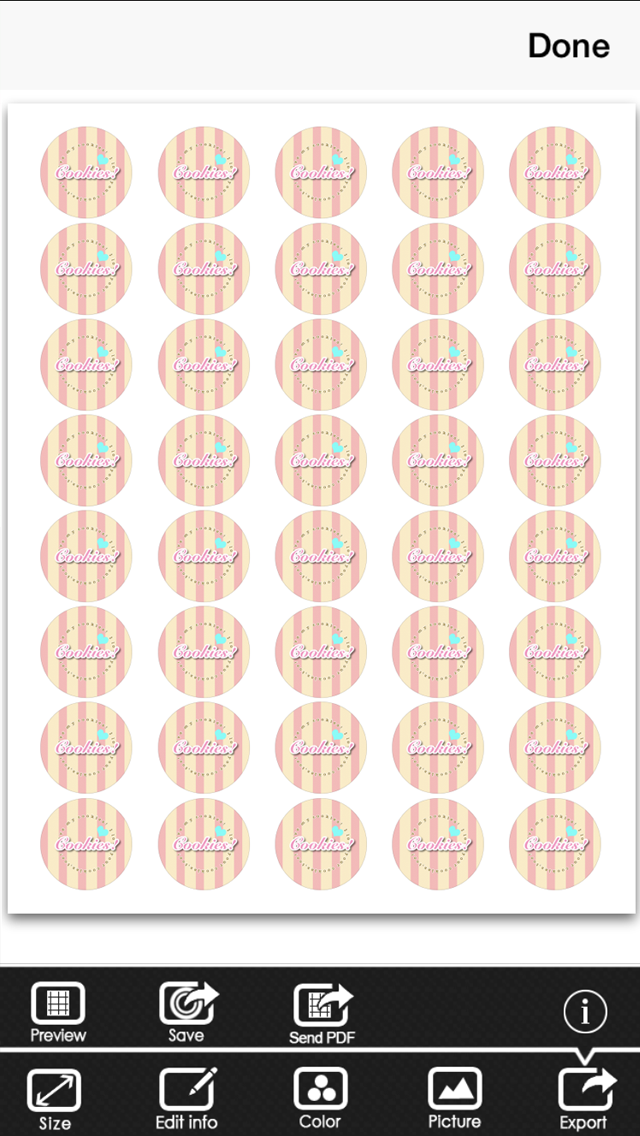
Now you can create your own original Button Badge Design on your iPhone and iPod touch! Button Badge Maker has lots of options to help you design your cool Buttons! You can also design round logos, coasters and round stickers! Options - Various Badge sizes - Create Round Text - Various Font types - Use a photo as the background - Cool Stamps - Color pallet - Air Print - Send a PDF file by email - Save a PDF file to your iBook - Save your Button Badge Design to your photo album
What's New
This update from Apple will improve the functionality of this app. No new features are included. Some bugs fixed
Details
- Developer
- Katsushi Nakano
- Main Category
- Photo & Video
- Version
- 2.2
- Version Release
- 2016-03-31
- Initial Release
- 2013-04-01
- Size
- 23 MB
- Age Rating
- 4+
- Price
- USD 2.99
- Languages
- EN
- Bundle ID
- com.katsushinakano.Button-Badge-Maker
- Version Rating
- ★ 2.81 (26)
- First Seen
- 2026-06-09
Metadata updated 2026-07-03
Rank History
Free · Max 90 days · Top 5 categories shown (Y-axis: rank, lower is better)
No rank history data
Free Rankings
No rankings
Paid Rankings
No rankings
More by This Developer
User Reviews
It did not let me upload pictures at all.
Is there a way to just print 1 circle instead of multiple circles? Would like to print single design or multiple designs on 1 page.
Most of the options don’t work.
I can’t figure out how to load in a previously saved button.
Needs to be able to change cole or text that is very important and fonts will not change if those were fixed good app just need more work
When you have your text round it shouldn’t be upside down. It really drives me crazy crazy. When it’s upside down you can’t read it. So it would be greatly appreciated if you could change that. Thanks
I bought some design a buttons at a craft store to make pins for a work meeting and spent hours trying to figure out how i was going to fit our team graphic into the button. I searched for apps to help and found this! Once I played around with each of the options, it turned out perfect!
Nice app design but the font text color is not working. I would like a refund because it’s not functioning correctly or please fix.
Bought this in a moment of madness thinking it would be perfect for making circular graphics. It’s not too bad once you get used to it. Not very intuitive. Needs to be updated but I suspect it won’t be.
All I see so far is when you have 1 inch and the lower choice witch I forget what it is, it’s the same size. It’s still 1 in. With the smallest size.
Reviews are collected only for apps with detected changes (new entries or sharp risers).