

Chord!
🇯🇵 JP LocalizedScreenshots
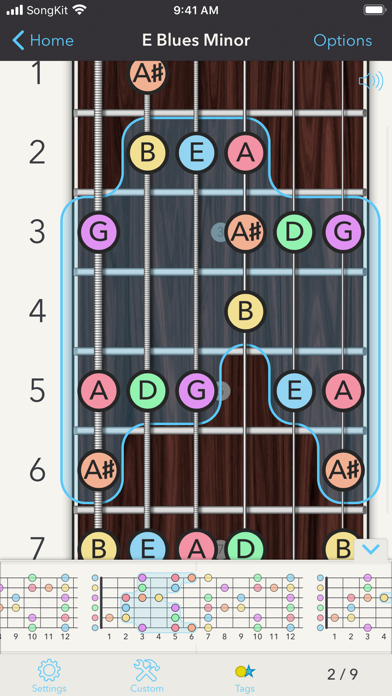
Description
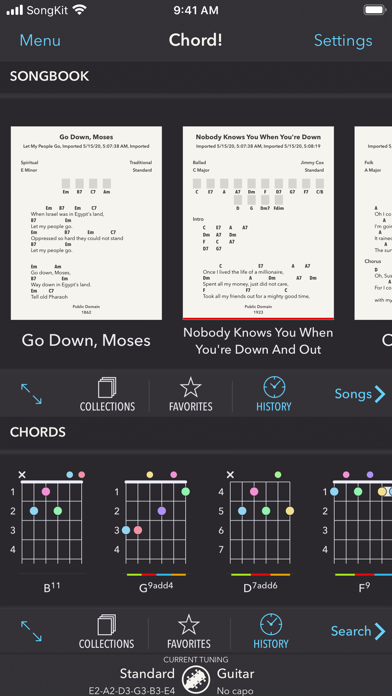
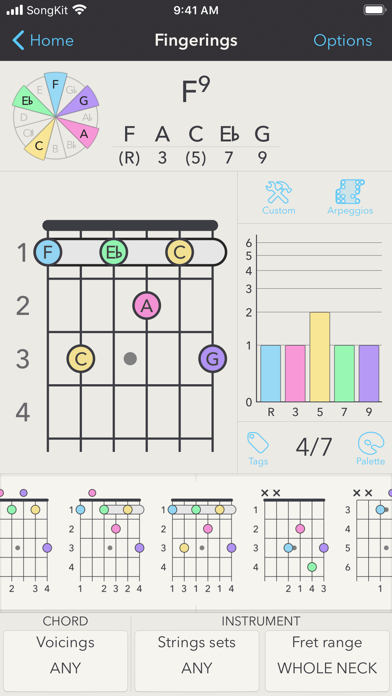
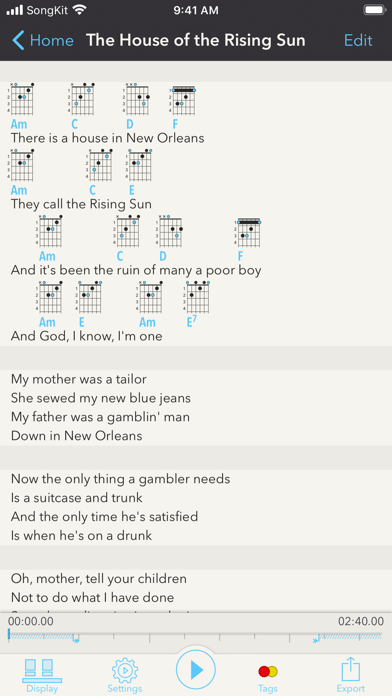
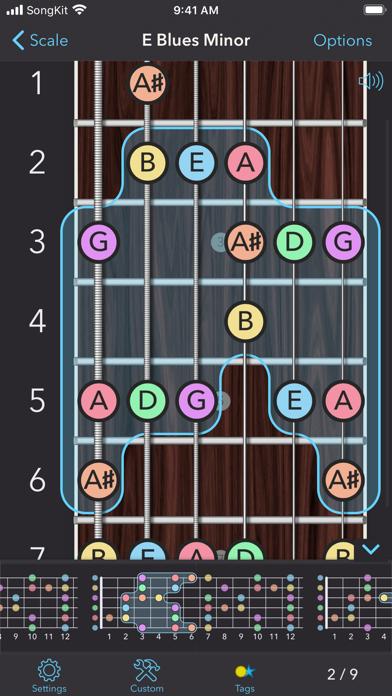
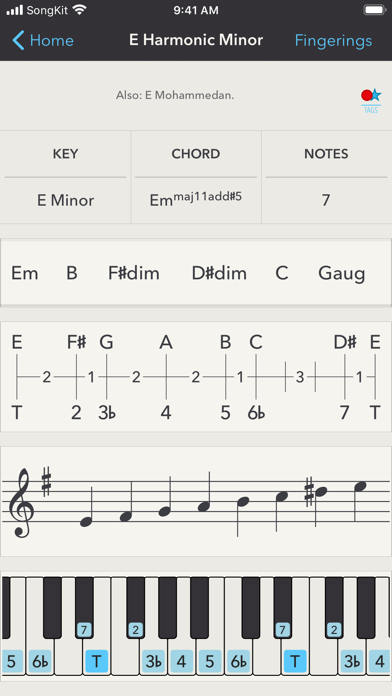
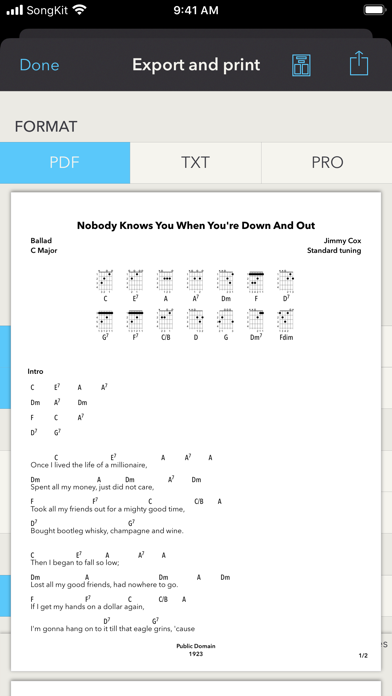
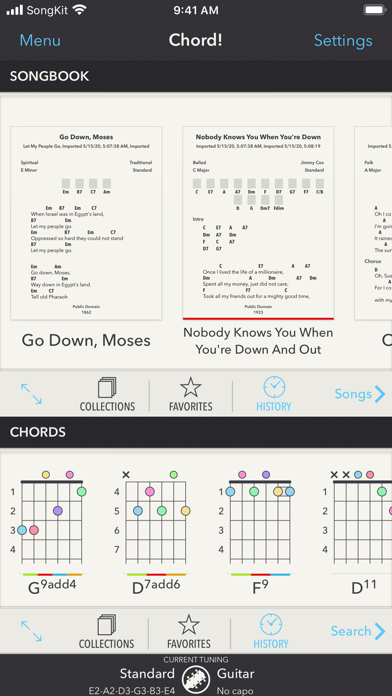
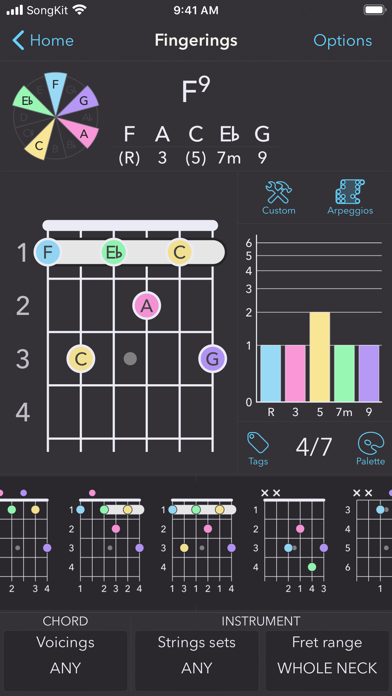
Chord! is a chord and scale reference that works with any fretted instrument like guitar, basses, ukulele, banjos,… It computes and analyses all the possible fingerings for chords, scales, and arpeggios. With Chord!, you can also write a song by simply dragging and dropping chords, transpose it in any key, compute the fingerings with any tuning and generate a beautiful print-ready PDF, etc. You can also import your existing songs in text format (please note that the app does not ship with songs). You can also link audio tracks from your music library and play them at the same time while adjusting their pitch and/or speed. You don't even have to know music theory to use it: behind its brute force, the app knows how to handle by itself some subtleties of music to give meaningful results. If you don't have to be an advanced player to use the app, you can however take a look under the hood and tweak the parameters if you like! Whatever is your level or your instrument, Chord! will adapt and give you the most precise answer. You can search for any chord, split (like D/F#), or not. If you're a beginner, you can choose the chord from a list, but you can also use the intelligent keyboard to enter the chord as it is written. If this keyboard is a great way to enter chords, it is also very useful to discover and understand how the chords are formed. You can also enter some notes on a neck to find which chords it can be. You can hear how each fingering sounds. Chord arpeggios are also supported, as well as drop voicings (drop 2, drop3, etc.). The app also ships with the biggest list of named scales (and you can create your own scales). It analyses and presents them with nice interactive views (scale, score, and keyboard). Of course, it can also lay down these scales on a neck (with sound) and compute their fingerings. Like for chords, you can even search for a scale from its fingering! Each scale can be harmonized (decomposed into chords). You can also enter a sequence of chords to find which scale you can use to improvise onto. You can use one of the hundred tunings that ship with the app, or you can add your own ones, for any instrument, with or without a capo, even with broken strings if you want! The app uses custom and unique algorithms to generate charts, easily input complex harmonic structures, extract chords from fingerings, determine finger positions, compute keys of scales, generate chords from scales and find scales that go well with some chords. For example, Chord! is the right tool in these situations: • You want to have your songbook available at any time, in your pocket; • You're a beginner and you want to know how to play easily a D/F# chord; • One gave you a ukulele and you want to know how to tune it and how to play the G Hawaiian scale; • You want to know on what scale you can improvise for some chord sequence (and the answer can be different than the Pentatonic minor!); • You want to print your song and share it with your band. • You want to experiment with this nice open tuning, moreover with a bottleneck; • Your little sister can't make bar chords and you want to show her how she can do without bars, with three (little) fingers only; • You want to impress your little sister by showing her how you can play the same chords with two bars! • You want to understand how this fingering for C13 is actually a fingering for C13; • You broke a string and want to know how to play some chords without; • You want to know how Django managed to play with two and a half fingers. The app fully supports left-handed instruments. Main functions of the app: - Write, transpose, fingerize, print, and share songs; - Search chord fingerings (or chord charts); - Search chords from fingerings; - Search scale fingerings; - Search scales from fingerings; - Search chords from scale; - Search scales from chords.
What's New
This update fixes an issue when accessing your songs on iOS 16.1. As always, your feedback is highly appreciated. Feel free to reach me if you have any issues or suggestions.
Details
- Developer
- Thomas Grapperon
- Main Category
- Music
- Version
- 2.8.2
- Version Release
- 2022-11-10
- Initial Release
- 2013-03-14
- Size
- 18 MB
- Age Rating
- 4+
- Price
- USD 4.99
- Languages
- EN
- Bundle ID
- com.RabugenTom.Chord
- Version Rating
- ★ 4.81 (377)
- First Seen
- 2026-06-04
Metadata updated 2026-07-19
Rank History
Free · Max 90 days · Top 5 categories shown (Y-axis: rank, lower is better)
No rank history data
Free Rankings
No rankings
Paid Rankings
Competitive Benchmark — Music Top 10
What it takes to beat this app — comparison with the category's top apps. The orange row is the current app.
| # | App | Price | Rating | Ratings | Langs | Last Update |
|---|---|---|---|---|---|---|
| 1 | TonalEnergy Tuner & Metronome | USD 6.99 | ★ 4.85 | 57,105 | 9 | 2026-03-27 |
| 2 | Blueprint 4-Track | USD 5.99 | ★ 0.00 | 0 | 0 | 2026-07-18 |
| 3 | FL Studio Mobile | USD 14.99 | ★ 3.77 | 563 | 1 | 2026-06-16 |
| 4 | Ableton Note | USD 6.99 | ★ 4.21 | 668 | 5 | 2026-05-05 |
| 5 | Koala Sampler • Beat Maker | USD 4.99 | ★ 4.76 | 1,372 | 1 | 2026-07-09 |
| 6 | iReal Pro | USD 21.99 | ★ 4.86 | 11,128 | 10 | 2026-06-30 |
| 7 | Tenuto | USD 4.99 | ★ 4.75 | 651 | 1 | 2026-04-28 |
| 8 | DJ Rehab Music | USD 4.99 | ★ 4.57 | 44 | 1 | 2026-07-15 |
| 9 | forScore | USD 24.99 | ★ 4.81 | 42,214 | 14 | 2026-04-23 |
| 10 | Drum Tuner - iDrumTune Pro | USD 12.99 | ★ 4.59 | 2,299 | 2 | 2025-12-16 |
| 85 | Chord! | USD 4.99 | ★ 4.81 | 377 | 1 | 2022-11-10 |
More by This Developer

User Reviews
The UI takes getting used to, but once you figure it out, it is quite powerful and better than most guitar apps out there. My only wishes are: 1. that you could get the actual notes instead of just fret dots on the chord collection and songwriting modules instead of having to export to pdf or single chord drill downs just to see the notes 2. Chord collections let you play the sound of the chords for ear training instead of having to put them in a song first. 3. that export also retained the scale degree colors. I still gave it 5 stars because again it still beats most apps, but these things keep it from being perfect.
So many cool tools! Especially the reverse search!
This App has thought me so much about theory, I also keep track of all of my works in it, helps me with new ideas, it is also a fantastic tool for analyzing pieces and so much more. It takes a little to get the best of it, but it’s worth learning it. It always presents a few bugs here and there very randomly, but it is definitely the best app of its kind by far! I’ve been using it for over 5 years now and it is a must have for me.
Used for years, killer resource for chords, scales, anything music!!!
Please update to support MacOS again !
Great app
Some instruction on how to use the app would be very nice, I’m just a regular guy and I don’t want to spend all my time learning how to run this. He said lovingly.
I am very annoyed with this app. I never once opened the app and it immediately started a subscription that I didn’t agree to. I now “owe” $5
Disappointed. Will try to get a refund.
Fantastico
これは神様のアプリ
Reviews are collected only for apps with detected changes (new entries or sharp risers).