

Byword
🇰🇷 KR LocalizedScreenshots
Description
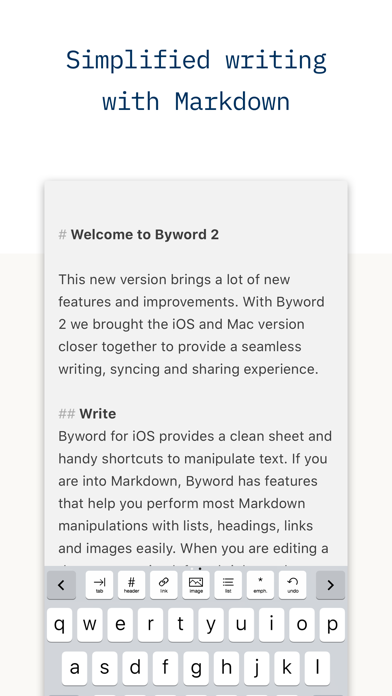
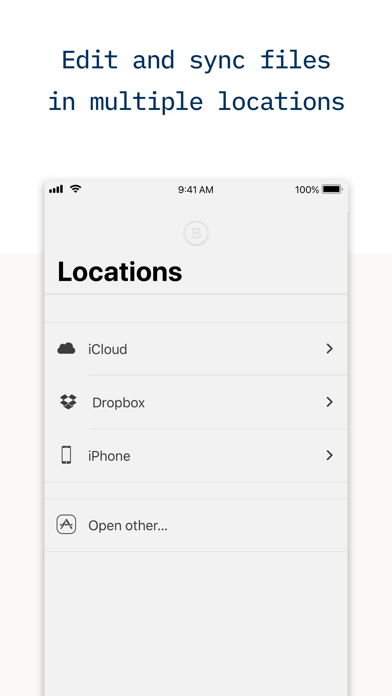
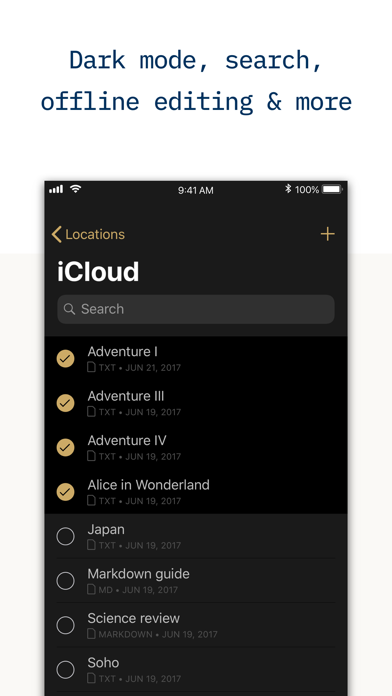
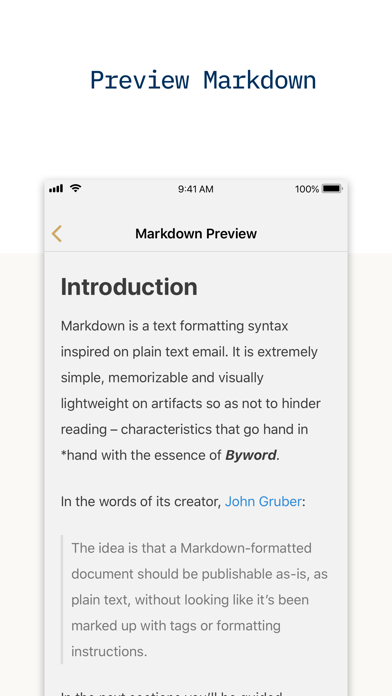
Byword makes writing easier on your iPhone and iPad. # Key features of Byword - Designed to make writing with Markdown easier - Sync text documents across all your Mac, iPhone, iPad devices - Take all documents offline to access them anytime - Filter documents by searching all text (Find & Replace inside documents coming soon) - Alternate dark theme for extra comfort in low-light situations - The most complete Markdown support including footnotes, tables and cross-references - Export Markdown documents to PDF and HTML documents - Publish to Medium, WordPress, Tumblr, Blogger and Evernote # Optimized for iOS 13 - Dark mode support to match iOS preference; - Search documents directly from iOS Spotlight; - Multitasking and split screen on iPad; - Shortcuts to create new document and access most recent documents right from application icon. # Blog publishing Publish to Medium, WordPress, Tumblr, Blogger and Evernote from Byword. Publishing your story with Byword is as simple as: 1. Write in Byword 2. Open Tools and select Publish 3. Confirm metadata 4. Publish # More features - List continuations - TextExpander snippet expansion - Word and character counters with live update - Extensive VoiceOver support for visual impaired users - Spell and Grammar checking and Dictionary lookup - Keyboard shortcuts for formatting and navigating between screens Here are some ways to use Byword in your life: - For posting to your blog without using clunky web interfaces and risking losing your work - For research, meeting and class notes - To write that important email without being distracted - To capture ideas and notes and have them available in all devices # Rich text warning Byword for iOS only works with plain text formats. Supported file extensions are: txt, text, md, mmd, rmd, markdown, markdn, mdown, mkdn, markd and fountain. # Support We are proud to provide a super friendly customer support. If you need help and/or have suggestions, please contact us using the mediums below. Twitter: http://twitter.com/bywordapp Email: byword@metaclassy.com Web: http://bywordapp.com
What's New
Fix for the 'New Document' button not working in some cases
Details
- Developer
- Metaclassy, Lda.
- Main Category
- Productivity
- Version
- 2.9.3
- Version Release
- 2020-04-09
- Initial Release
- 2012-03-10
- Size
- 9 MB
- Age Rating
- 4+
- Price
- USD 5.99
- Languages
- EN
- Bundle ID
- com.metaclassy.bywordios
- Version Rating
- ★ 4.39 (179)
- First Seen
- 2026-05-28
Metadata updated 2026-07-19
Rank History
Free · Max 90 days · Top 5 categories shown (Y-axis: rank, lower is better)
No rank history data
Free Rankings
No rankings
Paid Rankings
No rankings
User Reviews
iOS更新のせいか、専用ディレクトリではない他iCloudディレクトリにアクセスできなくなりました。現時点でも非常に優秀なテキストエディタなので、更新を頑張ってもらえるとありがたい。
It’s an excellent app but can’t login to Tumblr. pls fix it.
iPad で使う時だけかもしれないですけど、export…HTML出力やコピーするためにメニューにアクセスしたいと思ったら、キーボードを消したり、画面の1番上までスクロールしたりしないといけない。 Gboard などのサードパーティー製のソフトキーボードだとキーボードだけを消すのがすぐにできないことがあるので不便です。 あと、bold(太字) などに半角スペースが必須な所も、デメリットです。
軽くて簡単で表示も見やすくてしかもコードが書けるしMathJaxで数式もかっこよく書けて、要するに最高。
iCloud Driveを経由しiPhoneとPCからテキストファイルを編集できるアプリを探していました。 シンプルに使えるものが欲しかったのですが、こちらは画面もすっきりしていて見やすく、目的にピッタリでした。 買い切りなのもとてもありがたいです。
I have used various Markdown editors for iPhone (Ulysses, iA Writer, Editorial, 1Writer, iWriter Pro, Inkdrop etc.), so Byword's feeling is the best for me! But, it has a fatal problem... Byword works well in most languages. conversely, Markdown breaks in Japanese, Chinese, Thai, etc. Those languages do not have a space between words (no “word divider” languages). Example: (English) I have a **big** apple. -> I have a <strong>big</strong> apple. (Japanese) 私は**大きな**リンゴを持っています。 -> 私は*<em>大きな</em>*リンゴを持っています。 It's wrong. I hope fix it... thanks for very apps!
それ以外は今のところ使いやすいです。 特にdark mode はお気に入りです♪ ただi cloudと同期すると、なぜか記事が2つ表示され1つ消すと2つとも消えるという罠が……。
シンプルで画面全体に文字が書けてイイ!
エバーノートと連携してくれるとすごく助かる
使い始めたばかりですが、 とても使いやすい。 書くことに集中できるようにようにインターフェースを作ってくれています。
Reviews are collected only for apps with detected changes (new entries or sharp risers).