

AirBeam Video Surveillance
🇰🇷 KR LocalizedScreenshots
Description
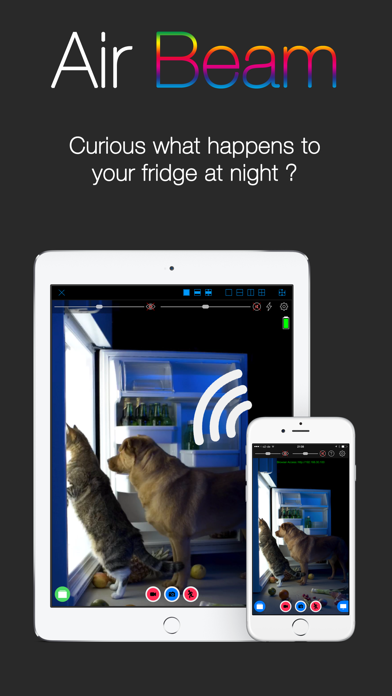
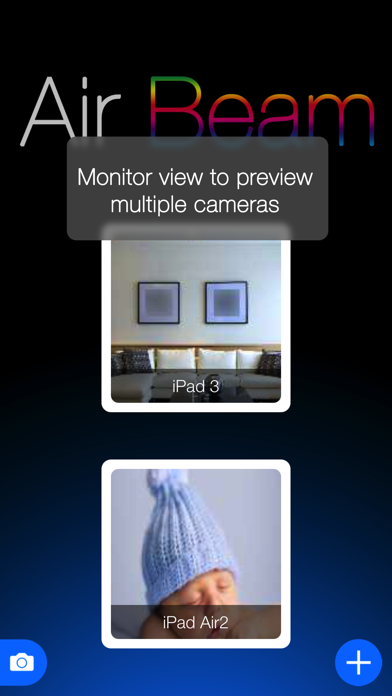
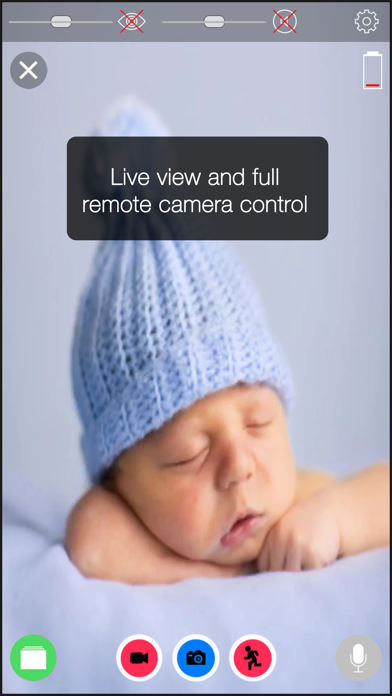
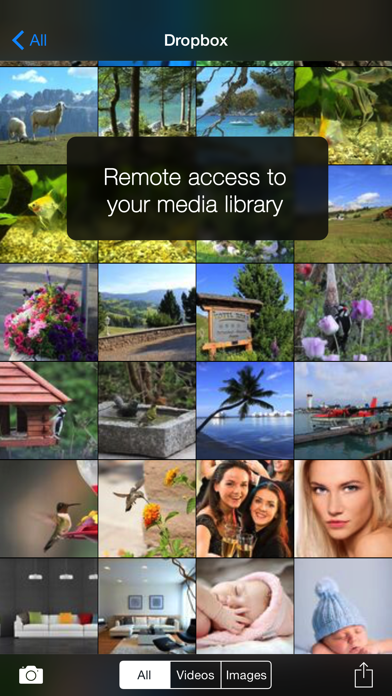
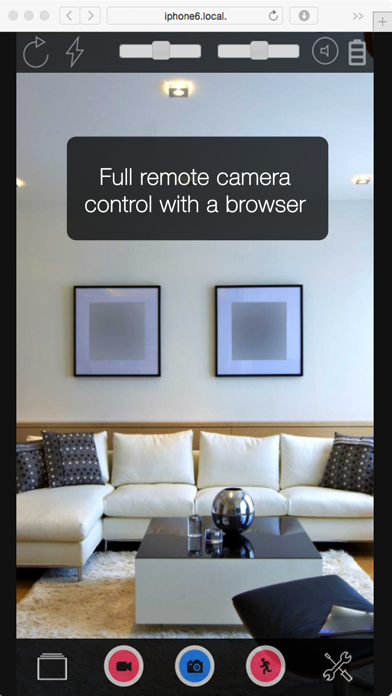
AirBeam turns your iDevices into a realtime audio and video surveillance system. AirBeam streams live video and audio from the cameras and microphones of iPhones, iPods, iPads. You can watch the stream on any other iDevice, Mac, Web browser or AppleTV - even on multiple screens simultaneously. Use your iDevices as luxury babyphones, for serious surveillance, to keep an eye on your pets, a FPV cam in your remote controlled toys…there are hundreds of useful and not so useful things you can do with it. Even if you have just a single device AirBeam is an awesome tool for motion controlled video recording. AirBeams features in detail: * High Quality Realtime: Watch video and hear audio on your remote device in amazing quality with resolution up to Full-HD 1080p, 30 frames per second and CD quality audio. Watch and hear in realtime thanks to AirBeam's low latency encoding and transmission technology. * Zero Configuration: No need to manually configure device addresses. AirBeam automatically discovers all AirBeam cams on your network and you can instantly watch them. * Multi Camera, Multi Monitor: Launch as many camera devices as you want and monitor them simultaneously. Or follow a single camera on multiple screens at the same time. On an iPad you can watch up to four cameras at a time. * Recording: Seeing or hearing something on AirBeam you want to remember? Just press the record button and the video and audio will be recorded. You can also capture still images. * Motion and audio detection: Trigger alarms or recordings when something happens in front of the camera to create a single track of events that happened during a day. * Dropbox integration (requires iOS>=9): Uploads recordings directly to your Dropbox account. * Web interface: Use a browser to watch (no audio in a browser) the live video, download your recordings or adjust the camera settings. * Two-way audio: Audio streaming works both ways so that you can also talk through the camera device. * Full remote control: Adjust all camera settings and access to your photo and video library remotely from the monitor device. * Virtual reality mode: Render the video stream in stereo for watching with a virtual reality headset such as the FreeFlyVR orCardboard. * Motrr Galileo supported: Remotely pan and tilt your iPhone camera when mounted in a Galileo robotic motion platform. * AND COMPLETELY FOR FREE: AirBeam viewer app for Mac and AppleTV available in the Mac and AppleTV AppStore. Important notes ============= * Best video quality is achieved when AirBeam is used within a local WiFi network. With port forwarding configured in your WiFi router it is also possible to monitor AirBeam cameras on your WiFi at home from anywhere in the Internet. Do do this you need to configure a port forwarding for port 8123 in your WiFi router - see the FAQ pages on our homepage for more details. And check your data plan, live video over cellular consumes quite some bandwidth... * Please consider regulations for video surveillance in your country.
What's New
* Optimized for iOS26 * Small bugfixes and improvements
Details
- Developer
- Appologics UG (haftungsbeschrankt)
- Main Category
- Photo & Video
- Version
- 2.5.5
- Version Release
- 2025-12-08
- Initial Release
- 2011-04-26
- Size
- 33 MB
- Age Rating
- 4+
- Price
- USD 3.99
- Languages
- EN, DE
- Bundle ID
- com.appologics.airbeam
- Version Rating
- ★ 4.36 (196)
- First Seen
- 2026-05-31
Metadata updated 2026-06-26
Rank History
Free · Max 90 days · Top 5 categories shown (Y-axis: rank, lower is better)
No rank history data
Free Rankings
No rankings
Paid Rankings
Competitive Benchmark — Photo-Video Top 10
What it takes to beat this app — comparison with the category's top apps. The orange row is the current app.
| # | App | Price | Rating | Ratings | Langs | Last Update |
|---|---|---|---|---|---|---|
| 1 | Moment Pro Camera II | USD 9.99 | ★ 4.30 | 304 | 1 | 2026-06-16 |
| 2 | PhotoPills | USD 10.99 | ★ 4.71 | 1,510 | 9 | 2026-04-16 |
| 3 | Rarevision VHS: Retro Cam | USD 5.99 | ★ 4.66 | 6,716 | 4 | 2025-11-07 |
| 4 | PromptSmart Pro - Teleprompter | USD 29.99 | ★ 4.60 | 11,198 | 1 | 2026-06-03 |
| 5 | Pro Camera by Moment | USD 4.99 | ★ 4.58 | 9,231 | 1 | 2026-03-05 |
| 6 | Stop Motion Studio Pro | USD 5.99 | ★ 4.74 | 13,341 | 17 | 2025-12-10 |
| 7 | Print to Size | USD 2.99 | ★ 4.86 | 19,245 | 6 | 2026-03-13 |
| 8 | Cadrage Director's Viewfinder | USD 19.99 | ★ 4.74 | 346 | 2 | 2026-06-02 |
| 9 | LumaFusion | USD 29.99 | ★ 4.75 | 24,652 | 13 | 2026-03-30 |
| 10 | BerryFilm - Korean Style Cam | USD 1.99 | ★ 4.91 | 46 | 5 | 2026-06-22 |
| 63 | AirBeam Video Surveillance | USD 3.99 | ★ 4.36 | 196 | 2 | 2025-12-08 |
User Reviews
Trying to set up cellular access is a nightmare, wasted 2 hours of my life and 4.00$
Connection worked! Please add support for “Dock Kit”.
i like this app, but my mac mini can't find my iphone's camera. my iphone can find my mac mini's camera, however. this app seems more for two ios devices. don't expect any tech support, my email was thrown into their etrash can.
AirBeam consistently works via IP and that’s exactly what I need. Epoccam, OBS Camera wasted my money and time with terrible connection problems.
The Webcam didnt work. Dont waste your money
Read the title. It is as simple as it gets
Works great on an old iPhone (5s I think 🤔) as a puppy monitor. You can adjust bandwidth remotely if you have a poor connection and adjust digital aperture (or really just “brightness”) by setting the focus via the remote phone (i.e. touch dark area on screen and it refocuses and brightens). Overall, pretty solid app 👍
App works on an iPhone 6s acting as the camera monitored by an iPad 4 and a 2012 MBP. Tremendous lag using the AirBeam apps on the monitoring devices, this is easily fixed by accessing the IP address of the phone in the browsers on the monitors. No lag in the browser. Successfully controlled camera shutter and video capture remotely from the iPad. Have not tested audio. Have not tested further camera settings control. Motion sensor didn’t seem to immediately intuitively work but haven’t thoroughly tested so by no means conclude it doesn’t work. The iPhone did not provide the correct IP address to access at first. After going into settings to get the IP the IP overlay updates to the correct one. It is rather seamless, certainly works and is worth the money. More features than I need (just wanted a remote shutter for the phone). Tons of features. Read the detailed review from February 2019 (using the app to answer the far away phone on the nearby iPad-neat!).
None of my devices cameras auto connect nor can they manually be connected even on the same network.
I'm seriously shocked at the more recent negative reviews for this fantastic app. It's 2019 and I am still using my iPad2 that I bought in 2011. (I was initially nervous about me "being obsolete".) As my camera, I am using an also-dated iPhone6 on a very convenient mount...one of those sturdy yet bendable, foam covered iPhone mounts that I got from the .99 Cent Store. I purchased this app on my iPad and it instantly appeared on my iPhone. (Didn't have to buy it for each device like some reviews are strangely claiming.) I turned the phone's app on first, iPad's app a few seconds later, told the phone's app to operate as the camera, and they immediately found each other on my home Wifi network without me having to enter any weird WiFi codes, usernames, IP addresses, passwords, or all that other aggravating junk I've experienced with countless other Wifi related apps in the past. Seriously I had the whole setup up and running in less than 30 seconds after the app's icons appeared on my device's desktops! The app is crazy-simple to operate, and I actually yelled out loud in amazement at the super high quality of the video and the lack of any choppiness or irritating frame-by-frame effect found in slow security camera's monitors. (In fact, as a test I aimed my phone at a movie playing on TV, and it appeared on my iPad as though it were being streamed directly from Netflix!) I was immediately able to set my mounted phone on the table at my front window and take my iPad back to my office so I could work and be able to watch for an Amazon delivery I was expecting. Also, I have my device's settings set so that when my phone gets a call, I can answer it and take the call with my iPad without having to run up to the front room just to answer it in time...and I don't constantly have to listen for the sound of my phone possibly ringing on the other side of the house. Couldn't be more convenient! My only negative point would be that both my device's batteries were zapped of juice after about 3 hours. No biggie, I'll just plug them both in if operating the app for longer than that next time. Plugging them in while in operation is a minimal inconvenience for such a fantastic convenience though... Also, this is a must-have for anyone else like me who is permanently disabled, slow on their feet and with limited steps!
I'm using Airbeam with Galileo for home monitoring. I think this app is a good choice among other similar kind of apps. However sometimes Galileo shows not working properly during monitoring. I'm not sure airbeam has a bug or Galileo has.
it is a really good one as babycam. there is free other apps but i couldn't find support any one can be used in 3G network. This apps can be used in 3G network but it is somewhat difficult to set up port forwarding in my home router and set up ddns service. One missing function i want is two way audio it only supports one way audio.
Reviews are collected only for apps with detected changes (new entries or sharp risers).