

inShort
🇰🇷 KR LocalizedScreenshots
Description
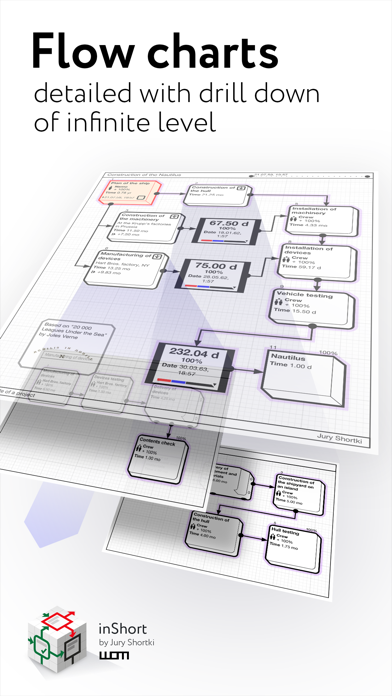
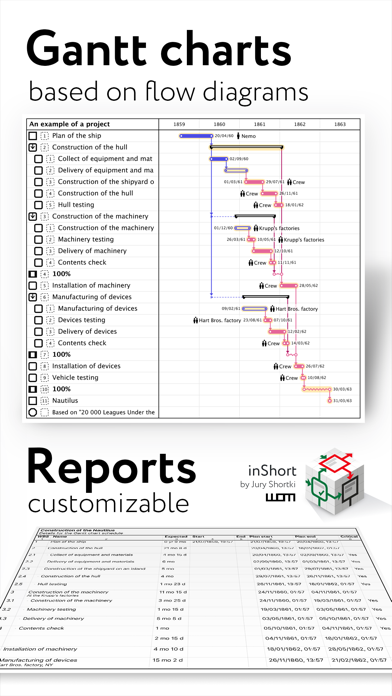
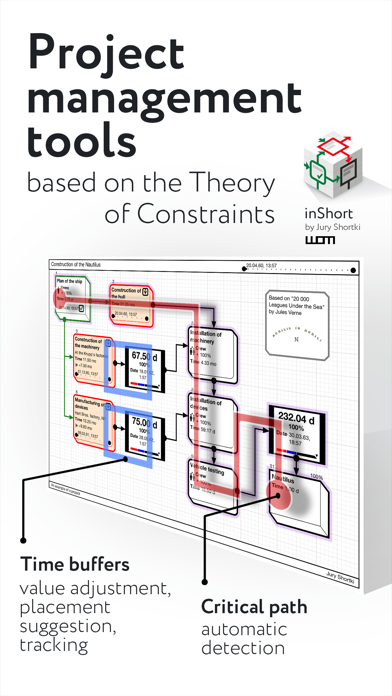
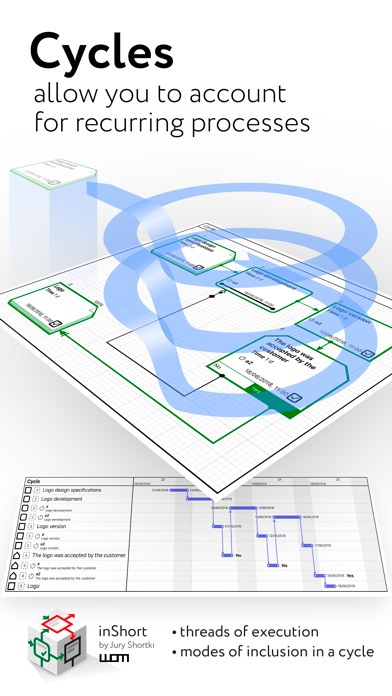
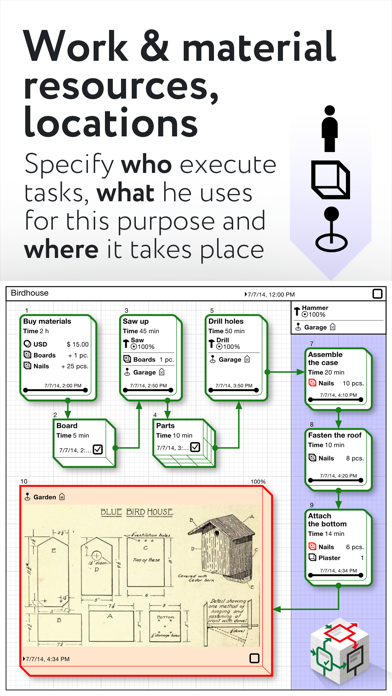
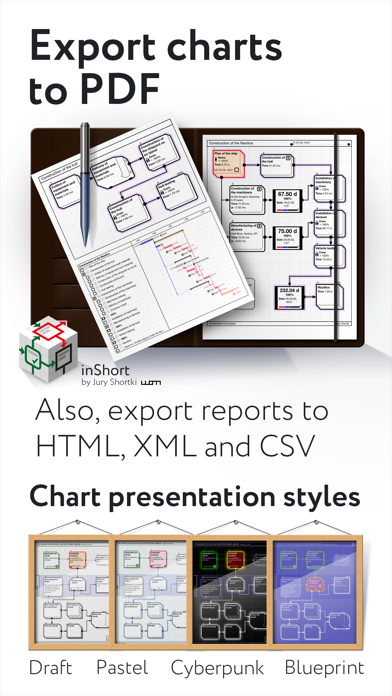
This application offers a unique approach to project management, which represents your project not just as a plan, but as a coordinated mechanism moving towards the goal. The original technique allows you to break down project objectives into smaller goals, processes and resources, but not get lost in the details, but always see the overall structure of the project as a whole. After all, project management is not a mechanical observance of the plan, but the achievement of project goals, which should not be overlooked. The application combines the classic project approach based on Gantt charts and project management through workflow diagrams. As a rule, Gantt charts are ideal for presenting project schedules, but they are not so convenient for reflecting the complex structure of the relationship between processes, goals and resources. More formally, the program allows you to build a customized, based on the BPMN notation, PERT diagram of the project (with events and processes at nodes). Then this description of the project is used to generate a Gantt chart and track the progress of the project. So, inShort is a powerful project and business process management tool, which can be applied not only in office but also for personal purposes. You can further explore the capabilities of the program with the detailed interactive User Guide. Key features of the application: • Building the diagram of processes and resources of the project (PERT network diagram of the project, based on BPMN notation). • The ability to drill down the elements of workflow diagrams. • Tracking the execution of the project. • Integration with the standard Calendar. • Displaying the list of project tasks in the form of a Gantt chart. • Separation of physical and information flows of the project. • Ability to specify the expected time of execution, both directly and parametrically. • Export of charts into PDF files and OPML outlines. • Project management according to the methodology of the Theory of Constraints. • Working calendars taking into account various schedules of work for implementation of tasks. • Work resources and their assignment to tasks. • Queues of tasks: organize the work with active tasks in accordance with the elements of the GTD methodology. • Checklists for diagrams — monitor the sequence of actions for project management step by step. Advanced features of project management in accordance with the Theory of Constraints technique: • finding the critical path; • positioning of time buffers of the project; • calculation of buffer sizes; • calculation of late starts for feeding paths of the project; • tracking of time indicators during project execution. *** inShort Pro — application version for experienced and advanced users, contains advanced and service functions useful for in-depth work with diagrams. Functions included in inShort Pro: • Working with layers of diagrams; • inReview: publications of user diagrams surveys by experienced project managers, indicating successful findings and weaknesses in the diagrams. The procedure for sending diagrams for analysis is described in the Terms of Use. The inShort Pro version is available by monthly subscription. Subscription automatically renews unless auto-renew is turned off at least 24 hours before the end of the current period. inShort Pro Subscription Terms of Use link: http://www.shortki.com/inShort/proTerms.html *** Cannot solve a problem? Draw it inShort and sort things out with it there. It's like voodoo but it works.
What's New
• Expanded and improved WFL export format. • Fixed compatibility bugs. Introducing inShort² for iOS, tons of new features, plus an improved mobile application interface!
Details
- Developer
- Jury Shortki
- Main Category
- Business
- Version
- 9.0
- Version Release
- 2023-02-14
- Initial Release
- 2011-03-09
- Size
- 54 MB
- Age Rating
- 4+
- Price
- USD 2.99
- Languages
- EN, FR, DE, RU, ZH
- Bundle ID
- com.shortki.inShort
- Version Rating
- ★ 4.04 (23)
- First Seen
- 2026-05-28
Metadata updated 2026-07-19
Rank History
Free · Max 90 days · Top 5 categories shown (Y-axis: rank, lower is better)
No rank history data
Free Rankings
No rankings
Paid Rankings
No rankings
User Reviews
Enabling the "Execution failed" entry will cause the application to die unconditionally. My device is as below. iPad Pro(9.7) WiFi only 128GB A1673(MM192KH/A) iOS 13.2.2 Can you fix it for me?
6천원 치고는 정말 좋은 앱입니다. 인터페이스도 깔끔하고 영어로 메뉴얼만 한번 정독하면 쓰는데는 왠만한 분들은 문제없습니다. 업무의 work flow 정리나 프로젝트 관리에 도움이 될것 같습니다.
I think inShort could be used for so much, but I’m having a hard time understanding all the elements. I want to be able to do this before I get hands-on so that I know what tools I have. Getting to know proxies and time buffers are causing me the most trouble at the moment. I’ve tried consulting the manual, but it’s not as descriptive as I need it to be. I’m no professional in any sense of the word, so maybe this just isn’t the app for me! Still, it would be nice if certain aspects were fine-tuned so that they are more intuitive to use.
Appreciate wonderful app but I encountered crashes a number of times when i use the grouping tool. even with auto save mod, it goes crash and my working crashes and many diagrams disappear from time to time pls look into this issue and fix it as it is critical
제약이론을 바탕. 그림그리듯 직관적인 편집. 지금 당장 할 수 있는 일과 할 수 없는 일이 분명하게 표시된다. 가격도 싼 편
한글부탁드립니다 ㅠㅠ
please, korean manual
한글버전부탁합니다.
I searched for a small and simple app to make my works to be shown logical as an IT manager. This app is well made and easy to learn. Especially the Ghantt chart and the flow chart are good
It is not easy to learn.
Reviews are collected only for apps with detected changes (new entries or sharp risers).