
ArtRage
🇰🇷 KR LocalizedScreenshots
Description
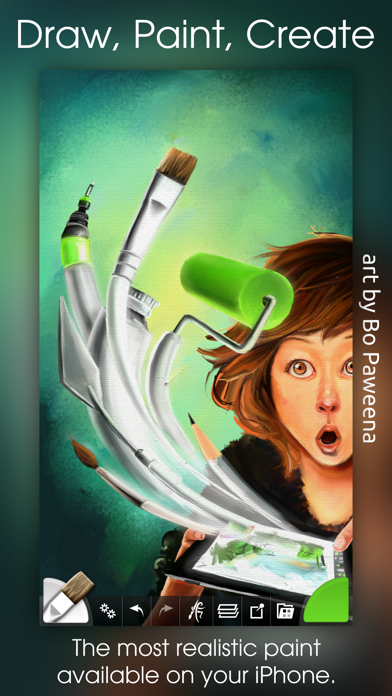
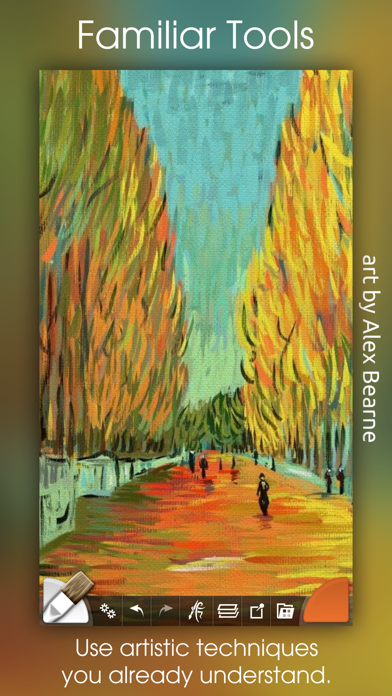
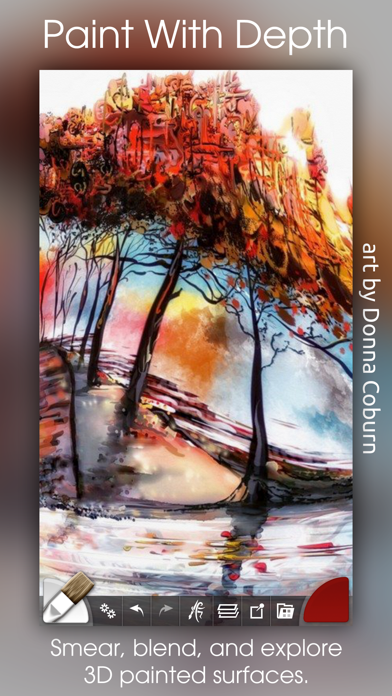
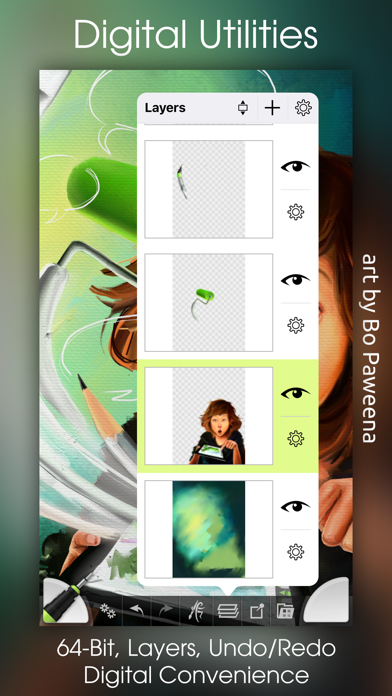
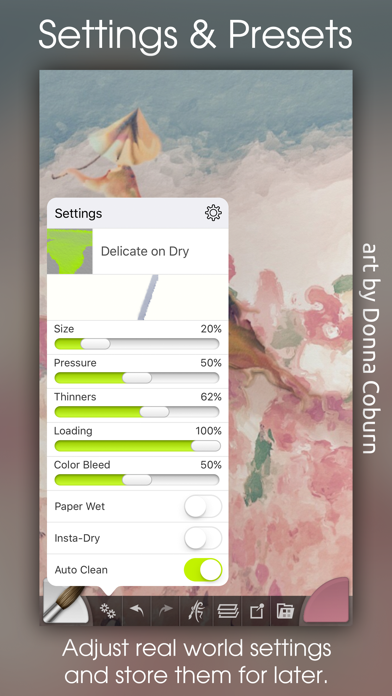
The most advanced simulation of real paint on iOS! Get creative on a digital canvas with smearing, blending oils, delicate watercolor, and much more! Ever wanted to try painting your masterpiece but were put off by the mess and expense? Now you can! ArtRage isn't just about color: It knows how much paint you've used so you can smear it around to spread it over the canvas. It knows how wet your paint is so you can blend it with other paints. It even knows about the roughness of your paper so your pencils can be used for soft shading. It's not just a special effect either - ArtRage is a live simulation of the properties of real artistic media that lets you can get creative with colors and textures using tools you already know how to use! ArtRage takes full advantage of the features of your device like larger canvases on iPad Pro, Apple Pencil support for pressure & tilt, and 3D touch on your iPhone. Join the ArtRage community: Forums: forums.artrage.com Facebook: www.facebook.com/artrage Features: Real world painting tools: Oils, Watercolors, Paint Rollers, Pencils, Crayons and more. Each tool has a range of familiar properties such as how much thinner is applied to the paint, or how soft a pencil tip is. Tools apply texture as well as color, and blend under the brush. Add Layers to your painting and work on individual elements without damaging others. ArtRage supports a wide range of Layer Blend Modes, and layer contents can be scaled moved and rotated independently. Import images, converting them to oil for smearing or as Reference Images pinned to the canvas as a visual guide. Load photos as Tracing Images which are overlaid on the canvas, and have ArtRage select colors automatically as you paint. The interface has been designed to maximize your creative space without hiding away critical functions such as tool and color selection. As you paint, it gets out of the way so that you don’t have to stop and manually adjust panels. Record your paintings! The ArtRage Script system lets you record strokes while you paint for playback in desktop versions of the product at higher resolution. Import and Export using external services such as Dropbox, and iCloud Drive. Share your images on Facebook, Twitter, and any other sharing app on your device. Tools: • Oil Brush, Watercolor, Airbrush, Palette Knife, Paint Roller, Paint Tube, Inking Pen, Pencil, Marker Pen, Chalk, Crayon, Glitter Tube, Gloop Pen, Eraser, Flood Fill. • Paint simulation monitors the physical properties of your paints to allow natural blending, smearing, and other real world behavior. • Preset support to save your favorite settings for later use. • Supports the Apple Pencil's Pressure and Tilt properties, and 3D Touch where available to add realism to the simulated paint strokes. Layers: • Unlimited layers with Photoshop standard blend modes, visibility and opacity controls. Scale, rotate, and position layer contents independently. Utilities: • Record your paintings as Scripts then play them back in a desktop version of ArtRage. • Unlimited Undo / Redo. Load photos as References or Tracing images. Store color samples for later use. Files: • Create paintings up to 2048 x 2048 or 4096 x 4096 on iPad Pro. • Control the texture and color of the canvas to create different effects. Canvas presets can be stored to save your favorite settings for later. • Export PTG, JPG or PNG to services such as Email, iOS11 Files, Adobe Creative Cloud, Dropbox, and more. Share images on Facebook or Twitter. Import photos to a new file or a layer, with camera support. Interface: • Easy access pods provide functionality without getting in the way. Elements vanish as you paint so you can paint underneath. Multi-Touch shortcuts for canvas manipulation, Undo/Redo, and Brush Size. • Adapts to suit iPhone layouts. Stylus & Input Support: • Apple Pencil Pressure & Tilt. • Supports 3D Touch. • Includes support for Wacom, Adonit, Adobe, and Pogo styluses.
What's New
This update from Apple will improve the functionality of this app. No new features are included. This update adds gallery file sorting options and the ability to recreate thumbnails for paintings that have lost them. Both options are available in from the menu at the top of the gallery. We've also made some changes to file naming and storage to fix some reported problems, added an indicator to the canvas so that you know which way is 'up' when you create it, and made some improvements to scripting support. As always, if you have any problems please contact us via our support link and we'll be happy to look in to it and help out!
Details
- Developer
- Ambient Design Ltd.
- Main Category
- Entertainment
- Version
- 2.4.0
- Version Release
- 2018-06-26
- Initial Release
- 2010-09-27
- Size
- 62 MB
- Age Rating
- 4+
- Price
- USD 2.99
- Languages
- NL, EN, FR, DE, IT, JA and 1 more
- Bundle ID
- com.AmbientDesign.ArtRageiPad
- Version Rating
- ★ 3.47 (170)
- First Seen
- 2026-05-28
Metadata updated 2026-07-19
Rank History
Free · Max 90 days · Top 5 categories shown (Y-axis: rank, lower is better)
No rank history data
Free Rankings
No rankings
Paid Rankings
No rankings
User Reviews
I’ve used ArtRage for at least 12 years in total, beginning with the desktop version in 2014-2015ish before I switched to the mobile version in 2020. At this point, I don’t know if it’s a genuinely good program or if I’ve just used it for so long that I’ve grown used to all of its quirks. I wish I could group layers, so I can save myself the wasted time of merging layer after layer after layer. I wish there were an actual blur tool like in the desktop version so I don’t have to use a custom knife tool I made to sort of create a blur effect. I wish the app didn’t crash if you switch to another app while it’s open. I wish it didn’t lag whenever you zoom in or out on big canvases with a lot going on. People ask me what program I use and whenever I explain that I use ArtRage, it comes with a lot of clarifications—I wouldn’t really recommend it, it hasn’t been properly updated in years, and it’s not really worth your $5. But am I emotionally attached to it? Absolutely. Has it served me well from my terrible early days of digital art to the much better work I make today? Debatable, but I would say yes. However much I complain, I know, perhaps with some dread, that the day I switch to another drawing app is the day ArtRage dies. The real question is whether they’ll ever update it again…
All artwork is showing as the ArtRage icon after the IOS 18 update :(
From the top review of the “new” version with a purple icon it sounds like there is no difference between it and this version. Is this becoming legacy with a major update coming to purple icon ArtRage, or should I hang onto this app that I’ve been using for so long that I feel like the 1st Apple Pencil had just come out. It’s a 4-5 star app for its capability to give you a semi manual painting experience with existing photos which procreate doesn’t seem to match - the original Fractal Design Painter for desktop computers had a clone color function (and much less complication, but lacked layers - only a thing called …. wait for it …. floaters) that ArtRage reminds me of and does very well.
In my opinion, the only one of its kind is procreate, but I also think your interface and layout is pretty amazing. It’s sad to see this at 3.4 when it should be 5.0 As many others have said, this app has so much potential to be so much greater than Procreate… Chin up my friend I gave you five stars and hopes that you will update this app, and make it great again, drawing apps need some competition to make iPad. The preferred tablet for artists.
Just a few weeks ago I was able to turn the picture with my fingers but now I have to turn my whole iPad but other than that it’s an amazing app!!
By far the most traditional art app I’ve found . The controls are intuitive , but I would love to see color assignments “stick” to a tool (such as graphite grey for pencil, while brushes keep the color I was using on them). Another “easy” feature that’s missing is the ability to have a pallete sampler to easily pick some base colors and paint away. Another feature would be allowing to mix pallet colors to blend new shades to bring it even more in line with traditional painting)
This would be a great app if they updated it. Crashes a lot and if you don't SAVE...it's gone. They basically rugged and left the app in limbo
So my mom made me download for no reason and it was very weird. So I tried to draw lines but it wouldn’t let me and I made sure it was at 100 opacity and I made sure it was black color but it wouldn’t draw. Also when I zoom in I can’t zoom out for some reason and it keeps crashing. Pls upgrade it has a lot of potential. Also add more tools/brushes.
There is another, older version of this app, that holds many drawings of mine. It doesn’t work with iOS 14. Can it be refurbished for the new OS, at least enough for me to export my old doodles? It doesn’t need more functionality than an “export all” button.
I've been an Artrage user since v1 on desktop Mac, way, waaay back. After reluctantly retiring my beloved Wacom in favour of the iPad ecosystem; Artrage was a natural purchase. Sadly, comparing it to its peers, what once was cutting edge media simulation feels quaint, like so much CG from the nineties; there are stunning apps out there doing incredible real media simulation. What Artrage pioneered with innovative user interface that delivered an accessible digital painting experience (in the face of behemoths like Corel Painter), also feel old fashioned and even clumsy, again compared to other apps. Some of the tools or code appear ill matched to retina display; brushes strokes and other tools produc visibly pixelated results; as though it would probably look right on an old 72ppi monitor. But the real insult added to injury is that literally three days after my purchase, this app is obsoleted when the developers released a whole new, separate Artrage for iOS, rather than update this one. How very unlucky for me, and very sad that I just cannot recommend this version. That's coming from a longtime fan 😭
Reviews are collected only for apps with detected changes (new entries or sharp risers).