Mobile Presenter™
🇰🇷 KR LocalizedScreenshots
Description
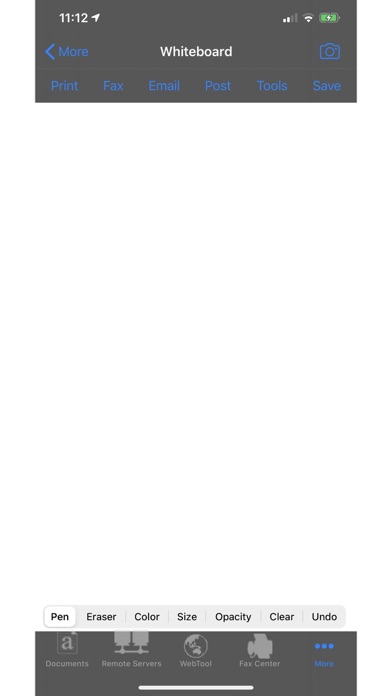
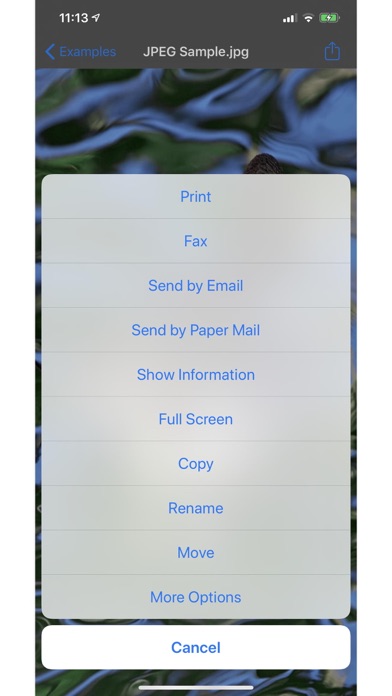
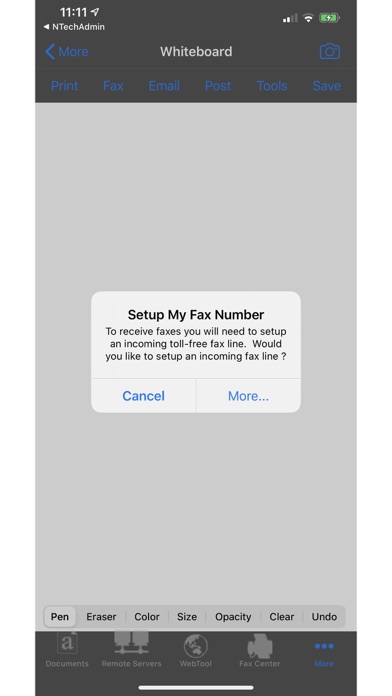
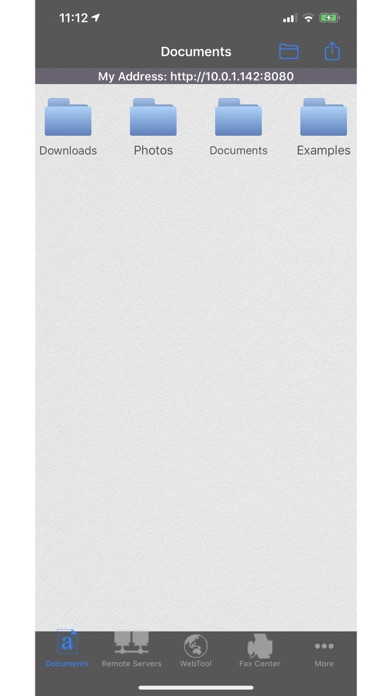
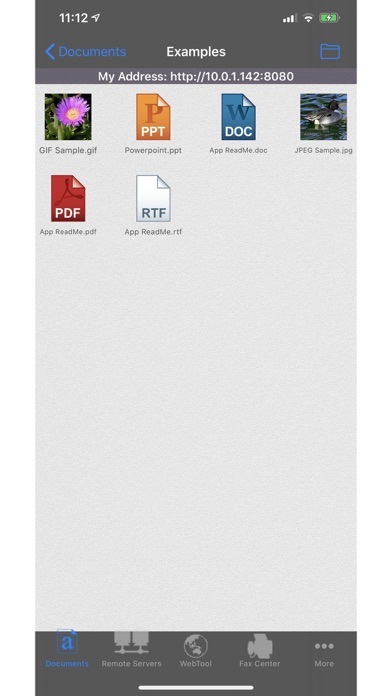
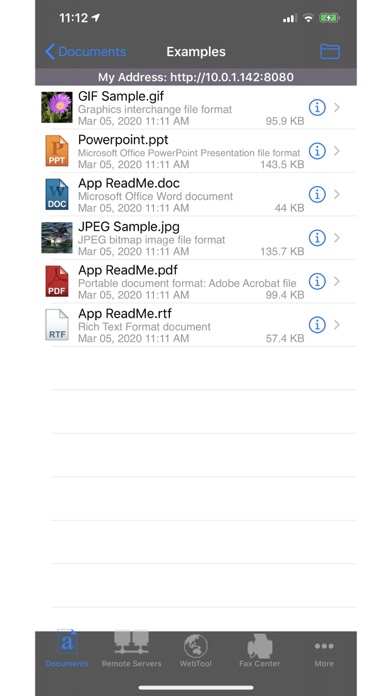
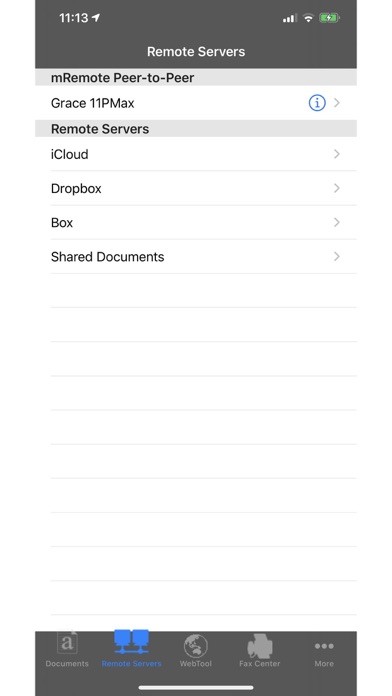
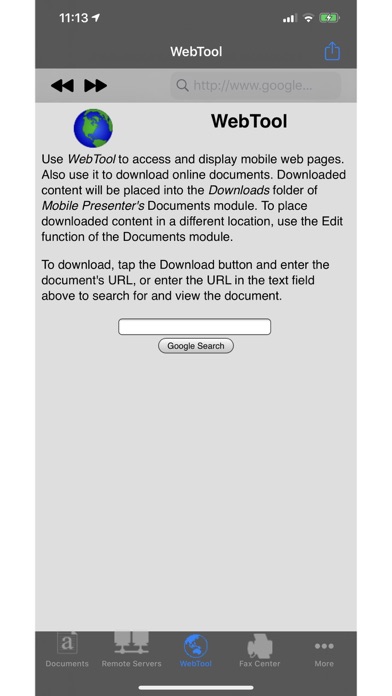
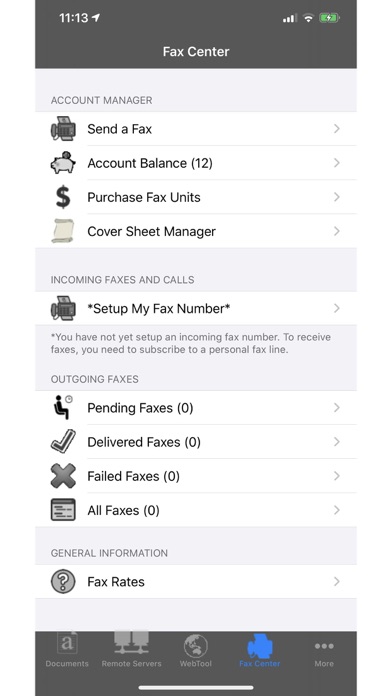
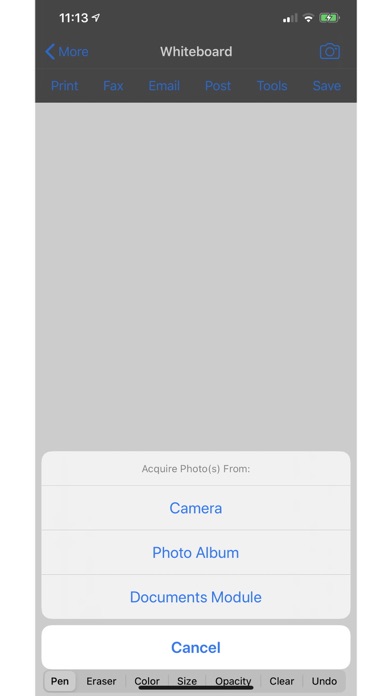
Screencast this app onto other devices running this app or onto a computer, and view another user's screencast of this app on your device. Multiple computers, or other iPhones/iPads running this app, can watch your screencast at the same time. Plus, use our whiteboard to doodle and send postcards "I bought this app thinking it would only help me present in my business. It is way way more!...utterly indispensable." - A, Oct 6, 2011 USAGE Import the file(s) you want to screencast first. For help with importing files into this app, see the Quick Start Guide in the user guide TO SCREENCAST TO A COMPUTER: 1. Put your iPad/iPhone and computer on the same wi-fi network 2. On your iPad/iPhone, start this app, and open the Documents module. Make a note of the URL that is displayed at the top of the Documents menu 3. On the computer, open a web browser, and enter the full URL of this app from the previous step. For example, http://x.y.z.a:8080 4. On your iPad/iPhone, using this app, open the document/whiteboard/photo/webpage you want to screencast. You must open it with this app. If you want the ability to annotate the image you load, use the Whiteboard module to open that image TO SCREENCAST TO ANOTHER DEVICE RUNNING THIS APP: 1. Put your iPad/iPhone and the "watching" device on the same shared wi-fi network. 2. On your iPad/iPhone, start this app. Then, using this app, open the document/whiteboard/photo/webpage you want to screencast. You must open it with this app. If you want the ability to annotate the image you load, use the Whiteboard module to open that image 3. On the "watching" device, start this app. Open the mRemote module. Devices found with active mRemote modules are listed under "mRemote Peer-to-Peer". Choose the "screencaster" device by tapping its blue tip. Important: If you tap the row itself instead of the blue tip, you'll launch "file sharing" instead of "screen sharing" mode FEATURES • View/print many document types, including PDF, Word, Excel, text, HTML, and images • Create new text documents • Use a web browser to transfer files between your computer and this app. • Print to networked or shared printers. No additional software is necessary. This app includes support for over 1,400 printers from HP, Epson, Canon, Samsung, Brother, Lexmark, Xerox, Ricoh, Oki, Kyocera, Infotec, NRG, Lanier, and many more! • Send faxes to over 220 countries and territories worldwide - no subscription required![1] • Get a professional USA-based toll-free number for your incoming faxes and voicemail[2] • Send postcards and letters via USPS (postal mail) • Access remote files on MobileMe, Box.net, or Dropbox • Screencast this app onto other devices running this app or onto a computer. View another user's screencast of this app • Share files between two iPads/iPhones that are running this app • Print web-based files or download them into this app • Scribble on a white background or on a photo, in a variety of colors, brush sizes and opacities • Import and annotate images Subscription Notes: • Length of subscription: 1,3, 6 or 12 month options • Subscription automatically renews unless auto-renew is turned off at least 24-hours before the end of the current period • Account will be charged for renewal within 24-hours prior to the end of the current period • Terms Of Use: https://n1.ndili.com/termsofuse.html • Privacy Policy: http://www.ndilitechnologies.com/privacy [1] Each fax unit purchases a one-page fax that can be sent in 60 seconds or less to a destination in the US or Canada. Other country rates are listed within this app. Longer transmission time (for example, a page containing high resolution graphics) consumes additional fax units. [2] To receive voicemail or faxes, you must setup an incoming toll-free phone number. The toll-free phone number requires a monthly subscription. 60 minutes/month are included free with subscription. Toll-free numbers are USA-based numbers and are accessible in the United States only.
What's New
- performance enhancements
Details
- Developer
- Ndili Technologies, Inc.
- Main Category
- Business
- Version
- 5.3
- Version Release
- 2026-06-01
- Initial Release
- 2010-02-05
- Size
- 172 MB
- Age Rating
- 17+
- Price
- USD 3.99
- Languages
- EN
- Bundle ID
- com.ndili.iphone.apps.mobilepresenter
- Version Rating
- ★ 1.00 (1)
- First Seen
- 2026-05-28
Metadata updated 2026-07-19
Rank History
Free · Max 90 days · Top 5 categories shown (Y-axis: rank, lower is better)
No rank history data
Free Rankings
No rankings
Paid Rankings
No rankings