

OPlayer - video player
🇰🇷 KR LocalizedScreenshots
Description
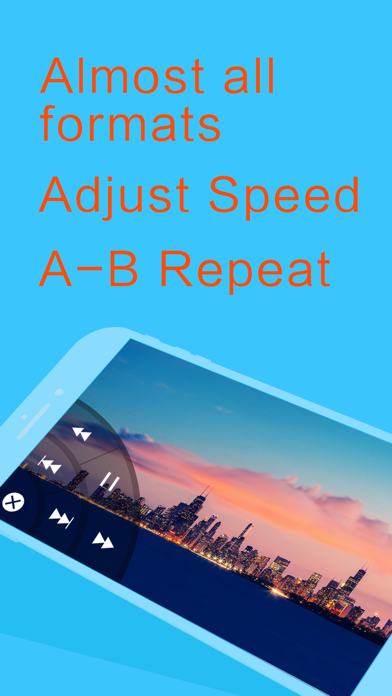
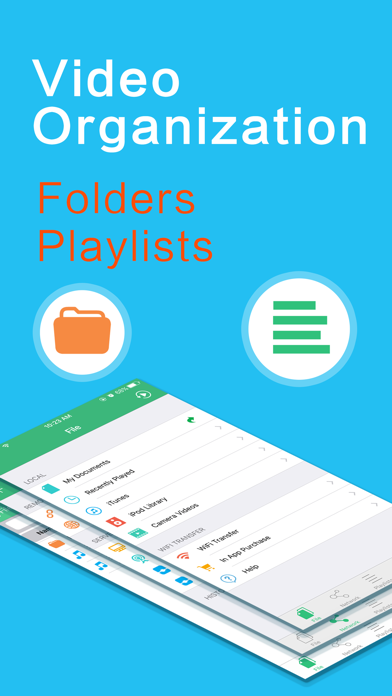
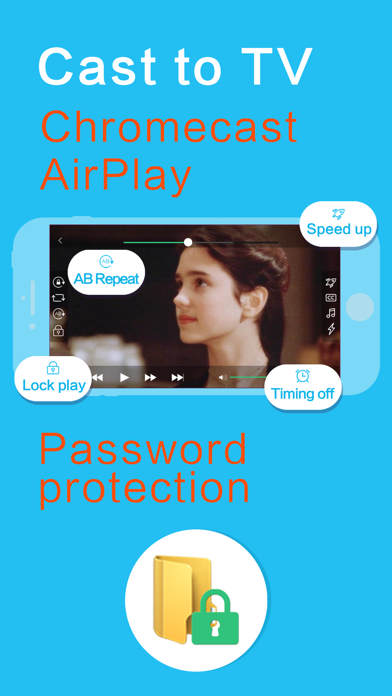
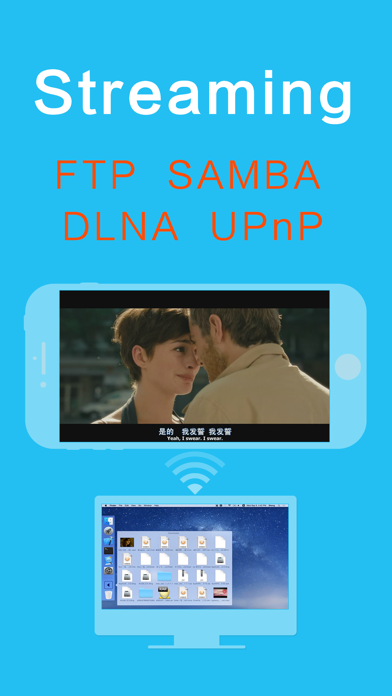
12년 동안 지속적으로 혁신하고 수많은 유저들의 선택이다. OPlayer 플레이어 더 믿음직한다. 전환할 필요 없이 바로 플레이할 수 있고, 만능한 플레이어! "iPhone에 최고의 동영상 플레이어" OPlayer는 "iPhone Apps Plus Best"로 칭한다! ====================================== AC3 공식 수권 AVI/DivX 공식 수권(앱 내 구입하기) DTS 공식 수권(앱 내 구입하기) ====================================== OPlayer는 다양한 격식을 지지하는 현지 플레이어고 영화를 직접적으로 컴퓨터에서 설비로 이동할 수 있습니다. 동시 FTP/SAMBA/UPnP/DLNA 등 인터넷 플레이도 지지됩니다. 이 플레이어는 50여개 버전을 발포했고, 애플 App Store에 있는 최초의 핸드폰 플레이어로서 OPlayer는 지지하는 격식을 더 전면적이고 소프트웨어 더 안정하고 기능이 더 풍부하고 사용이 더 간단합니다. 【지원 되는 형식】 - 동영상: mkv, wmv, avi, divx, xvid, rmvb, rm, flv, mp4, 4k, mov, 3gp, m4v, blu-ray, ts, m2ts, swf, asf, vob, h265 (hevc), webm 등 거의 모든 영화 파일 격식을 지지함 - 음악: mp3, wma, wav, dts, ac3, eac3, aac, flac, ape, cue, amr, ogg vorbis, 손상 없는 음악 등 거의 모든 소리 격식을 지지함 - 자막: srt, ass, smi, sub 등 거의 모든 자막 격식을 지지함 - 인터넷류: http, ftp, samba, rtp, rtsp, mms 등 - 모든 장비 지지: 모든 iOS 6.0 및 이상의 iPhone, 최신의 iPhone 6s(Plus)도 지지함 【포인트 기능】 • 변속 플레이: 플레이 속도를 0.1x ~ 4.0x 조절 가능함 • 중복기능: 또한 두 포인트 순환(AB순환)이라고 칭하고 구간 플레이함 • 백 지속 플레이: App 백으로 전환할 때도 동영상 지속적으로 플레이 가능함 • 가로 화면 플레이 설치: iPhone 화면 회전 기능 닫을 때 동영상 가로 플레이함 - 합성 samba/ftp/http/upnp/dlna 클라이언트 - 다양한 전송 방식: 1. 데이터 케이블 전송(문서 지지) 2. Wi-Fi 무선 전송 - 다운로드 필요 없이 바로 컴퓨터에 있는 문서를 플레이 가능함(핸드폰 저장 공간 절약) 컴퓨터에 파일 공유만 하면 컴퓨터에 있는 동영상을 플레이 가능함 - 비밀 보호: App와 파일 암호화하고 암호화된 문서를 숨기고 지문으로 잠금 해제함 - 기능 탁월: 핸드폰의 높은 기능을 충분히 발휘합니다. iPhone 5 및 업데이트된 핸드폰 1080P 및 이상 고선명 HD 동영상 지지함 - 더 절전함: mp4/mp3 등 묵인하는 하드웨어 해독하여 배터리의 체공 시간을 많이 연장됨 - 외손 조작 모드: 외손 모드 열고 외손으로 모든 플레이 기능을 완성할 수 있음 【기본 기능】 - 문서 관리: 새로 만들, 이름 바꾸기, 이동, 삭제, 검색 - 내장 브라우저 - NAS, 공유기, Dropbox 등 클라우드 서버를 지지함 - 지지 문서: TXT,Word,EXCEL,PPT,PDF등 - 압축/압축을 풀기(내구): zip, rar, 7z 지지하고 암호화 지지함 - 플레이어 리스트: 음악 관리 더 마음대로 가능함 - 손짓: 플레이 진도, 밝기, 소리, 중지/계속, 자막 위치 및 크기 - 순환 플레이: 한곡반복, 목록 순환, 임의 등 - 플레이 위치 기억: 지난번 플레이하는 위치에 계속 플레이 - 티비에 플레이: AirPlay, 미러 투명, 데이터 케이블 지지함 - 플레이 화면 잠금: 플레이 화면 조작 오류 피하기 - 정시 담기: 지정된 시간이 되면 플레이 중지하게 설정 가능함 - 동영상 비율 조절: 임의 화면 비율 4:3, 16:9등 설정 가능함 - 2d 모드 플레이 3d 영화 - 이어폰 제어 - 음각 강화 - 그림 보기(내구): 1. gif 애니메이션, png,jpg,bmp 등 지지함 2. 영상 슬라이드 플레이, 플레이 시간 자체 정의 가능함 3. 앨범에서 그림 도입 지지함 【음성 조작】 - 완쪽 채널, 오늘쪽 채널 지지함 - 다양한 사운드 트랙을 할 때 실시간 전환 가능 - 소리 지연 조절 【자막 기능】 - 영화 오목 자막 지지함 - 영화와 같은 이름으로 된 자막 문서를 자동적으로 로딩함 - 외부 자막 문서 수동 선택 기능 지지함 - 자막 문서의 넘버링 방식을 자동적으로 식별 가능함 - 손짓: 한 손가락으로 자막 위치를 조절하고 두 손가락으로 자막 크기를 조절 가능함 - 자막 글자체, 컬러 변경 가능 - 자막 지연 조절 가능 【유저 지지】 - 정기적으로 매장 평가, 의견을 체크하고 유저 문제를 해결합니다 - Skype: oplayer_help@outlook.com - Twitter: @OLIMSOFT - 전자 메일 : olimsoft@gmail.com - 웹 사이트 : www.edavs.com
What's New
Support iOS 18
Details
- Developer
- Suzhou Totoro Network Technology Co., Ltd.
- Main Category
- Entertainment
- Version
- 4.8
- Version Release
- 2025-02-17
- Initial Release
- 2010-01-14
- Size
- 93 MB
- Age Rating
- 17+
- Price
- USD 2.99
- Languages
- AR, BR, CA, CS, DA, NL and 23 more
- Bundle ID
- com.olimsoft.oplayer
- Version Rating
- ★ 4.59 (961)
- First Seen
- 2026-05-28
Metadata updated 2026-07-19
Rank History
Free · Max 90 days · Top 5 categories shown (Y-axis: rank, lower is better)
No rank history data
Free Rankings
No rankings
Paid Rankings
No rankings
More by This Developer

User Reviews
I tried to play my personal files and it won’t let me completely ruined the app for me
ファイル名が長すぎると文字数制限に引っかかって再生出来ないものがあります。 ファイル名を短く変更すれば再生できますが、ちょっと手間。 それ以外は直感的に扱いやすく良いアプリと思います。
不能像苹果自带的标星快捷收藏?同时建议多几条快捷指令。
Google Driveと連携しようとしたが「このアプリが、Google アカウントのプライベートな情報にアクセスしようとしました」と言われてブロックされてしまう。
本アプリから不正なアクセスを検出した旨のアラートが出てログインできない。
This is a great video player all in all i would say it is the absolure best on the store for private owned media, however i did notice that some features like mini player are not completely functional on the lastest ios update for the iphone 17 but the app shines nonetheless. thank you
Plays many video types flawlessly and fast even across devices on a home network. I have been using it for years…Giving the developers a thumbs up. It is a good app.
Can you please add video thumbnail feature to actually see what I am playing.
グリッド表示は出来ない?
これが出来れば満点かな?
ipadで使用しているが画面の回転を行うと描画範囲が動画の右上のみになりほとんど見えなくなる。早めに治して欲しい。
いつも便利に使ってましたが、バージョン4.8にアップしたら、音楽再生中に編集からファイルを複数選択して削除する時にプレーヤーの操作部とゴミ箱が重なり削除出来なくなってしまいました。改善お願いします。
Reviews are collected only for apps with detected changes (new entries or sharp risers).