

Equalizer
🇰🇷 KR LocalizedScreenshots
Description
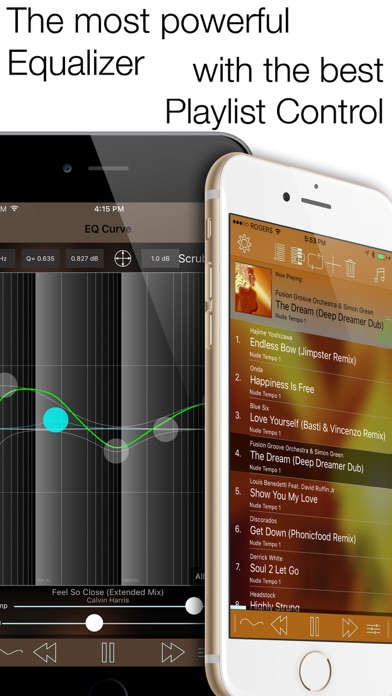
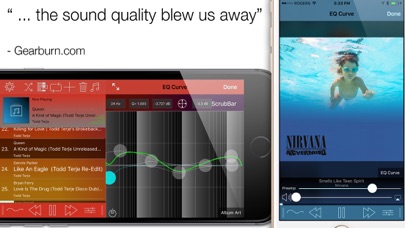
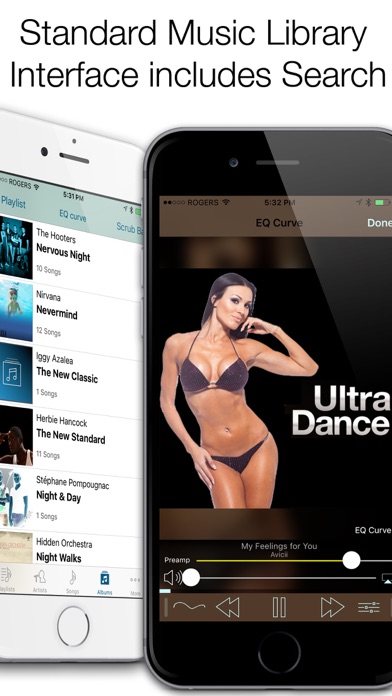
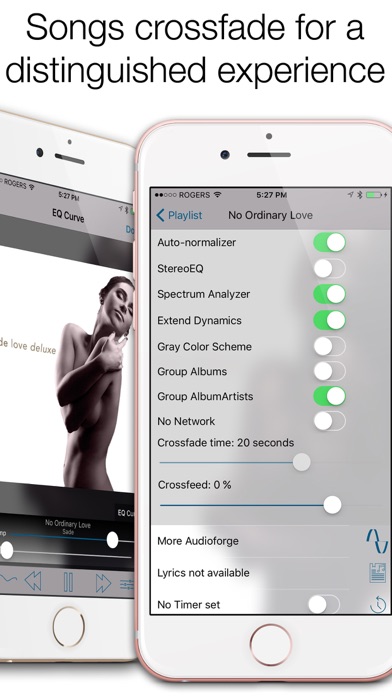
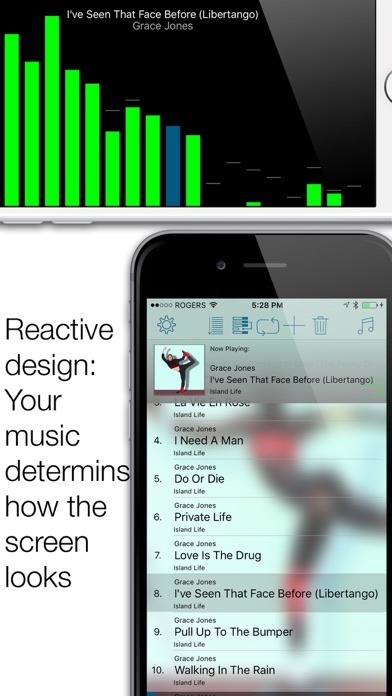
"... the sound quality blew us away."- Gearburn.com Music player with the most powerful and acurate equalizer in the app store as well as the most advanced playlist controls. + Play music directly from your Music Library including podcasts and music video (audio only) + Adjust the powerful parametric equalizer by moving the seven control points or type in the values directly. + Adjust the EQ curve for your left and right ear separately (now extends from -30 to + 30 dB. Use the StereoEQ setting for that) + Select from over 10 presets or save your own. You can even share them via email and import presets from other people via email. + Full background support including remote control (from docks, headsets, car stereos) + Visualize the music with the spectrum analyzer. + Use AirPlay to listen on your AppleTV, or your Bluetooth headsets and even a dock. + Use the pre-amp slider to adjust the overall boost or cut. Make sure to turn the slider down if you experience distortion. Use the auto-normalizer function to prevent clipping automatically and have the best dynamic range possible with your eq curve. (on/off in settings) + Curve screen: curve redraws as controllers are dragged. Pinch to modify Q. Three stage clipping signal on preamp slider. Keyboard entry for pre-amp. Twitter/Facebook/Weibo integration to share your current EQ curve. Bypass. + Crossfade between songs. Make sure to stop the music before changing the crossfade time slider. + Now playing screen includes repeat (all, single no repeat) button and shuffles like the music app. Improved stability of on the fly modifications of the playlist. Add more songs to the playlist at any time. Sort playlist alphabetically. + Music selection is very similar to default music app. + Turn landscape to display the frequency analyzer. + Built in sleep timer to stop Equalizer after a certain period if time. + Crossfeed option to blend audio between channels + Apple Watch support for eq curve selection incl. complications KNOWN ISSUES: No known issues. please contact support if you have any problems. COPY-PROTECTED MUSIC: Equalizer will not play copy-protected (DRM). You need to convert DRM songs. Apple Music Streaming uses copy-protected songs. iCLOUD: Only the Apple Music app can manage songs in iCloud (iTunes Match). You will need to make sure the songs are downloaded to your device to listen and enhance them via Equalizer. If you want to stream and eq your music, you can try our other app: CloudEQ. It allows you to stream and eq music from SoundCloud and your Dropbox account without the need for storage on your device. From the reviews: EXCELLENT PROGRAM I connect my iphone 4 to a car audio system, with the application the music began to sound incomparably better .... A little clear interface, but to understand it and understand need no more than 5-10 minutes. -- P_S_B_ *** LOVE IT This is the EQ I have been looking for, and because of bad ratings I almost passed on it! I consider myself an aspiring audiophile and have the equipment -- Klipsch, Sunfire, Nottingham, Denon, Paradigim, etc. -- (and debt) to back it up. This EQ performs flawlessly and is very easy to use. It enhanced my music dramatically. Yes, dramatically! Just make sure you are running the recommended IOS, as the developer suggests. -- J. Paul DiMaggio *** PLEASE if you have concerns or encounter problems with the app: post on http://www.audioforge.ca and we will explain how things work, until you can use all the features of the app to the fullest. Thank you
What's New
Bug fixes for new iOS versions
Details
- Developer
- Audioforge Labs Inc.
- Main Category
- Music
- Version
- 5.20
- Version Release
- 2025-10-31
- Initial Release
- 2009-07-08
- Size
- 6 MB
- Age Rating
- 4+
- Price
- USD 3.99
- Languages
- EN
- Bundle ID
- com.yourcompany.Equalizer
- Version Rating
- ★ 3.26 (137)
- First Seen
- 2026-05-28
Metadata updated 2026-07-19
Rank History
Free · Max 90 days · Top 5 categories shown (Y-axis: rank, lower is better)
No rank history data
Free Rankings
No rankings
Paid Rankings
No rankings
User Reviews
DENONの高音質アプリを気に入ってたのですが、いかんせん操作性が悪く…でも他にDENONレベルの音が出せるアプリがなく、長い間探してこのアプリに辿り着きました。UBIOのような音割れも無く、耳に刺さる高音も無い、低音は圧迫せず自然でハッキリと聴こえる。操作性は…全部英語なので難儀しますが、DENONの苦痛とも言える(笑)操作に比べれば可愛いものです。誇張やクセの無い、純粋な高音質アプリをお探しの方に是非オススメです。お金を払う価値は、有ります。
何時からかリピート機能が死んでしまっています...リピート機能をよく使うのでとても残念です
アップデートしたら起動しない とても良かったので残念 iPhone6
以前、音が割れて購入して失敗、と書いた玉砕です。私は洋楽好みなのでイコライザ調整は重要です。アップデート後、イコライザが使い易く、好みに変えられる様になりました。DURANDURANのis there something I should know?のロック調からNew moon mondayのシンセ中心物まで幅広く音が広げられます。ありがとう。
貴重な機能です。
iPod touch 第五世代で使用しています。 再生するアルバムを変更すると落ちます。またはフリーズします。 音は相変わらず良いです。手持ちのCreativeのEP830というイヤフォンと相性がいいです。 演奏途中にフリーズすることがあります。 iPod touchにCDから取り込んだ音楽を転送したあとにこのアプリを再起動しても、アルバムに反映されないことがあります。また、ミュージック(iPodtouchの標準アプリ)で作成したプレイリストが、イコライザでは表示されないことがあります。
バグ対応に感謝! 音楽はもうこれでないと聴けないので助かります。 自分のイヤホンとiPadのスピーカでしか試してないので断言はできませんが、このアプリなら、大抵のイヤホン・スピーカを、自分が聴きたい音で鳴らせるんじゃないかと思います。
今回のアップデートでだいぶクソになりました。 まずiOS7バージョンのiPodになったこと。自分はiOS7のiPodは非常に使い勝手が悪いと感じたのでiOSをアップデートすることはありませんでしたが、今回のアップデートでこのアプリのiPodで曲を選択するときにはiOS7のiPodを使わざるを得なくなりました。 そして、フェードアウト。これは最悪ですね。なんのためにアーティストは意図的にアルバムの一曲一曲の間に数秒無音をいれるのか。それがわかっていません。アルバムを通して聴くときにはフェードアウトはいりません。 そして自分のバグでは曲がかかっている状態である特定の曲に変えようとすると二曲同時に流れてしまいます。 バグです。完璧にバグです。 前のバージョンでは愛用していましたが以上のことがありましたので今後の使用は他アプリにしようと思います。
音が自由自在に設定できてvery good!!です。ですが、たまにバグる事があるのでそこをなんとかして欲しいです。バグが無ければ☆5つ‼
今回のアップデートで色々なトラブルが発生しました。 まず、結構な頻度でフリーズします。 そして、一回曲を流して、また同じ曲を聞きたい場合に聞けない事が多いです。 改善よろしくお願いします。
Reviews are collected only for apps with detected changes (new entries or sharp risers).