

iNet WOL - Wake on Lan
🇰🇷 KR LocalizedScreenshots
Description
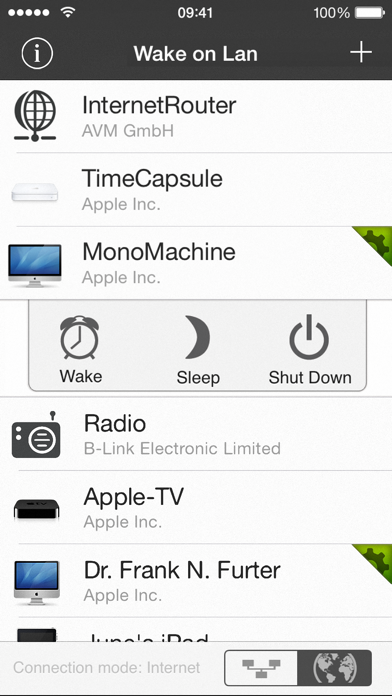
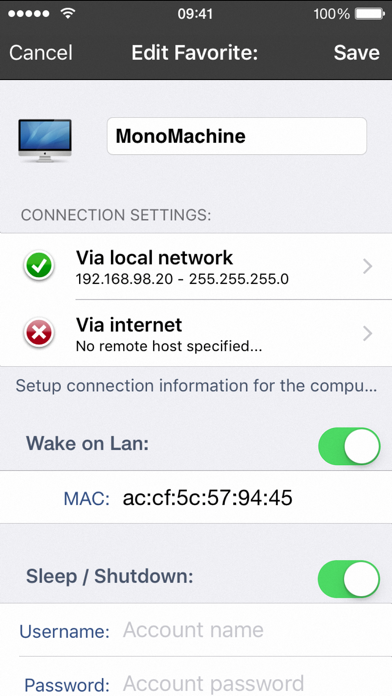
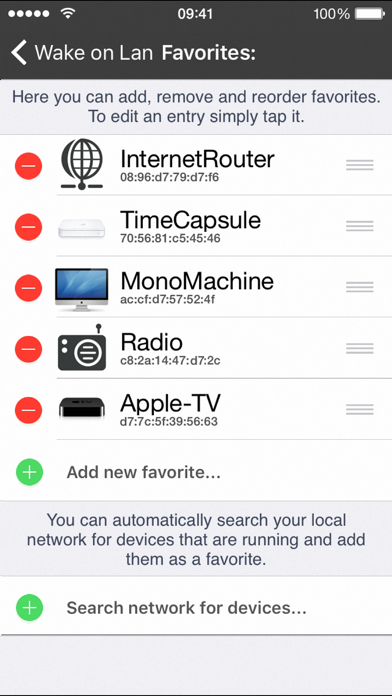
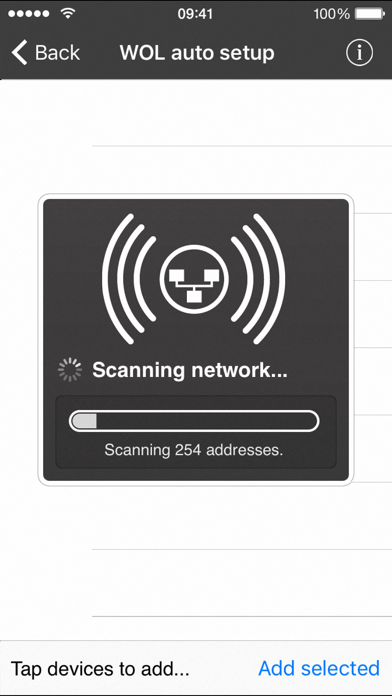
iNet WOL is a tool to wake computer from sleep via a local network or the internet. Its outstanding feature is its easiness of usage and the simple setup process. With iNet WOL you can: • Wake computer on the local network from sleep • Wake computer via the internet • Sleep, shutdown or reboot a computer remotely (Mac OSX only at the moment) • Add new devices with one touch (need to enter MAC address since iOS 11) iNet WOL scans the devices connected to your local network and shows them along with their name, IP and vendor at the tip of a button. You do not need to find out the MAC addresses or type them in. Just click on an item in the generated list to add it to your favourites. Setup and usage: Start iNet WOL and click on the device you want to wake up. Its that simple. For more detailed setup instructions regarding wake on lan via internet please see our website. Prerequisites: • iPhone/touch has to be connected to your lan • iPhone/touch have to be in the same subnet • Computer and router are connected via ethernet cable • Computers must be configured correctly for wake on lan • Network cards must support the standard Magic Packet format. Additional prerequitsites for WOL via internet: • The network must be reachable via internet • Router must be capable of forwarding wol packages • Router and firewall must be configured correctly Limitations: Wake On Lan with subnet directed broadcasts is not supported in version 1.0. We will implement this feature in a future update. Wake On Lan currently works within the same subnet. iNet WOL is also included in our network scanner iNet, alongside with other network tools like ping, Bonjour scanner, portscan and more. If you just need a fast and easy solution for computer wake up - iNet WOL is perfectly suited for you.
What's New
[Added] Compatibility with macOS Monterey [Added] Some device images for icon chooser, mac devices from 2021 Have a good time. Greetings from BananaGlue
Details
- Developer
- BananaGlue GmbH
- Main Category
- Utilities
- Version
- 2.6
- Version Release
- 2021-11-06
- Initial Release
- 2009-06-30
- Size
- 131 MB
- Age Rating
- 4+
- Price
- USD 2.99
- Languages
- EN, FR, DE, JA, ZH, ES
- Bundle ID
- com.bananaglue.inetwol
- Version Rating
- ★ 3.73 (11)
- First Seen
- 2026-06-05
Metadata updated 2026-07-19
Rank History
Free · Max 90 days · Top 5 categories shown (Y-axis: rank, lower is better)
No rank history data
Free Rankings
No rankings
Paid Rankings
No rankings
More by This Developer

User Reviews
3g 망에서 사용이 되질 않으며, 사용이 가능하다면 방법을 기술해야하지 않을까요??로컬네트워에서는 잘되지만, 고정ip가 아닌 공유기의 ddns 를 통해서 접속이 되질않음. 그냥 사파리 통해서 wol 사용 중 입니다.
vpn 으로 접속 하면 wol이 되는데 안그러면 안되네요 ㅡㅡㅋ
인터넷뒤져보고 많이들 쓰는것같아서 받아서 해보니 잘되네요~우왕굳
만든김에 맥 말고 윈도우도 종료기능 해주길 바라옵니다 iptime 공유기의 경우 파워매니저를 사룡하시고 다른공유기는요걸쓰시오 편하고 간단하네옹
[해외승인] USD 5.97 우리카드 11/20 11:52 ITUNES-USD LUXEM 보이는가격이랑 결제가격이 왜이리처이가나죠??
iptime에서 DMZ나 Port Forwarding 해주면 3G망이나 외부 Wi-Fi 에서 WOL 기능 잘되네요
Reviews are collected only for apps with detected changes (new entries or sharp risers).