

Screenshots
Description
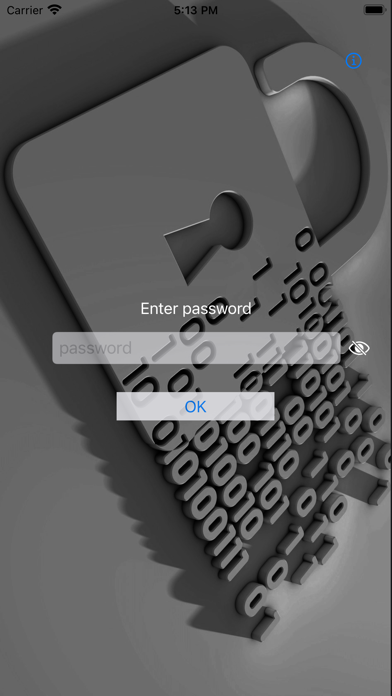
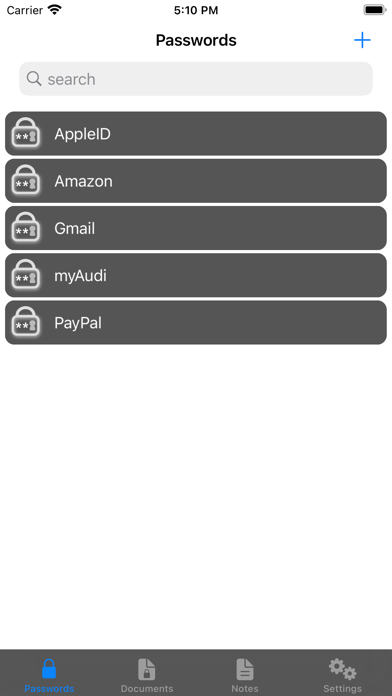
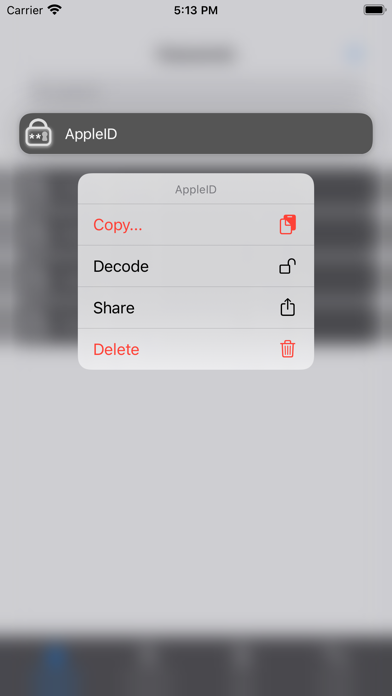
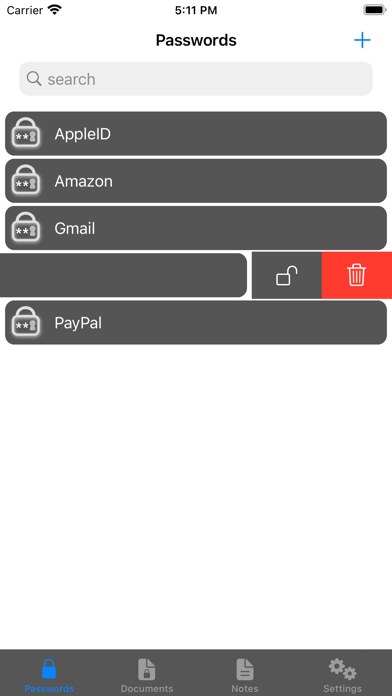
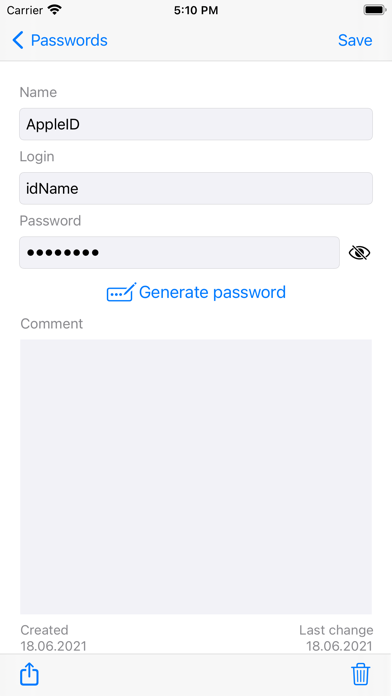
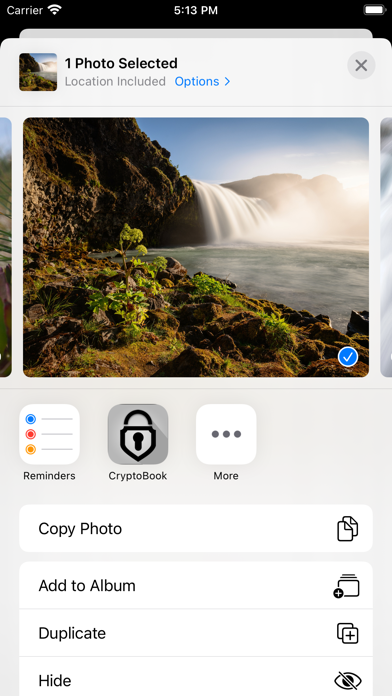
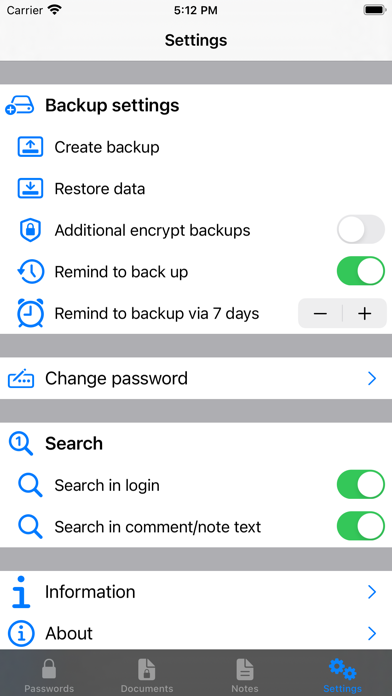
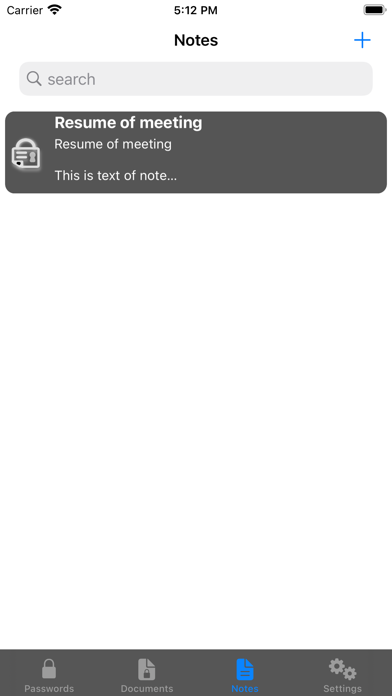
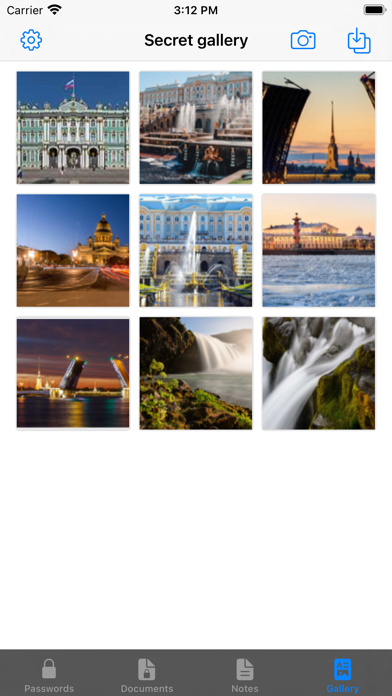
CryptoPad is a system for managing and storing your confidential information: passwords, documents, notes, bank cards, and photos. In CryptoPad: 1) You will never see cloud technologies - data storage in clouds is not secure 2) You will never be able to automatically sync data between devices, because for this it is necessary to use cloud technologies (see item 1). 3) You will never get integration with browsers for automatic substitution of logins and passwords, because we do not decrypt them, our application does not store encryption keys and application password. CryptoPad: - allows you to protect confidential information if you lose your iPhone - stores information in an encrypted zone - protected from hacking over the network - does not store information in the "clouds" - does not interact with other applications CryptoPad is a mobile safe for your sensitive data: - stores your passwords and related information - stores photos and copies of documents in jpeg, png and pdf formats - stores information of your bank cards - stores your notes All data: - stored encrypted - stored only on your iPhone - protected from sending You can: - create new passwords, notes, copies of document and information about of your bank cards, edit them - search - encrypt or decrypt data - create and save the backups - restore data from the backups
What's New
Before updating, BE SURE TO MAKE A BACKUP! Meet a new opportunity: now you can group your documents into folders. In the settings, you can set the color of the document folders. Folders can be created by clicking the "New group of documents" button or by dragging and dropping one document onto another. You can also add documents to a folder using drag and drop. You can set the view of the grid of documents: two columns or three.
Details
- Developer
- Valerii Shinkaryuk
- Main Category
- Business
- Version
- 4.0
- Version Release
- 2021-12-12
- Initial Release
- 2021-07-05
- Size
- 31 MB
- Age Rating
- 4+
- Price
- USD 0.99
- Languages
- EN, RU
- Bundle ID
- shin.CryptoBook
- Version Rating
- ★ 0.00 (0)
- First Seen
- 2026-06-06
Metadata updated 2026-06-08
Rank History
Free · Max 90 days · Top 5 categories shown (Y-axis: rank, lower is better)
No rank history data
Free Rankings
No rankings
Paid Rankings
No rankings