

CapCut: 사진 및 동영상 에디터
🇰🇷 KR LocalizedCapCut: Photo & Video Editor
Bytedance Pte. LtdScreenshots


Description
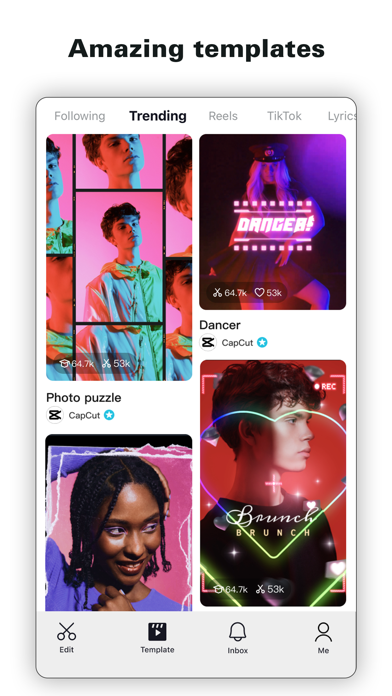
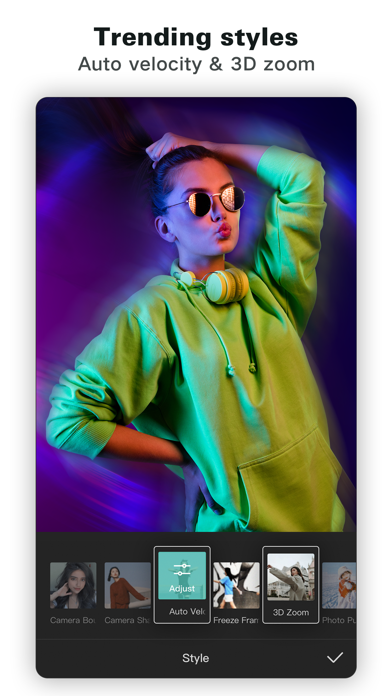
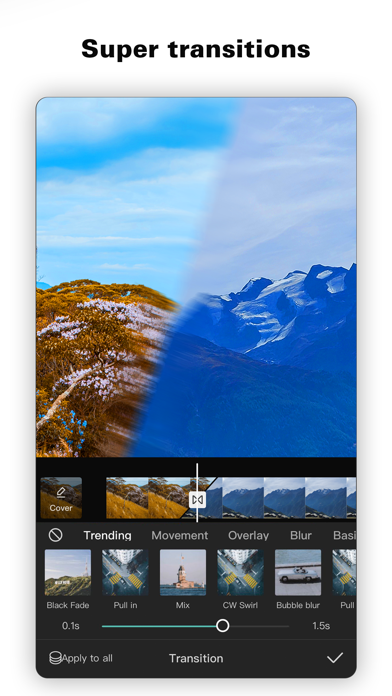
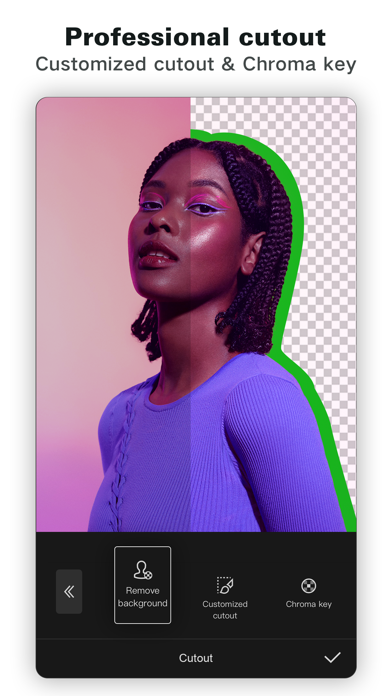
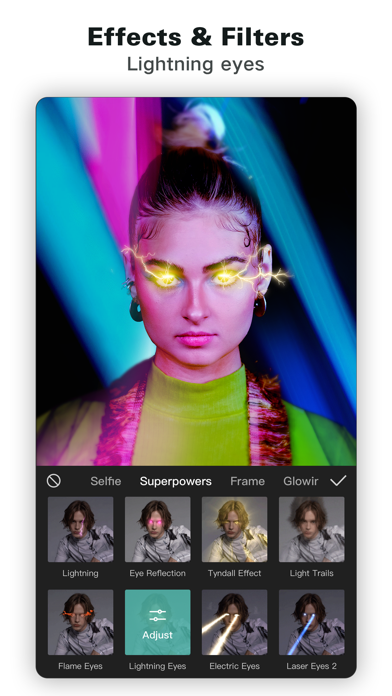
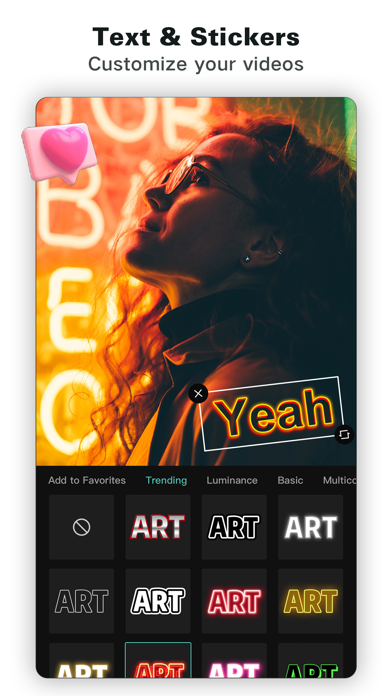
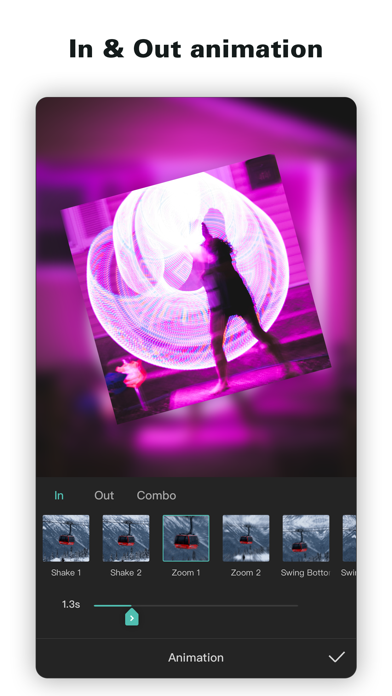
손쉬운 만능 영상 편집도구가 생활 속 아름다운 순간의 편집을 도와 드립니다. 「쉽고 간단한 사용」 쉽게 배울 수 있는 자르기, 역방향, 속도조절 기능으로 아름다운 순간을 남겨 보세요. 「고급스러운 아름다움」 고급 필터와 원터치 뷰티효과로 순식간에 작품 완성 「듣기 좋고 재미있는 음악 / 다양한 음악」 다양한 음악 및 독점 음원 제공 「스티커와 텍스트」 세련되고 멋진 스티커와 글씨체로 동영상에 재미를 더하세요. 「효과」 다양한 마법 효과로 창의력을 발휘해보세요 서비스 약관 — http://www.capcut.com/clause/terms-of-service 개인정보 보호정책 — https://www.capcut.com/clause/privacy-policy 연락처:capcut.support@bytedance.com
What's New
- 확인된 몇 가지 문제 수정 및 길이 다듬기 기능 개선 CapCut을 이용해 주셔서 감사합니다. 아름다운 순간을 함께 만들어 나가기를 기대합니다.
Details
- Developer
- Bytedance Pte. Ltd
- Main Category
- Photo & Video
- Version
- 18.6.0
- Version Release
- 2026-07-14
- Initial Release
- 2020-04-14
- Size
- 748 MB
- Age Rating
- 12+
- Price
- Free
- Languages
- AR, EN, FR, HE, ID, IT and 14 more
- Bundle ID
- com.lemon.lvoverseas
- Version Rating
- ★ 4.62 (1,115,327)
- First Seen
- 2026-05-28
Metadata updated 2026-07-19
Rank History
Free · Max 90 days · Top 5 categories shown (Y-axis: rank, lower is better)
Free Rankings
Paid Rankings
No rankings
Competitive Benchmark — Photo-Video Top 10
What it takes to beat this app — comparison with the category's top apps. The orange row is the current app.
| # | App | Price | Rating | Ratings | Langs | Last Update |
|---|---|---|---|---|---|---|
| 1 | Twitch: Live Streaming | Free | ★ 4.72 | 2,753,564 | 28 | 2026-07-13 |
| 2 | CapCut: Photo & Video Editor | Free | ★ 4.62 | 1,115,327 | 20 | 2026-07-14 |
| 3 | Free | ★ 4.69 | 29,277,967 | 31 | 2026-07-13 | |
| 4 | YouTube | Free | ★ 4.67 | 48,142,765 | 72 | 2026-07-12 |
| 5 | Snapchat | Free | ★ 4.51 | 5,871,779 | 35 | 2026-07-15 |
| 6 | Google Photos: Backup & Edit | Free | ★ 4.83 | 1,439,915 | 39 | 2026-07-16 |
| 7 | Canva: AI Video & Photo Editor | Free | ★ 4.88 | 3,450,878 | 83 | 2026-07-15 |
| 8 | KICK - Live Streaming | Free | ★ 4.65 | 128,873 | 1 | 2026-07-17 |
| 9 | Edits: Video Editor | Free | ★ 4.78 | 68,945 | 31 | 2026-07-13 |
| 10 | PhotoCircle | Free | ★ 4.87 | 117,709 | 1 | 2026-07-16 |
More by This Developer

User Reviews
簡単なドラッグ&ドロップツールで最先端のプロジェクトも直感的になり、技術的な障壁ではなく創造性に集中できるようになりました。
기능이 너무좋아요
このアプリのいい所と悪い所┈┈┈┈┈┈┈┈┈┈ いい所‼️‼️ ①¦色々な種類があって楽しい 編集が苦手な私でも、画像をはめ込むだけで動画が作れるのでとっても楽しいです‼️ 編集が苦手な人・編集アプリが入れれない人など、種類が幅広く、とても豊富なので飽きないです‼️‼️‼️ 悪い所‼️‼️ ┈┈┈┈┈┈┈┈┈┈ ①¦画像が透過しない‼️ このアプリを使ってたんですけどテンプレートで画像をはめ込むだけでmeme(動画)が作れるテンプレートを使用していたんです。 それが‼️‼️背景が透過しないんですよ‼️‼️‼️‼️こちらの画像の問題なのかな?とも思いましたが、画像は透明になっているので、きっとこのアプリのせいなのかな…?と思う様になりました…😿ここを直して欲しいです…… 対応よろしくお願いいたします🙏🙏🙏 (誤字・脱字あればごめんなさい🙏)
원래 탬플릿이 편집 쉽게 하라고 사람들이 만드는 거잖아요?근데 챌린지 나눔,먹방 등 유튜브처럼 되어가고있어요..또 그런 탬플릿을 양식을 걸고 나눔하면서 양식을 안 지키면(심지어 실수로 고정 댓글을 못 보고 쓴 경우도)공론화를 해서 문제가 생기는 등 억울하게 공론화 당하는 사람들도 생깁니다. 또한 줄임말(핱,솥,은반 등)을 거의 알아듣기 힘들정도로 많이 써서 초보자들이 탬플을 쓸 때 용어를 이해하는데 피해를 주는거 같아요.. 탬플릿 쓰라고 만든 기능인데 유튜브 처럼 되어가고 있어서 이런걸 좀 금지해야할것 같아요..
背景の動かしたいところへ移動ができない💢💢
블로가 최고인듯
애완동물 사진의 간섭을 제거하다. 그것은 내가 추가 노력 없이 더 빨리 편집을 완성할 수 있도록 도와준다.
끝없는 시험 오류 작업을 건너 뜁니다. 이 전문가 사전 설정은 일관된 비디오 브랜드를 위해 사용하기 쉬운 스타일을 제공합니다.
⭐️⭐️▪️▪️▪️ (초심 좀 찾아) 아니 뭐, 수출까지 유료면 어쩔 라고요;; 저는 어렸을때 부터 캡컷을 이용하던 유저 였는데 솔직히 어렸을 때만 해도 거희 다 무료 였어요. 하지만 날이 갈수록 점점 유료가 되는게 많아지고 솔직히 돈을 안 내면 편집을 거희 할 수가 없어요. 솔직히 어느정도 유료가 많아지는 건 어쩔 수 없다고 생각하는데 수출까지 유료화 되는거 보고 진짜 정 떨어지네요. 여러분들은 솔직히 깔지마세요
久しぶりに動画編集しようとしていたら何ヶ月もかけて編集していた動画が消えていた。私は一生許さない。本当なら星なんぞつけたくない。
최고의 편집 앱
夜間の長時間線分書き出しは誤差がなく、レンダリングとトリミングのパフォーマンスが安定しています。
Reviews are collected only for apps with detected changes (new entries or sharp risers).