
Patterning for iPhone
Screenshots

Description
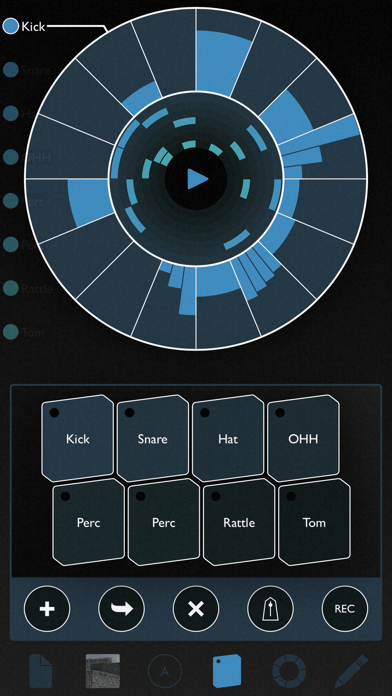
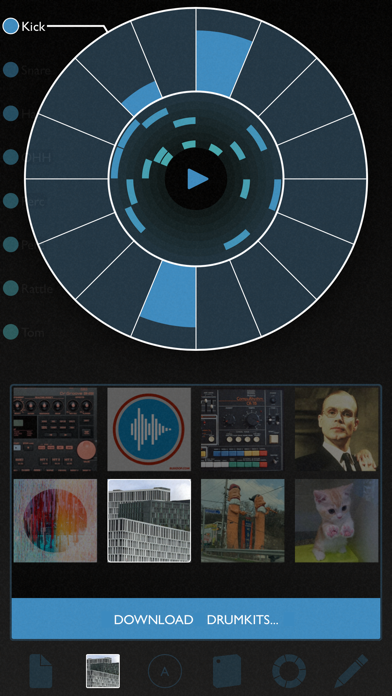
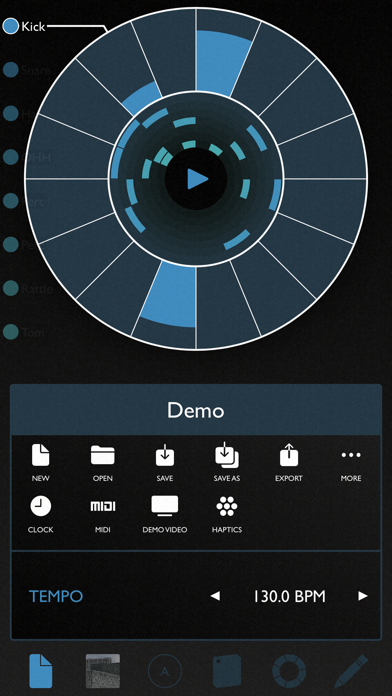
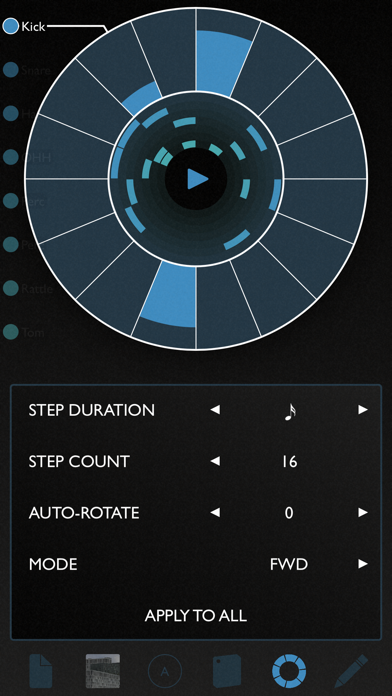
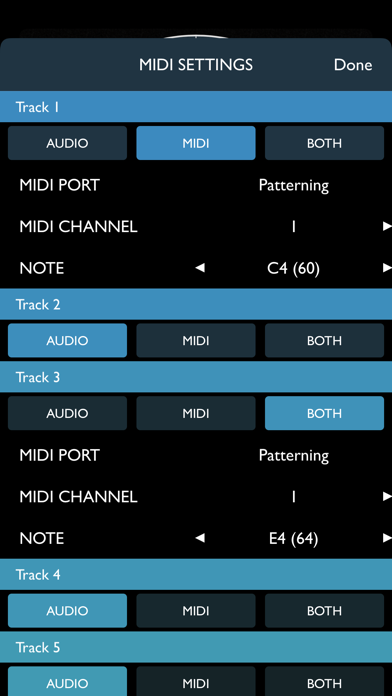
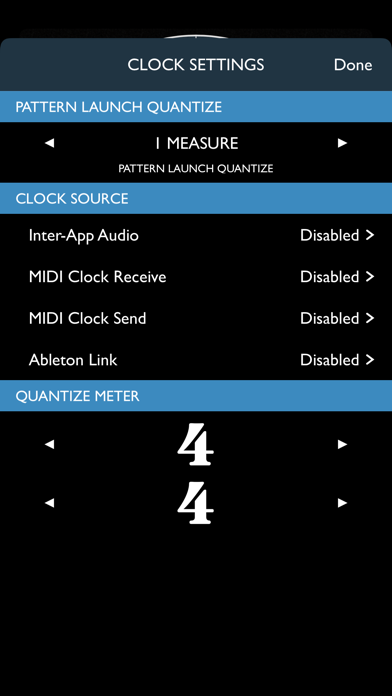
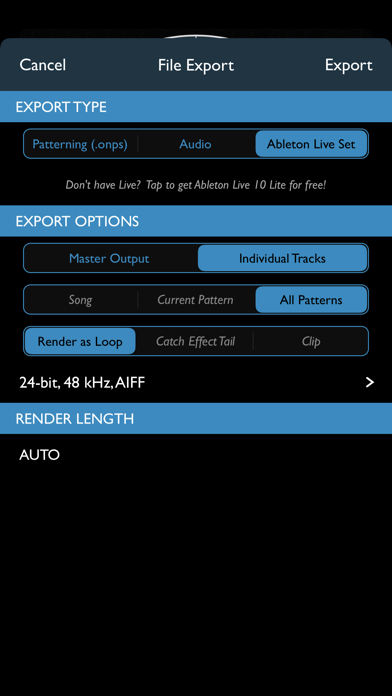
PATTERNING, the award winning circular drum machine, is now available on iPhone in a streamlined, phone-optimized form. As beautiful as it is powerful, Patterning is a deep and flexible drum machine unlike any you’ve encountered before. With its elegant circular interface, Patterning transforms your phone into a seriously inspiring tool for making beats. Create dynamic drum patterns with the swipe of a finger. Make evolving, poly-metric rhythms, four-on-the-floor dance party jams, or laid back R&B grooves. Use Patterning’s independent loop settings to explore untapped rhythmic possibilities. Automate parameters to create intricate & complex beats. Record beats. Choose from hundreds of free factory and user created drum kits. Connect to your rig with Inter-App Audio, MIDI, and Ableton Link. Export your beats to perfect audio loops or directly to an Ableton Live Set. Patterning for iPhone gives you access to the most popular and useful features of the full Patterning 2 for on-the-go beat making. 8 Independent Loops Per Pattern Unlimited Patterns Automation Layers like Coarse Tune, Ratcheting, and more. MIDI Output Export to Ableton Live Set - Comes with Ableton Live 11 Lite Export Perfect Audio Loops in WAV or AIFF format, Stereo or Multitrack Output Export Songs to Patterning 2 Import Songs and Drumkits from Patterning 2 (some limitations apply) Ableton Link MIDI Clock Send and Receive Inter-App Audio Clock Multi-track Inter-App Audio Output Hundreds of free factory and user created drum kits Quantize Pattern Launch Haptic Feedback! And more! Important Note for iPad owners ----- Please check out Patterning 2 if you wish to use this app on the iPad. Patterning 2 is the full-featured, full-screen, big sibling to this phone version, and includes many, many, many additional features. The phone version is streamlined and simplified to fit on your phone's screen.
What's New
Minor Bug Fixes
Details
- Developer
- Olympia Noise Co.
- Main Category
- Music
- Version
- 1.2.4
- Version Release
- 2024-07-10
- Initial Release
- 2020-03-21
- Size
- 59 MB
- Age Rating
- 4+
- Price
- USD 7.99
- Languages
- EN
- Bundle ID
- com.olympianoiseco.patterning-for-iphone
- Version Rating
- ★ 4.81 (242)
- First Seen
- 2026-05-31
Metadata updated 2026-06-08
Rank History
Free · Max 90 days · Top 5 categories shown (Y-axis: rank, lower is better)
No rank history data
Free Rankings
No rankings
Paid Rankings
No rankings
User Reviews
I left my iPad at work. Good thing I have my phone to deliver beats and midi clock to my eurorack.
I guess it was about a year that I had Patterning 2 before Patterning 3 was out and all updates for 2 went legacy. There are things that my fellow Washington people did to mitigate this little bit of “not getting what you paid for and feeling like $39.99 for Patterning 3 is is way different than $9.99 for Patterning 2” … like there better be an air fryer or a free Spotify sub and not just the iPhone version to run on your iPad (pro - it’s awkward and feels weird, although the midi functioning is awesome - I guess it just feels like I’ve been ripped off for $39.99 - $9.99 =$30.00… and that’s a lot of app purchasing power that could be spent in many ways.
I opened this app 3 times after redownloading it to be greeted by ads. I won’t be using it again or purchasing other apps by this developer.
Paid for this app. I in-app support points to a dead link Cannot change time signatures, stuck on a 4/4 pattern. Thing feels like a piece of garbage and the drum sounds are petty bad on top of that.
First off- it’s a drum sampler with unique controls, no auv3, and zipped audio exports (lol) but still- it’s free and a blast to play with. patterning 2 on iPad is better, but it’s also not free. Have an iPhone? Download patterning, draw various circles for each drum part, click on pencil, tweak parameters the same way, by filling each drum part- the more color you paint, the more Aggro the sound, less color you paint, the duller it gets. Now hit randomize!!!!!!!!!
I love this UI. It’s inspired creativity and promotes velocity variation which adds to a natural vibe. I am using it wirelessly with my macbook for composition. This means I have the wolds best controller sending midi into my daw, driving my favorite drum vsts.
This approach to a drum machine is so natural and fun. Great job developers
awesome app wish the probability would expand to other parameters maybe also if the notes could go to 32 otherwise i love this app no complaints
32 step support would make this an everyday tool. Please add 32+ step support for those who like going crazy to make it more organization more accessible, I’d separate even fractions of steps by “page” maybe for the iphone version. For ipad, im pretty sure 32 steps can be easily visable
Immediately intuitive fun and deep quick performance
Reviews are collected only for apps with detected changes (new entries or sharp risers).