
Human Skeleton: Gross Anatomy
Screenshots
Description
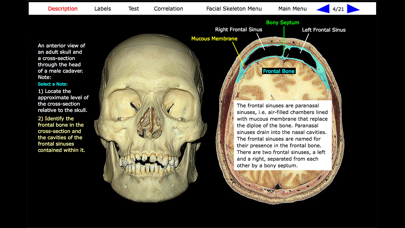
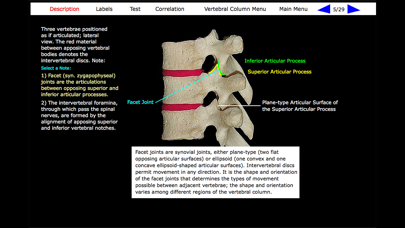
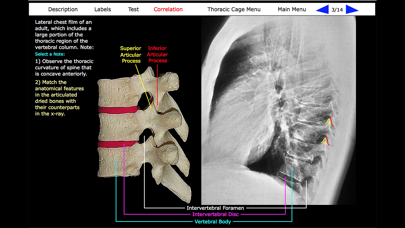
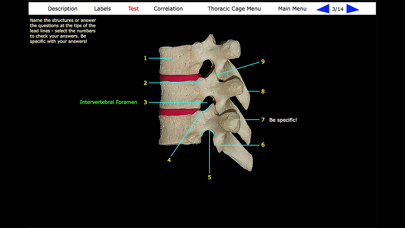
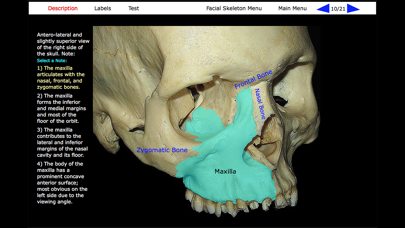
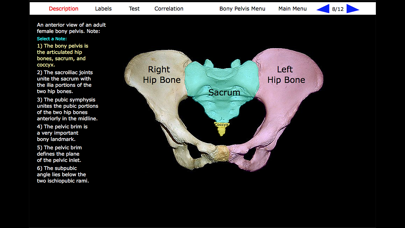
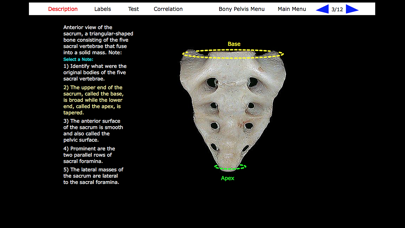
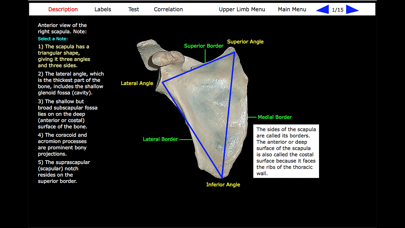
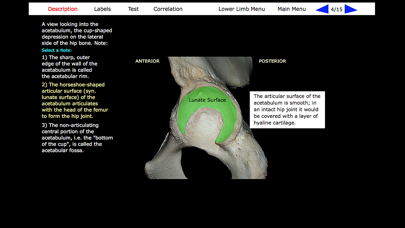
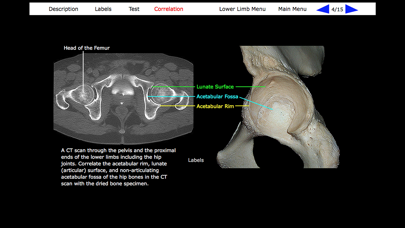
Gross anatomy is defined as the study of anatomy with the unaided eye, essentially visual observation without the use of significant magnifying technologies. This application describes the gross anatomy of the human bones, which when assembled create the structural framework of the body called the skeleton. The gross anatomy of human bones is typically studied by viewing the distinctive features of "dried" bones. A dried bone is one in which the soft tissues, i.e. the organic components of the bone, have been removed, leaving only the hard, inorganic, mineralized framework of the bone. Indeed, the term "skeleton" is derived from the Greek meaning "a dried body, mummy" (Dorland's Medical Dictionary). This application includes 139 images of dried human bones that collectively address the entire human skeleton. Unlike many other applications, these are real bones, not computer simulations of bones. The images are derived from the bone collection of The George Washington University School of Medicine and Health Sciences in Washington, D.C. The content is organized into six body regions, which are accessed from the Main Menu. Each bone image has a Description, a Test, and a Labels button. Many bone images have an accompanying Correlation image. Description: The Description describes the anatomical features of the bones. Rather than an extensive paragraph of information, the Description is subdivided into a series of “Notes” that focus the user’s attention to particular features, those that one would be expected to “take note of”. Select the Description button and then tap each Note to reveal highlighted features of the bone and to get additional textual information regarding the highlighted features. Labels: For a quick overview of the bone, select the Labels button to identify all the major anatomical features of the bone. Test: An important component of Gross Anatomy is structural identification. The Test is designed to assess the ability to identify particular anatomical features of a bone after studying its Description and Correlation. When taking the Test, think of the name of the specific feature of the bone at the end of a lead line and then select the number at the opposite end; selecting the number reveals the correct name of the feature. This approach negates the need to type specific anatomical terms, a time-consuming task whose precise spelling a user is often not familiar with, and is more challenging than a multiple-choice exam where a list of answers often tests by a process of elimination rather than actual knowledge. Correlation: Many of the bone images have an accompanying Correlation image. The Correlation image is designed to relate the gross anatomical features of the bone with their appearance in another visual medium, such as an x-ray. This feature is particularly valuable to users with an interest in the clinical sciences.
Details
- Developer
- Scholar Educational Systems, Inc.
- Main Category
- Medical
- Version
- 1.0
- Version Release
- 2019-10-23
- Initial Release
- 2019-10-23
- Size
- 48 MB
- Age Rating
- 12+
- Price
- USD 3.99
- Languages
- EN
- Bundle ID
- com.main.osteology
- Version Rating
- ★ 5.00 (2)
- First Seen
- 2026-06-08
Metadata updated 2026-06-09
Rank History
Free · Max 90 days · Top 5 categories shown (Y-axis: rank, lower is better)
No rank history data
Free Rankings
No rankings
Paid Rankings
No rankings