

RhythmBud - AUv3 MIDI FX
🇯🇵 JP LocalizedScreenshots
Description
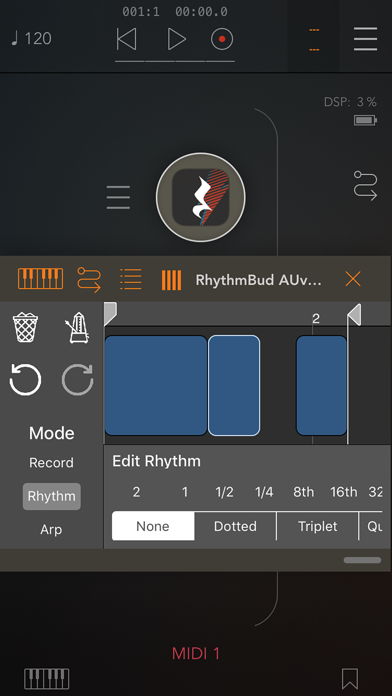
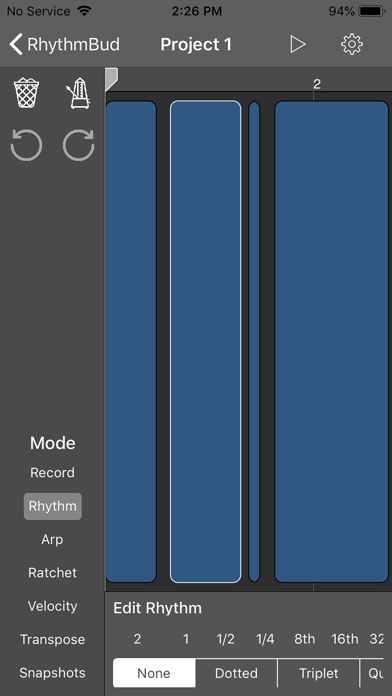
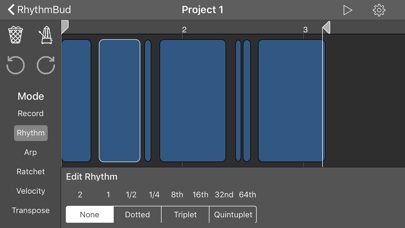
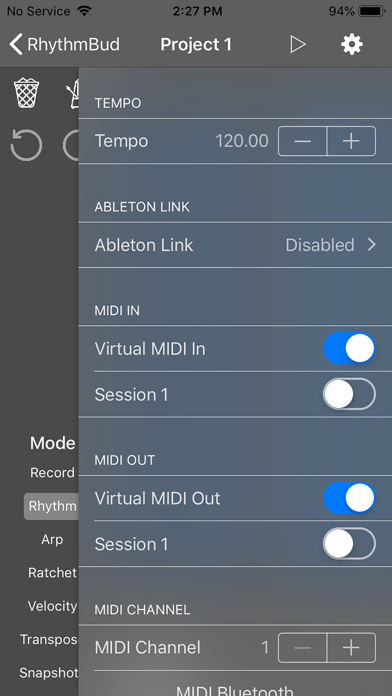
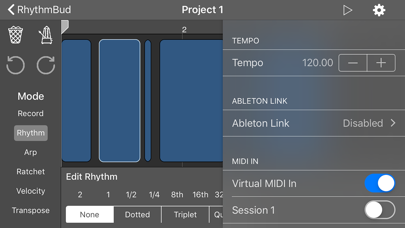
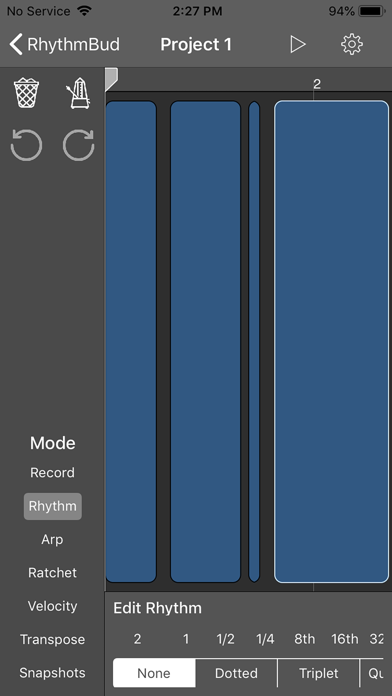
RhythmBud is a MIDI effect application that would transform incoming MIDI messages into the rhythmic pattern you will create on its editor. Supports AUv3 Audio Unit plugin, Audiobus, Inter-App Audio (IAA), Ableton Link and Core MIDI (Standalone). It sits between a MIDI sender (external hardware or any MIDI controller/sequencer app) and a MIDI receiver (any audio app or external hardware). As long as you connect its MIDI input and output you are good to go. It has a pretty easy-to-use timeline editor, where you can create rhythm patterns. You may add different effects for your every pattern by tapping them on the timeline, such as strumming effects, arpeggios, transposition, velocity manipulation, ratchets and so on. When you are ready, press the play button and start the RhythmBud engine. As long as it receives MIDI notes, it will generate your rhythm pattern and send it to your assigned MIDI output port. Even if you change the playing note/chord, it will adapt instantly! It has a neat feature called “Snapshots” where you can save the current RhythmBud configuration instantly and come back later. You may also control your snapshots via MIDI CC messages or Audio Unit Parameters. You can create a whole song with that feature in your project. It also supports “User Presets” in AUv3 mode. Another great feature is the “Record Mode” where you can record a pattern by tapping the toolbar—like clapping your hands or snapping your fingers for creating a rhythm pattern! Press the “Done” button when you are done. If you are not happy, you can always undo/redo your actions as well. You can also quantize your pattern on different timing levels. If you want to clear everything and start over again, just press the clear button. RhythmBud is using the open-source AudioKit framework under the hood. Also, it offers some other open-source frameworks as well. Check them out on GitHub! AudioKit: https://github.com/AudioKit/AudioKit MusicTheorySwift: https://github.com/cemolcay/MusicTheory MIDIEventKit: https://github.com/cemolcay/MIDIEventKit RBEditorViewController: https://github.com/cemolcay/RBEditorViewController *** Disclaimer: This is not an audio app! It does not generate audio. This is a MIDI effect app that needs both MIDI input and MIDI output routing. It does not transform the MIDI until you creating a pattern and pressing the play button.
What's New
Minor fixes.
Details
- Developer
- Cem Olcay
- Main Category
- Music
- Version
- 1.3.1
- Version Release
- 2021-05-29
- Initial Release
- 2019-11-06
- Size
- 23 MB
- Age Rating
- 4+
- Price
- USD 4.99
- Languages
- EN, TR
- Bundle ID
- com.cemolcay.RhythmBud
- Version Rating
- ★ 4.55 (20)
- First Seen
- 2026-06-21
Metadata updated 2026-06-21
Rank History
Free · Max 90 days · Top 5 categories shown (Y-axis: rank, lower is better)
No rank history data
Free Rankings
No rankings
Paid Rankings
No rankings
More by This Developer

ArpBud 2 AUv3 MIDI Arpeggiator
Music · ★ 3.6 (19)

Auto Bass AUv3 MIDI Generator
Music · ★ 4.5 (15)

ScratchBud Vinyl Scratching FX
Music · ★ 4.6 (14)

Kebarp AUv3 MIDI Arpeggiator
Music · ★ 4.8 (12)

BounceBud Physics Based MIDI
Music · ★ 5.0 (11)

ScaleBud 2 AUv3 MIDI Keyboard
Music · ★ 4.0 (10)

ShiftBud Generative MIDI AUv3
Music · ★ 4.7 (9)

PolyBud Polyrhythmic Sequencer
Music · ★ 4.9 (9)