

Screenshots


Description
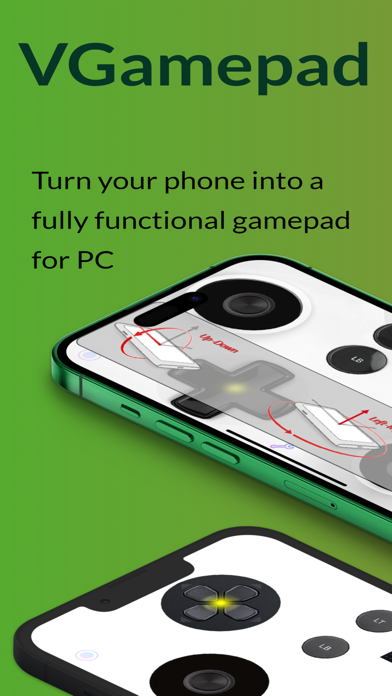
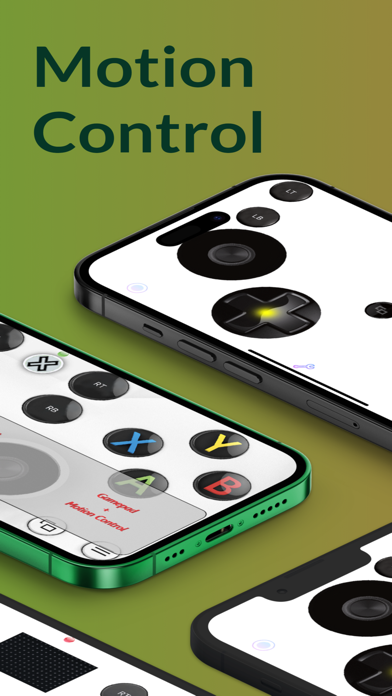
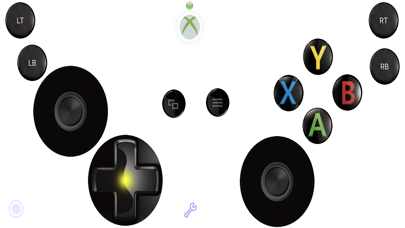
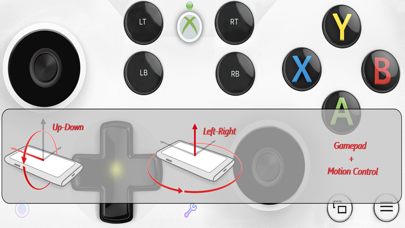
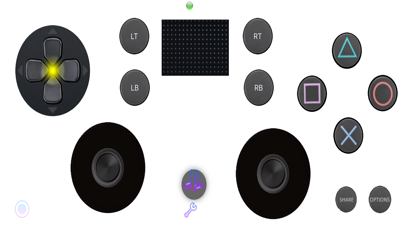
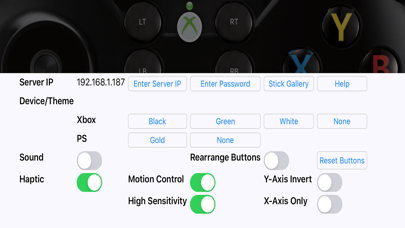
VGamepad gives you the full experience of a physical controller. Customizable buttons, haptic feedback, motion control, and more. Play on your PC using nothing but your phone. Features: - Emulates standard controllers (including Joy-Con). - Motion Control: steer, aim, and move using your phone’s sensors. - AR Body Tracking (iPhone XS or later): play certain games using body motion. - Customizable layout: move and resize buttons to fit your hands. - Game Capture button for quick recording. - Haptic feedback that makes every press feel physical. - Pressure-sensitive inputs with 3D Touch (supported devices). - Optional sound feedback for buttons. - Change joystick images from a large selection. - Basic mouse & keyboard support (W/A/S/D buttons on keyboard). Connectivity: Use the simple Windows/Mac companion app for Wi-Fi/LAN pairing, or use PCGameConsole to turn your PC into a full gaming console compatible with VGamepad. Full setup guide: https://github.com/PJSoftCo/VGamepad TERMS OF USE: https://www.apple.com/legal/internet-services/itunes/dev/stdeula/ PRIVACY POLICY: https://pjsoftco.com/vgamepadpp.html ONLINE SUPPORT: Please join our Discord channel: https://discord.gg/ZcAuAJp8py
What's New
- Major updates.
Details
- Developer
- PJSOFTCO
- Main Category
- Utilities
- Version
- 9.5
- Version Release
- 2026-02-10
- Initial Release
- 2019-08-30
- Size
- 99 MB
- Age Rating
- 4+
- Price
- USD 14.99
- Bundle ID
- com.companyname.VGamepad
- Version Rating
- ★ 3.13 (8)
- First Seen
- 2026-06-23
Metadata updated 2026-06-23
Rank History
Free · Max 90 days · Top 5 categories shown (Y-axis: rank, lower is better)
No rank history data
Free Rankings
No rankings
Paid Rankings
No rankings