

WebFrame Kiosk
Screenshots





Description
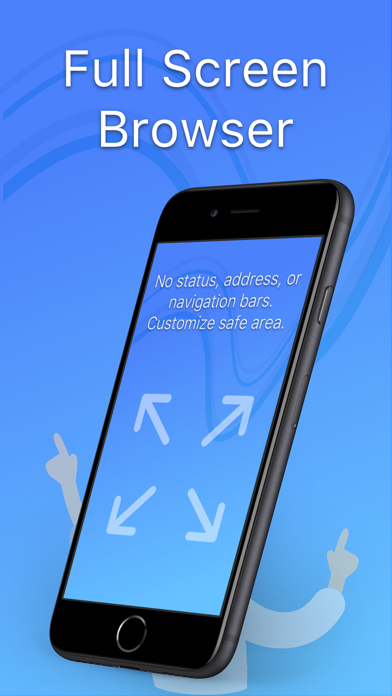
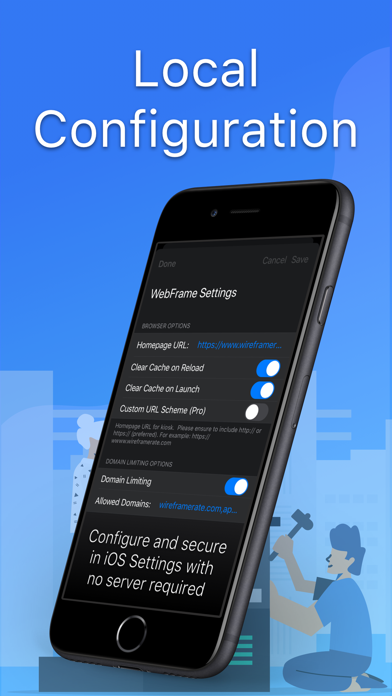
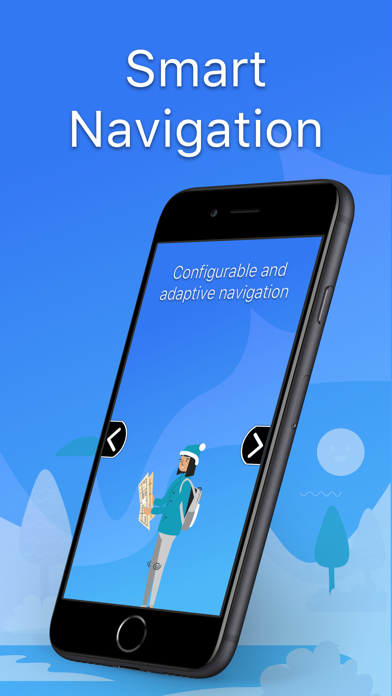
WebFrame allows you to turn an iOS device into a single-purpose kiosk displaying full-screen web apps, web pages, multimedia, documents, and more. WebFrame features the following capabilities: • Full Screen Browser: WebFrame provides a full-screen browser with no address or navigation bars. This allows you to create a true kiosk experience and keeps users in the web site, web app, document, or multimedia you intended. • Approved Domain List: Limit browsing to approved domains to prevent users from leaving the site or web app you have configured. • Inactivity Timeout: Monitor user activity and reload homepage, dim the screen, and/or load a blank screen if no user activity has taken place for a selected duration. Optionally, you can choose to clear the browser cache on timeout to ensure previous user session data is deleted. • Augmented Reality: Create an infinite showroom with augmented reality experiences. AR models in .USDZ or .Reality format will be loaded into an AR Quick View. • QR and Bar Code Reader: Allow customers to lookup products, allow employees to access and/or login to unlinked pages, or more. Reader returns string to JavaScript to handle as you wish. • QR and Bar Code Reader: Allow customers to lookup products, allow employees to access and/or login to unlinked pages, or more. Reader returns string to JavaScript to handle as you wish. • Smart Navigation Buttons: WebFrame now supports navigation buttons that will automatically show and hide depending on the ability to navigate backward and forward, and home. They can also be configured to dynamically slide offscreen as the page scrolls to minimize their visual impact. Finally, they can be repositioned vertically on the screen to prevent obscuring underlying page content. • User Interaction Controls: Control how users interact with your kiosk and allow or disallow swipe navigation, pull-to-refresh, vertical scroll and horizontal pan gestures, pinch and double-tap zoom gestures, or disable user interaction entirely. • Printer Support: Allow users to print from your kiosk using HTML window.print() capabilities or disable to prevent printing. • Local Configuration: All configuration of WebFrame is handled locally through the iOS Settings app or through in-app settings.
What's New
Updates: • Added setting to enable/disable "Intelligent Reload" (enabled by default). "Intelligent Reload" ensures that an unattended kiosk doesn't continuously reload the homepage unnecessarily and has been the default behavior since WebFrame's launch. However, some use cases require periodic reloading, even when unattended, to keep a session alive. This new setting enables that use case.
Details
- Developer
- WireFrameRate, LLC
- Main Category
- Business
- Version
- 3.15.2
- Version Release
- 2024-09-17
- Initial Release
- 2018-09-25
- Size
- 4 MB
- Age Rating
- 17+
- Price
- USD 4.99
- Languages
- EN
- Bundle ID
- com.wireframerate.WebFrame
- Version Rating
- ★ 4.33 (6)
- First Seen
- 2026-06-04
Metadata updated 2026-06-25
Rank History
Free · Max 90 days · Top 5 categories shown (Y-axis: rank, lower is better)
No rank history data
Free Rankings
No rankings
Paid Rankings
No rankings
User Reviews
nice
Won’t work with actiontiles anymore. It did at one point. It gets to the login page and just blanks out fields when I put my login info in and hit submit. I reached out to the developer and they said a fix would be put in place, but it seems that never happened. I found a free app that does the same thing as this app and have started using it. Wish I could get my money back for an app that doesn’t work.
Exactly what I was looking for to play SmugMug photography slideshows on my iPad. It took me a minute to find the settings, but it works beautifully!!
The app must be setup in Settings prior to use. It’s a very powerful app with a lot of options that are set in the app setting in Settings.
As well as it's intended use as a host for kiosks, I've found this to be an excellent solution to interact with a personal web site (wiki) via my phone, with no extra "cruft" that Safari or other browsers give you. Just one nice full screen display of my web page! Additionally, the developer is super responsive. They are very actively refining the app to address needs of individual end users. The recent addition of javascript popup handling (configurable) in the current beta made the app perfect for my particular use.
Reviews are collected only for apps with detected changes (new entries or sharp risers).