

Vegatouch Nebula
Screenshots
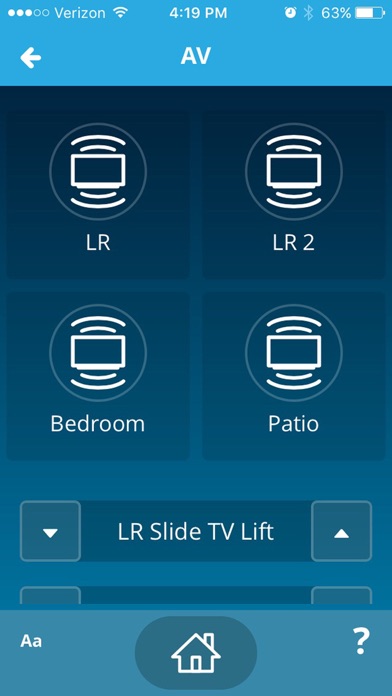
Description
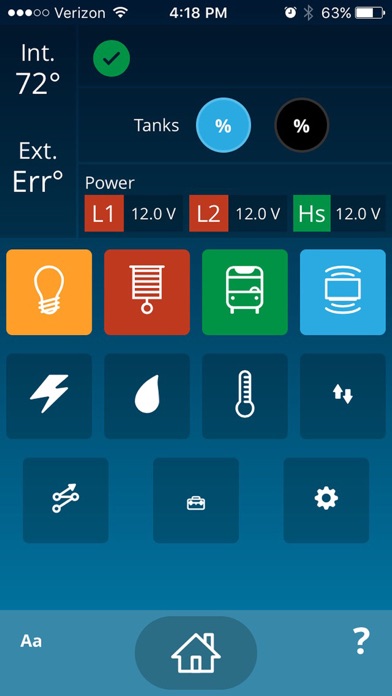
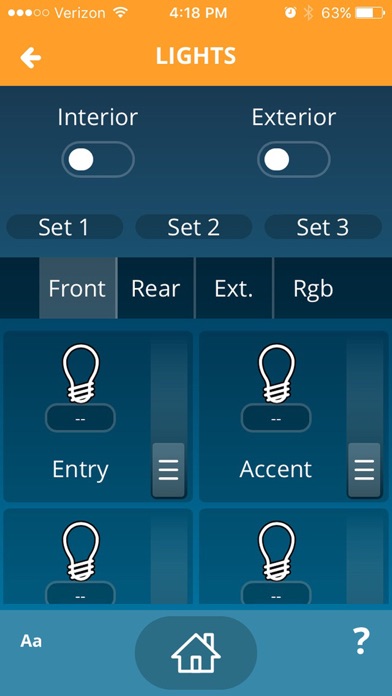
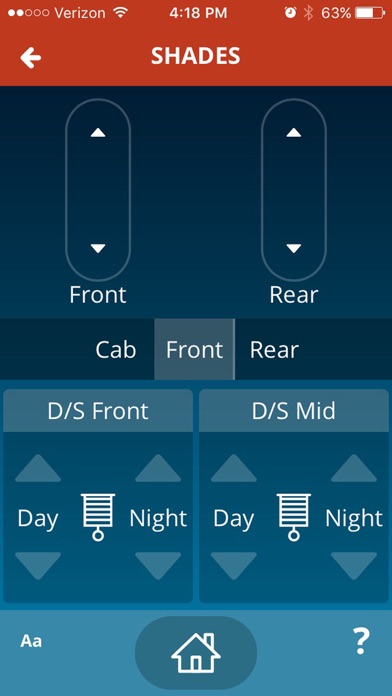
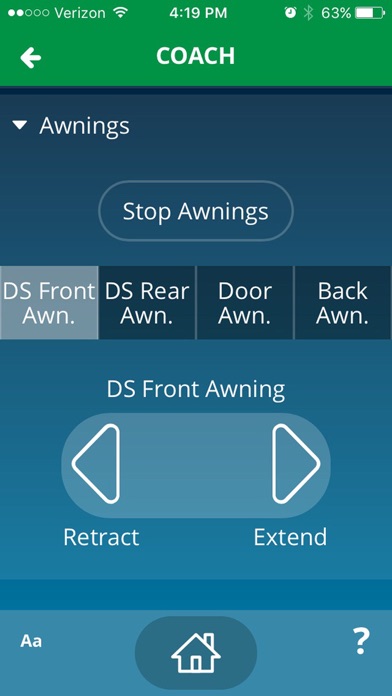
Vegatouch Nebula is a Universal coach control system packed into a clean, simple interface. The Vegatouch system can connect to a vast array of components to give you total control of all electrical, electronic, and mechanical systems from a smartphone or tablet. Pair any device with your coach's built-in interface to monitor and control every component.
What's New
This Update Includes Bugfixes
Details
- Developer
- Firefly Integrations LLC
- Main Category
- Lifestyle
- Version
- 1.4.14
- Version Release
- 2024-12-24
- Initial Release
- 2018-01-31
- Size
- 209 MB
- Age Rating
- 4+
- Price
- USD 14.99
- Languages
- EN
- Bundle ID
- com.vegatouch.nebula
- Version Rating
- ★ 2.05 (20)
- First Seen
- 2026-05-30
Metadata updated 2026-07-19
Rank History
Free · Max 90 days · Top 5 categories shown (Y-axis: rank, lower is better)
No rank history data
Free Rankings
No rankings
Paid Rankings
Competitive Benchmark — Lifestyle Top 10
What it takes to beat this app — comparison with the category's top apps. The orange row is the current app.
| # | App | Price | Rating | Ratings | Langs | Last Update |
|---|---|---|---|---|---|---|
| 1 | Spirit Talker ® | USD 4.99 | ★ 2.79 | 690 | 0 | 2025-02-26 |
| 2 | Stylebook | USD 4.99 | ★ 4.68 | 8,697 | 6 | 2025-06-15 |
| 3 | Cloud Baby Monitor | USD 6.99 | ★ 4.78 | 17,921 | 1 | 2026-07-16 |
| 4 | ملكة: للباحثين عن شريك الحياة | USD 0.29 | ★ 4.08 | 172 | 2 | 2026-06-20 |
| 5 | Baby Monitor 3G | USD 7.99 | ★ 4.71 | 2,164 | 17 | 2026-06-16 |
| 6 | Board Game Stats | USD 5.99 | ★ 4.88 | 442 | 17 | 2026-07-10 |
| 7 | Universalis | USD 9.99 | ★ 4.92 | 9,098 | 1 | 2026-07-09 |
| 8 | Ravit - Ravelry on the hop | USD 4.99 | ★ 4.83 | 5,797 | 1 | 2025-12-12 |
| 9 | Time Nomad Astrology Charts | USD 8.99 | ★ 4.77 | 2,725 | 1 | 2026-04-22 |
| 10 | Falling Fruit | USD 0.99 | ★ 2.35 | 108 | 1 | 2026-06-11 |
| 55 | Vegatouch Nebula | USD 14.99 | ★ 2.05 | 20 | 1 | 2024-12-24 |
More by This Developer

User Reviews
Does not work on Apple phones or products. Useless.
Thought I would write a review that is current since the last ones are several years old at this point. Looks like the developer has made all the improvements needed. I just bought this 2023 Entegra cornerstone four days ago and found this app in the owners manual. Thought I would try it to see if it worked at all expecting it not to of course, because everyone else says it sucks. I then read that it says it takes iPhone 14 or later and almost everybody complaining on here has an older iPhone than that. I literally used the QR code on my firefly wall system, and it paired instantly and even offered me a latest update. I played around with all of the cooling systems and shades and so far everything is working perfectly. i’m not saying it will be perfect from here on out, but I am giving it a five star because it instantly worked on the spot. I have an iPhone 16 promax for what it’s worth. I like the ability to change the air-conditioning temperature when I’m out and about instead of waiting until I get back or leaving it on all day so I don’t come back to a hot unit. So far so good!
Paid 15 and the app doesn’t even open. Just get a blank screen no buttons.
I tried every one in my family tried it . Called Vega touch customer service they emailed me some you - tube videos that only my electrician son would understand. I guess I should have looked at the reviews that said this app sucked before I spent $15 on it. At least it wasn’t a fortune but still hate to get ripped off more after spending this kind of $$.
I bought this app a year ago and it’s never worked. I keep trying and just keep hoping it’s going to magically work. No luck, so far!
You’d think for 14 bucks the app would actually function. Can’t pair phone to control pad inside unit. Enter coach ID and password in correct fields but the actual pair button at the top does not function. If I could give negative stars, I would.
I have a 2019 Cornerstone and the app works just fine. Always has. Let me see if I can help. If you’re having problems first make sure to use the QR code on the VegaTouch to pair it up with your phone or iPad. You also make sure that your VegaTouch is connected to the Internet. It won’t work remotely without an Internet connection. To do that go to the bottom right side of your VegaTouch screen and select the gear icon. After selecting, look for the network icon which is near the middle/left side of screen. Select network and look in the upper left corner of the screen. There will be three very small boxes that are labeled. Each of them need to be green in order for you to verify that your system is connected to the Internet. If not, you will need to first connect your coach’s router thru either your smartphone, hotspot or if you have one, your rooftop Winegard Connect device. Hope that helps.
This app is literally non-functional. I have tried 2 different versions of iPads and 4 different iphones, none will pair. When I first bought the unit and went to pair, it would give me a pop up to trust or block the device. Now, after updating and working with Firefly to update my panel, nothing happens when you try to pair. No pop up, no error, no loading screen, just nothing. I can’t believe I paid to look at a screen that does nothing. Save your money.
I have used other Vega touch apps with previous coaches and it worked fine. This app has yet to sync up with my new 23 CS and it’s beyond aggravating. Waste of $15.
Easy to pair with my phone using QR code. Did all 3 devices in about 10 minutes. Very convenient for using our phones to lock, unlock whole coach. Use it for unlocking cargo doors, turning lights off and on too. This app allows user to remotely turn on the heater from another city. I have been using this app for 1 year on a 2021 Entegra coach and I would be severely hampered if I didn’t have it. The key to utilizing this app is just understanding what all it will allow you to do. Tech support at Firefly is excellent!
Reviews are collected only for apps with detected changes (new entries or sharp risers).