

Photo Album Watch Face
🇯🇵 JP LocalizedScreenshots
Description
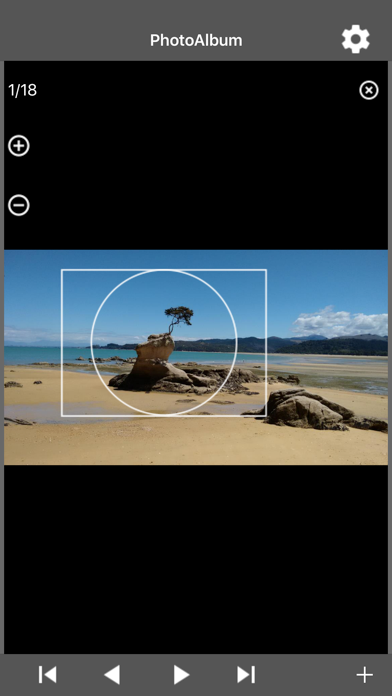
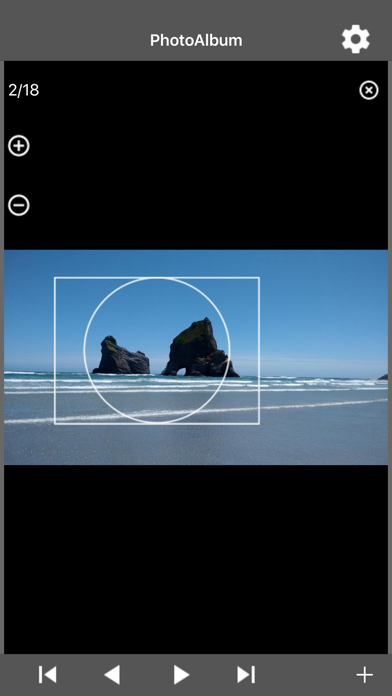
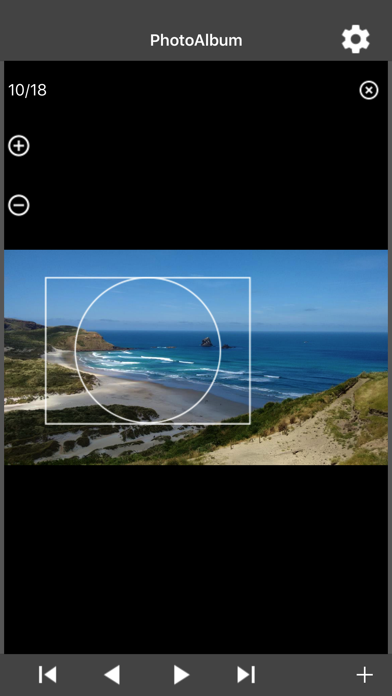
Select your favorite pictures on your phone as a Photo Album Watch Face on your Fitbit or Garmin smartwatch. The watch will automatically cycle through the pictures in your Photo Album or you can tap left/right to see the next picture. Please watch the video and read the FAQ: http://www.PhotoAlbumWatchFace.com/ On your watch: tap the "..." button and then the Download button to download new pictures from your phone. The Photo Album Watch Face can be used without connection to your phone. But you need this iPhone app to download new pictures to your watch. Please be patient when you tap the Download button on your watch, the Fitbit connectivity is slow and unreliable. The Fitbit phone app "Sync" step, shown in the video, is very important. Don't skip it and make sure that the watch app Photo Album Watch is closed during the Sync. Please read the FAQ: http://www.PhotoAlbumWatchFace.com/faq/
What's New
Please watch the video and read the FAQ: http://www.PhotoAlbumWatchFace.com/faq/
Details
- Developer
- AppMosaic.com
- Main Category
- Photo & Video
- Version
- 1.1.3
- Version Release
- 2026-01-07
- Initial Release
- 2017-12-19
- Size
- 3 MB
- Age Rating
- 4+
- Price
- USD 2.49
- Languages
- EN
- Bundle ID
- com.appmosaic.PhotoAlbum
- Version Rating
- ★ 1.00 (1)
- First Seen
- 2026-06-10
Metadata updated 2026-07-19
Rank History
Free · Max 90 days · Top 5 categories shown (Y-axis: rank, lower is better)
No rank history data
Free Rankings
No rankings
Paid Rankings
No rankings
More by This Developer


User Reviews
Tried both android and iPhone versions of this paid app and neither work to sync with their watch app on garmin descent
Did not work at all and not worth 1.99. If yr charge for this app make sure it works properly.
Followed all the instructions to get the pics to show up on my watch, which took forever to finally work. Now that the pics are there, they don’t stay on my watch face. After several minutes, the watch face goes back to the face it had previously and I have to restart the pic app to get the pictures back. This was a huge waste of my time and I wish I hadn’t spent my money on this garbage. Extremely disappointed and do NOT recommend.
I took a chance at losing $2 based off of all the bad reviews, hoping I’d get lucky and get to write a good review. The photos will download to 100% on the watch and then the watch automatically reverts to stock photos. Bad development, wish I could get a refund but oh well. Idk how this is still on the App Store.
Do not waste your money on this app. It does not work. It’s a scam…..
Does not work
Worked super easy for my Fitbit sense.
Not sure where the problem is. The designer or fit bit. I maybe get half the photos to down load. I follow the instructions and sync the fit bit. I watched the video. Don’t do it.
Wasted money on an app that doesn’t even work. Found a free one that is a million times easier and looks better..
Got this app for my daughters Fitbit so she could have multiple photos on it and the app doesn’t do what it’s supposed to do. Followed the step by step instructions and nothing. Waste of money.
Reviews are collected only for apps with detected changes (new entries or sharp risers).