

Superimpose X
🇯🇵 JP LocalizedScreenshots

Description
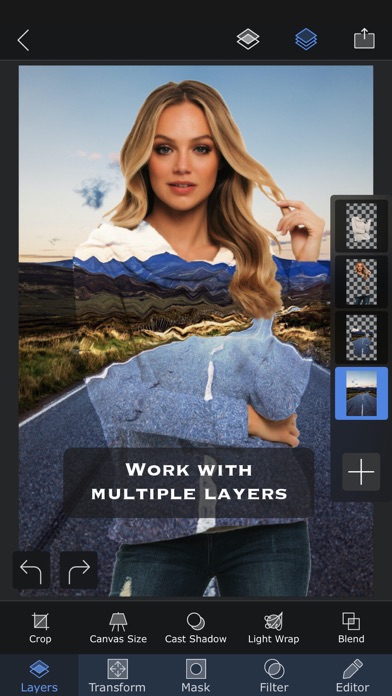
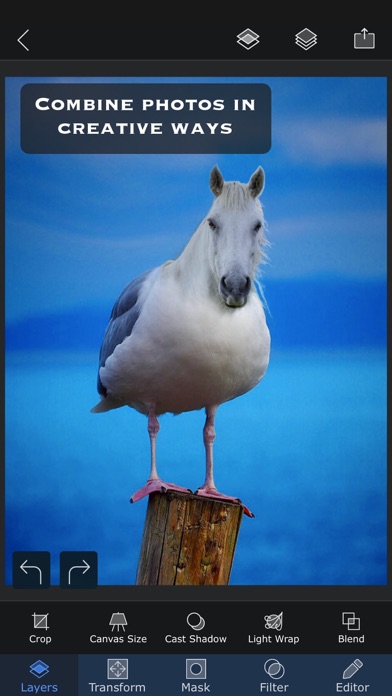
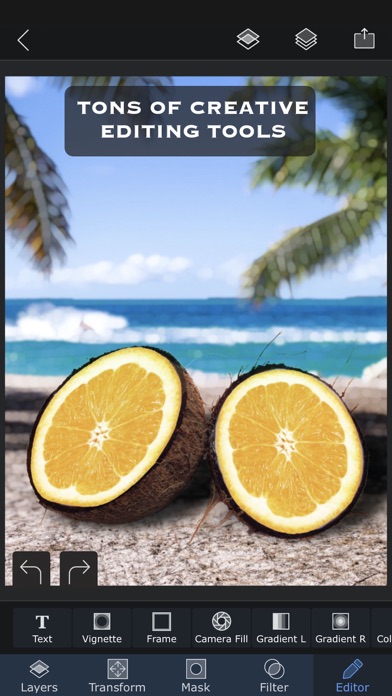
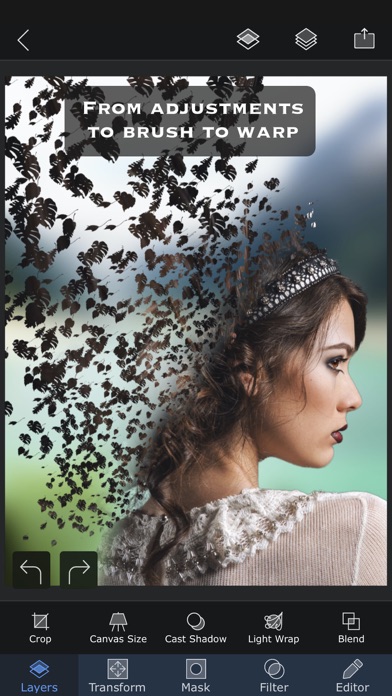
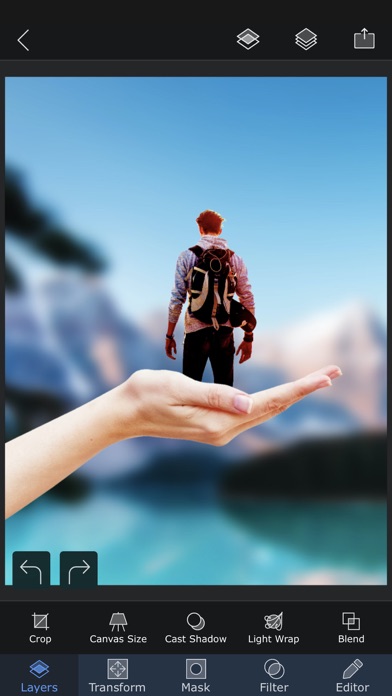
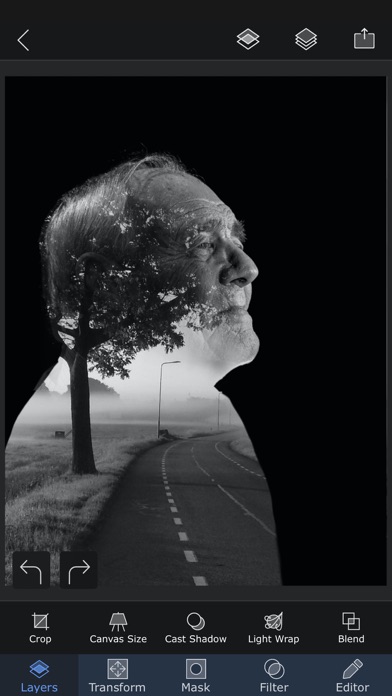
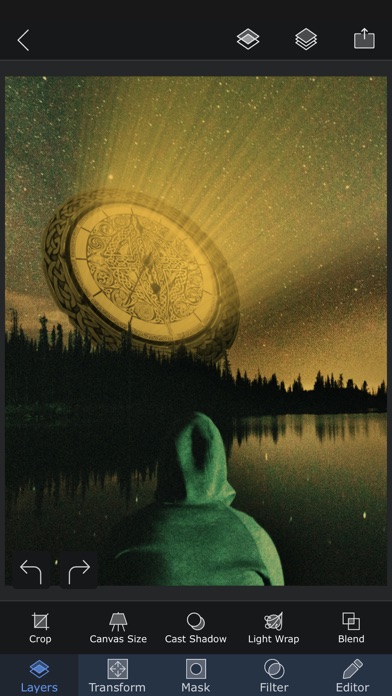
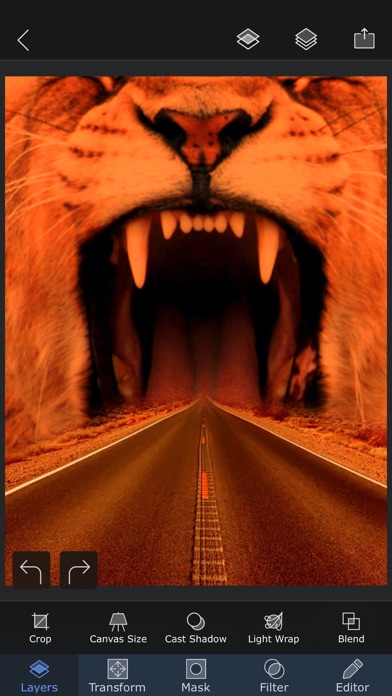
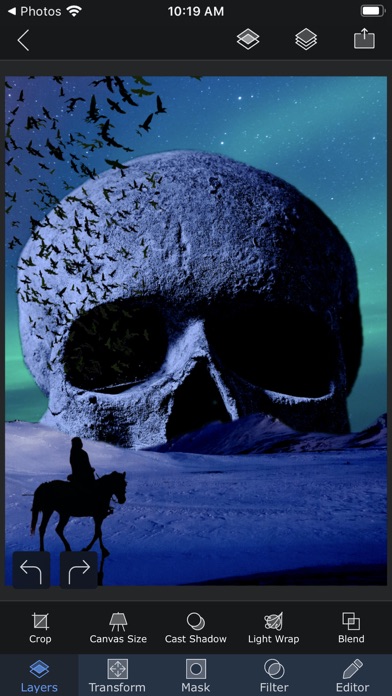
Superimpose X は、写真編集、画像合成、AI を活用したビジュアル制作のための本格的なクリエイティブスタジオです。 レイヤー、マスク、描画モード、ブラシ、エフェクト、調整、影、テキスト、ぼかし、ワープ、遠近法ツールなどを使って、複雑な編集を作成できます。さらに強力な AI 機能で、画像生成、写真編集、背景の置き換え、画像の拡張、細部の強化、シーンの再照明、ヘッドショット作成、顔の入れ替え、スケッチから完成画像への変換、静止画から短い AI 動画の作成まで行えます。 SNS 投稿、サムネイル、デザイン、アート作品、商品画像、プロフィール写真、ミーム、写真編集、プロ向けの合成作品など、どんな制作でも、Superimpose X は手作業の精密さと AI のスピードを 1 つのアプリで提供します。 アイデア、写真、スケッチ、または空白のキャンバスから始めましょう。人物やオブジェクトを切り抜き、複数の画像を組み合わせ、マスクを描き、色を調整し、奥行きを加え、影を作成し、エフェクトを適用して、細部まで仕上げられます。より速く結果を得たいときは、AI を使って画像を生成、変換、修復、拡張、またはアニメーション化できます。 Superimpose X は、複雑なデスクトップ作業環境なしで本格的な編集力を求めるクリエイターのために設計されています。 主な機能: • 最大 24 レイヤー対応のレイヤーベース写真編集 • マジックワンド、マジックラッソ、ブラシマスク、シェイプマスクなどの高度なマスクツール • AI による人物マスク • テキストからの AI 画像生成 • AI 画像編集とインペインティング • AI による背景作成と背景置き換え • AI アウトペインティングと画像拡張 • AI 画像強化 • AI 再照明 • AI スケッチから画像生成 • AI ヘッドショット生成 • AI 顔入れ替えツール • AI 画像から画像への変換 • AI 画像から動画への生成 • 18 種類の描画モード • 16 種類の調整レイヤー • 非破壊のレイヤーぼかしと調整 • 63 種類の写真エフェクト • 明瞭度、色、トーン、ディテールの調整 • テキストとカーブテキストツール • モーションぼかし、ズームぼかし、スピンぼかし、レンズぼかし、選択ぼかし、グラデーションツール • ワープ、遠近変換、歪みツール • ペイント、スマッジ、クローンスタンプ、エフェクトブラシ • 内蔵の影作成ツールと Light Wrap ツール • リアルタイムマスクと描画モードに対応したカメラ塗りつぶし • 再利用できる切り抜きやステッカーを保存できるマスクライブラリ • プロジェクトを自動保存するセッションライブラリ • レイヤー付き PSD 書き出し • 100 万点以上のロイヤリティフリー写真素材にアクセス Superimpose X は、手作業で作る自由、必要なときに使える AI のスピード、そしてすべての結果を自分の作品として仕上げるためのコントロールを提供します。 すでにクラシック版 Superimpose アプリをお使いの場合は、保存済みのマスクを Superimpose X に転送できます。 1. 元の Superimpose アプリを開きます。 2. ホーム画面の「?」ボタンをタップします。 3. 「Transfer masks to Superimpose X」を選択します。 4. マスクが Superimpose X で使用できるようになります。 利用規約:https://www.superimposeapp.com/superimposex_terms_of_use.html プライバシーポリシー:https://www.superimposeapp.com/privacy2.html
What's New
メインエディター内では、AI機能が他のAIツールと連携する形で構成されています。
Details
- Developer
- Pankaj Goswami
- Main Category
- Photo & Video
- Version
- 6.1.2
- Version Release
- 2026-07-04
- Initial Release
- 2017-12-16
- Size
- 362 MB
- Age Rating
- 4+
- Price
- USD 4.99
- Languages
- EN, FR, DE, IT, JA, PT and 3 more
- Bundle ID
- com.superimposeapp.superimposex
- Version Rating
- ★ 4.70 (3,005)
- First Seen
- 2026-05-28
Metadata updated 2026-07-19
Rank History
Free · Max 90 days · Top 5 categories shown (Y-axis: rank, lower is better)
No rank history data
Free Rankings
No rankings
Paid Rankings
Competitive Benchmark — Photo-Video Top 10
What it takes to beat this app — comparison with the category's top apps. The orange row is the current app.
| # | App | Price | Rating | Ratings | Langs | Last Update |
|---|---|---|---|---|---|---|
| 1 | Moment Pro Camera II | USD 9.99 | ★ 4.37 | 353 | 1 | 2026-06-30 |
| 2 | PhotoPills | USD 10.99 | ★ 4.71 | 1,515 | 9 | 2026-04-16 |
| 3 | YoungPhoto - Aesthetic Camera | USD 1.99 | ★ 5.00 | 2 | 5 | 2026-06-26 |
| 4 | Stop Motion Studio Pro | USD 5.99 | ★ 4.74 | 13,535 | 17 | 2025-12-10 |
| 5 | Print to Size | USD 2.99 | ★ 4.86 | 19,385 | 6 | 2026-03-13 |
| 6 | PromptSmart Pro - Teleprompter | USD 29.99 | ★ 4.60 | 11,303 | 1 | 2026-06-03 |
| 7 | iWebTV PRO | USD 6.99 | ★ 4.71 | 4,083 | 2 | 2026-07-18 |
| 8 | myLightMeter PRO | USD 3.99 | ★ 4.79 | 1,074 | 7 | 2026-07-14 |
| 9 | CineTemp | USD 19.99 | ★ 4.88 | 25 | 1 | 2026-07-13 |
| 10 | LumaFusion | USD 29.99 | ★ 4.75 | 24,671 | 13 | 2026-07-06 |
| 61 | Superimpose X | USD 4.99 | ★ 4.70 | 3,005 | 9 | 2026-07-04 |
More by This Developer
User Reviews
Hi, I’m Brian Fortner, Singer Songwriter and future multi award winning artist and performer. This is a wonderful app and worth the purchase. I fully am glad I have this app. It works wonderfully and isn’t stupid. Pretty awesome, right?
Great App! Great for making quality YouTube thumbnails on the go
Great photo editing app without subscription
This is the best photoshop app I’ve ever used on iPhone. Like most photoshop, there’s a little bit of a learning curve, but Superimpose X also has YouTube tutorials that are helpful. I think I’ve been using the app for like 5-6 years for design and photo editing, and it’s amazing. 10/10 would recommend🖤
The one thing I would like to see happen is to be able to adjust the width or hight of a mask instead of having to be able to use it as is. Right now I cannot change the size thecanvas or get to the resize tab. Would give it a 5 if not for these problem. Favorite program otherwise.
Why do developers get greedy? You pay for an app and you have the ability to do all these wonderful things with this app. Then, a few years later they update and you’re stuck with paying a monthly fee if you want to properly utilize the app that you have already purchased. I mean, they could’ve added an in app purchase. I wouldn’t mind paying a few bucks more to get access to whatever they were adding. But no, you buy the app and you own it for years and then you are crippled unless you pay them a monthly fee. It’s very sad that they do not grandfather in people who purchased their apps and supported them for many years. This has happened to me with many apps and it’s very frustrating. When you spend money, leave positive reviews for the developer, even talk to developers, and then get hit with a subscription for an app that you had for a few years it sucks. I’ve been beta testing app since 2011. I own about 700 apps across many iPads/iPhones and when developers do this it feels insulting.
The one thing I would like to see happen is to be able to adjust the width or hight of a mask instead of having to be able to use it as is. Right now I cannot change the size thecanvas or get to the resize tab. Would give it a 5 if not for these problem. Favorite program otherwise.
This app was the catalyst to becoming a full time designer, love the upgrade, worth every penny. I make quick memes, edits on the go for years.
I have tried aboot every editing app for iOS. SuperimposeX is the only one that I found to have a expansive enough toolset and smooth UI to be capable of whatever I need without being a pain to navigate or have essential features locked behind a monthly subscription. This app is exactly what I was looking for, and at a great price.
I have been using Superimpose X since it came out, and I have yet to download a more helpful app. I find myself using it all the time. There are so many features available on this app, that it just facilitates any photo editing endeavor I want to do. Definitely recommend it to just about anyone!
I love this app, it is actually a really useful editor and the developers have always made sure to keep it updated. I don’t think I have another app that I have used since 2012
I love this app so much
Reviews are collected only for apps with detected changes (new entries or sharp risers).