

Yoink - Improved Drag and Drop
🇯🇵 JP LocalizedScreenshots
Description
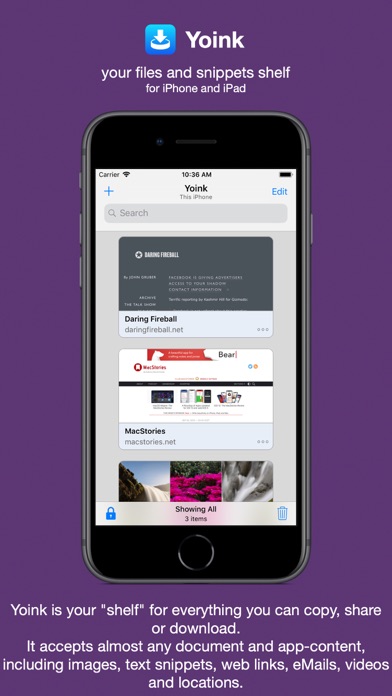
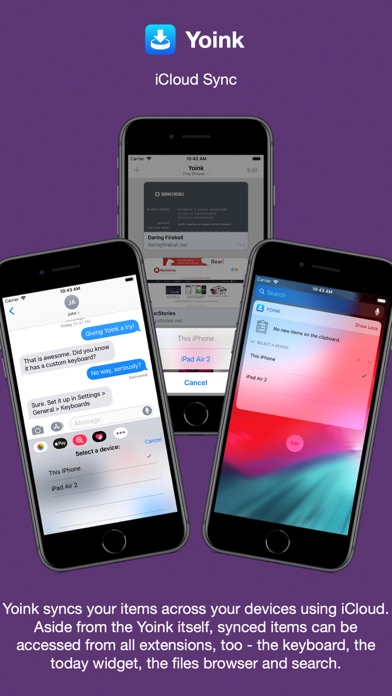
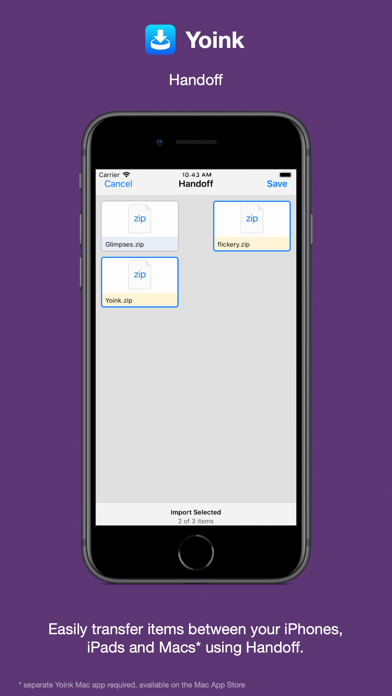
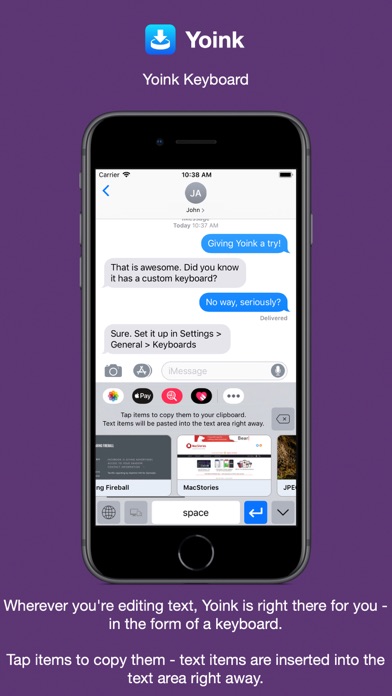
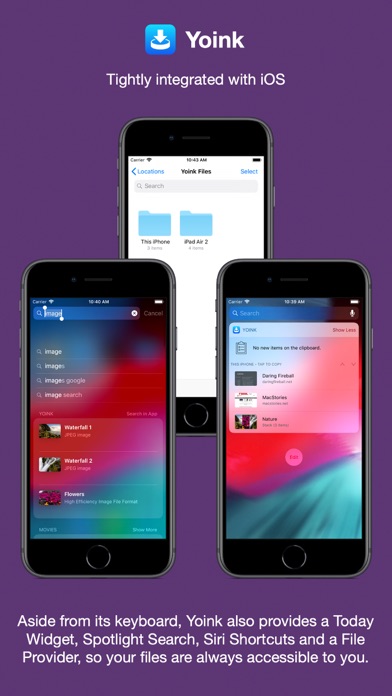
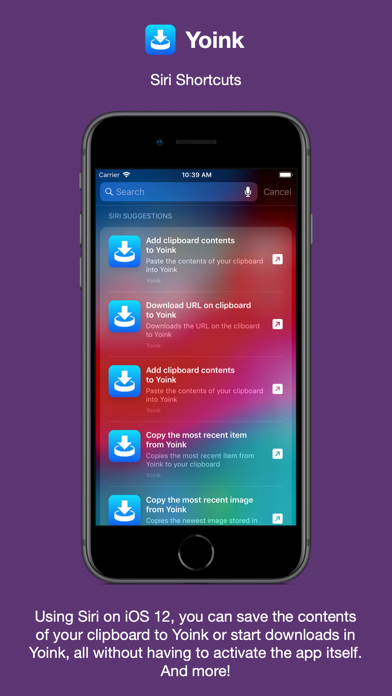
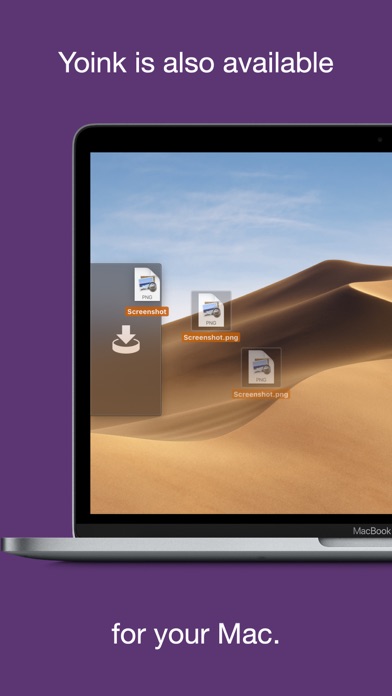
Yoink for iPad and iPhone は、ドラッグ、コピー、共有、またはダウンロードした項目を、あとで使うために簡単かつ素早く保存できるアプリです。 これにより、元のアプリと保存先アプリを何度も行き来することなく、項目をひとつの場所にまとめておけます。 Webサイトの画像、テキストの抜粋、Web URL、メール、書類など、ほぼあらゆる種類のファイルに対応しています。ドラッグ、コピー、共有、ダウンロードのどの方法でも保存できます。 Yoink に対するユーザーの声: 「iOSで最高のシェルフアプリ」 - Igloouk、英国 App Store 「iOS App Store で最も便利なアプリ。本当に素晴らしい。」 - noway170、オーストリア App Store 「救世主のようなアプリ。今すぐ入手すべき。」 - mr chairboy、米国 App Store iPad では、Slide Over や Split View で Yoink を表示しておけば、どのアプリを使っていても、いつでもドラッグした項目を受け取れます。Yoink を表示して、そのままドラッグ操作を完了するだけです。 iPhone では、Yoink の共有機能拡張を使ったり、項目をコピー&ペーストして追加できます。 項目はあとで使えるよう Yoink に保存され、識別しやすいリッチプレビューや、多くのファイルタイプで完全プレビューに対応しています。 複数項目を含むドラッグはスタックとしてまとめられます。 Yoink はシステムと深く統合されています: - クリップボード監視: Yoink のクリップボード監視機能は、Yoink 自体がバックグラウンドにある場合でも、コピーまたはカットした内容をすべて保存します。 ピクチャ・イン・ピクチャのオーバーレイを使えば、Yoink が保存するデータの種類を選択したり、いつでも一時停止・停止できます。 - ビデオだけじゃないピクチャ・イン・ピクチャ: Yoink は画像、PDF、メール、さらにはWebサイトまで、ピクチャ・イン・ピクチャのオーバーレイ内に表示できます。さらに、その場で書類のページをスクロールすることも可能です。 - iCloud 同期 iCloud を使って、デバイス間で Yoink の項目を同期 - Handoff Handoff を使って、iPhone、iPad、Mac 間でファイルを転送(Mac版 Yoink アプリが別途必要) - アクション/共有機能拡張 共有シートから共有できるほぼすべての項目を、直接 Yoink に送信できます - キーボード Yoink 専用キーボードを搭載しているので、Yoink を起動しなくても、保存した項目を簡単かつ素早く挿入できます。 - Spotlight 統合 Yoink 内のすべての項目は Spotlight から検索でき、検索結果はドラッグ可能です。 - Today ウィジェット 通知センターから Yoink の項目にアクセスしたり、クリップボードの内容を Yoink に保存できます - ショートカット / Siri の提案 Yoink は Siri ショートカットと提案に対応しており、クリップボードから Yoink に項目を追加したり、Yoink から項目をコピーしたり、Yoink でダウンロードを開始するなどの操作を自動化できます。 - ファイル App 統合 iOS 11 の書類ブラウザに対応したあらゆるアプリから Yoink のファイルにアクセスできます Yoink に対するメディアの声: 「Yoink は Apple が作るべきだったシェルフアプリだ。」 - Federico Viticci、MacStories.net 「Yoink は必携アプリ」 - Jeff Benjamin;9to5mac.com 「パワーユーザーには欠かせない。」 - Craig Grannell;techradar.com
What's New
Yoink v2.5.5 (2026.05.08) contains the following improvements and bug fixes: = IMPROVEMENTS = - Improves the performance of the File Provider extension in Files.app - Adds Italian, French and Portuguese (Brazil) localizations = BUG FIXES = - Fixes a rare crash on older versions of iOS - Fixes a localization bug in the Files Provider extension - Fixes a bug where editing a sketch would not update its preview - Fixes markup not behaving correctly in some situations - Fixes editing of URLs not working correctly - Fixes a bug where pasting something into Yoink with a filter active would render the list unresponsive in some cases Thank you for using Yoink for iPhone and iPad. I hope you're enjoying the app! If you have some time and if it's not too much to ask, please consider leaving a rating or review of Yoink on the App Store - it would help me out a lot! If you'd like to get in touch or connect with me, please visit https://eternalstorms.at/contact for all options. Yours truly, – Matthias
Details
- Developer
- Matthias Gansrigler-Hrad
- Main Category
- Productivity
- Version
- 2.5.5
- Version Release
- 2026-05-18
- Initial Release
- 2017-10-12
- Size
- 30 MB
- Age Rating
- 17+
- Price
- USD 5.99
- Languages
- EN, FR, DE, IT, JA, KO and 2 more
- Bundle ID
- at.EternalStorms.YoinkiOS
- Version Rating
- ★ 4.73 (1,039)
- First Seen
- 2026-05-28
Metadata updated 2026-07-19
Rank History
Free · Max 90 days · Top 5 categories shown (Y-axis: rank, lower is better)
No rank history data
Free Rankings
No rankings
Paid Rankings
No rankings
More by This Developer

User Reviews
But I do want the sync between iOS and macOS. Can’t wait for it to materialize. Also, wouldn’t it make sense to have a “paste clipboard to Yoink” button on its iOS keyboard? I guess I’m just wishing to use Yoink to eliminate the need for a smooth cross-platform clipboard manager like Paste.
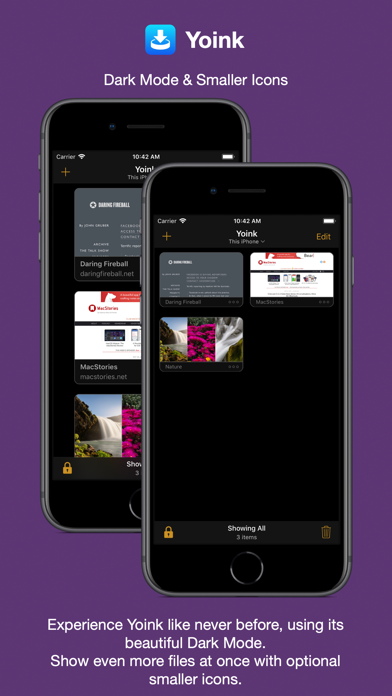
I really like the depth of features here: widgets, keyboards, device sync, etc. But the item display is terrible. Only 3 huge item cards on my iPhone screen!? It’s so limiting that I use one of my other shelf apps and check on yoink periodically to see if you’ve improved it. Please, please provide display options across all device and ui types. Ideally I’d like configurability so I can have a minimalist compact display of thumbnail and 2 line summary on iPhone and the widgets (no row padding… maximize screen items!), and larger cards on keyboards and iPad/Mac displays. But let me choose!
Why can’t anyone create a clipboard as good as Android? You copy in Android, it automatically populates the clip board and you can grab the clipboard on multiple apps. This app is so 10 years ago
テキストファイルをMacから転送しても、ファイルアイコンとして転送される
I really want to like it. Always go back and forth with it. No iCloud Mac sync is just deal breaker. It would be nice when you working on a project and sync between Mac and iOS. Otherwise I can use iCloud folder to hold files. Yes it’s not as convenient but more useful. Or I can just use AnyBox to store files across all devices. It’s kinda confusing business model not fully holding place (no sync) and not fully clipboard because totally different on the Mac.
Thanks for the update. This is a beautiful application. Keep improving and updating. Note: I regularly update my review/rating for this application. My Device: iPhone 14 Pro Max (latest iOS), iPad Pro 12.9” (latest iPadOS, 2018 third-generation).
This app is tremendous. It’s like having a desktop on your iPhone and iPad, but please fix the bug where it deletes links. It’s quite annoying for me to paste the link in notes just to make sure that I have the link saved. This is like a problem for years now. i’m really getting sick of it.
It would be nice to categorized the saved items even further if at all possible. Please and thank you
存在は知っていましたが、様子見をして、今回購入しました。 コピペ拡張はPCでも使用しており便利なことは知っていました。しかも、テキストだけではなく、写真なども可能なのは便利です。 しかし、コピーして、アプリ内で確認したり個別に開こうとしてもほぼ確実にフリーズしてしまいます。 強制終了して再起動しても、いくつかの操作で確実にフリーズして強制終了ごの立ち上げになります。 何か設定の不具合なのでしょうか?再インストールがいいのでしょうか? 他の方にある事象なのかわかりませんが、ちょっと機能としては素晴らしいのに現実に使い物にならない感じが残念です。 対処法について教えてくだされば幸いです。。。
10DEC23: a reliable document shuttle across three iOS devices. So handy for PDF DwnLoads from browsers. Documents stick or delete based on preference. Reading and markup within the app is useful Thank you ~~~~~~~~~~~~~~~~~~~~~~~~~~~~~~~ 10/9/21: a veritable information magnet which permits storage and distribution in apps and across iOS devices. An important and valuable partner in research. Like more each day —- 9/18//20 Lost usefulness for more than a month, BUT this iteration fixed a MAJOR bug seen on iPad and Evernote: a PDF drag to the App produced an empty placeholder icon on Evernote. Yoink is back in the game; now I can keep it running to receive and sent to Evernote, OneDrive, iCloud Notes, OneNote, email client, and Word documents. My workflow has returned! Thank you ——————————————————— ... and you can pour a little here and there. I am 100% iPhone, no Mac. This app works seamlessly with the following apps, which constitute my primary workflow, Evernote, Drop Box, and Spark email client. I moved Yoink to the top/front of the helper apps, so it is always up front. I do like it when Yoink asks you if you want to add a clipboard snippet. At this point, I see nothing to dislike about this app. ===older review=== Looking for tighter integration in iOS but, works quite well. A welcome and necessary addition to my workflow.
Please let us add folders in the files app. For some reason I can’t paste the Yoink folders I backed up from iCloud to the folder (before all of that the app gave me an error and wouldn’t sync, so I backed up the folder).
A solid app that reliably captures clipboard contents.
Reviews are collected only for apps with detected changes (new entries or sharp risers).