

Video Delay Instant Replay Pro
🇰🇷 KR LocalizedScreenshots
Description
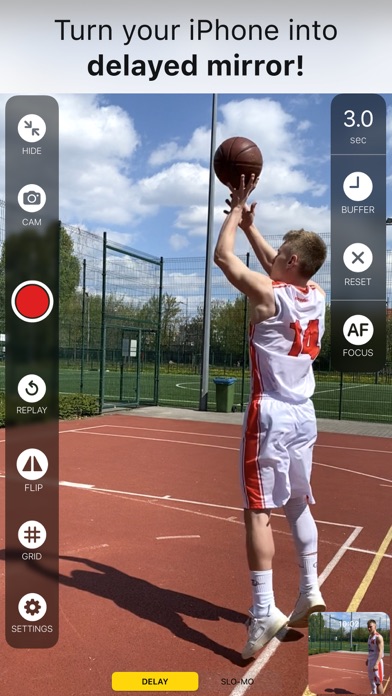
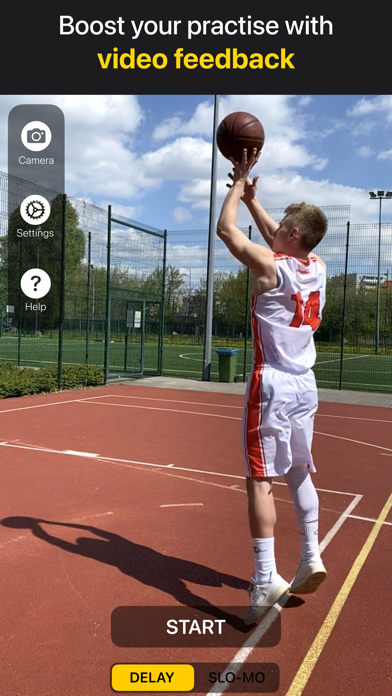
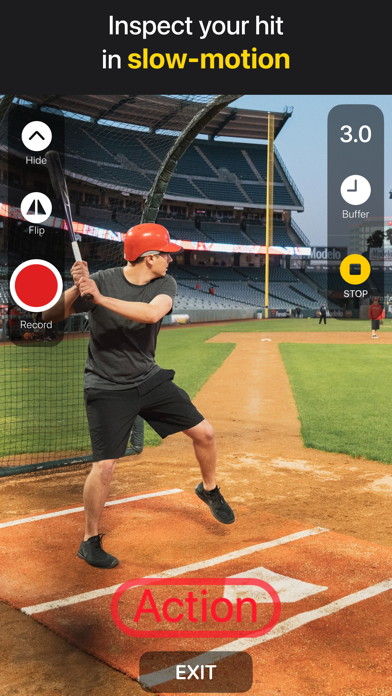
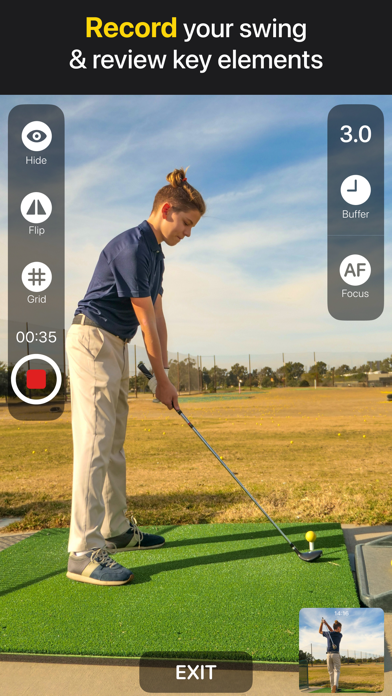
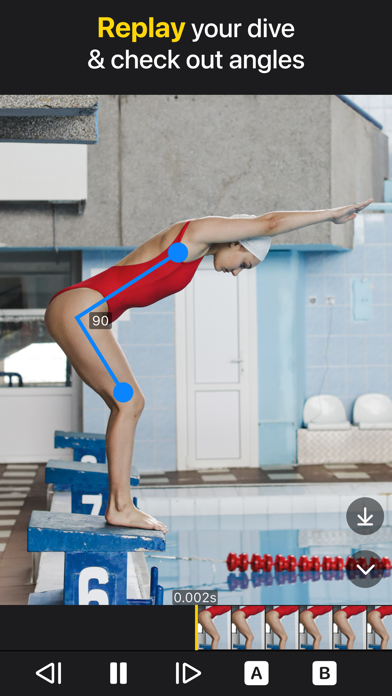
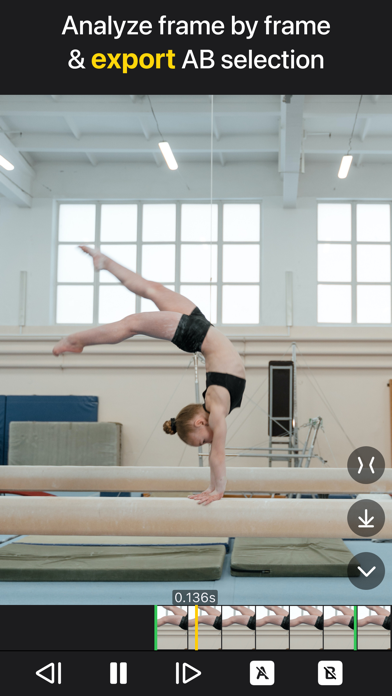
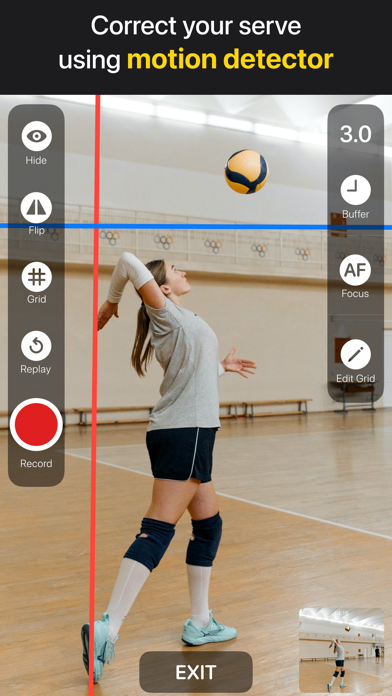
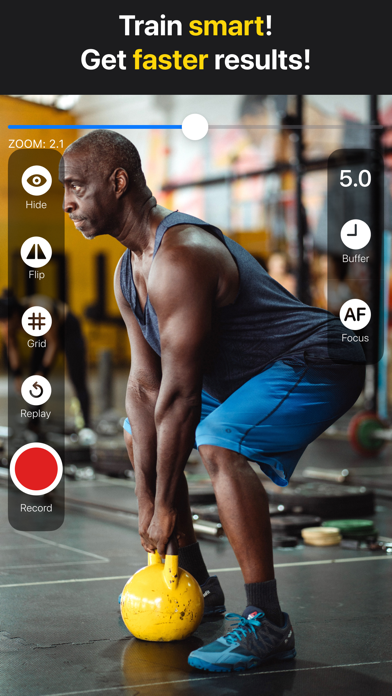
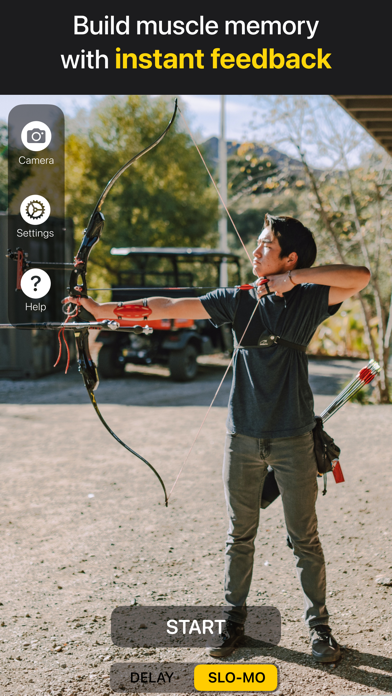
THE BEST VIDEO REPLAY APP! - Number 1 in the Sports iPad Category!!! - Trusted by the US major league baseball and basketball teams. - Perfect for golf players. Are you frustrated by making the same mistakes and wasting time on your practice? Video Delay Instant Replay is a fantastic way for athletes to receive instant feedback on their performance. Analyze your form, build good muscle memory, and get faster results. Make every practice satisfying and effective! There are three main features: the DELAY, the SLO-MO, and the REPLAY. The DELAY Mode continuously shows the delayed video during practice. After setting the buffer time, there's no need to record and replay manually. The video feedback will be on until you reset the buffer or hit the exit button. The SLO-MO Mode captures a short video and instantly replays it in slow motion. It works best for quick activities, like punch or shoot. To adjust the speed rate, use the slider. The recording will get you short slow-motion videos of every repetition. The REPLAY View* allows frame-by-frame analysis of athlete moves, including measuring the angles. You can also export a short part of the replay video using AB selection. * It works only with Delay mode and a buffer time longer than 1 second. Improve your skills and get faster results: 1. Set the Buffer time. 2. Do your action. 3. Watch the video feedback. 4. Immediately correct your posture and repeat! Coaches and teachers! Use the app with an external screen for even better feedback during practice! Watch the Replay video with your team, analyze your players' performance, and correct errors. Add lines on the screen to check out the angles. Trim the video, so it only shows what you want your students to concentrate on. Record only necessary parts of the practice. Instant Feedback also helps to settle disputes between players. Basketball, baseball, and football players! Practice by repetition - improve your shooting form by copying your favorite players' moves. Make out the best of your hitting drill. Take a quick look at the footage, correct your posture, and return to the action. No need to rewind or touch the device; the video will play instantly. You will be able to see if your pose is good and if your fake moves are effective. Golf and tennis players! Use a motion-detection grid and correct your swing or backhand instantly! Perform proper movements and maintain good posture while exercising. Build better muscle memory and improve your game! Training martial arts, archery, or shooting? Study your form with delayed video feedback. Set a short delay time and analyze your moves in slow motion. See what to correct in your kicks or punches. Pilates or yoga fan? Check out poses you won’t see in the mirror, like dog or pigeon. Make sure you are true to form and protect yourself from injury. Actors and performers! Replay yourself performing and improve your acting skills. Check out your gestures in slow-motion and make them the best! For information on how to use the VDIR, please check out the User Guide in the app!
What's New
Audio playback in slow motion mode.
Details
- Developer
- michal bojanowicz
- Main Category
- Sports
- Version
- 3.2
- Version Release
- 2023-05-17
- Initial Release
- 2016-09-20
- Size
- 5 MB
- Age Rating
- 4+
- Price
- USD 39.99
- Languages
- EN
- Bundle ID
- co.borama.VideoDelayInstantReplayPro
- Version Rating
- ★ 4.70 (223)
- First Seen
- 2026-05-28
Metadata updated 2026-07-19
Rank History
Free · Max 90 days · Top 5 categories shown (Y-axis: rank, lower is better)
No rank history data
Free Rankings
No rankings
Paid Rankings
No rankings
User Reviews
영상의 화질을 720p로 설정 후 딜레이 녹화할 때는 정상 작동합니다. 근데 1080p화질로는 처음 설정한 딜레이 시간에서 시간이 점점 줄어듭니다. 예를 들어, 처음에 40초 딜레이를 세팅했다면, 그게 쭉 유지되어야 하는데, 두번째 녹화부터는 30초 이하로 자동변경됩니다. 아이패드의 저장공간이나 램에 아무런 문제 없음에도 이러한 오류가 끊임없이 계속 발생합니다.
iPhone16 OS 18.71ですが、ディレイ録画ができません。ディレイ録画スタート後、録画ボタンをタップしても0:00で動かず、その後操作もできないため強制終了するしかないです。 どうすれば良いでしょうか? ※スローモーションの方は録画大丈夫そうです
Can you add another preference setting for optionally auto saving every slo-mo video to Photos
My 13 year old wanted a video camera set up so he could watch his pool (billiards) shots. I did some research and came across this app. It works really well for us, we like that we can pick the delay. 15 seconds works great for us most of the time. We originally put his phone on a tripod but the tripod was in the way a lot so we ended up buying a SkyMount on Amazon so his phone hangs from the ceiling. He connects to our TV via AirPlay and if he has a really great shot, he can take advantage of the delay time to screen record the shot. We haven’t had any issues with the app and are happy with it!
This is really good, i use it for bowling and when I turnaround I can see what went well or poorly. I wish the replay was a little longer because by the time I get to the phone my replay window has passed. Response to developer question: My use case - I’m a bowler and when I use this app I’m using it alone. I generally have a 10 second buffer on which allows me to bowl, turnaround, and watch what I did. However, by the time I watch what I did and decide I want to replay my video I’ve gone past the buffer time and can’t replay the video. It seems that in order to replay the video I have to have that immediately decided, which I don’t know until I see it the first time.
Wanted to import videos to go over with the kids. No option to do that. Waste of $9. You can record yourself and replay it for free with the camera app. This app does nothing worth $9.
I want to measure my swing plane for golf. Would it be possible to have a line overlay on live buffering view?
App crashes frequently when trying to record replays using Apple Watch. A simple save button available on the watch would be perfect so we can save replays the full length of the buffer time by pressing one button rather than having to trigger on and off record and then the app crashing. Love the app but if you guys add this save feature from the Watch instead of a trigger record on and off feature, or have both work every time, it will be next level!
Would love to be able to remove the buttons from view or shrink them. Way too big.
iPad 9th 体操の練習に使用。 フロントカメラの超広角レンズも使えました! 遅延秒数の設定もしやすい。 今のところ、これが1番です。 なお参考までに、、類似アプリのbam video delayの方はフロントカメラにすると広角にならず画角が狭くなってしまい設定も変えられずダメでした。
Love the product thus far. Use it with our swimmers and divers. I would really like to use it with an external camera so that I can place the camera underwater. Is this possible???
I use this app daily and send the delayed video feed to an Apple TV for my divers to watch what they did. Works great! It does get a little choppy at times but nothing to worry about. I’ve recommended the app and my setup to the area diving coaches.
Reviews are collected only for apps with detected changes (new entries or sharp risers).