

Live StreetViewer-world travel
Screenshots
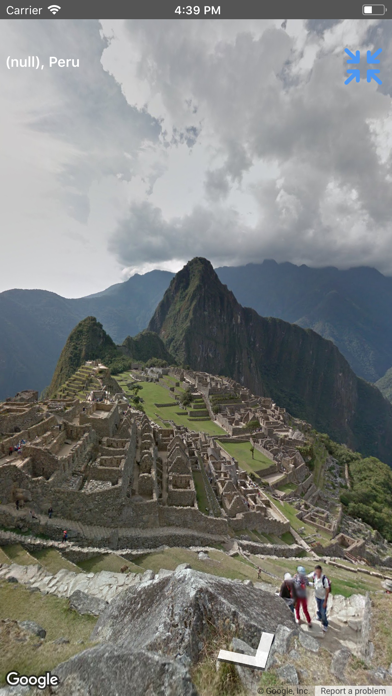
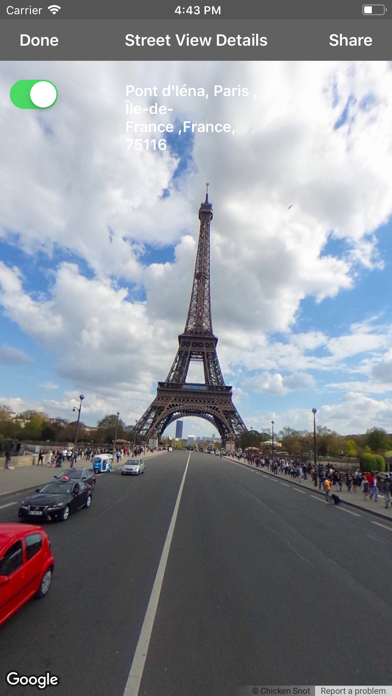
Description
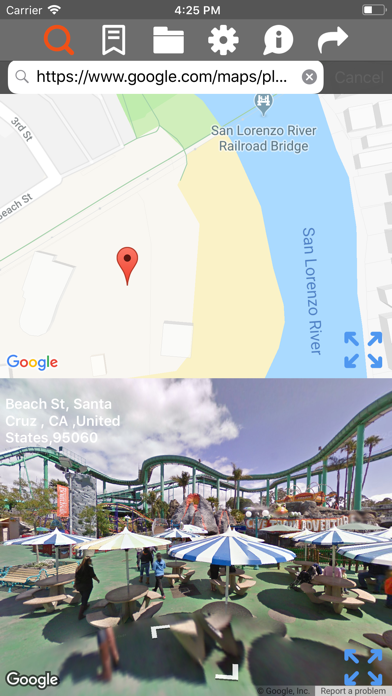
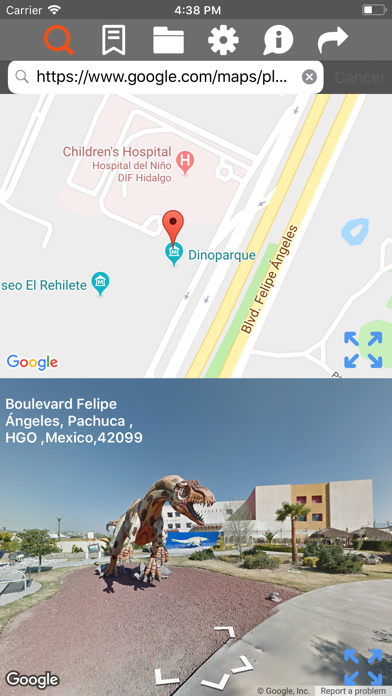
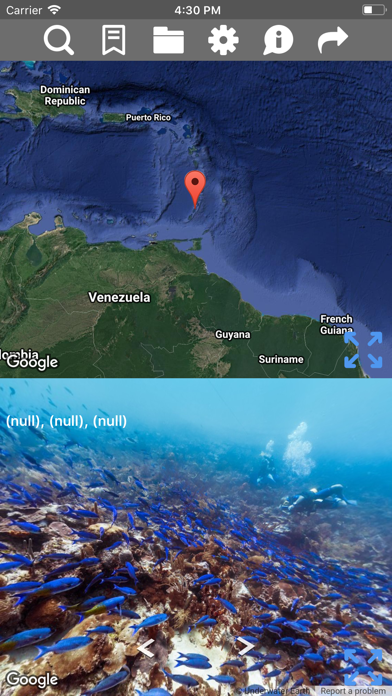
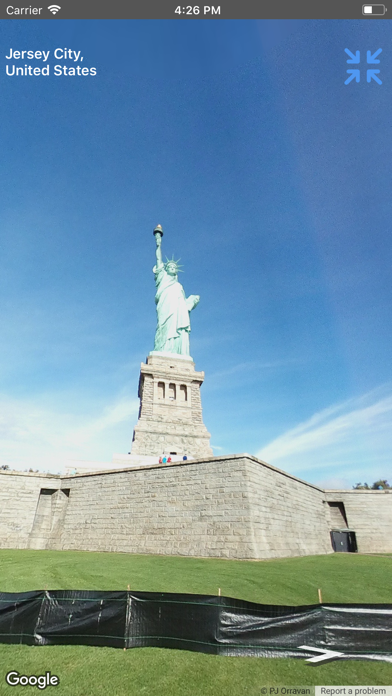
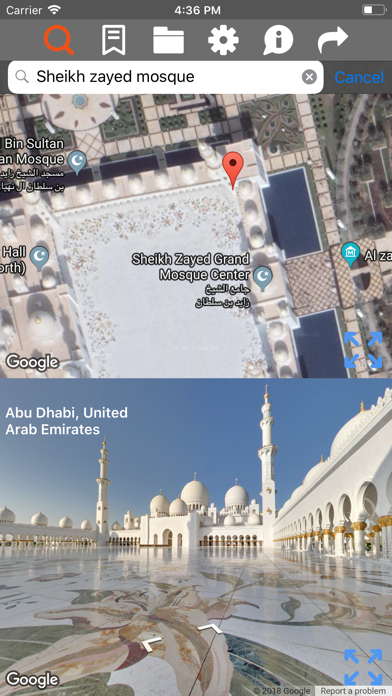
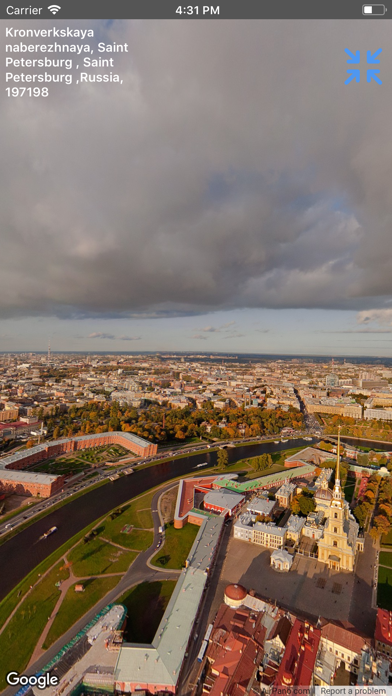
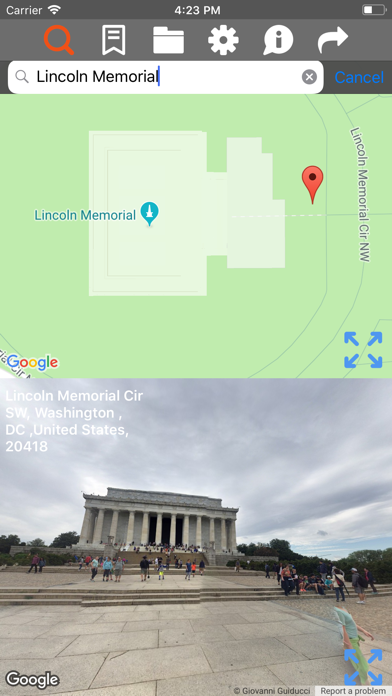
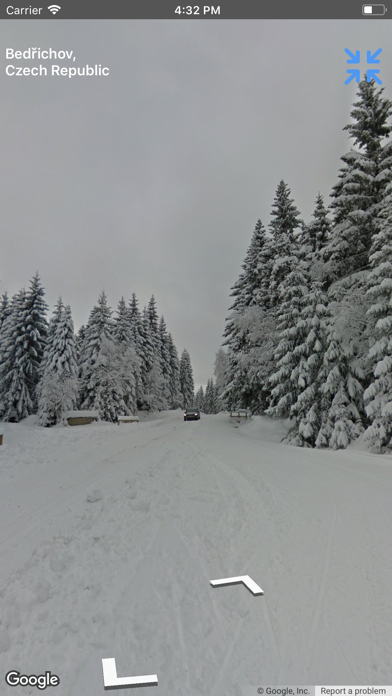
StreetViewer for world travel-Navigation is an app can look and travel all over the World wide Street View. App Features: 1)Resizing screen Street View 2)Resizing screen Google maps 3)Zoomable Street View 4)Zoomable Google maps 5)Two ways to search Google Street Views 6)Search Street View by places 7)Tap on a location in map find a nearby panorama 8)Set multiple Google maps types 9)Bookmark your favourite places 10)Street View available for most of the cities 11)Share the Bookmark Street View link with Street View address to your buddy or family members.The link can be opened in search options within application by copy and paste or download Google maps application to see directly streetview. 12)Now Street View can search easily using urls,names,keywords of places and more. How to get the Street View ? 1)first Connect to internet access 2)Tap on the Google map to get the Street View for respected position(latitude and longitude) 3)Search by places like The White House Machu picchu Cape Royds County mayo Grand canyon national park The colosseum Pena National palace Stonehenge Times square Everest base camp Kohala Coast Lago bianco Crystal Mountain Dragon Alley Wilson island Great barrier reef Heron island and more 4)Street View mostly available on road side places, nearby cities, suburbs, nature wonders, parks, Restaurants, parking, hotels, some parts in ocean 5)In Search options type streetview urls,names,Keywords of places and more. How to navigate in Street View ? 1)When you get the Street View, you found the direction symbols available on the screen 2)Tap any direction where you want to go, Street View moves along the direction
What's New
fixed small bugs
Details
- Developer
- m sagar
- Main Category
- Navigation
- Version
- 2.3.6
- Version Release
- 2023-10-02
- Initial Release
- 2016-09-15
- Size
- 12 MB
- Age Rating
- 4+
- Price
- USD 0.99
- Languages
- EN
- Bundle ID
- com.NewDomain.StreetViewerPro
- Version Rating
- ★ 0.00 (0)
- First Seen
- 2026-06-08
Metadata updated 2026-06-08
Rank History
Free · Max 90 days · Top 5 categories shown (Y-axis: rank, lower is better)
No rank history data
Free Rankings
No rankings
Paid Rankings
No rankings