

스크린샷
설명
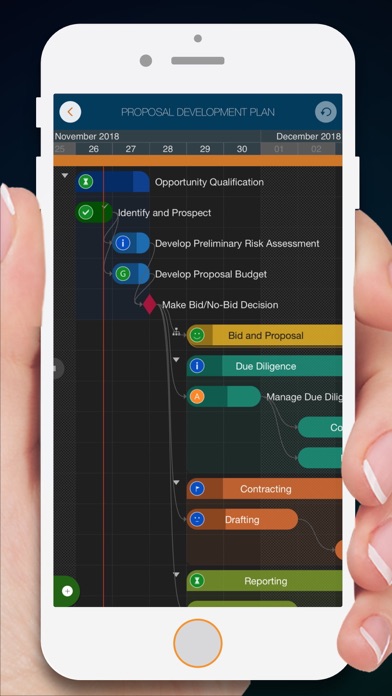
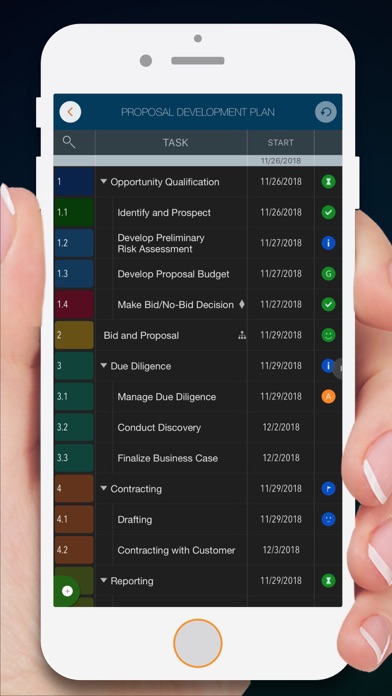
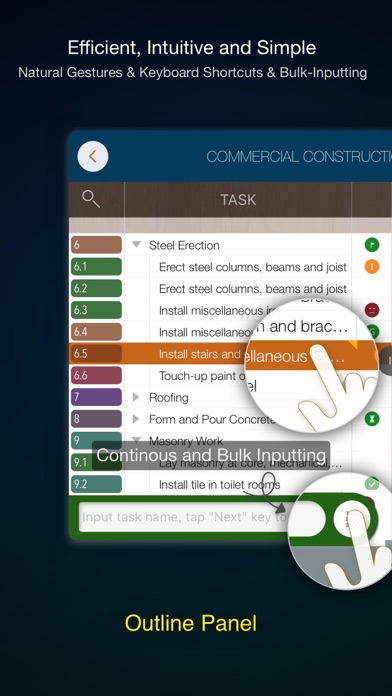
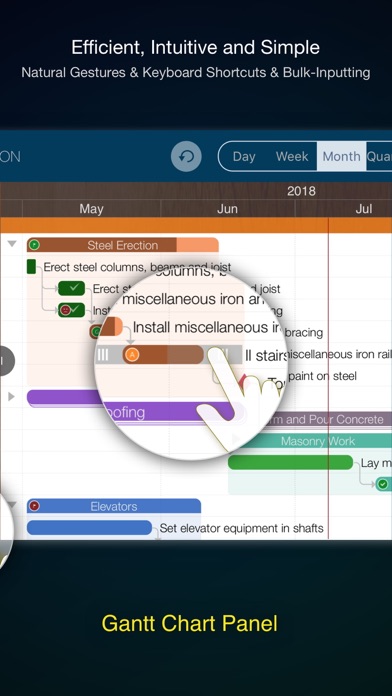
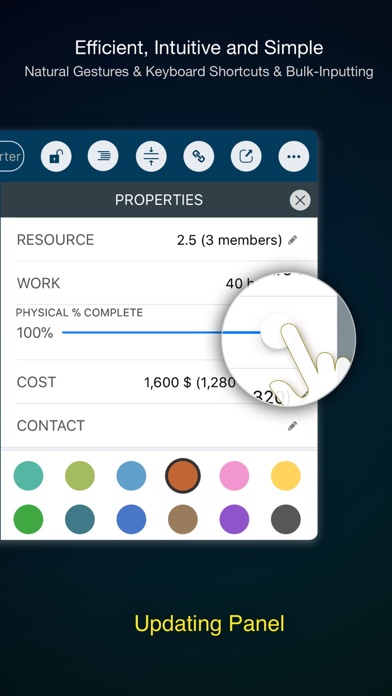
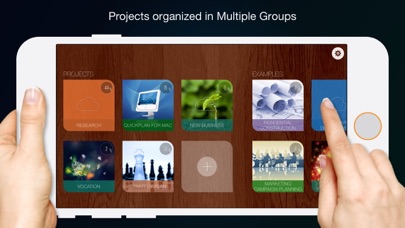
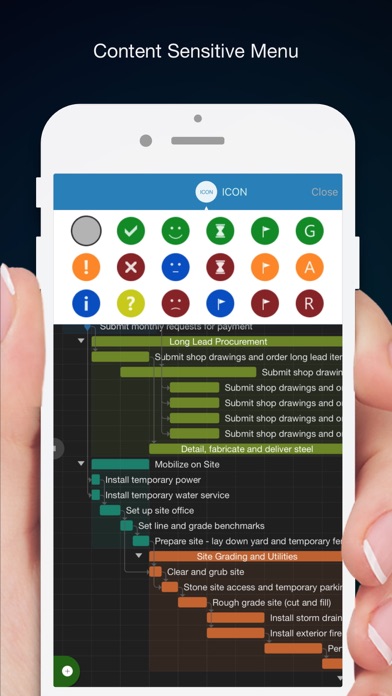
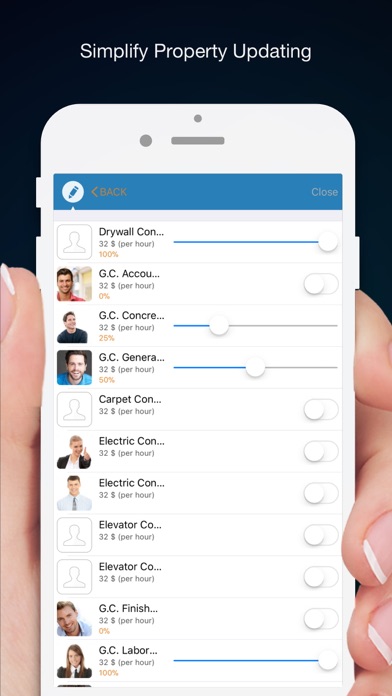
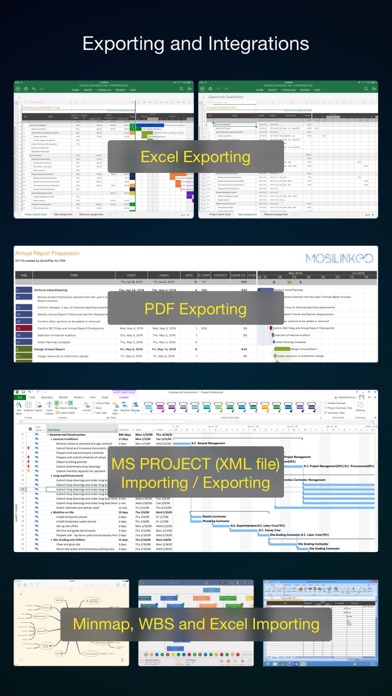
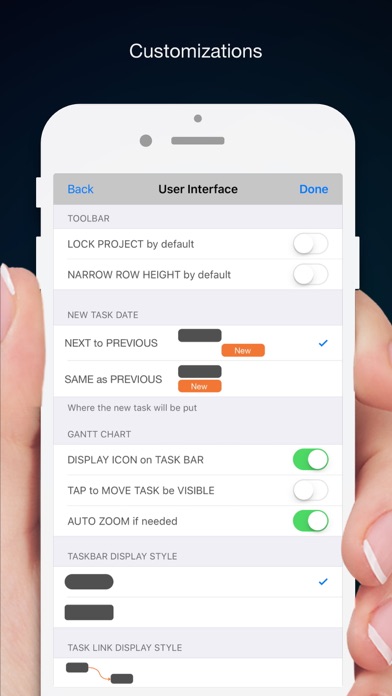
Project management with natural gestures on the Gantt chart designed for small touchscreens. Sync projects across multiple devices, and share projects in teams AND supports Microsoft Project Plan integration. ## PRIVACY FOCUSED: User-created projects are stored on the user's device or in iCloud Drive, whichever the user chooses. *** This app is ONLY for iPhone *** QuickPlan has separate apps for iPhone and iPad. You can save money by buying the app for one device only, or pay the same price for both devices. * Feature Video https://youtu.be/Ean-OpZkhEQ * No In-App Purchases. * QuickPlan is now available for macOS (Free 15-day trial is at https://quickplan.app/trial). QuickPlan makes project planning more convenient than ever. NATURAL GESTUREs and keyboard shortcuts are used in a clean and elegant interface that makes project management more accessible, faster and more efficient than ever before. Visualize, manage and simplify projects in Gantt charts, structure tasks in a tree structure, organize your project calendar and resources, track task status. It's easier than you think, all at your fingertips with a minimum of effort and learning. QuickPlan supports exporting projects to image, Excel, PDF, Microsoft Project and WBS files and importing projects from Microsoft Project (in XML format), WBS, Mindmap, and Excel files. Plans can be synchronized with multiple devices via iCloud Drive. They can be shared with other users and devices via AirDrop, email, and the iOS Files app. QuickPlan optimizes the best features of Microsoft Project Plan and makes them work for iPhone - without the complexity. We bring INTUITIVE and discoverable project management to users of all experience levels. ## EFFICIENT MAINTENANCE - Gestures for tasks: create, remove, move, indent and outdent, change order. - Gestures to zoom in and out, collapse and expand. - Dynamic context menu system makes scheduling a reality on a small touch screen - Batch input - The most fluid Gantt chart app on a clean interface. - Context-based editing of outline, Gantt chart and inspectors. ## STRONG PLANNING - Multiple projects in groups, with support for duplication. - Organize tasks into REAL task groups and sub-projects. - Task color, icon, contact, URLs, and other necessary task fields. - Five outline levels (plus sub-project, for a total of ten outline levels). . Gesture-based management of task links. . Project currency, charge rate, project resource, calendar, task date policy. ## TREE and LIST - Rendering as a tree with support for key path display. - Rendering as a list with support for sorting and filtering. ## UI CUSTOMIZATION - Customization of the task column title and visibility. - Style of the task bar. ## REPORTING - Export as image, PDF, and Microsoft Excel (including three sheets). - With options to customize the output. ## SYNC - Sync projects between iOS and Mac devices via iCloud Drive, OneDrive, and Dropbox. ## INTEGRATION - Export and import Microsoft Project XML files. - Import and export SwiftApp WBS files. - Import from Microsoft Excel files. - Import from iThought Map files. ## SHARE - Supports Airdrop, OneDrive, Dropbox. ## TEAM - Supports creating a sub-plan for specific project members. - The sub-plan contains only the tasks for the specific members. ## NOTIFICATION - Widget to track ongoing tasks (iOS 14 or later). - Today widget and Local Notification. QuickPlan simplifies the complexity of project planning that sets ease as the ultimate goal in organizing your professional projects, plans, efforts, goals and life. The best project planning app for iPhone - Initialize, discuss, present and share your plan, and export it to Microsoft Project Plan for future work. - Strategic Planning - Import MS Project file (in XML format) and reports, tracking. - Plan new ideas - Agree and confirm actions in meetings - Discuss, plan and assign tasks - Track project progress
새로운 소식
Bug fixes and performance improvements.
상세 정보
- 개발사
- 皓 李
- 주 카테고리
- Business
- 현재 버전
- 17.3
- 버전 출시일
- 2026-05-17
- 최초 출시일
- 2013-10-20
- 용량
- 194 MB
- 연령 등급
- 4+
- 가격
- USD 8.99
- 번들 ID
- com.mobilinked.quickplaniphone
- 현재 버전 평점
- ★ 4.74 (400)
- 첫 수집
- 2026-05-28
메타데이터 갱신 2026-07-19
순위 히스토리
무료 기준 · 최대 90일 · 상위 5개 카테고리 표시 (Y축: 순위, 낮을수록 상위)
순위 히스토리 데이터가 없습니다
무료 순위
순위 없음
유료 순위
순위 없음
유저 리뷰
Would have been five star if has syncing. When you create a file. That file is in the local app of that device. It’s not synced to another device. Not in iCloud either. You have to export it into iCloud manually. And then you think the changes would just reflect in the iCloud file right? Nope. The iCloud file is a copy of the in-app file. So when you open the file in iCloud on another device, it would be the version of the file at the moment you exported it. And you would have two copies on two separate devices. Sounds confusion right? Because it is. It’s basically the same saving and syncing mechanism from early 2010s, but without the save button beyond export. Workaround for syncing: 1. Make sure you export the file to iCloud when you done working or viewing a project on each device, and export the file to replace the old file. 2. Close the app after you have exported, as your edit won’t then be saved on the iCloud copy. 3. When you open that file on another device, it creates a local in-app file. You are no longer working with the iCloud file. So export and replace the iCloud file afterwards, and close the in-app file, so that you don’t accidentally mistaken it as the newest version when you have worked on another copy of the file on another device. In 2026, this is still how the “syncing” mechanism of this works. Tell me if I’m missing anything. I assume it’s not a difficult fix, to just have one source of truth. Otherwise the app has been great. But the lack of syncing, or even saving creates too much risk in the PM work.
I need control over duration units
Great app. My only wish is that it would print/send filtered reports. But still great app. I use it everyday
I share a project between iphone and ipad, a complex gantt trscking the building of our house. I think it is outstanding. I’d like a way to highlight days where no work was done. I’d also like a way to put multiple milestones on one line. All in all, it’s quick, intuitive, powerful, and it has nice output functions. Good for tracking progress, easy to update steps as time elapses.
Very nice and handy app. Maybe need an option for iPad and iPhone not allowing to change a chart on the first touch. Accidentally happen when you want to manipulate the chart.
Nothing compatible with others! Good easy and organize to share with other!
혹시 아이클라우드연계하는 파일이 바로 위젯으로 오늘일정보여주게끔 표시가 안되는가요? 그리고 캘린더로 엑티비티를 일괄적으로 보내는방법이나 캘린더와 자동 연계할 수 있는 방법이 없나요? 감사합니다.
It’s rare for an app of this quality to be available for a 1-time purchase. It’s absolutely worth the plunge. Gantt charts can be quite complex, so it’s remarkable how intuitive this app makes managing them, particularly with how small my phone’s screen is compared to an iPad. I am a market research professional and have been using the app every day for a year as a personal tracker for the status of survey fieldwork. I can’t speak to any collaboration features or the desktop app, but for my purposes, it gets a strong recommendation.
Update: the developer responded with inane cut-and-paste. Clearly my review is titled to acknowledge the issue. My point is that I am certain most serious users are iPad, and Apple store shows your iPhone version first or only. My review stands because you dont have the integrity to boldly say this is this the wrong version for iPad. I purchased this APP for my iPad and the first thing that I noticed is that the APP is not only optimized for iPhone, but that if you do not own an iPhone, the APP will still run on your iPad, but it will be cumbersome and difficult to use. Personally, I always carry my iPad with me. The thought of trying to use Gantt charts on a tiny phone screen is really anathema. What real function could you hope to gain? Now that I am an older gent, I don’t use my phone for any financial or business inquiry. All of that is done on my iPad where data can be displayed in a functional fashion. To me this version, is a total gimmick. If you see it first on the search list on Apple store, keep scrolling down, they have a superior iPad version that is twice the price, but actually works the way that the iPhone promises but does not deliver. If you accidentally purchase this version this version and want to upgrade to the iPad version, there is no Customer Service or Support. The seller is unresponsive. Their site says that you can purchase both, but no refunds. I have tried, but in the long run, I paid almost $30 for the iPad version. I like it, it works great. STAY AWAY from this version. Please.
I love the app. I use it everyday. I wish I could see more than 5 projects in the “today” button. I would pay for the upgrade if it were available
아이패드에서는 문제없이 되는데 아이폰 앱에서는 아이클라우드 연결이 안되네요.
Easy, Intuitive. I can easily organize our construction projects and email PDFs to my employees. I also use it to track upcoming projects and prospects. Worth every penny!
변동(신규 진입·급상승) 감지된 앱에 한해 Apple RSS 최신 리뷰를 수집합니다.