

스크린샷
설명
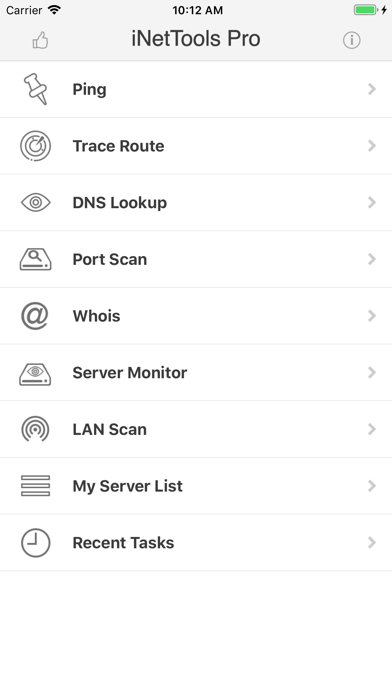
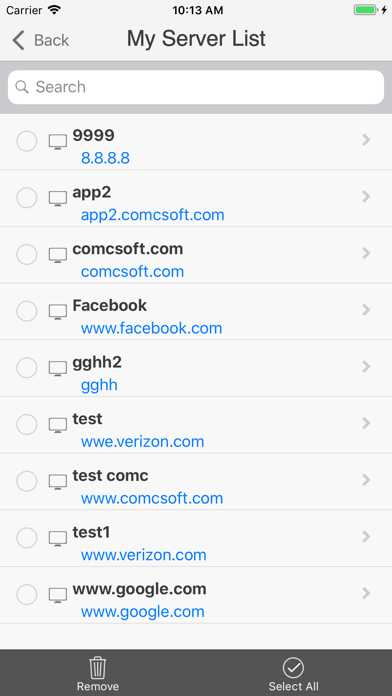
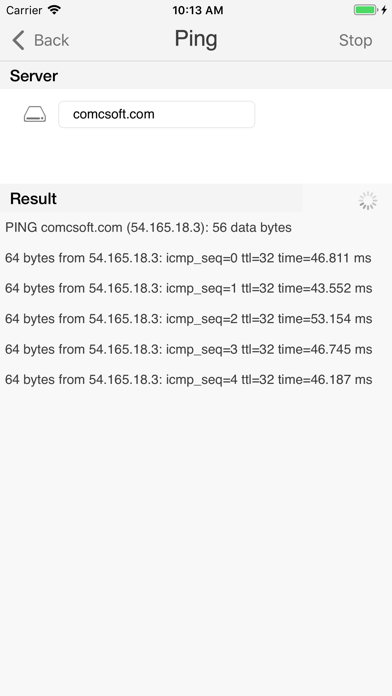
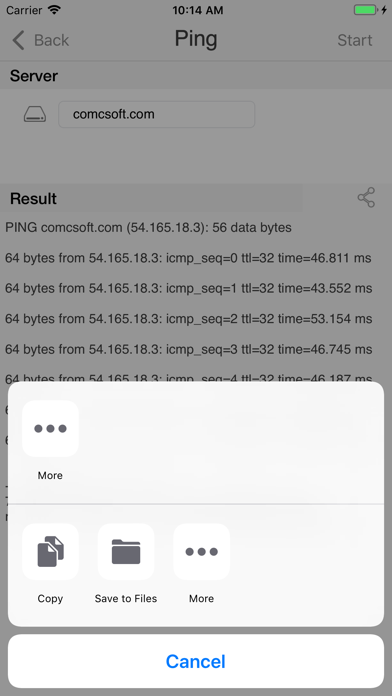
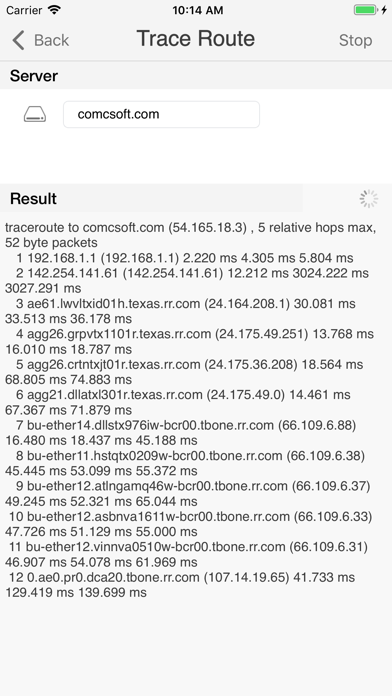
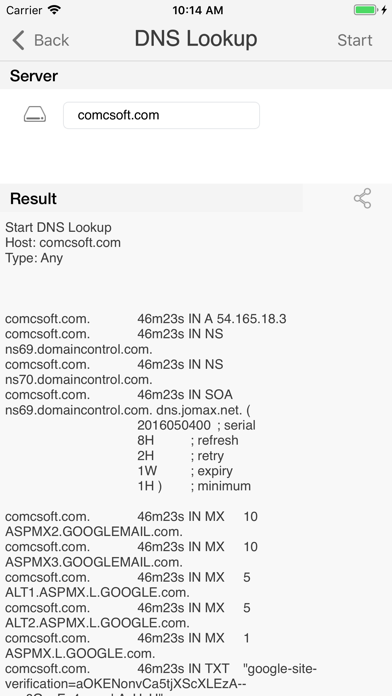
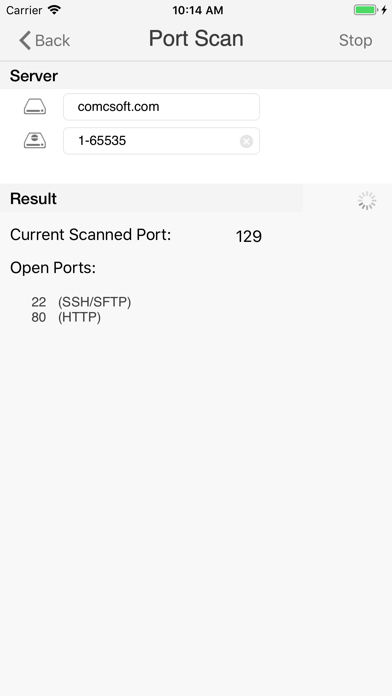
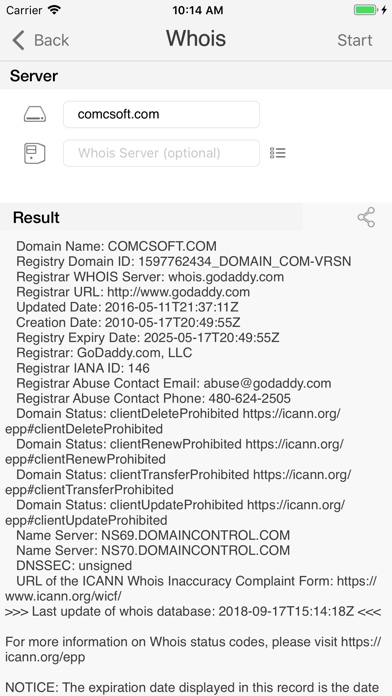
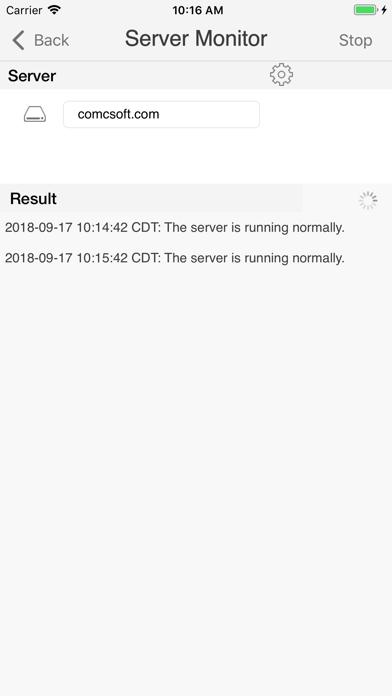
iNetTools Pro is the Pro Version of iNetTools. iNetTools is a suite of network diagnose tools on iPhone and iPad. It provides essential tools such as Ping, DNS Lookup, Trace Route, Port Scan, Whois, Server Monitor and Lan Scan. Supported features include: - Universal App supporting both iPhone and iPad. You only pay once and run it on all your devices. - Supports both IPv4 and IPv6. - Tools included: Ping, DNS Lookup, Trace Route, Port Scan, Whois, Server Monitor and Lan Scan. - Support Server List for frequently used servers. - Support Recent Tasks for recent executed tasks. - Support unlimited Email Tech Support. With its simple interfaces, iNetTools Pro provides the easiest way to diagnose your network problems on iPhone and iPad. If you have any questions, please feel free to visit: http://www.comcsoft.com/Portfolio/our_apps/iNetTools/iNetTools_overview.php.
새로운 소식
1. Updated for iOS/iPadOS 26. 2. Bug fixes and performance improvements.
상세 정보
- 개발사
- ComcSoft Corporation
- 주 카테고리
- Utilities
- 현재 버전
- 10.0
- 버전 출시일
- 2025-10-15
- 최초 출시일
- 2013-01-16
- 용량
- 18 MB
- 연령 등급
- 4+
- 가격
- USD 5.99
- 언어
- EN, ZH, ZH
- 번들 ID
- com.comcsoft.iNetToolsPro
- 현재 버전 평점
- ★ 4.70 (347)
- 첫 수집
- 2026-05-31
메타데이터 갱신 2026-07-08
순위 히스토리
무료 기준 · 최대 90일 · 상위 5개 카테고리 표시 (Y축: 순위, 낮을수록 상위)
순위 히스토리 데이터가 없습니다
무료 순위
순위 없음
유료 순위
순위 없음
이 개발사의 다른 앱


유저 리뷰
Highly recommended.
Great tool for troubleshooting networks…would be nice to have a Dark Mode for the app!
What a rip off. I bought this specifically to get rid of ads blocking results of scans I occasionally need to do at work.
This compact little forensic toolbox is indispensable for tracking down the bad-guys . Instant lookups and port scans can corner them before they can shut down !
Works as intended. Support the developer since free version works as well.
This app is awesome for nerds like me who like to troubleshoot stuff from the phone. Quick ping or dig is just a touch away.
Love this app it finds all the ips at all my clients site
Please provide the ability to select IP4 or IP6 when pinging. Most command line tools provide this option. In Windows you can switch by appending -4 or -6 .
I know it’s not the fault of the app but the inability to resolve host names makes this app almost useless
I don’t think it would too difficult to program in the ability to set your network when performing a lan scan, or at the very least account for network sizes other than a /24
UI깔끔하고 필요한 기능들이 다 모여있네요.
변동(신규 진입·급상승) 감지된 앱에 한해 Apple RSS 최신 리뷰를 수집합니다.