
iOrnament: draw mandala & art
스크린샷
설명
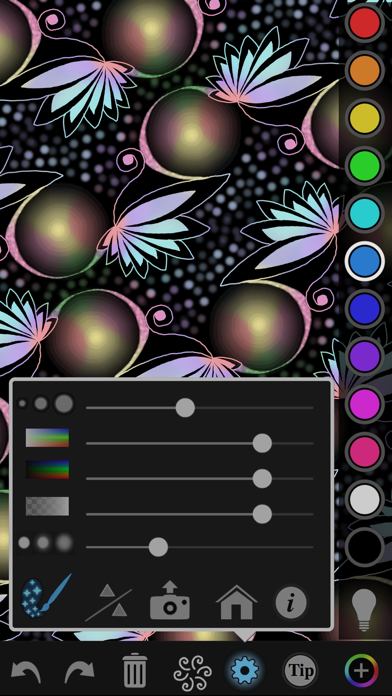
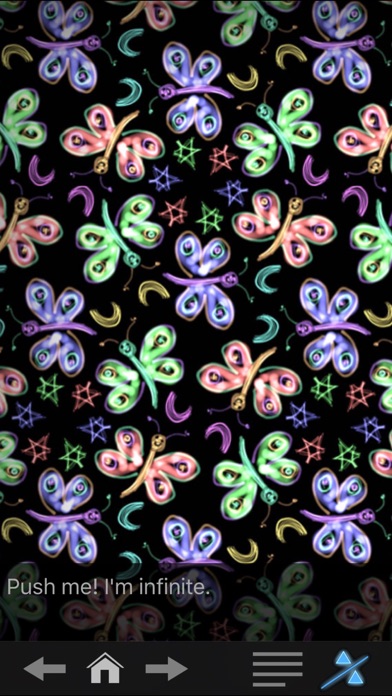
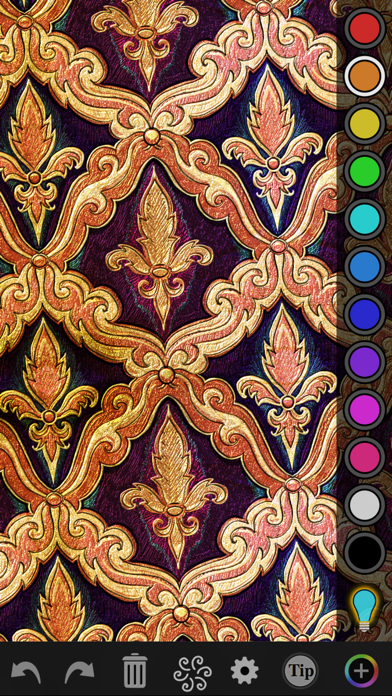
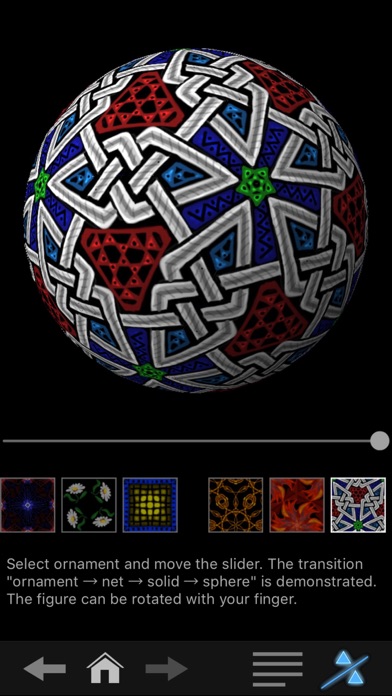
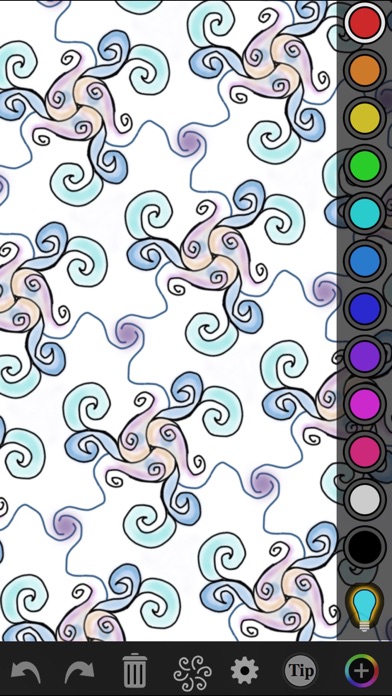
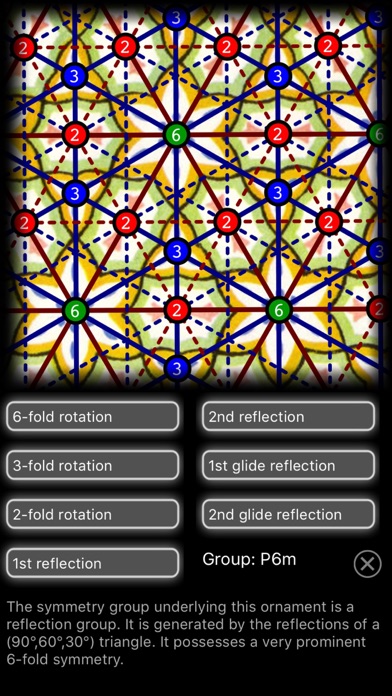
A single stroke has never been so expressive – iOrnament is the state-of-the art drawing tool to create stunning designs, patterns and mandalas. Creativity at your fingertips! What users say: "it's a universe of wonder", "such a fun, beautiful and relaxing app", "fantastic ArtScience offering!”, "too good to be true",...."I think there would be far less conflict in the world if everyone used iOrnament!" – 10/10 stars on musthaveapps.de – shown worldwide in Apple ads and in Apple retail stores – Tabby Awards users' choice winner – 4,7 star global rating iOrnament combines art and science. You draw a simple stroke and iOrnament turns it into stunning patterns and mandalas according to rules of symmetry. With iOrnament everyone can be an artist. You will create fascinating ornaments and intricate designs. Fun and challenging from ages three to one-hundred for both doodlers and creative professionals. Interactive tutorial and many drawing tips included! See how dynamic finger strokes and support for 3D Touch and Apple Pencil enhance your drawing power to become a magical experience. iOrnament supports monochromatic pens as well as rainbow colors and even drawing in realistic shiny gold. iOrnament is an app that is designed for drawing ornamental designs that are both artistically and mathematically fascinating. You draw simple strokes and the app repeats them over and over according to the rules of the 17 crystallographic wallpaper groups. By this, fantastic symmetric patterns are created. Kaleidoscope-like pictures, tilings, complicated knots and artistic pavements are right at your fingertips. In addition, iOrnament contains an interactive pop-up book that explains mathematical backgrounds on the theory of wallpaper groups and a sampler of classical ornaments from ancient cultures. Features include: – full support of all 17 wallpaper groups – artistic rainbow color palette and pens – gold drawing feature – support for Apple Pencil – glow pen to add highlights – 'design mode' combines several symmetries in one picture – export to photos, e-mail and facebook – transparent backgrounds – saving, loading and recovering – extensive collection of tips for usage – preview of symmetries and fundamental cells – animated drawing process – change symmetry type on the fly – scroll, zoom and rotate – unlimited undo/redo – full featured iPhone and iPad versions – interactive tutorial on math backgrounds – sampler of classical ornaments – based on mathematical theory – supports rosette symmetries – integration of ornament world exhibition Via In-App Purchase: – 3D ornaments on spheres – Escheresque color symmetries – layers and brushes – background colors and textures – advanced nib pens – geometry mode to draw straight lines and circles Further information, example galleries and demo videos at www.science-to-touch.com and https://www.instagram.com/iornamentapp.
새로운 소식
Fixes a Problem with iPhone SE2020
상세 정보
- 개발사
- science-to-touch
- 주 카테고리
- Entertainment
- 현재 버전
- 2.5.13
- 버전 출시일
- 2021-07-17
- 최초 출시일
- 2012-06-17
- 용량
- 126 MB
- 연령 등급
- 4+
- 가격
- USD 0.99
- 언어
- EN, DE
- 번들 ID
- com.science-to-touch.iornament
- 현재 버전 평점
- ★ 4.71 (3,864)
- 첫 수집
- 2026-05-28
메타데이터 갱신 2026-06-17
순위 히스토리
무료 기준 · 최대 90일 · 상위 5개 카테고리 표시 (Y축: 순위, 낮을수록 상위)
순위 히스토리 데이터가 없습니다
무료 순위
순위 없음
유료 순위
순위 없음
유저 리뷰
I saw the creator demonstrate this software package, and i purchased by first apple product in 20 years BECAUSE of this app! It is that cool!
Best game ever
I’m very impressed - so much is included for its price. You can do time-lapsed creation videos, use textured backgrounds, and it really has so many mathematical options so you don’t have one pattern base - you can alter every aspect of every design element. I of course push every button & sometimes it takes a minute to figure out what I need to do to change back, for ex: getting out of the design setup and back into drawing, or how to turn “glow” off, etc. But you can always read the tips which sum it up well. Love this app!
Good job it helped me do this
I found that you can do some cool things with this app, when I am not getting completely frustrated with certain basic functions and issues that should never arise. The biggest problem is my menu completely disappears with no way of retrieving it if I move my iPad in a way that triggers it to reorient itself. Then I can’t undo anything I draw or accidentally put on my project while I’m fighting with it to give me back my menu. I wrote the developer about this and have not gotten a response back from them. I would have bought their other app for drawing Platonic solids, but the stress of using this app is too much and I wouldn’t give them anymore money.
I’ve had this app for only one day and I already love it!!! before I got this app I was hesitant because from the pictures of the app it looked kinda hard to do. but that was just because they were doing more harder designs. I got the app, went into it, and it’s extremely simple! just draw whatever you want on the main drawing thingy and it will copy everywhere else! I already drew a unicorn one! I love ittttt!! I always do this app when im bored! I love using the glow pen too because it’s very cool and whenever you have the glow pen equipped and you get a color and start drawing with it, it shows up like bright and glowy and beautiful! anyways im only 9 and im a beginner, but probably even 5 year olds would understand and enjoy this app too! anyways thank you iornament!! I LOVE THIS APPPPPP!!!
You can make a masterpiece in seconds with your eyes closed with this app. Very good highly recommend.
I’m so happy that they made this app! It is so cool
NO PROBLEMS AT ALL NO ADDS please get this app🔜 .
Addendum: yeah, more wishes,… Reptiles? Can be done ?like using the sphinx with an adjustable border. That would be cool. Wishlist: Layers that you can turn on and off The ability to set the background color to white or another color or a photo from the camera roll perhaps this is available and I haven’t found it?? Tips mentions a manual control if you don’t have a stylus where the heck is it?? A paint bucket fill tool sure would be nice that would also be tuned to the icons that let you draw in multiple color space Gradients would be nice either with a fill tool or the brushstrokes...oops, I guess you can do gradients with the brush tool tool but alas I haven’t figured out how to do it with a fill tool Export as background transparent would be nice.. or foreground transplant ha ha Also more sophisticated pallets for the tillable coloring tools !!!When I scribble with the stylus very fast I get nice effects but I would like to do this in a slow manner with some sort of brush smoothing function… I E like a slow-moving missile that tracks your cursor or similar to dragging a rope in the sand There’s nothing worse for me than having awkward scribbling that seems disjointed… I think my slow smoothing idea would be very very popular and would be worth another dollar or two! One last thing the tips or manual don’t seem to go into the functions where are you can draw straight lines and move things around that way- I haven’t figured it out yet??? ..... Still the program is fantastic as I’ve been a big fan of MC Escher for a very long time and would like to continue in his vein... For this program only only and maybe one or two others I would actually tip the programmer to continue his great and valuable work.... More great ideas… Make it a subgroup of procreate and then you can use all the brushes in procreate and also converted into a vector program I would pay 20 bucks for a vector version of this! Thanks everyone for your time and consideration This might be a difficult suggestion to implement but it sure would be neat to play with quasicrystals or aperiodic tilings such as Roger Penrose has come up with...As a further helpful suggestion for other users I like to combine this app with an app called Kaleidomatic if I remember right I Kaleidomatic once you purchase provides many different tiling abilities also
변동(신규 진입·급상승) 감지된 앱에 한해 Apple RSS 최신 리뷰를 수집합니다.