

스크린샷
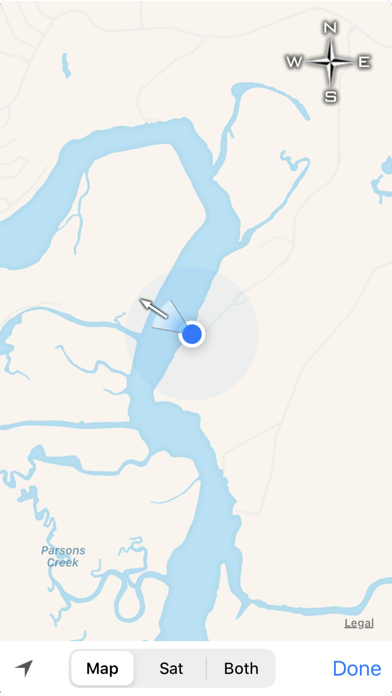
설명
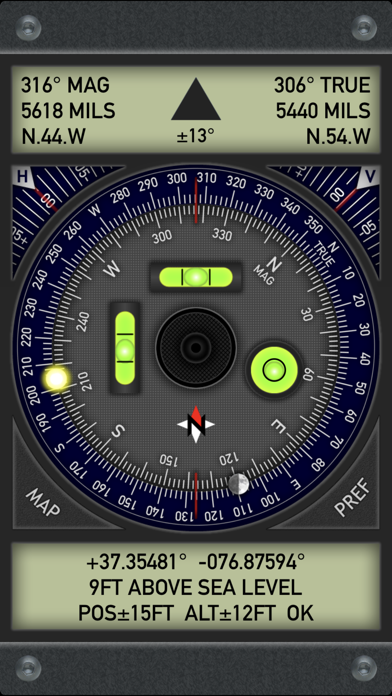
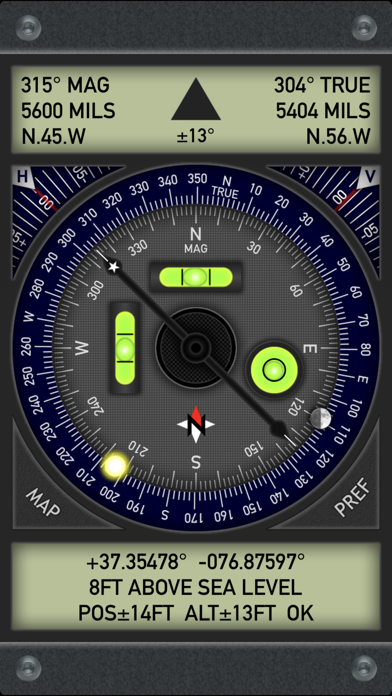
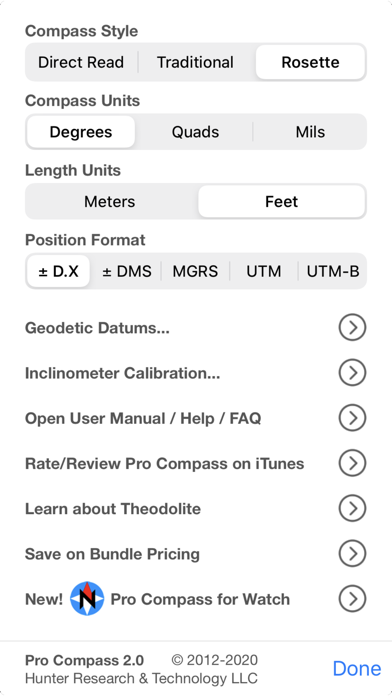
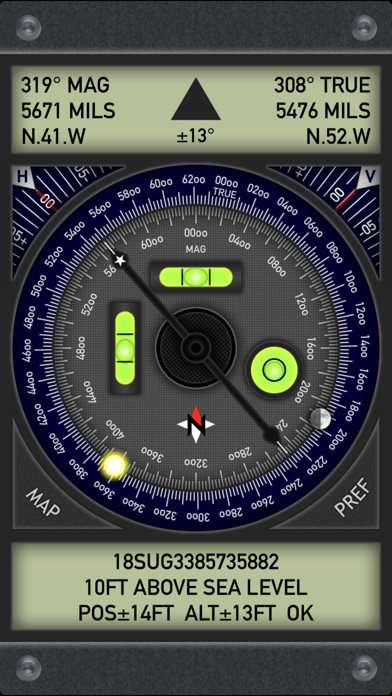
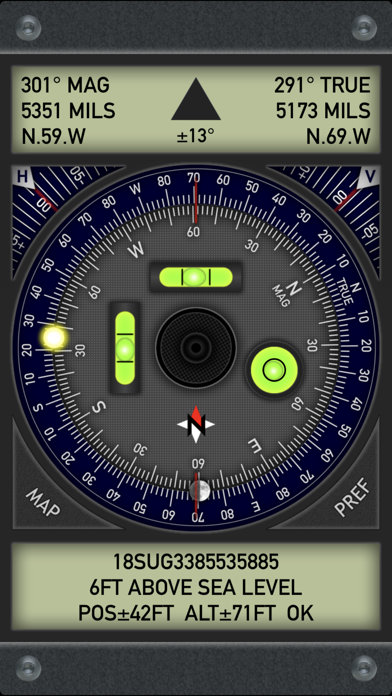
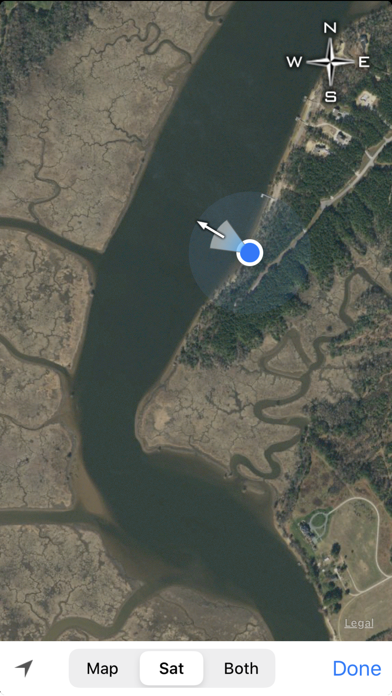
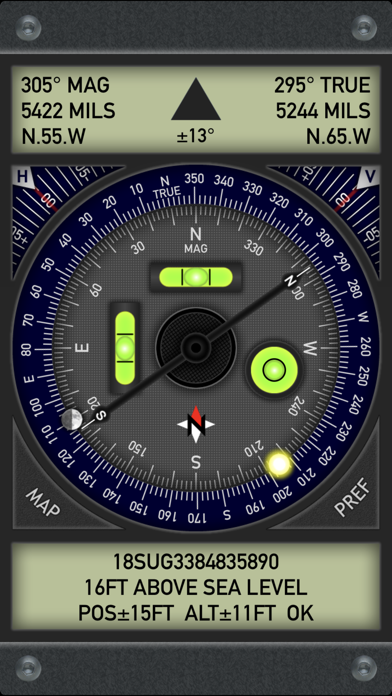
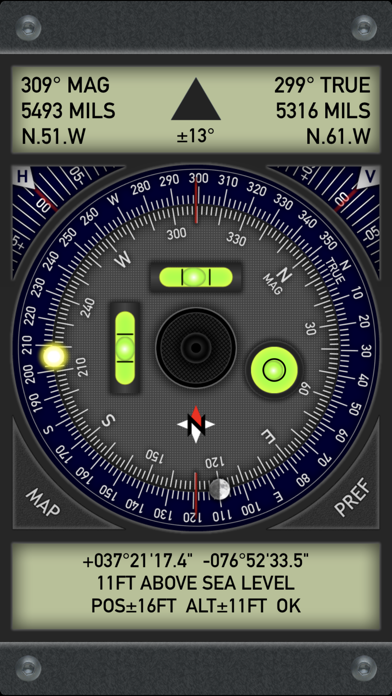
Pro Compass replicates the look and feel of classic pocket compass hardware in use since the 1800s, adding modern features and technologies. The app uses advanced OpenGL graphics (normally reserved for games) to render 3D floating compass hardware for realistic operation. Pro Compass offers nine different compass modes with direct read, traditional, and rosette styles capable of displaying degrees, quads, or mils (the direct read mode shows a North-South needle and reversed East-West convention). In all display modes, Pro Compass shows both magnetic and true direction simultaneously, with a rotating outer true ring that is automatically adjusted for local magnetic declination. Sun and Moon position are marked on the compass rings and continually updated. Pro Compass displays location and altitude, with decimal, degree-minute-second, UTM, and MGRS position formats. An optional "Datum Pack" adds over 230 geodetic datums covering regions and countries on all continents around the world. The app also contains a built in two-axis inclinometer that drives two independent bubble levels and a bullseye level. The inclinometer has angle readout dials for each axis, making it useful for many different types of measurements including slopes, pitches, sight lines, and geological angles like dip and strike. After using Pro Compass, you'll see why it's the best and most realistic compass available on the App Store! Also be sure to check out the new Pro Compass for Watch, available for all Apple Watch models running watchOS 6 or later. ***** IMPORTANT ACCURACY NOTE ***** Pro Compass reports accuracy directly from the magnetometer sensor in your device. This accuracy is determined by the hardware, not the application itself. To improve results, operate Pro Compass away from any electronics or other sources of electro-magnetic interference, including car dashboards, aircraft cockpits, metal structures, and other devices. Please contact the developer via the support link if you need additional information about accuracy or operation of Pro Compass.
새로운 소식
2.0.1 is a quick bug fix update to correct a graphics bug that caused a stray compass needle to be drawn on the ring instead of a full moon (Halloween werewolf bug?). In version 2.0, graphics have been touched up and modernized without changing the app's classic look and feel. New icon. Interface updates for iOS 13 and new devices. Sun and moon indicators added to the compass ring to match features in the new Pro Compass for Watch app. Seven new datums added to the datum pack. Please help support quality app development by leaving a rating/review for Pro Compass on the App Store, and check out our other products and extras. Thanks!
상세 정보
- 개발사
- Craig Hunter
- 주 카테고리
- Navigation
- 현재 버전
- 2.0.1
- 버전 출시일
- 2019-10-10
- 최초 출시일
- 2012-04-17
- 용량
- 2 MB
- 연령 등급
- 4+
- 가격
- USD 1.99
- 언어
- EN
- 번들 ID
- com.hunter.procompass
- 현재 버전 평점
- ★ 4.30 (73)
- 첫 수집
- 2026-05-28
메타데이터 갱신 2026-07-19
순위 히스토리
무료 기준 · 최대 90일 · 상위 5개 카테고리 표시 (Y축: 순위, 낮을수록 상위)
순위 히스토리 데이터가 없습니다
무료 순위
순위 없음
유료 순위
경쟁 벤치마크 — Navigation Top 10
이 앱을 이기려면 무엇이 필요한가 — 같은 카테고리 상위권과의 비교입니다. 주황색 행이 현재 앱입니다.
| # | 앱 | 가격 | 평점 | 리뷰 수 | 언어 | 최근 업데이트 |
|---|---|---|---|---|---|---|
| 1 | MilGPS | USD 12.99 | ★ 4.83 | 5,506 | 1 | 2026-06-20 |
| 2 | Solocator - GPS Field Camera | USD 0.99 | ★ 4.27 | 413 | 1 | 2026-04-04 |
| 3 | Land Nav Assistant | USD 2.99 | ★ 4.48 | 73 | 1 | 2019-04-08 |
| 4 | Blitzer.de PRO | USD 0.49 | ★ 4.33 | 21 | 11 | 2026-06-30 |
| 5 | Sun Seeker - Sunlight Tracker | USD 11.99 | ★ 4.84 | 12,794 | 5 | 2026-07-10 |
| 6 | Sporty's E6B Flight Computer | USD 9.99 | ★ 4.90 | 5,287 | 1 | 2024-02-17 |
| 7 | Exit Strategy NYC Subway Map | USD 3.99 | ★ 4.76 | 187 | 1 | 2026-07-16 |
| 8 | Omaha Zoo - ZooMap | USD 0.99 | ★ 1.35 | 46 | 1 | 2023-09-11 |
| 9 | Find93 | USD 4.99 | ★ 3.67 | 18 | 1 | 2026-04-14 |
| 10 | Speedometer 55 Pro. GPS kit. | USD 3.99 | ★ 4.71 | 2,715 | 11 | 2026-07-05 |
| 49 | Pro Compass | USD 1.99 | ★ 4.30 | 73 | 1 | 2019-10-10 |
이 개발사의 다른 앱






유저 리뷰
Compass looks good and seems to function well as a compass. But I was expecting to be able to view and edit the waypoints I saved in the Watch App on my iPhone since both apps have the same name from the same developer. Was let down.
Every time I place it on the same fixed edge I get a different direction. Not accurate at all . Same problem I have with the one that was on my phone . Am I missing something?
The app won’t display true north. It just states NA (not available) in the true north slot. And it doesn’t show why it’s NA, or what to adjust to get it to show true north. Having true north is the only reason I downloaded this app.
Seldom does my location
This is one of the best compasses available for the iPhone, I really like that shows true and magnetic north at the same time. 5 stars well deserved.
My former app was dropped by Apple; uploaded this today and I’m in love. Bravo, Craig. Well done!
I use Compass and Theodite from this developer and am very satisfied going on about 5 years now. Recently I have been encouraging my loved ones to place Pro Compass App on the first page of their iPhone with settings on UTM-B. Now if they have an emergency in today’s unstable environment, they can dial 911 and read the UTM-B number when they don’t know exactly where they are at. Especially import for our most vulnerable family members.
These Hunter Research apps are quite useful, easy to use and offer terrific utility for anyone who works or plays outdoors. In-app purchases add utility and are well worth the modest expense.(This comment revised to excise remarks about in-app purchases not transferring across devices. See developer statement nearby.)
I love these apps. Used them for years for rough estimates; however, I wish the margin of errors were smaller. In the compass it is obvious that the margin of error is very conservative, but still would prefer them to be smaller. I would suggest these apps to anyone though.
Well built tools. Buy the bundle.
변동(신규 진입·급상승) 감지된 앱에 한해 Apple RSS 최신 리뷰를 수집합니다.