

Grafio 4 - Diagram Maker
🇰🇷 KR 현지화스크린샷
설명
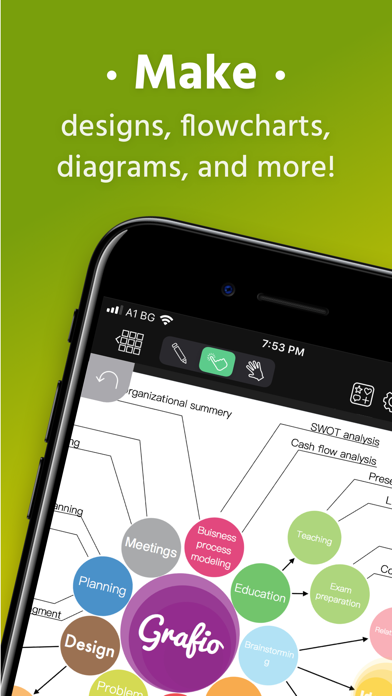
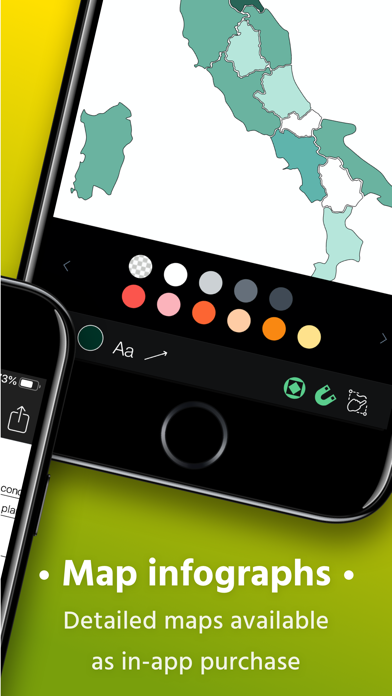
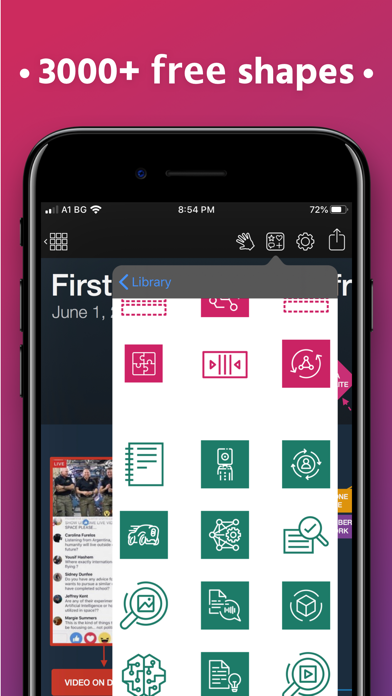
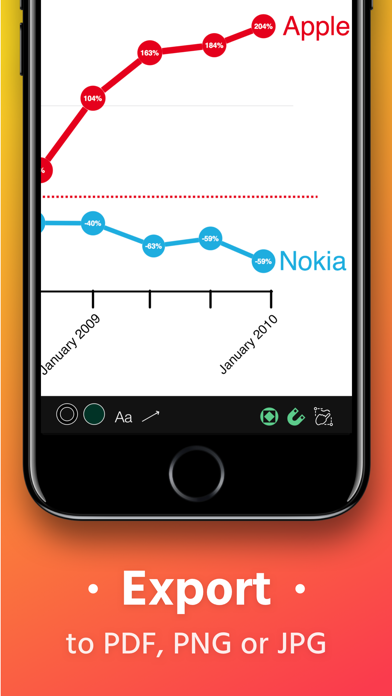
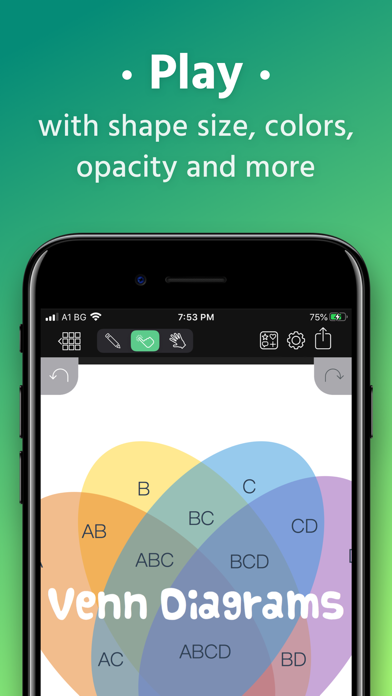
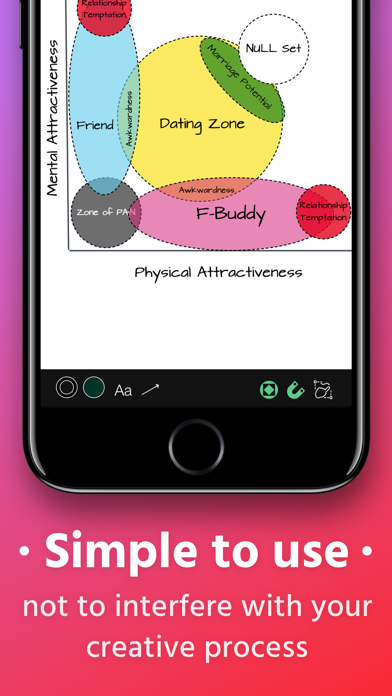
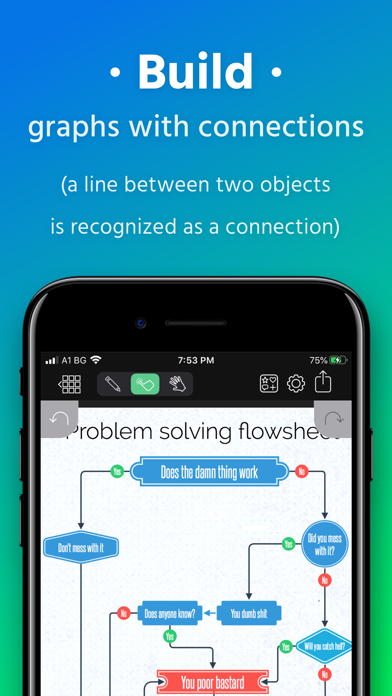
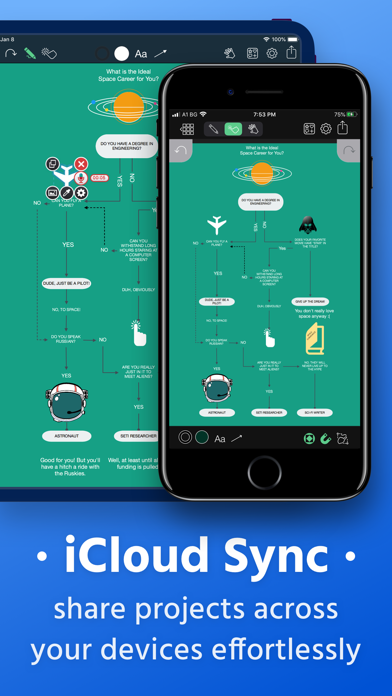
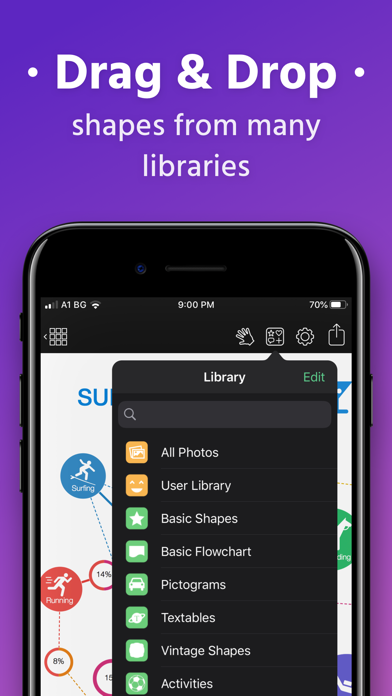
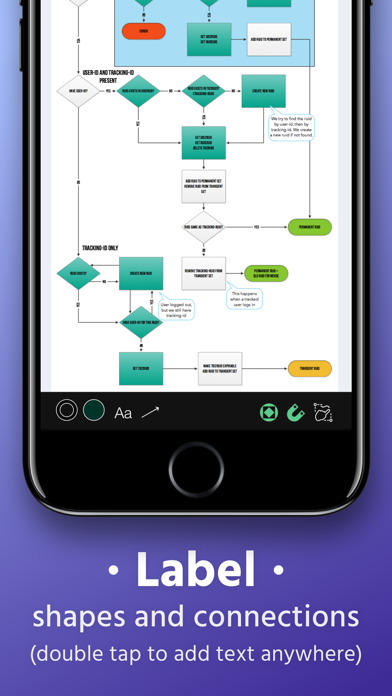
Grafio turns 10. It's been around for a decade already - polished, efficient and with more features than ever before. Grafio is not a tool for professionals only. Its smooth learning curve allows everyone to convey their ideas visually and with ease. Hundreds of thousands use Grafio worldwide, due to its simplicity and affordability. There are no ongoing subscription costs or upgrade charges. Once you purchase it, you have access to an ongoing number of libraries (shapes and symbols) and a multitude of new features with every update. Since Grafio was released 10 years ago, there have been 3 major upgrades, including dozens of new object libraries and a fresh new look to the layout. To begin, simply draw a rectangle, circle or an ellipse and see what makes drawing with Grafio so easy and fun. Grafio can recognize and replace any of the shapes mentioned with a perfectly looking one for your diagram or schematic, ready to be used over and over. Drag and drop objects on the canvas for more complex diagrams. Make connections, add text labels and images. SHAPE RECOGNITION The shapes you draw are automatically closed and straightened, all basic shapes are instantly recognized. The lines you draw between shapes are automatically turned into connections thanks to our shape recognition magic. STENCILS Some diagrams require more advanced objects. Grafio provides thousands of shapes that you can easily drag in from the library. In addition, you can embed images from your Camera Roll into shapes and connect them to your other shapes. AUDIO RECORDINGS Recording audio notes to your shapes can be a way for you to collect your thoughts and include them in the finishing product, or as a reference. - Video tutorials on Grafio can be found on YouTube: http://bit.ly/grafiovideo +++ FEATURE SET +++ • Shape recognition - recognizes hand drawn basic shapes • Drag & drop shapes from many libraries • Insert, embed, or paste images • Precise drawing with Apple Pencil • Build diagrams and graphs through connections • Label shapes and connections • Select, move, rotate and scale everything (even scribbles) • Change size, color, opacity and other properties of your shapes • Have a favorite font? Import your font from popular websites • 10 Different connection types with adjustable radius • Precision toolbar for nudging, rotation and resizing • Flip, align and distribute shapes with a single tap • AirPlay and video output for presentations • Export to PDF, PNG or JPG • Record audio notes with each object • Export videos with how your design reaches the final product • iCloud and Files integration +++ THE POSSIBILITIES +++ • Make Designs • Take Visual Notes • Vector Sketches • Flowcharts and network diagrams • Any diagram type that has a name: ArchiMate, Audit, Block, Cabling, Data Flow, Electrical, Gantt, P&ID, Sankey, SDL, TQM, UML, Use Case, Venn, Wireframe, Workflow, etc. • Industrial Processes • Organizational Charts • Basic Charts and Graphs • Mind Mapping (Brainstorming Diagram) • Web Site Maps • Road Plans • Military operational and tactical plans and many more... +++ STENCILS +++ FREE: • Amazon Web Services (AWS) • Arrows • AV Connectors • Azure Services • Balloons & callouts • Basic Flowchart • Basic 2D & 3D Shapes • Doodles • Electrical symbols • Gantt Chart • Google Cloud Platform (GCP) • Hazard & GHS symbols • JoyPixels (formerly EmojiOne) • Kubernetes • Memes • NATO Joint Military Symbology (APP-6) • Pictograms • Piping & Instrumentation • Pneumatic & Hydraulic • Sankey Diagrams • Textables • UML Diagram • US Road Signs • Vintage shapes PAID: • FULL ACCESS - Get all libraries at a discount • Audit Diagram • BPMN • Concept Map • Cross-Functional Flowchart • Data Flow Diagram • ESL "Energese" • Event-driven process chain (EPC) • iOS UI Kit • Marketing Diagrams • Maps & Flags • Network Diagram • SDL Diagram • TQM Diagram • UX Flowchart cards (sitemap) • Venn Diagrams • Wireframe • Workflow Diagram
새로운 소식
Several bug fixes and improvements.
상세 정보
- 개발사
- Ten Touch Ltd.
- 주 카테고리
- Productivity
- 현재 버전
- 4.3.28
- 버전 출시일
- 2024-12-03
- 최초 출시일
- 2010-07-30
- 용량
- 225 MB
- 연령 등급
- 4+
- 가격
- USD 9.99
- 언어
- EN, DE, RU, ZH, ES
- 번들 ID
- com.tentouch.iDesk
- 현재 버전 평점
- ★ 3.85 (252)
- 첫 수집
- 2026-05-28
메타데이터 갱신 2026-07-19
순위 히스토리
무료 기준 · 최대 90일 · 상위 5개 카테고리 표시 (Y축: 순위, 낮을수록 상위)
순위 히스토리 데이터가 없습니다
무료 순위
순위 없음
유료 순위
순위 없음
유저 리뷰
업데이트 후 자동 저장이 안되고 파일이 사라짐 아 혈압. 스트레스 빠른 수정 부탁해요. 업로드가 안되요. 업로드 안됨
생각했던것과 달라 필요가 없을거같아 환불요청드립니다.
I request to add icloud backup.
Please, refund my money back. I feel hard to use this app. I don’t want to use this.
정말 좋은앱인것 같아요... 하지만 국내에서 사용하신분이 적네요
drawing arrow isn’t working that well.
다른 Office 프로그램과 호환성이 좀 아쉽지만 목적에 충실하며, 직관적인 기능으로 사용이 편리합니다.
구성도나 간단한 플로차트 등 이동하면서 그릴때 좋다
아무리 다시깔아도 문자 축소는 되는데 확대가 안됩니다 무엇이 문제일까요 어제까지됐는데
다이어그램 그릴 일이 종종 있는데 이 앱 사용한 이후 다이어그램 그리는 일이 넘 재밌습니다. ^^ 최고의 앱이예요~^^
변동(신규 진입·급상승) 감지된 앱에 한해 Apple RSS 최신 리뷰를 수집합니다.