
Touch Bible Loaded: Level Up!
Screenshots
Description
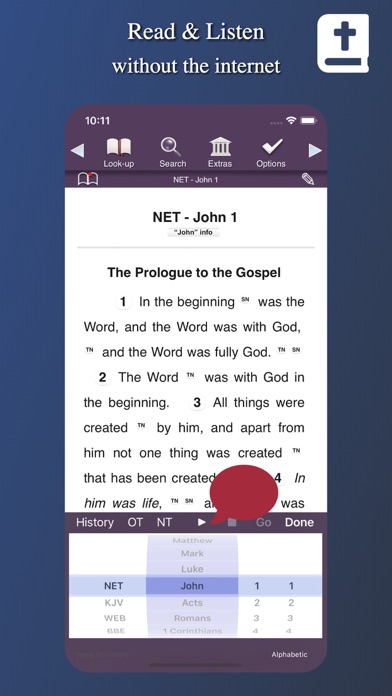
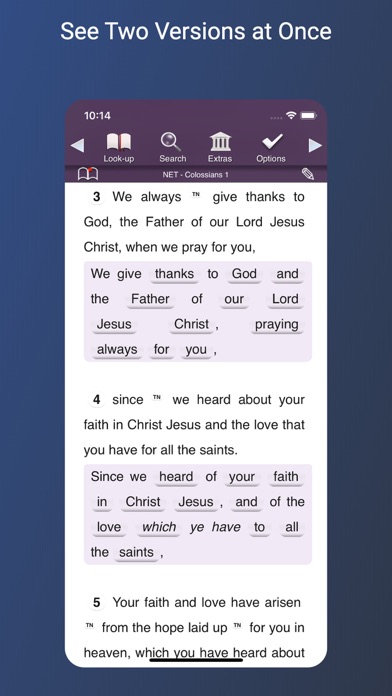
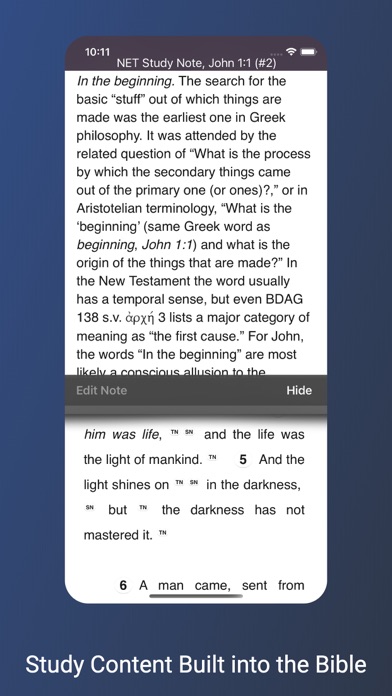
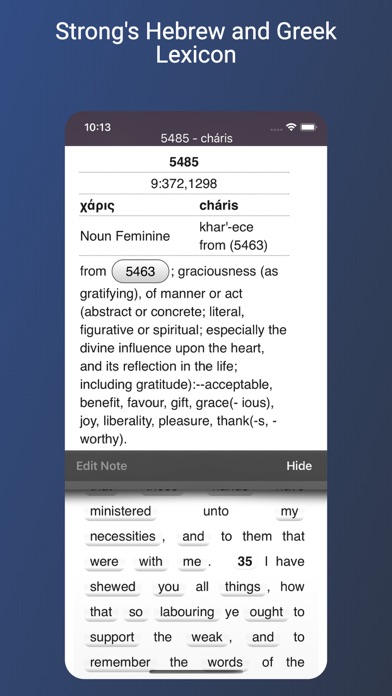
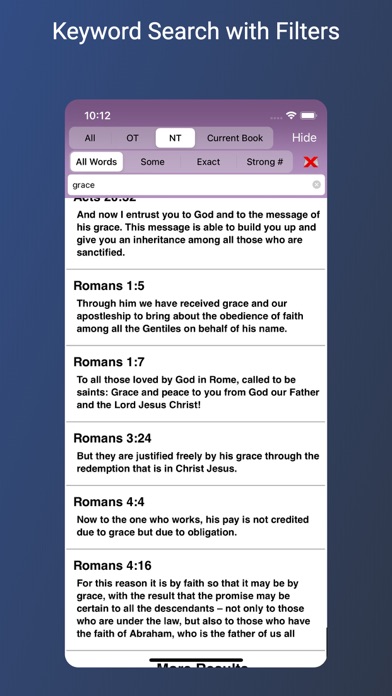
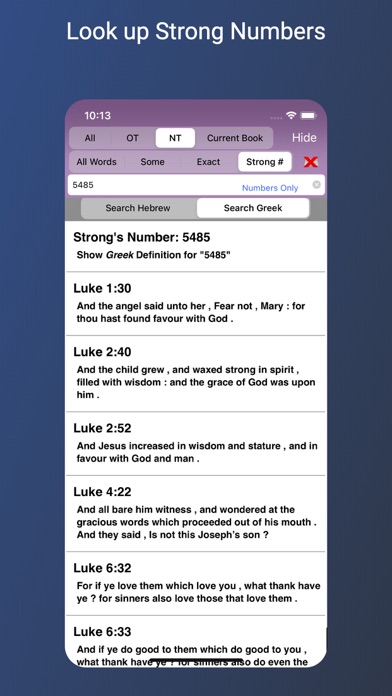
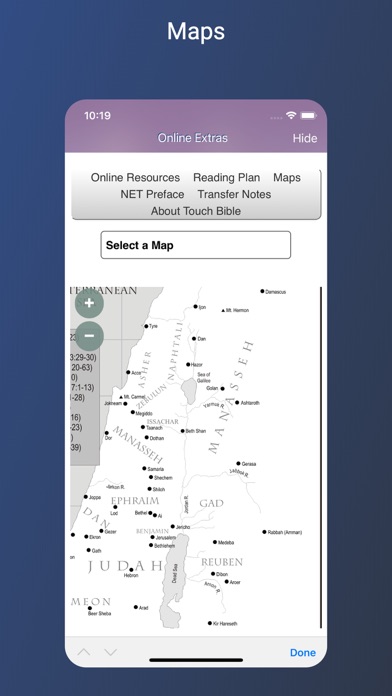
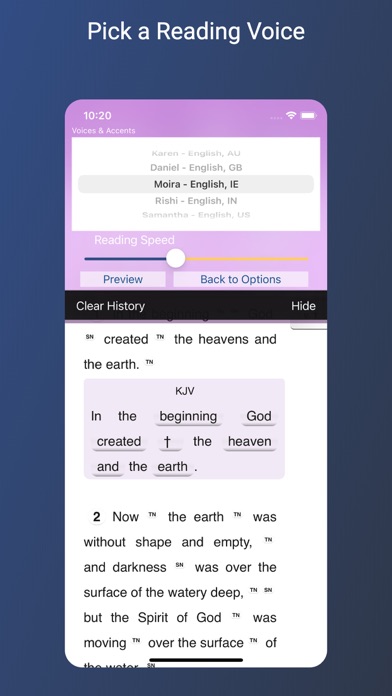
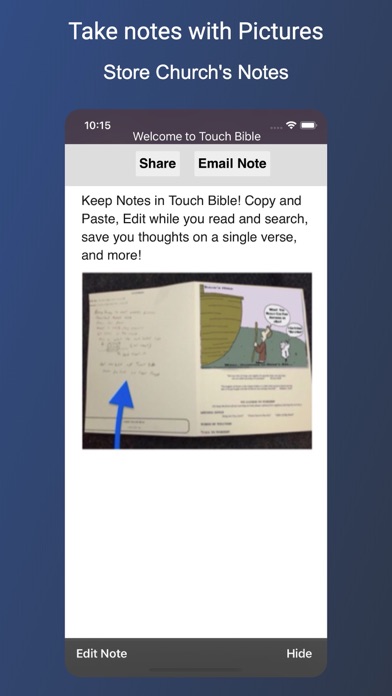
STUDY MATERIALS • 60,000+ "foot notes" ◆ These are more than ordinary footnotes. These are study notes! Some are full articles, others simply give alternative wording so the meaning is made clear. You'll love them! • Strong's Concordance ◆ Every word in the KJV is linked to its definition. Find where an exact word was used. See definitions from multiple sources on a word. See "hidden" words, too. Lookup the definition of any Strong number. • Book Overviews ◆ Every book of the Bible comes with a detailed article. The articles explain many aspects about the book, such as the author or what it's about. It offers great insight! • Study Articles ◆ "Extras" offers over 2000 Bible related articles. Search for people and places, biblical festivals and more. It brings the Bible to life. • Data free ◆ Internet access is not needed to read or search the Bible. Also, study notes do not require the internet. AUDIO BIBLE • Data free Bible ◆ Internet access is not needed to listen to the Bible or access study content. • Listen and Multitask ◆ You can play or pause the audio Bible with the iOS media center from any app. • App for Apple Watch ◆ If you own an Apple watch you an remote control Touch Bible's reader. STUDY FEATURES • Side-By-Side Bibles ◆ See two versions at one time. Access both versions built-in study content. • Photos-in-Notes ◆ Take a picture of the notes on your church bulletin. Or write a note with your keyboard. Email them! Post written notes. • Study Setup ◆ Add verses to your history, then look them up from the list! This makes looking up a list of passages incredibly fast during study or Church. • Your Notes ◆ Margin notes on verses, Highlights, Bookmarks or general notes. Your markings appear in all Bible versions. THE BIBLE Access 8 translations wherever you are. Internet/Data plans are not needed to read or search the bible. NET and KJV Study content is also available without data. ◆ NET -New English Translation (modern english) ◆ 60,000 Study & Translators Notes ◆ KJV -King James Version ◆ Strong's Concordance, Definitions & Lexicons ◆ WEB -World English Bible ◆ DBY -Darby ◆ BBE -Bible in Basic English ◆ ASV -American Standard Version ◆ YLT -Young's Literal Translation ◆ WBS -Websters Bible ** More Benefits ** ◆ Dial a Verse - Touch Bible's way of looking up scripture FAST ◆ Photos - Bring back the days when you kept your bulletin in your Bible. Take a picture of it! ◆ Shake a Verse - Like flipping through the pages of a book to find a page to read ◆ Fast & intelligent keyword search with verse preview & many search options ◆ Bookmarks - Includes Verse Preview! ◆ Highlight verses ◆ Readability - spread out words, adjustable font sizes -- Paragraph Mode - Read in the traditional line by line format, or read in paragraph form -- Night Mode - for reading in low light situations Touch Bible will keep you ENGAGED with the Bible more than ever before You'll read the Bible more because Touch Bible makes it easier to understand. You don't even have to lose your place, the information is a tap away. ** Visually Impaired ** Touch Bible utilizes Voice Over to make using the app easier for the visually impaired. Learn more at touchbible.com/voiceover ** Touch Bible Lite ** Want a Free Bible? Look for Touch Bible Lite. It's God's word at the right price... free! Compare Touch Bible Lite and Touch Bible Loaded at touchbible.com/getloaded
What's New
Multiple Windows for iPad No internet required for study content More privacy! Online content is now stored on the app, so you'll browse more privately New ways to share notes and verses; text, email, Airdrop and more Match Night Mode with your Dark Mode settings Bug and crash fixes
Details
- Developer
- Patrick Franklin
- Main Category
- Reference
- Version
- 3.8.10
- Version Release
- 2023-05-02
- Initial Release
- 2008-12-13
- Size
- 188 MB
- Age Rating
- 12+
- Price
- USD 9.99
- Languages
- EN, DE, ZH, ES
- Bundle ID
- com.patrickfranklin.TouchBibleFull
- Version Rating
- ★ 4.40 (73)
- First Seen
- 2026-06-01
Metadata updated 2026-06-16
Rank History
Free · Max 90 days · Top 5 categories shown (Y-axis: rank, lower is better)
No rank history data
Free Rankings
No rankings
Paid Rankings
Competitive Benchmark — Reference Top 10
What it takes to beat this app — comparison with the category's top apps. The orange row is the current app.
| # | App | Price | Rating | Ratings | Langs | Last Update |
|---|---|---|---|---|---|---|
| 1 | e-Sword LT: Bible Study to Go | USD 3.99 | ★ 4.84 | 7,029 | 4 | 2025-07-25 |
| 2 | SkySafari 8 Pro | USD 24.99 | ★ 4.66 | 575 | 14 | 2026-04-08 |
| 3 | Knot IQ - The Bear Essentials | USD 4.99 | ★ 4.81 | 224 | 1 | 2026-06-03 |
| 4 | Knots 3D | USD 5.99 | ★ 4.90 | 12,132 | 25 | 2026-05-29 |
| 5 | SkySafari | USD 4.99 | ★ 4.72 | 17,708 | 14 | 2026-03-27 |
| 6 | CCW – Concealed Carry 50 State | USD 1.99 | ★ 4.85 | 10,252 | 1 | 2025-08-09 |
| 7 | Animated Knots by Grog | USD 4.99 | ★ 4.81 | 329 | 1 | 2019-11-14 |
| 8 | Daily Readings | USD 0.99 | ★ 4.15 | 136 | 1 | 2019-03-10 |
| 9 | Sibley Birds 2nd Edition | USD 19.99 | ★ 4.88 | 2,761 | 1 | 2025-03-26 |
| 10 | SkyView® Satellite Guide | USD 3.99 | ★ 4.17 | 585 | 1 | 2020-02-04 |
| 36 | Touch Bible Loaded: Level Up! | USD 9.99 | ★ 4.40 | 73 | 4 | 2023-05-02 |
More by This Developer
User Reviews
The new changes make this app very user UNfriendly. And please stop with this nickname stuff. Its rediculous
You can scroll through the Bible backwards and forwards if you want, chapter by chapter, no issue there. But when it comes to doing a word study, which is brilliant by the way, there is no way to scroll backwards and forwards through the words you just studied! If you saw something you liked, or that spoke to you, or answered a question, you have to go back to the original word and do the study all over again. You can’t go forward and back within a resource like you can with the Bible. Add in this feature and this app would be amazing! As it stands right now, it’s a really good app, it just falls a little short.
I like the NET with notes and the Strong’s feature, but the layout isn’t that great. The passage selector wheel is the slowest way to do it. Options would be nice. Switching chapters sometimes makes the verse numbers and notes indicators disappear until you toggle back and forth between chapters. I bought this for the supposed thorough search feature. It very well may be great, but remains to be seen if it is worth it. So far it is not.
1. Cannot adjust to have each verse start on a new line. 2. Cannot customize the layout of the display, it is fixed. 3. Bible Version, when selected, is not memorized, version must be chosen each time the application is used. 4. There is NO HELP with this version of the application. How can a user find help in customizing and using this app?
I love this Bible app. I have used it since 2012. It did an automatic update a few days ago though and a couple of things I’m not crazy about. I can adjust to all of them but I would like to ask you to change one thing. Would you put a title lock on the name of the book and chapter at the top of the page? It is so easy to lose your place when you have to scroll to the top of the page to see the book and chapter. So much better when you can glance up and see it. I hope this is understandable. Thank you. Thank you so much for fixing this! I am now able again to see at a glance which book and chapter I am in!
I’ve used Touch Bible for years and this one has good features but the bookmark button sticks and I had to delete and reinstall the app in order to get it off the page. The other thing I greatly dislike is that you can’t choose another Bible version without the parallel with the NET version Bible. I think this should be advertised so people like me can choose to buy the version of touch Bible that suits us. It would be far greater to be able to choose what versions I would like parallel or if I don’t.
Have been using app for many years and loved the default KJV with Strongs. Yesterday I open the app to find NET version comes up as default. KJV with Strongs now requires multi-version to display. Is there a way to restore KJV +strongs as default?
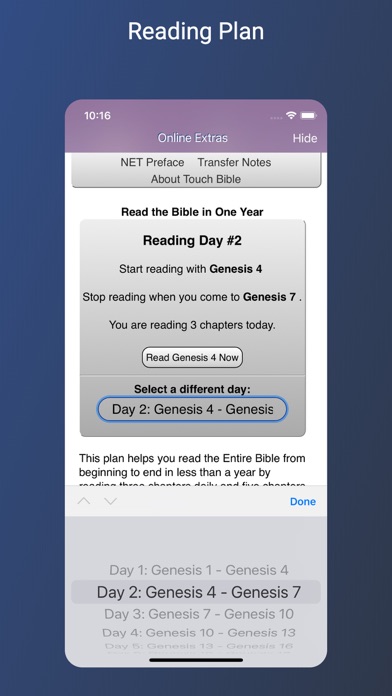
I am so glad that I can read the King James Version and look up the words with Strong’s with just a touch of the finger. This is the app I use for my reading through the Bible in one year.
App is NOT displaying any text.
I downloaded another Bible Ap to my iPad and when I opened this app…which is my favorite app, it was blank! All my notes are there but the Bible’s words are gone. It shows a blank page. Please fix this. I read my Bible every morning and have enjoyed this version most of all.
Reviews are collected only for apps with detected changes (new entries or sharp risers).