

스크린샷
설명
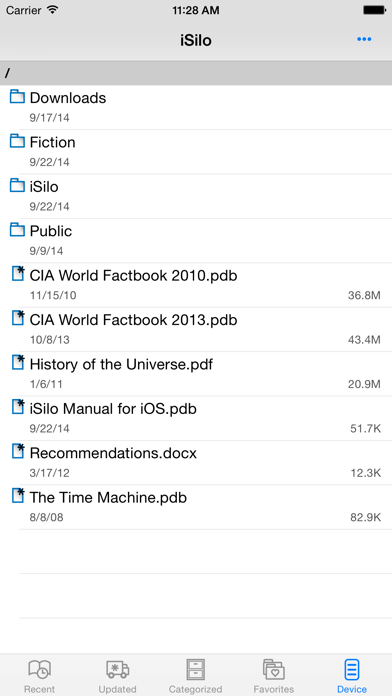
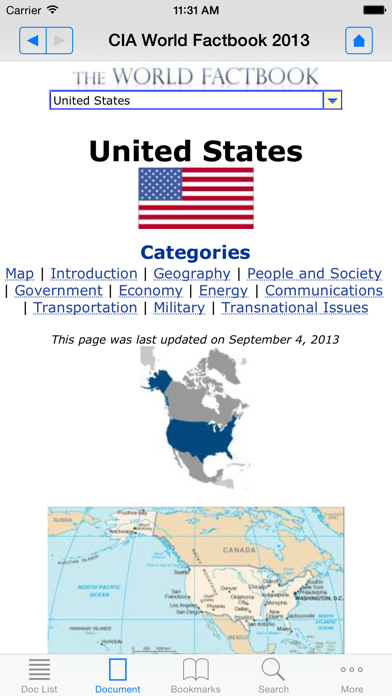
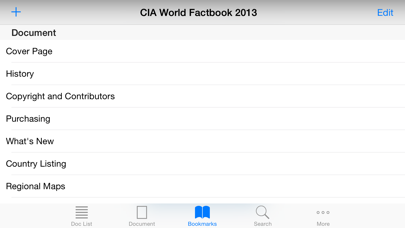
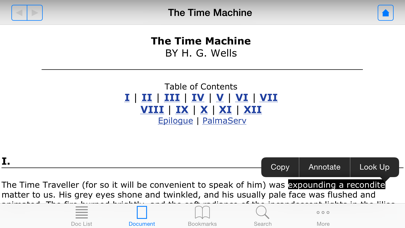
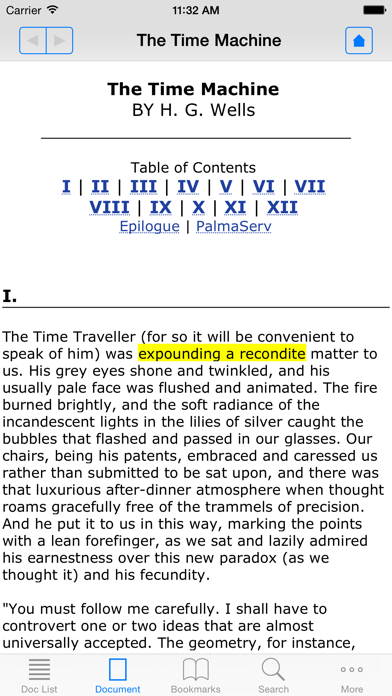
Document reader for viewing document files in iSilo, Palm Doc, and plain text format. Bonus: Get the complete edition of the CIA World Factbook for free, with layout optimized for viewing on your iPhone, iPod touch, or iPad using iSilo. In addition to full information for all the countries of the world, the complete edition contains appendixes, reference maps, field cross-reference links, rank order pages, country profiles for all fields, enlarged flag pages with descriptions, enlarged country maps, and more. Tens of thousands of documents, eBooks, reference works, non-fiction, fiction available for ready download through the iSilo library. Create your own documents too. Document list provides recently viewed list of documents, ability to categorize documents into single or multiple categories, marking of favorite folders for easy access, and file explorer access to entire document directory with document file management operations, such as copying/moving/deleting/renaming document files and creating/deleting/renaming folders. Document viewing options provide for font size and typeface selection, along with customizable color themes with selectable background and text colors. Autoscroll with adjustable speed, view documents in full screen, complete support for both portrait and landscape orientations and rotation. Jump history for easily navigating back and forth when following hyperlinks and jumping to different locations in the document. Documents open to last viewed location. Bookmarks. Document text search. Select a range of text to copy or annotate it with a comment and choice of color highlighting. Easily transfer documents to your device via USB, via Wi-Fi by connecting to iSilo's built-in file server from your computer, or via download from the Web. Configure the screen to perform actions when tapped. Assignable actions include scrolling, full screen mode, font sizing, among many others. The latest version adds the ability to view additional file types. Additional image file types include .jpg, .png, .gif, .tif, among others. Additional document file types include .pdf, .htm, Word (.doc, .docx), Excel (.xls, .xlsx), and PowerPoint (.ppt, .pptx). See the manual for more details on the additional file type support.
새로운 소식
This update from Apple will improve the functionality of this app. No new features are included. Added support for iPhone X
상세 정보
- 개발사
- DC & Co.
- 주 카테고리
- Productivity
- 현재 버전
- 6.21
- 버전 출시일
- 2019-02-01
- 최초 출시일
- 2019-02-01
- 용량
- 13 MB
- 연령 등급
- 4+
- 가격
- USD 9.99
- 언어
- EN, FR, PT, ZH, ES, ZH
- 번들 ID
- com.dcco.apps.iSilo
- 현재 버전 평점
- ★ 3.82 (50)
- 첫 수집
- 2026-05-28
메타데이터 갱신 2026-07-19
순위 히스토리
무료 기준 · 최대 90일 · 상위 5개 카테고리 표시 (Y축: 순위, 낮을수록 상위)
순위 히스토리 데이터가 없습니다
무료 순위
순위 없음
유료 순위
순위 없음
유저 리뷰
Looks like iSilo is gone forever. Can’t open any pdb file.
This app works very well with my Christian books that I read! I wish they would do some more updates to the app! Because every time I open the app, it crashes. Then I have to open it again before it starts working normally.
회사에서 사용 하였던 어플이었는데요. 이번에 핸드폰을 바꾸면서 모르고 구매 하였는데 회사에서 더이상 아이실로에대한 다른 파일들을 더이상 지원하지 않아 환불요청드립니다.
I have not been able to download new material since 2017. What’s wrong with this app?
Please fix the crash upon opening of the app. R
Beat ereader ever, but its been abandoned by the devs. 👎🏼 useless now.
I’m having trouble navigating through the app. It’s really confusing and I can’t find anything. It’s already updated. Next step is for me to delete and redownload the app. After that, I’m giving up on it. I liked that there were many more publications I could search though than the library, but I can’t see any of them anywhere. It’s more of a pain than a help.
I’ve used iSilo for years as a reader. Current version for iOS crashes when you first open app. Requires second opening to read documents. App needs updating to prevent crashing.
The app crashes every time on 1st open, please fix. It will be nice to have a “Dark mode” feature.
I enjoy this app and use it for reading documents with embedded hyperlinks for footnotes (such is Recovery Version Bible). However, it needs to be updated to support latest iOS. Every since iOS 14 came out I have to open the app twice because first attempt always crashes but once I start it again it works fine. It’s a minor annoyance but it’s also concerning that the app may be abandoned.
Can we get an update for iOS 14? Don’t think it’s been updated for years. Want to keep using the program, but will move to another platform if there are no updates coming.
Hi, I have purchased iSilo Windows(R) on iSilo website with my emails, both working well; but confirmation email has not arrived even after 2 day... ( the confirmation email should arrive in a few minutes as described on iSilo website) I wanted to find a customer service email address or phone number to solve this issue, but I could not find any from the website... Please leave customer service email address or phone number so that I can contact and receive the confirmation email. Due to this problem, even though I already paid for it, but I have no way to install iSilo on my computer... This is just like, I paid money for my lunch in a cafeteria, but the food is not being served for 48 hours...
변동(신규 진입·급상승) 감지된 앱에 한해 Apple RSS 최신 리뷰를 수집합니다.