

스크린샷

설명
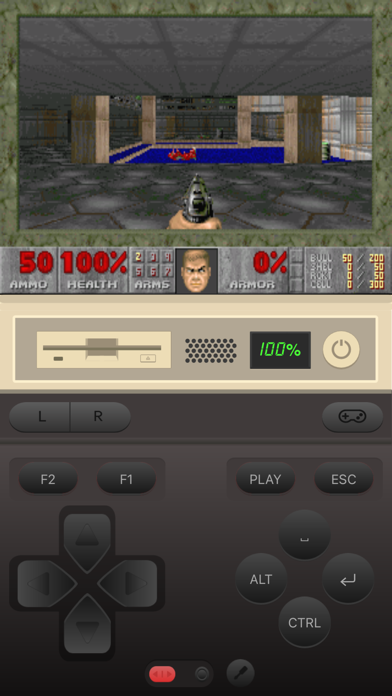
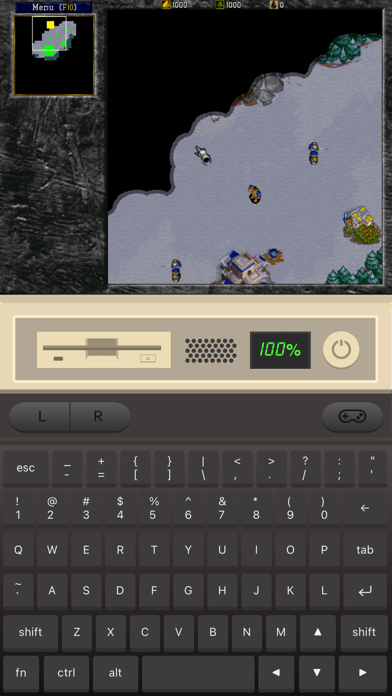
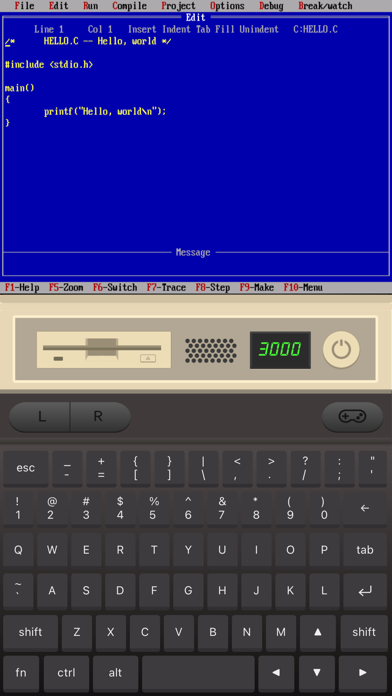
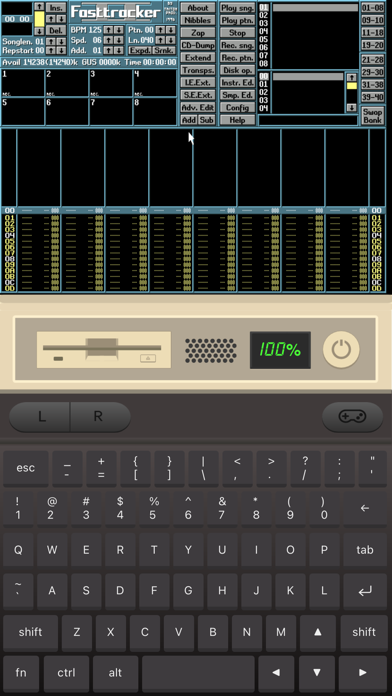
Play classic DOS games on your iPhone and iPad! iDOS turns your device right into a powerful DOS gaming PC, with modern game control to make your old favorites as playable as possible. You can also use iDOS for non-gaming purposes, such as word processing, casual programming. Apps in the DOS days are often simpler and surprisingly productive. KEYBOARD iDOS provides a PC compatible on-screen keyboard with carefully designed layouts for different devices and orientations. The keyboard has a sliding control in landscape mode so that you can keep it from covering critical part of the screen. Bluetooth keyboard is fully supported on iOS 14+. GAMEPAD iDOS provides a virtual gamepad with key bindings that are fairly common in DOS games. You can customize the bindings. The DPAD works in 8-axis way. It can also be toggled into a joystick. External bluetooth game controllers are supported. Make sure your game controller is connected (System Settings->Bluetooth). To customize button bindings, go to iDOS in landscape mode, tap on bluetooth icon on the auto-hiding top bar. MOUSE The screen area serves as a trackpad for moving mouse pointer. Tap on the screen for left click. If direct touch is enabled, the mouse pointer will move to where you tap. Hold one finger on the screen, and tap with another finger for right click. On-screen mouse buttons are also provided for your convenience. Bluetooth mouse are fully supported on iOS 14+. AUDIO iDOS supports mt32 emulation, MIDI sound fonts, cuesheet based CDimage with compressed audio tracks (ogg/mp3/flac). SUPPORT - Visit https://litchie.com/dospad for more information - Send email to idos@litchie.com - Follow the developer on Twitter: https://twitter.com/litchiedev - iDOS is open source, report issue on https://github.com/litchie/dospad
새로운 소식
- Allow adjusting speed by tapping on cycles window - Support Documentation folder in a game package - Minor fixes
상세 정보
- 개발사
- 潮激 李
- 주 카테고리
- Utilities
- 현재 버전
- 3.3
- 버전 출시일
- 2025-08-06
- 최초 출시일
- 2024-08-09
- 용량
- 8 MB
- 연령 등급
- 4+
- 가격
- USD 4.99
- 언어
- EN
- 번들 ID
- com.litchie.idos3
- 현재 버전 평점
- ★ 4.35 (52)
- 첫 수집
- 2026-05-28
메타데이터 갱신 2026-07-19
순위 히스토리
무료 기준 · 최대 90일 · 상위 5개 카테고리 표시 (Y축: 순위, 낮을수록 상위)
순위 히스토리 데이터가 없습니다
무료 순위
순위 없음
유료 순위
순위 없음
유저 리뷰
Unable to install certain games due to it having more than 1 floppy disk. After the first floppy disk is done being installed. there’s no way to unmount it and mount the next floppy disk. Please do an update to correct this. Just a unmount floppy disk button on the interface would solve this. Doesn’t have to be pretty. Otherwise this is an amazing emulator. And I want to give it a 5, but can’t because of this limitation.
Direct touch doesn't work with win 3.11, otherwise awesome.
Setup.exe
The app is great I installed doom and windows 3.1 to the “c drive” by extracting floppy’s but if it ran a higher dos version instead of 5 I could run windows 95
I bought this to play the early Elder Scrolls games. Finally figured out how it all works to boot it up but the frame rate is near 0. Using a iPhone SE 3rd gen and it’s impossible to play it like this. Please help figure out why. Try running Arena in it yourself and see what happens and let us know something please.
The main things this app is missing are an easy way to generate virtual hard drive files to use with it, and a beige option for the keyboard/controller. It did successfully make Wolf3D playable on the iPad though which is all I really wanted and well worth the low price for no ads and software that works well.
But the app is not mounting img or ima files
AMAZING!! You can play any DOS games on an ipad. Mouse and keyboard is supported. ESC key is command+command. My feedback for improvement is to have the ipad's physical keyboard mappable, so we can choose our keys, since iPad keyboard doesn't have all the keys (like ESC and numpad).
This app is great and I use it all the time to run old DOS games that I love! My only issue is that some of the DOS game I have come on multiple floppy disk images, and I can’t figure out how to install them. I can mount the first floppy disk, but when the install program asks me to insert the next disk, it won’t let me remove the first disk that I put in. I wish the interface just provided an already mounted a drive that you could just swap disk images into. I simply can’t figure out how to install games that have multiple disk images for installing them.
I can’t use ipxnet(z:\ipxnet) because I don’t have access to the dosbox configfile(ipxnet=false ->true) It’s required for network multiplayer in the game
와 아이패드로 동급생 한다 ㅋㅋ
keyboard. support app update
변동(신규 진입·급상승) 감지된 앱에 한해 Apple RSS 최신 리뷰를 수집합니다.